
Best Paper Weight for Printable Scrapbook and Junk Journal Pages
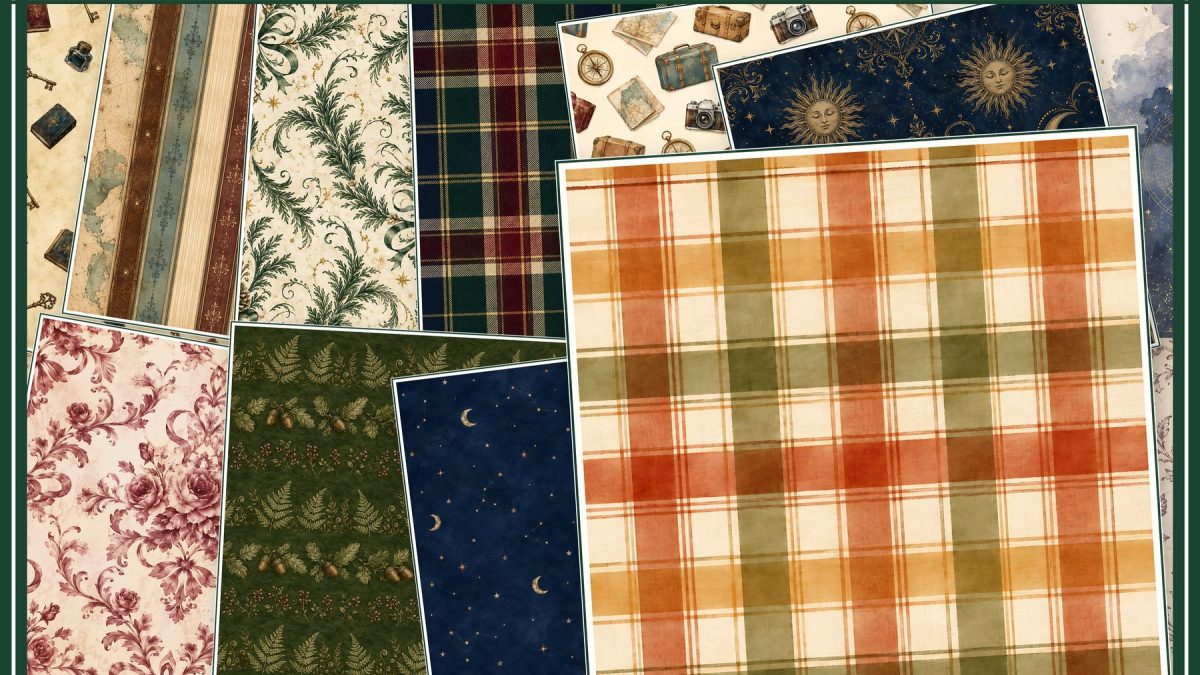
Quick answer: There is no single best GSM for every printable. Lighter paper reduces bulk in journals, medium matte paper suits many background and insert pages, and heavier cardstock supports tags or covers. The printer’s documented feed limit decides what is safe; the finished project decides what feels right.
Separate backgrounds from structural pieces
A scrapbook background needs enough body to support photos and adhesive. A folded journal insert must remain flexible. A tag, pocket or cover benefits from more stiffness. Buying one heavy stock for every use can make a journal difficult to close.
Treat GSM and thickness as different clues
GSM describes mass per square metre; caliper describes thickness. Two papers with the same GSM can feed differently because of coating, fibre and stiffness. Use the manufacturer’s thickness and media guidance when it is available.
Use the correct feed path
Specialty and thick media often belongs in a rear or manual slot, one sheet at a time. For example, Epson documents a dedicated rear path and specific thickness range for certain ET-8550 cardstock sizes. That fact does not automatically apply to another printer.
Choose finish for the job
Matte paper keeps handwriting readable and reduces glare. Coated photo paper can deepen color but may resist some pens and adhesives. Plain paper is valuable for prototypes and layered collage work where low bulk matters.
Test fold, cut and adhesive
Print a small sample, score a fold, cut a detailed edge and attach it with the adhesive you use. Check cracking, curl, ink transfer and whether the finished layer becomes too thick.
Five checks before you start
- Function of the piece is known
- GSM and thickness are not confused
- Feed path matches the manual
- Finish suits pens and adhesive
- Fold and cut tests are completed
Recommended official resources
Interfaces, supported materials and machine limits can change. Check the current manufacturer documentation before buying equipment or preparing a large batch.
- epson.com official guidance
- files.support.epson.com official guidance
- www.usa.canon.com official guidance
Printable collections to try with this workflow
Use a free sample or one page first so you can check scale, color and cutting settings before printing a complete collection.
- Vintage Junk Journal Digital Paper Bundle — Two Packs, Square + US Letter
- Antique Sage Reading Journal & Book Reviews
- Homestead Canning And Preserving Journal
Frequently asked questions
Is heavier paper always better for scrapbooking?
No. Heavy paper adds strength but also bulk and may exceed the printer’s supported feed range.
Can every rear feed accept cardstock?
No. Check the manual for the exact model, size and thickness range.
ScrapBujo collections from our Etsy shop
Digital paper collections made for printing
Compare coordinated 12×12 papers, confirm the file specifications on ScrapBujo, and then visit Etsy for the current listing details.
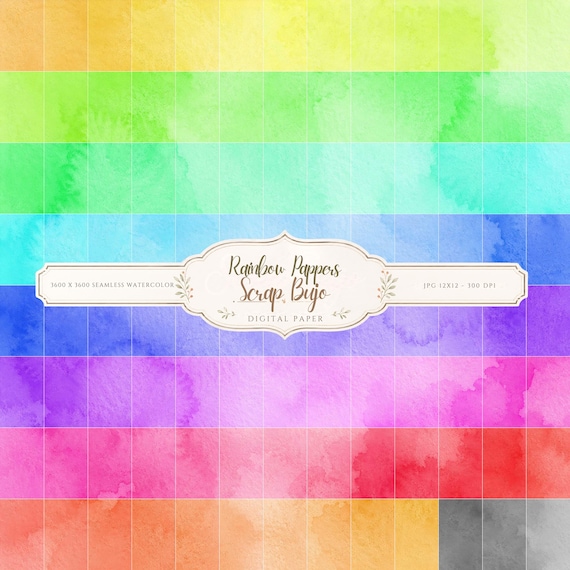
12×12 in 300 DPI Digital download
Coloring & Printables · Pastel & Watercolor
Pastel Watercolor Digital Paper Pack, Soft Rainbow Colors, Scrapbook
Bring soft color and handmade texture to your creative projects with this Pastel…
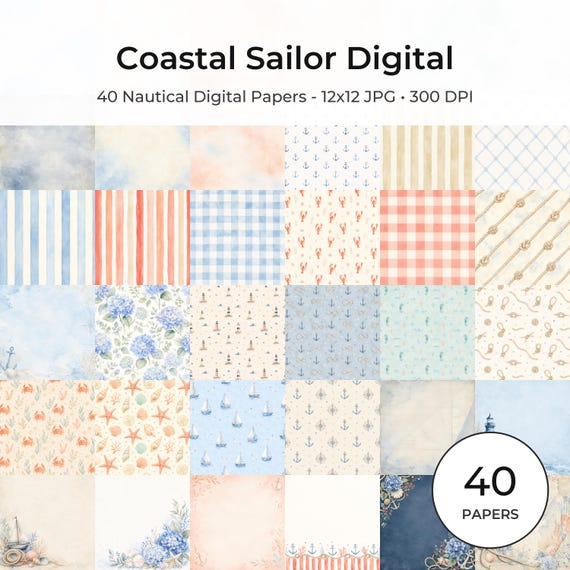
12×12 in 300 DPI Digital download
Coastal & Summer · Pastel & Watercolor
Nautical Digital Paper Pack, Watercolor Coastal Scrapbook Pages (12×12
Bring a fresh coastal touch to your creative projects with this nautical digital…
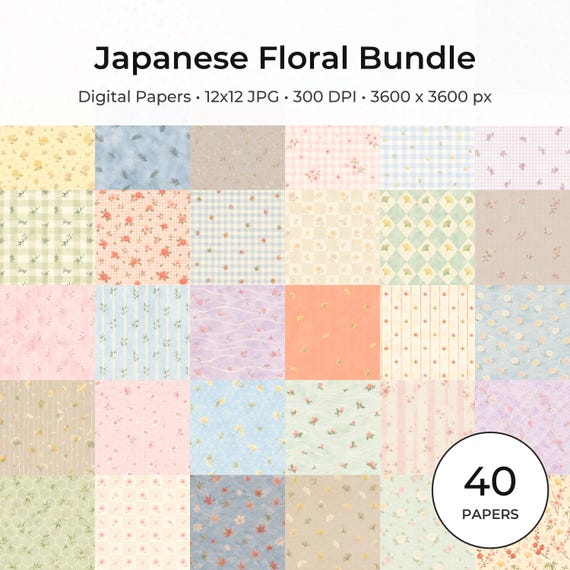
12×12 in 300 DPI Digital download
Coloring & Printables · Floral & Botanical
Japanese Floral Digital Papers Bundle
Bring timeless Japanese elegance into your creative projects with this premium bundle of…
ScrapBujo earns revenue when you purchase our products on Etsy. Etsy shows the current price, file details, and active offers.