
Best Paper for Printing Digital Scrapbook Paper at Home
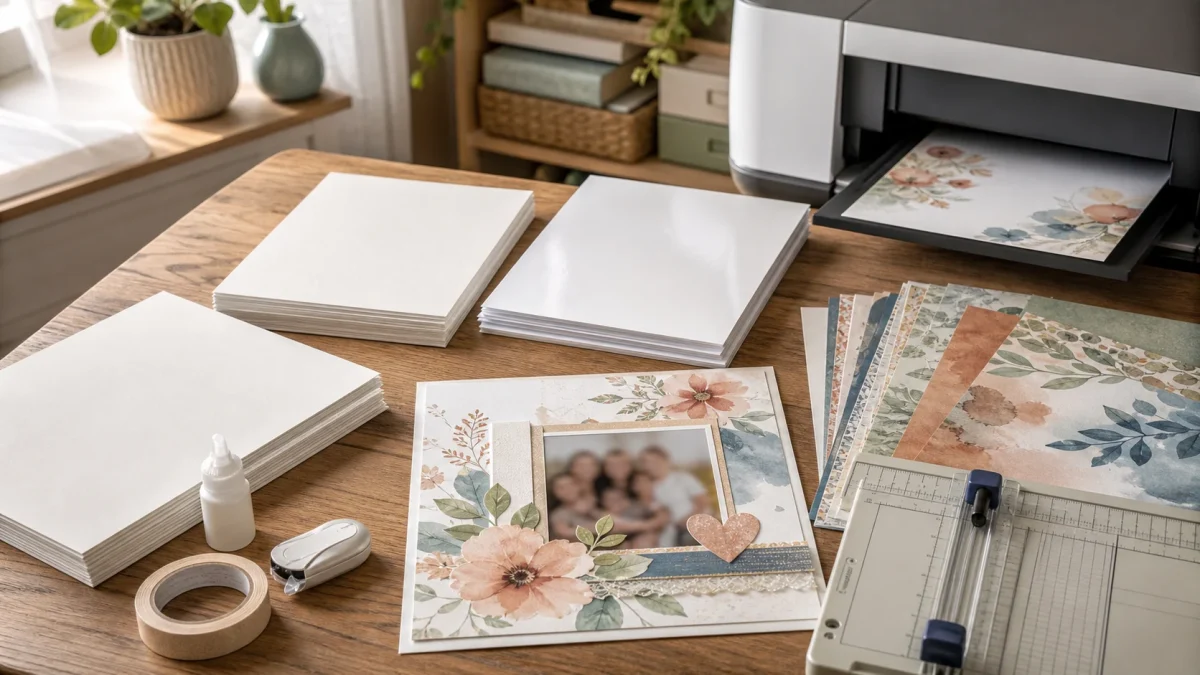
Quick answer: For most home-printed scrapbook pages, start with heavyweight matte presentation paper made for inkjet printers. It gives watercolor patterns a soft, non-glare finish, accepts handwriting and adhesive well, and is easier to layer than thick cardstock. Choose cardstock when the piece needs structure, and photo paper when saturated color and photographic detail matter more than writing or layering.
The three useful choices at a glance
| Paper | Best for | Main tradeoff |
|---|---|---|
| Heavyweight matte presentation paper | Full pages, journal inserts, watercolor designs, everyday layers | Less rigid than cardstock |
| Inkjet-compatible cardstock | Photo mats, tags, covers, pockets, die cuts | May need a rear or manual feed |
| Matte, luster, or glossy photo paper | Photo-led pages and highly saturated designs | More glare; some surfaces resist pens and adhesive |
Why matte presentation paper is the safest first purchase
Matte presentation paper sits between ordinary copier paper and rigid cardstock. It usually feels substantial enough for a finished page while remaining flexible enough for albums, folded inserts, and layered clusters. The matte surface also keeps journaling readable under room light and suits the soft edges of watercolor digital paper.
Look for paper described as inkjet-compatible, matte, heavyweight, or double-sided matte. Do not buy by marketing name alone: compare the stated weight, thickness, printable sides, and your printer’s supported media specifications.
Use cardstock for structure, not automatically for every page
Cardstock is useful when a piece must stand up, hold a pocket, frame a photograph, become a tag, or survive repeated handling. Printing every patterned sheet on heavy cardstock can make an album bulky and can stress a home printer’s feed path.
Check the printer manual before loading thicker stock. Some printers require the rear tray, manual feed, or a specific Card Stock media setting. Canon’s current inkjet guidance, for example, pairs its Card Stock setting with the rear tray on supported models; the exact limit still depends on your printer.
Choose photo paper when color is the priority
Photo paper can make dark navy, saturated florals, and high-contrast photographs look deeper and cleaner. Luster or semi-gloss often gives a useful middle ground: more color depth than plain matte paper with less reflection than high gloss.
It is not the default choice for every printable. Glossy surfaces can make handwriting, stamping, folding, and some adhesives less predictable. Reserve them for focal sheets, photographs, or projects where the finish is part of the design.
The printer setting matters as much as the paper
Select the media type that most closely matches the sheet you loaded. Printer manufacturers use that setting to adjust ink coverage and paper handling. Epson’s support guidance explains that the media choice affects how the printer applies ink, while its custom-paper documentation recommends a similar reference type for third-party stock.
Start with the paper maker’s recommendation, then print a small crop. If dark areas look wet, soft, or oversaturated, stop and confirm the media setting before printing the full pack.
A practical buying checklist for US and Canadian crafters
- Match the printer: confirm inkjet or laser compatibility and the supported weight or thickness.
- Match the project: flexible page, structural element, or photo-like focal print.
- Match the size: US Letter is easiest for home printers; full 12×12 sheets normally require a wide-format printer or a print shop.
- Check the finish: matte for writing and layering, luster for richer color with controlled glare, glossy for a photo-forward result.
- Buy a small pack first: test color, drying, feed reliability, adhesive, and pen behavior before ordering in bulk.
- Compare both units: Canadian listings often emphasize gsm while US listings may use lb; thickness and printer compatibility are more useful than comparing one number in isolation.
Run a one-sheet test before committing
- Print the same small crop on two candidate papers.
- Use the matching media setting for each sheet.
- Let both prints dry fully.
- Compare fine lines, dark areas, skin tones, and pale watercolor texture.
- Write on an offcut and test the adhesive you normally use.
- Keep the winning sample with a note of the printer setting.
Collections that work well for a paper test
Choose a pack with pale washes, darker patterns, fine lines, and quieter backgrounds so one test reveals several printing challenges.
- Soft Pastel Watercolor Digital Paper Bundle for pale color transitions and gentle texture.
- Vintage Blue Botanical Digital Paper Pack for dark blue, botanical detail, and vintage contrast.
- Coastal Summer Watercolor Digital Paper Pack for sand, sky, water, and soft watercolor edges.
Continue with the right printing guide
- How to print 12×12 digital scrapbook paper
- 12×12 vs US Letter digital paper
- What 300 DPI means for printable paper
- Printable paper troubleshooting checklist
Frequently asked questions
What paper weight should I buy?
Use your printer’s supported media range as the limit. Within that range, choose a flexible matte sheet for full pages and a heavier stock only where the project needs structure.
Is glossy photo paper archival?
“Photo paper” alone does not establish longevity. Check the paper and ink manufacturer’s permanence information, then protect important originals from moisture, direct sun, and unsuitable adhesives.
Can I print scrapbook paper at a local shop?
Yes. Ask whether the shop accepts customer-supplied PDF or JPG files, what sizes and matte stocks it offers, and whether its terms allow printing personal-use digital supplies. Keep your purchase receipt and follow the collection license.
Manufacturer references
ScrapBujo collections from our Etsy shop
Digital paper collections made for printing
Compare coordinated 12×12 papers, confirm the file specifications on ScrapBujo, and then visit Etsy for the current listing details.
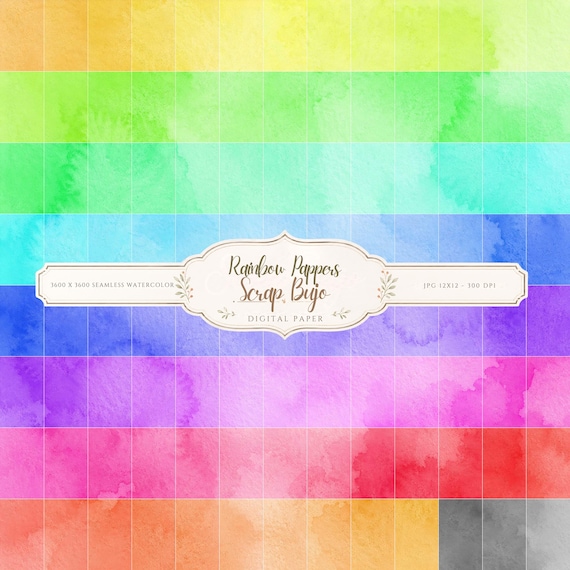
12×12 in 300 DPI Digital download
Coloring & Printables · Pastel & Watercolor
Pastel Watercolor Digital Paper Pack, Soft Rainbow Colors, Scrapbook
Bring soft color and handmade texture to your creative projects with this Pastel…
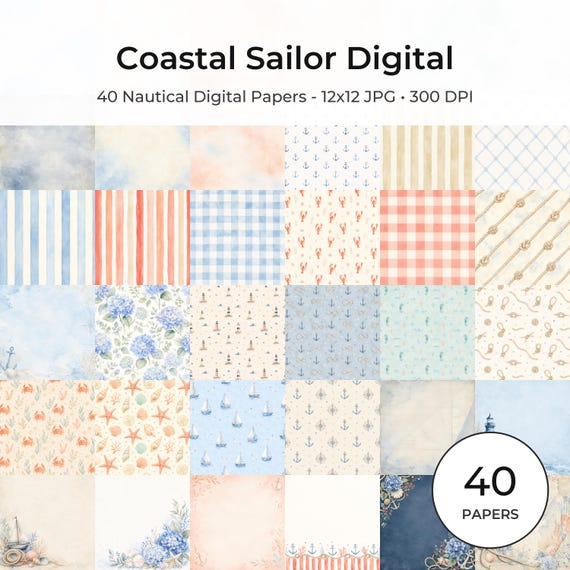
12×12 in 300 DPI Digital download
Coastal & Summer · Pastel & Watercolor
Nautical Digital Paper Pack, Watercolor Coastal Scrapbook Pages (12×12
Bring a fresh coastal touch to your creative projects with this nautical digital…
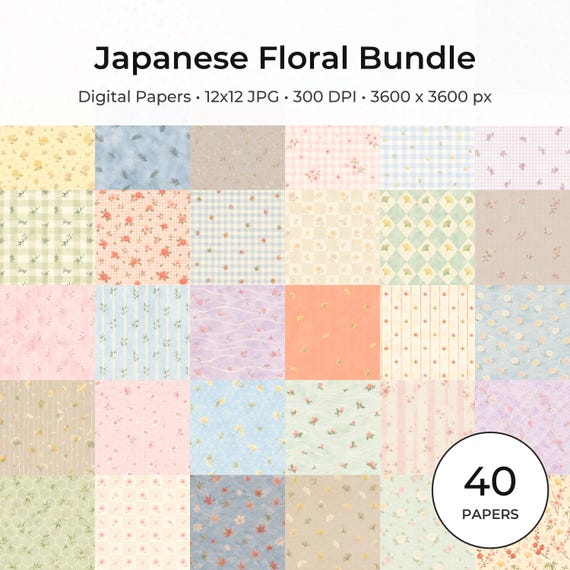
12×12 in 300 DPI Digital download
Coloring & Printables · Floral & Botanical
Japanese Floral Digital Papers Bundle
Bring timeless Japanese elegance into your creative projects with this premium bundle of…
ScrapBujo earns revenue when you purchase our products on Etsy. Etsy shows the current price, file details, and active offers.