
Solar Eclipse Scrapbook Pages: How to Choose Between 12×12, Letter and A4
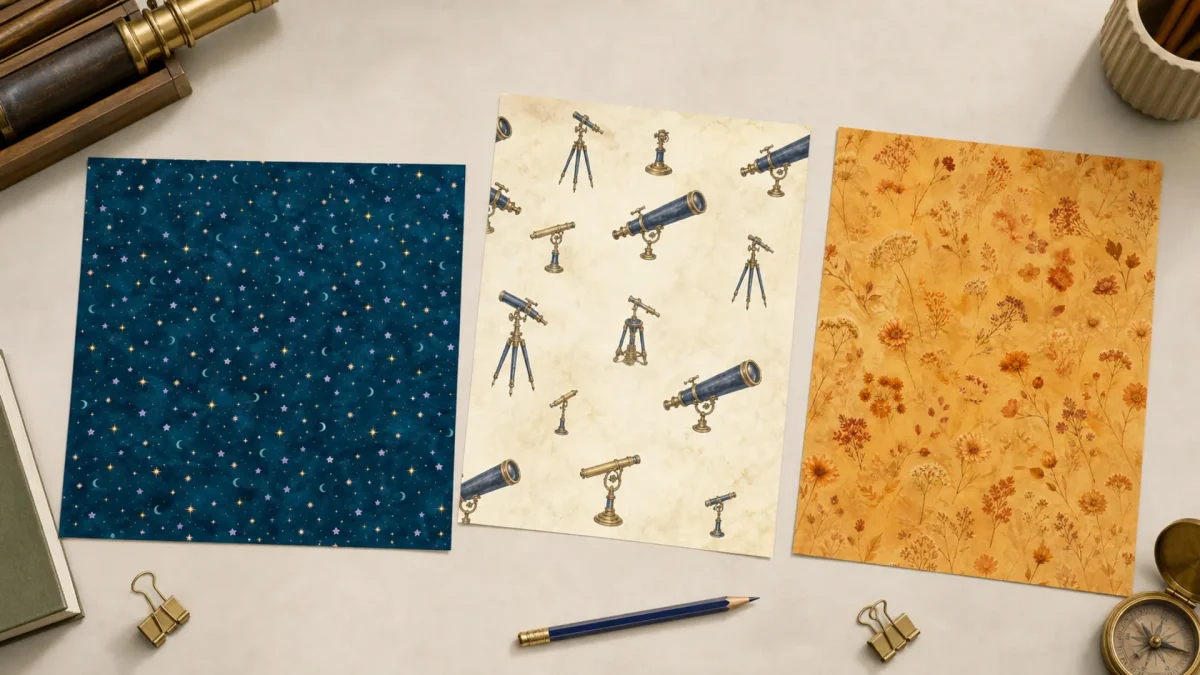
Quick answer: The right eclipse paper format depends less on the theme than on the object you are making: a square album page, a home-printed field note or an A4 botanical journal.
Editorial note: This guide is based on the current ScrapBujo catalog and practical craft-planning principles. The featured image is an AI-assisted editorial mockup built from the actual collection previews shown below; it is not presented as a photograph of a completed print test.
Who this helps
Use this guide if you like one visual theme but work across different printers, albums or paper sizes. It is designed to reduce the frustration of buying a beautiful file that does not fit your workflow.
What to gather before you start
- A ruler and the finished album or journal measurements
- One sample print of the chosen format
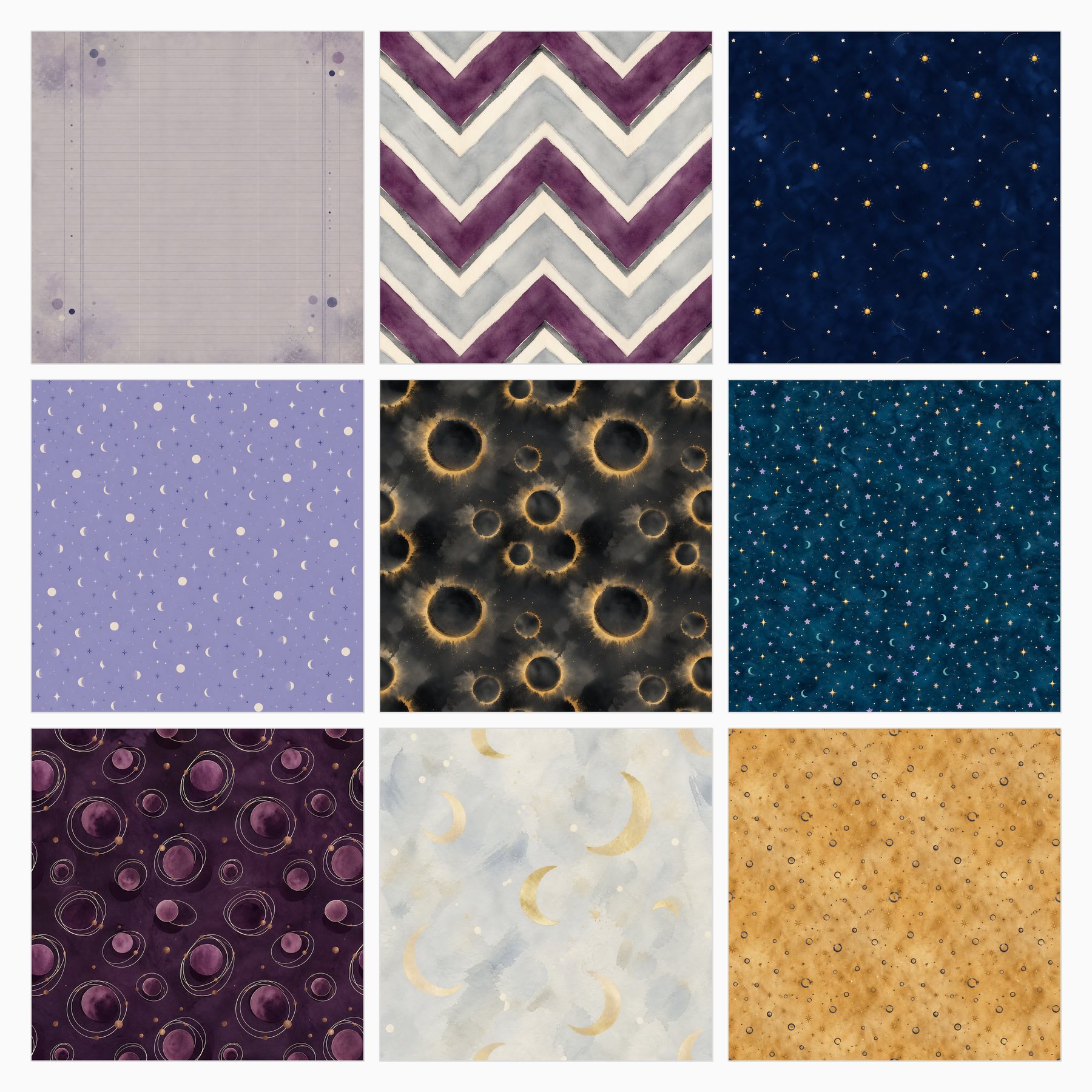
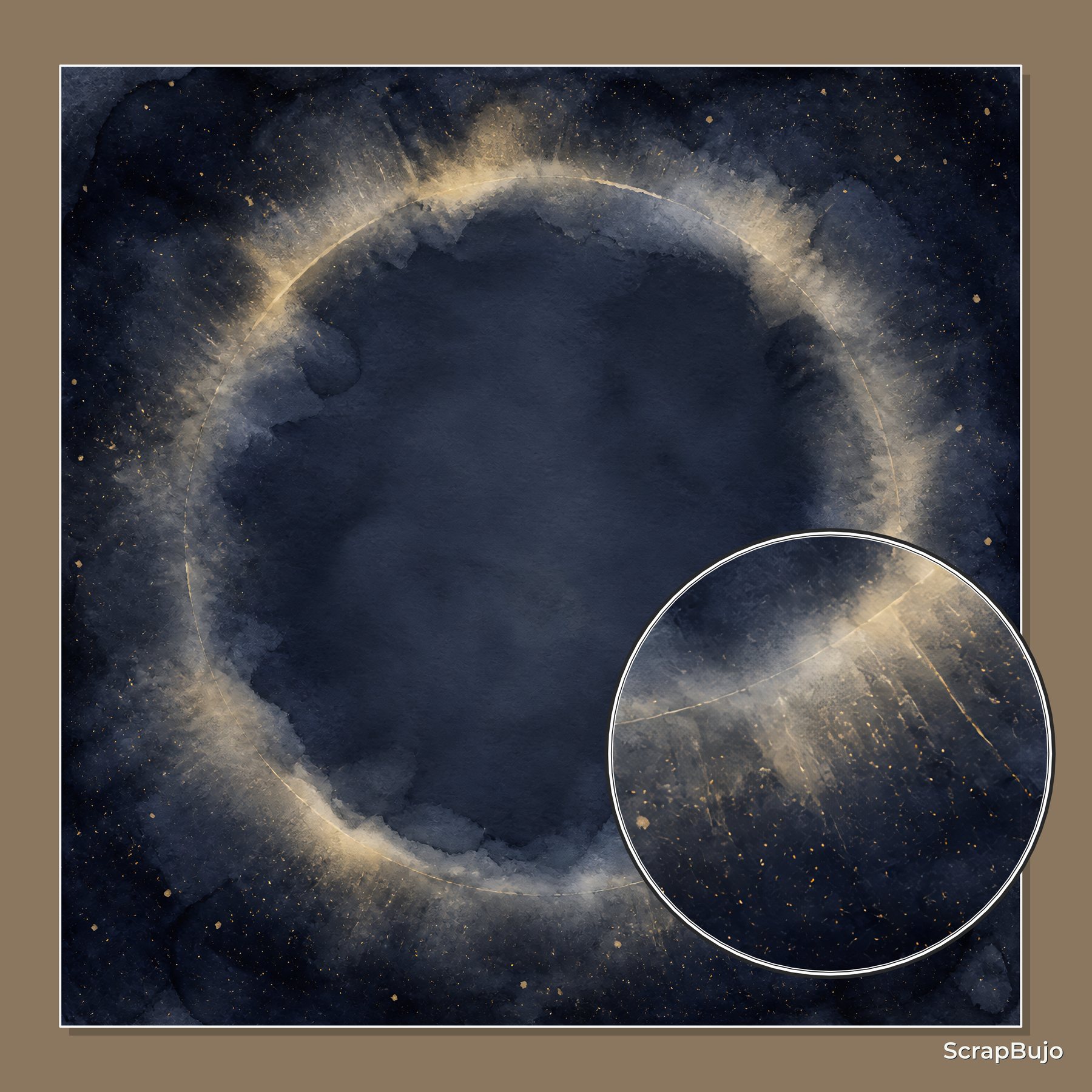
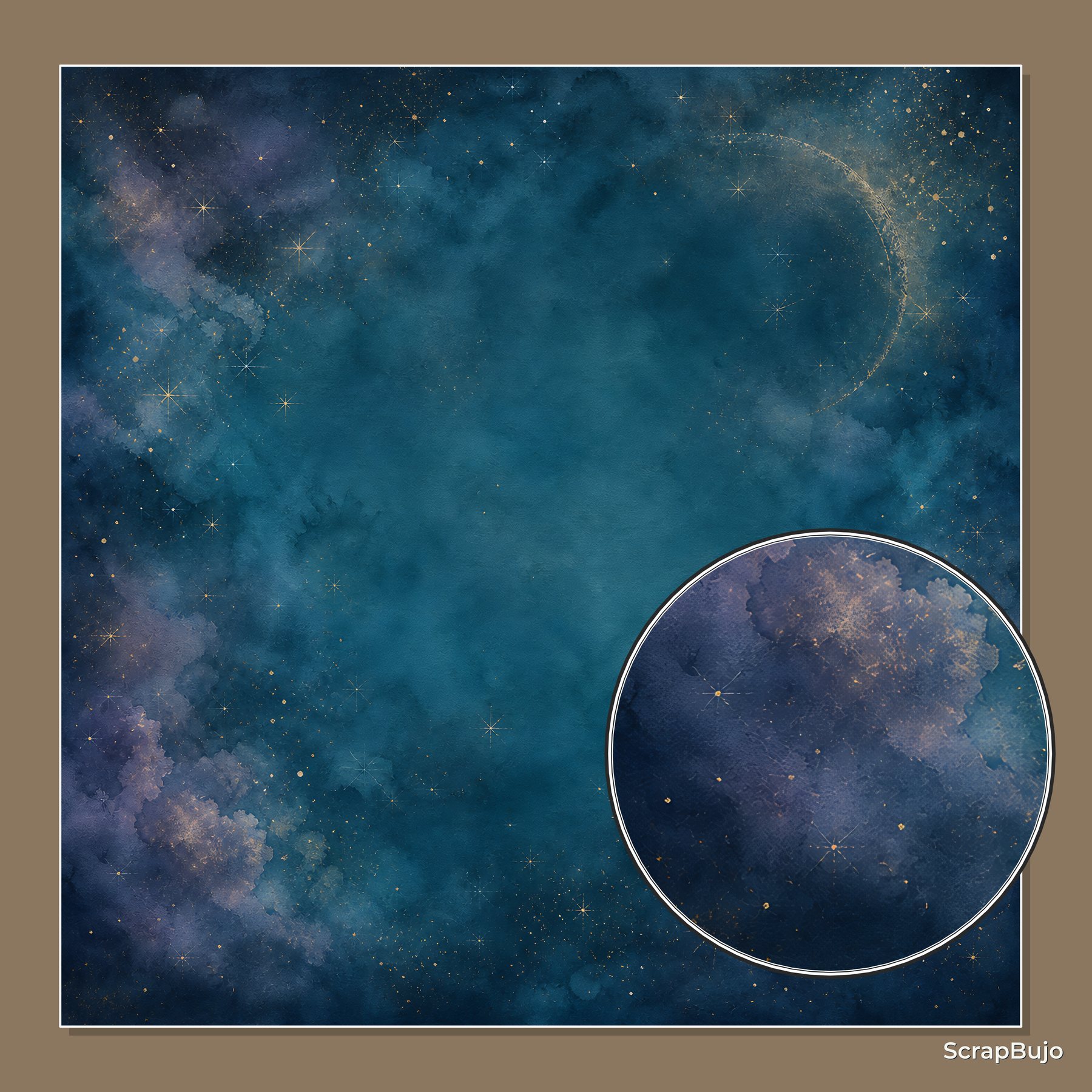
- The three actual collection previews below
- A folder for keeping square, Letter and A4 files separate
- A note of your printer’s printable margins
A practical plan
Choose the finished object first
A 12×12 page is a natural choice for a square scrapbook. A Letter page is easier for most home printers and field-note layouts. A4 works well when the rest of the journal, binder or print service is already built around that standard.
Keep the visual scale consistent
If you combine formats, repeat one motif or accent color at a similar visual size. Do not enlarge a small A4 element until it competes with a square background; use it as a card, pocket or layered detail instead.
Measure the non-printable edge
A page can be the correct nominal size and still lose a narrow edge on a home printer. Measure the printer’s printable area, then test a border or corner before printing a complete set.
Use the square paper as the anchor
When a project contains all three formats, make the 12×12 sheet the broad background, the Letter sheet the writing or field-note page and the A4 sheet the botanical insert. This creates a clear hierarchy.
Keep filenames and folders honest
Store each format in a separate folder and keep the original collection name in the filename. A small organizational step prevents printing an A4 page when the album needs a square background.
Record what worked
Write down the printer, paper, scale choice and any cropped edge after the sample. This turns the next project into a repeatable workflow rather than another round of guesswork.
Common mistake to avoid
The common mistake is assuming 12×12, US Letter and A4 are interchangeable. They can share a palette, but their proportions and printing workflows remain different.
Questions to answer before buying
- What physical size is the finished page?
- Which format can my printer handle without scaling?
- Where will writing and photographs sit?
- Have I tested the edge and the darkest area?
Make the first session small
Start with one finished surface, not the entire project. For this guide, begin with a ruler and the finished album or journal measurements and one clear memory or use case. A small first session makes it easier to notice whether the paper, scale and writing space are doing their jobs before you spend time trimming every piece.
Run a useful quality check
After one sample or one assembled page, check four things: the main subject is visible, the writing can be read at normal size, the edges are not accidentally cropped and the page still makes sense without an explanation from the maker. If the project is printed, compare the result with the screen and record the printer, paper and scale setting. Colors can vary with screen, printer, ink, paper and print settings.
Keep a project note for next time
- Record the collection name and exact format used.
- Note which paper became the background and which became the accent.
- Write down the size of the photograph, card or tag that fit comfortably.
- Save one sentence describing what you would change on the next page.
- Keep the source link with the finished project so file details and current offers can be checked later.
Mini FAQ
What physical size is the finished page?
Answer it before you buy or print. The collection page and the exact Etsy listing should confirm the file count, size, delivery method and current eligibility; a styled mockup can show a possible arrangement but cannot confirm those commercial details.
What if the first layout feels too busy?
Remove one layer before adding another. Keep the focal photograph, the most useful writing area and one paper surface; store the remaining pieces for the facing page or a later project.
What if the project changes halfway through?
That is normal. Keep the original source files and note the change rather than forcing the page to match the first idea. A documented adjustment is more useful than a polished page whose process cannot be repeated. Add the date, format and reason for the change so another person can understand the decision later.
Collection previews used in this guide
These are current ScrapBujo collection previews, not substitute artwork. They show the paper surfaces and formats discussed below.
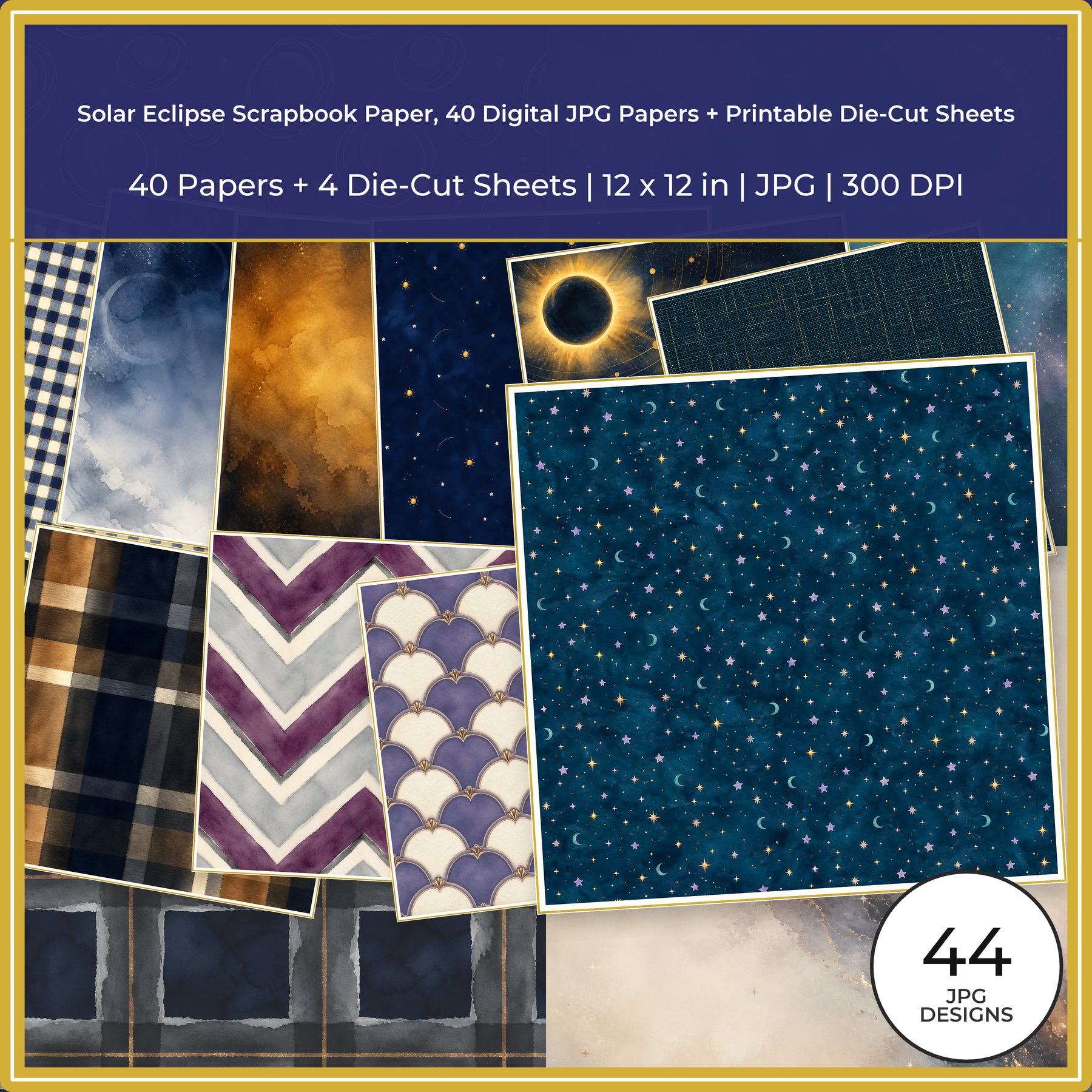
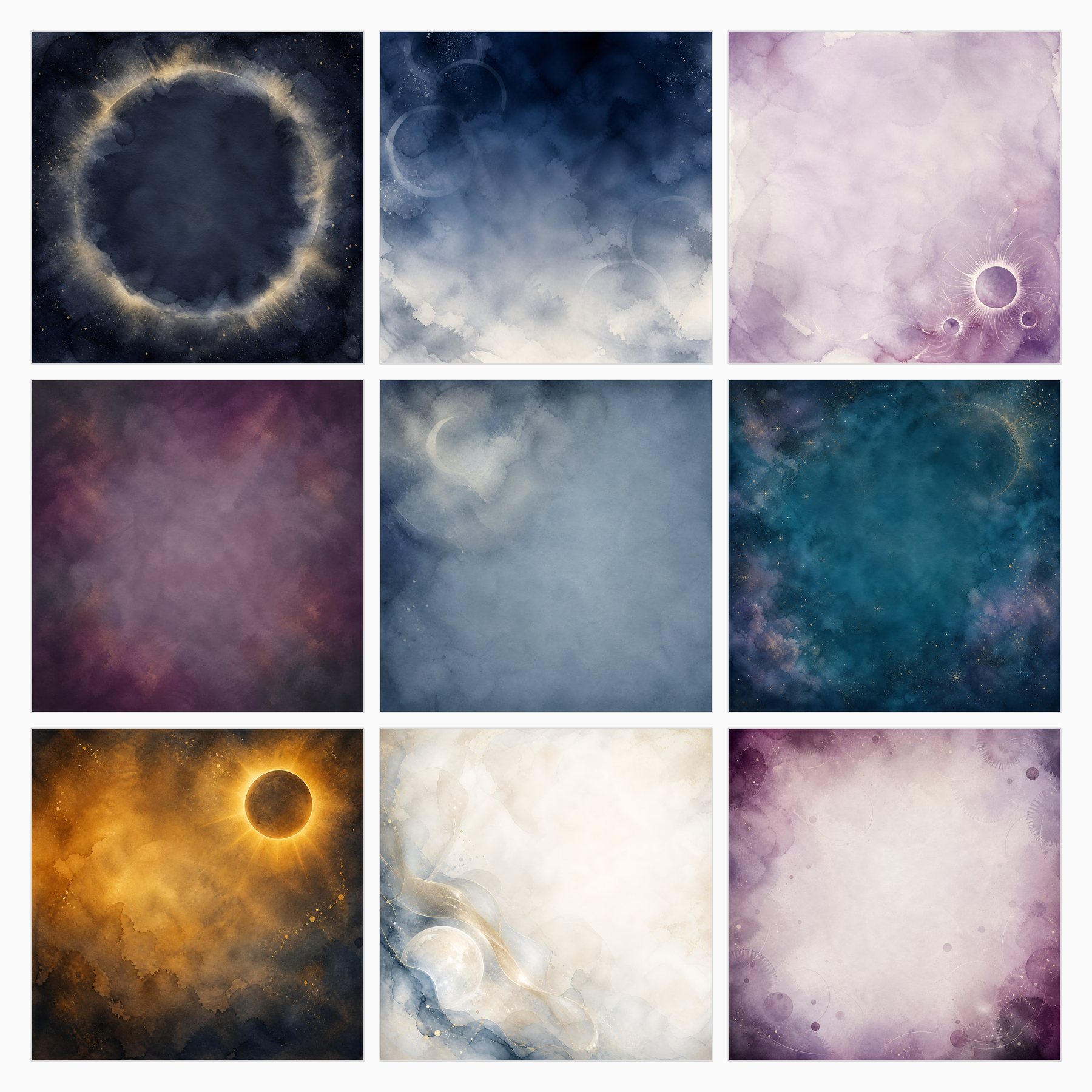
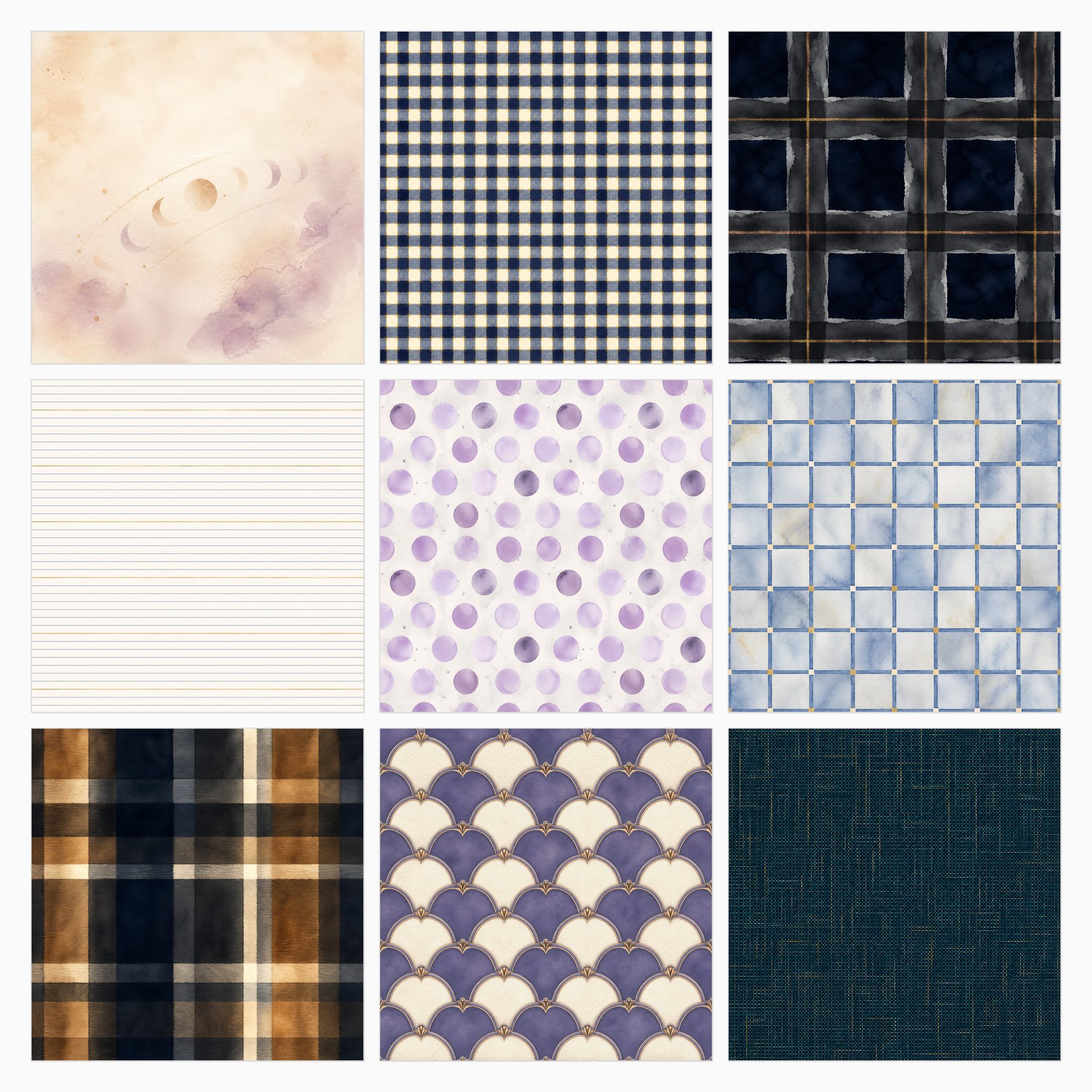
Related free samples: Browse free printable samples before choosing a full pack.
Explore ScrapBujo digital collections
Digital paper collections made for printing
Compare coordinated 12×12 papers, confirm the file specifications on ScrapBujo, and then visit Etsy for the current listing details.
12×12 in 300 DPI Digital download
Coloring & Printables · Pastel & Watercolor
Pastel Watercolor Digital Paper Pack, Soft Rainbow Colors, Scrapbook
Bring soft color and handmade texture to your creative projects with this Pastel…
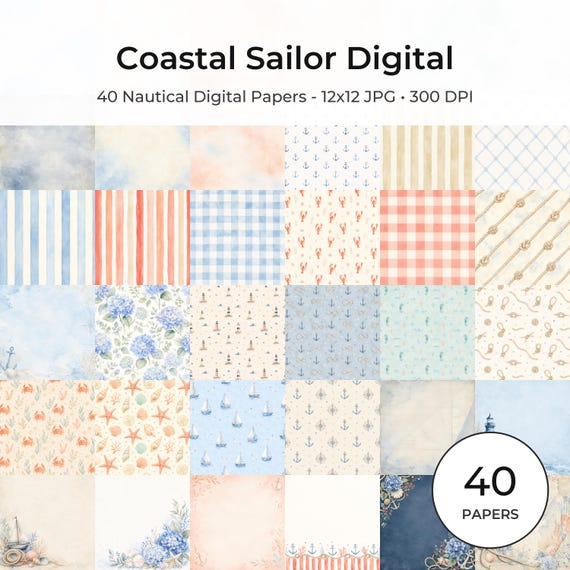
12×12 in 300 DPI Digital download
Coastal & Summer · Pastel & Watercolor
Nautical Digital Paper Pack, Watercolor Coastal Scrapbook Pages (12×12
Bring a fresh coastal touch to your creative projects with this nautical digital…
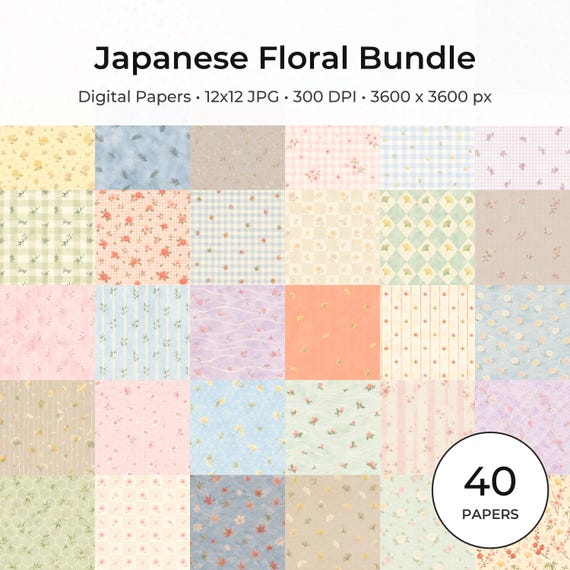
12×12 in 300 DPI Digital download
Coloring & Printables · Floral & Botanical
Japanese Floral Digital Papers Bundle
Bring timeless Japanese elegance into your creative projects with this premium bundle of…
Each product page identifies its checkout, current price, and digital delivery details.