
How to Make Printable Scrapbook Stickers at Home
Quick answer: Build the sheet around the cutting machine’s current printable area, not the nominal paper size. Use full-resolution transparent artwork, leave space between elements, print on media approved for your printer, and test one sheet before adding laminate or producing a batch.
Choose a compatible printable material
Confirm whether the sheet is intended for inkjet or laser use and whether your cutting machine can read its surface. Reflective or metallic finishes may require model-specific handling. Never send inkjet-only adhesive media through a laser fuser.
Design inside the registration area
Cricut and Silhouette reserve space for sensor marks. A Letter sheet therefore does not provide a full Letter-sized design area. Set the machine and material size first, then arrange the stickers inside the displayed boundary.
Give each sticker a practical edge
A small white or colored offset protects fine artwork and simplifies cutting. Very thin stems, distressed edges and tiny isolated pieces may tear or lift. Test the smallest and most detailed design before filling the page.
Print without changing scale
Complete the manufacturer’s Print Then Cut or Print & Cut workflow and preserve the registration marks. Avoid a separate export that changes page scale. Let the ink dry according to the material instructions before handling or cutting.
Add protection only when compatible
Laminate can change reflectivity and thickness. Keep it away from sensor marks and confirm that the total material stack remains safe for the machine. For journal stickers used indoors, protection may not be necessary.
Five checks before you start
- Media matches printer technology
- Design fits the registration area
- Offsets protect detailed artwork
- Print scale remains unchanged
- Laminate is tested separately
Recommended official resources
Interfaces, supported materials and machine limits can change. Check the current manufacturer documentation before buying equipment or preparing a large batch.
- help.cricut.com official guidance
- help.cricut.com official guidance
- www.silhouetteamerica.com official guidance
Printable collections to try with this workflow
Use a free sample or one page first so you can check scale, color and cutting settings before printing a complete collection.
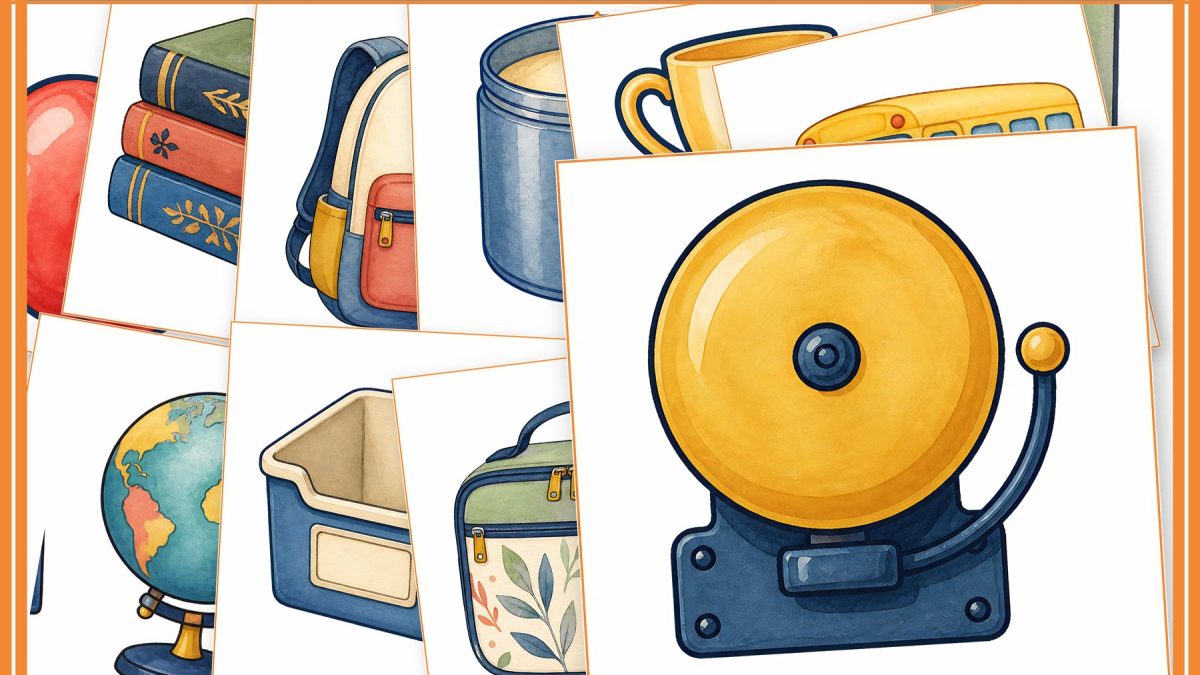
- Back to School Classroom Clipart & Planner Sticker Kit
- Christmas Ephemera and Fussy Cuts
- Woodland Safari Baby Shower Games
Frequently asked questions
Can I use a full Letter sheet for stickers?
You can use Letter material, but the cuttable area is smaller because sensor marks reserve part of the page.
Do printable stickers need laminate?
Not always. It depends on handling, moisture exposure, ink and material. Test the unlaminated result first.
Explore ScrapBujo digital collections
Digital paper collections made for printing
Compare coordinated 12×12 papers, confirm the file specifications on ScrapBujo, and then visit Etsy for the current listing details.
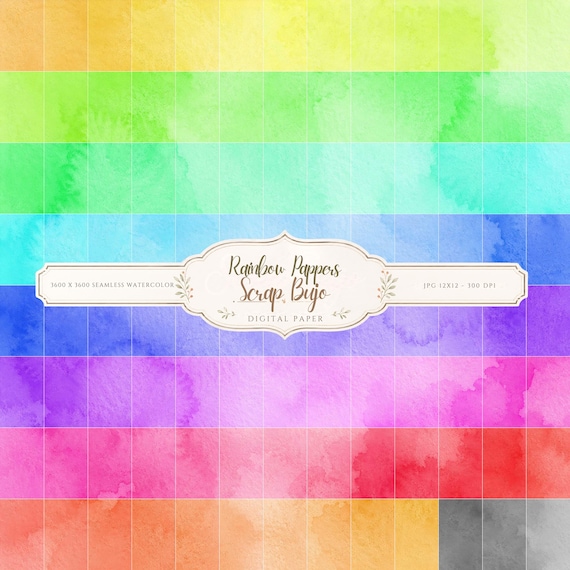
12×12 in 300 DPI Digital download
Coloring & Printables · Pastel & Watercolor
Pastel Watercolor Digital Paper Pack, Soft Rainbow Colors, Scrapbook
Bring soft color and handmade texture to your creative projects with this Pastel…
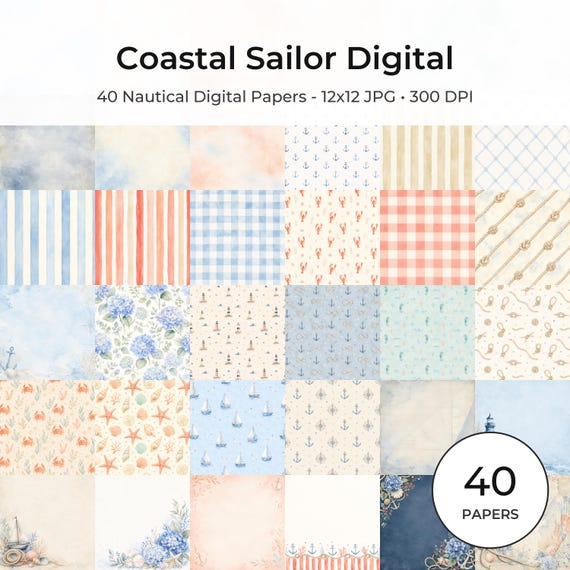
12×12 in 300 DPI Digital download
Coastal & Summer · Pastel & Watercolor
Nautical Digital Paper Pack, Watercolor Coastal Scrapbook Pages (12×12
Bring a fresh coastal touch to your creative projects with this nautical digital…
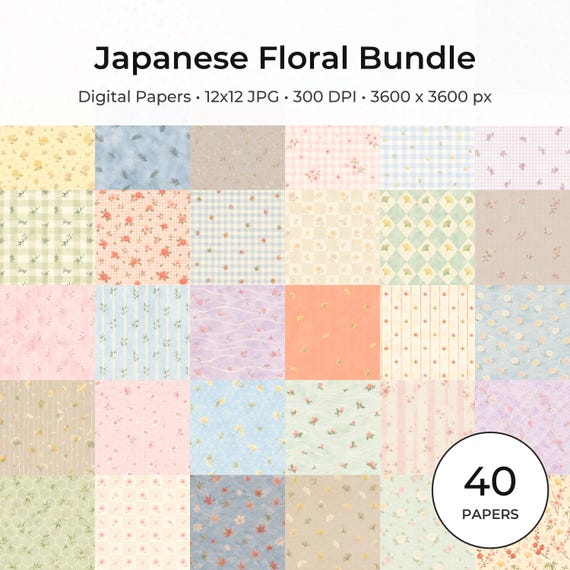
12×12 in 300 DPI Digital download
Coloring & Printables · Floral & Botanical
Japanese Floral Digital Papers Bundle
Bring timeless Japanese elegance into your creative projects with this premium bundle of…
Each product page identifies its checkout, current price, and digital delivery details.