
How to Print 12×12 Digital Paper on Letter or A4 Without Distortion
Quick answer: A 12 × 12 square cannot fill a rectangular Letter or A4 sheet without cropping, white space or distortion. Keep the width and height linked. Choose one honest result: reduce the whole square, crop a deliberate section, or tile the full page across multiple sheets.
Choose reduce, crop or tile
Reducing preserves the whole design but produces a smaller square. Cropping fills more of the page but removes part of the artwork. Tiling preserves the intended size across several sheets and requires trimming and joining.
Never stretch one dimension
Changing a square file to a rectangular shape without proportional scaling distorts circles, faces and motifs. Lock the aspect ratio in the design or print software and inspect the preview before printing.
Understand Fit and Actual Size
Adobe defines Fit as scaling the page to the printable area, while Actual Size prints without scaling and crops content that does not fit. Use Actual Size only when the selected paper can hold the intended output or when cropping is deliberate.
Calculate the reduced square first
On Letter or A4, the maximum complete square is limited by the shorter printable dimension, not the longer edge. Printer margins may reduce it further. Measure the preview rather than assuming the nominal sheet width is usable.
Use a ruler test
Add or print a one-inch reference square on a proof page. Measure it after printing. If it is not one inch, the driver or application changed the scale.
Five checks before you start
- Reduce, crop or tile is selected
- Aspect ratio stays locked
- Fit versus Actual Size is understood
- Printer margins are considered
- A reference square is measured
Recommended official resources
Interfaces, supported materials and machine limits can change. Check the current manufacturer documentation before buying equipment or preparing a large batch.
- helpx.adobe.com official guidance
- helpx.adobe.com official guidance
- helpx.adobe.com official guidance
Printable collections to try with this workflow
Use a free sample or one page first so you can check scale, color and cutting settings before printing a complete collection.
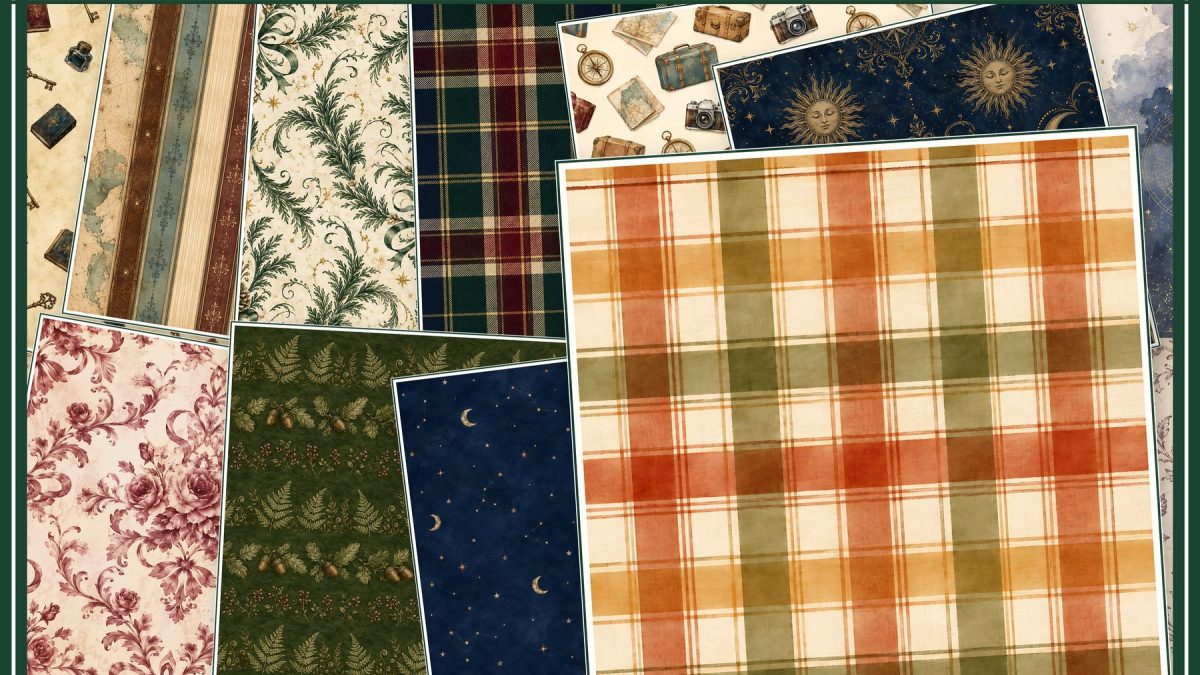
- Vintage Junk Journal Digital Paper Bundle — Two Packs, Square + US Letter
- Eclipse Botanical Shadow Herbarium A4
- Eclipse Observatory Field Notes Letter
Frequently asked questions
Can I print a full 12×12 page on US Letter?
Not on one sheet at true size. You must reduce it, crop it or tile it across several sheets.
Why is my square design rectangular after printing?
One dimension was probably stretched or the software forced the file into a rectangular page without preserving its aspect ratio.
ScrapBujo collections from our Etsy shop
Digital paper collections made for printing
Compare coordinated 12×12 papers, confirm the file specifications on ScrapBujo, and then visit Etsy for the current listing details.
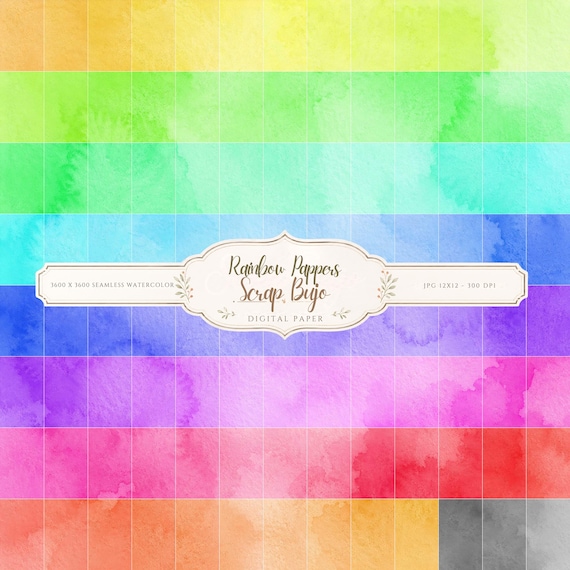
12×12 in 300 DPI Digital download
Coloring & Printables · Pastel & Watercolor
Pastel Watercolor Digital Paper Pack, Soft Rainbow Colors, Scrapbook
Bring soft color and handmade texture to your creative projects with this Pastel…
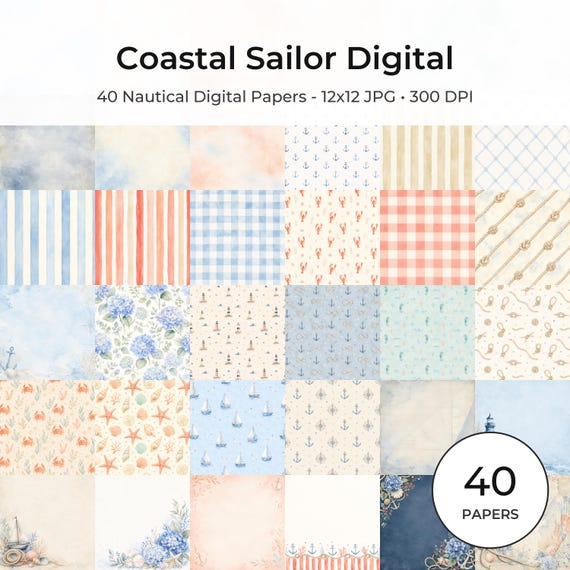
12×12 in 300 DPI Digital download
Coastal & Summer · Pastel & Watercolor
Nautical Digital Paper Pack, Watercolor Coastal Scrapbook Pages (12×12
Bring a fresh coastal touch to your creative projects with this nautical digital…
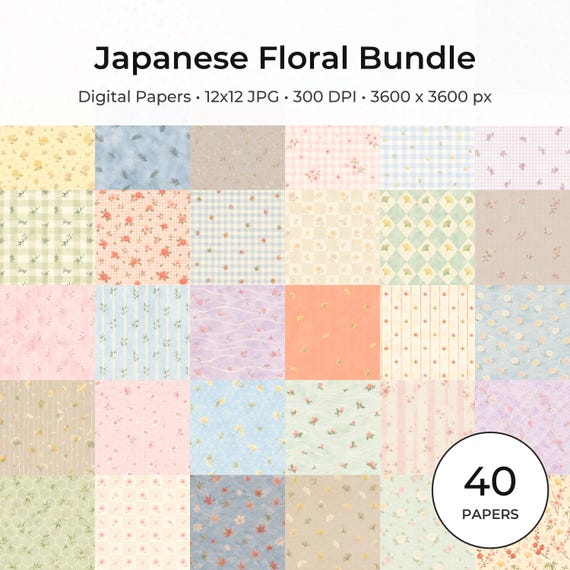
12×12 in 300 DPI Digital download
Coloring & Printables · Floral & Botanical
Japanese Floral Digital Papers Bundle
Bring timeless Japanese elegance into your creative projects with this premium bundle of…
ScrapBujo earns revenue when you purchase our products on Etsy. Etsy shows the current price, file details, and active offers.