
JPG, PNG or PDF for Digital Scrapbooking? Use the Right File
Quick answer: Use JPG for rectangular or square digital papers, PNG for clipart and other elements that need transparency, and PDF for arranged printable pages or multi-page files. File type describes how the content is stored; it does not guarantee correct pixel dimensions, print scale or license.
Use JPG for complete paper backgrounds
JPG is efficient for full-page photographic, painted and textured backgrounds. It does not support transparency, so the entire rectangle or square remains part of the design. Start from the full-resolution download, not a marketplace preview.
Use PNG when the background must disappear
Transparent PNG is the practical choice for fussy-cut elements, layered compositions and many cutting-machine workflows. Inspect the edge over both light and dark backgrounds because halos and stray pixels can hide on white.
Use PDF for arranged print pages
PDF can preserve a defined page and combine several printable pages in one file. Choose the correct scaling option when printing. A PDF may contain raster images, vectors or both, so the format alone does not prove image quality.
Check dimensions separately from format
A low-resolution JPG does not become detailed when placed inside a PDF. A large PNG may still print softly if its usable pixels are insufficient for the chosen size. Verify pixel dimensions and intended physical output.
Preserve the original download
Work from a duplicate and keep the purchased original unchanged. Repeated saving, background removal and resizing can alter edges or compress detail. Name working copies by project and output size.
Five checks before you start
- Background or transparency need is known
- Full-resolution original is used
- PDF scaling is checked
- Pixel dimensions are verified
- Original download is preserved
Recommended official resources
Interfaces, supported materials and machine limits can change. Check the current manufacturer documentation before buying equipment or preparing a large batch.
Printable collections to try with this workflow
Use a free sample or one page first so you can check scale, color and cutting settings before printing a complete collection.
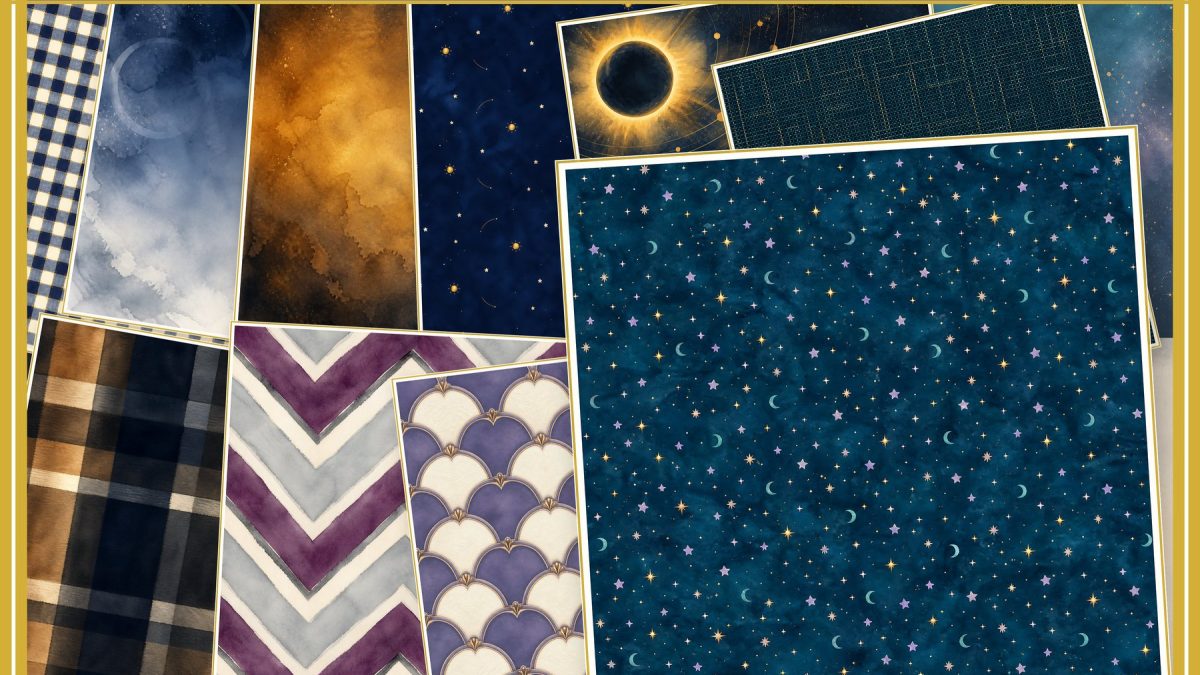
- Solar Eclipse Scrapbook Paper Pack 40
- Solar Eclipse Celestial Clipart Collection
- Christmas Family Recipe Journal — 12 Papers + 20 Printable Pages
Frequently asked questions
Is PNG always higher quality than JPG?
No. Quality depends on the source dimensions and compression. PNG’s main advantage for craft elements is transparency.
Does a PDF automatically print at 300 DPI?
No. PDF is a container; the resolution of raster artwork inside it still matters.
Explore ScrapBujo digital collections
Digital paper collections made for printing
Compare coordinated 12×12 papers, confirm the file specifications on ScrapBujo, and then visit Etsy for the current listing details.
12×12 in 300 DPI Digital download
Coloring & Printables · Pastel & Watercolor
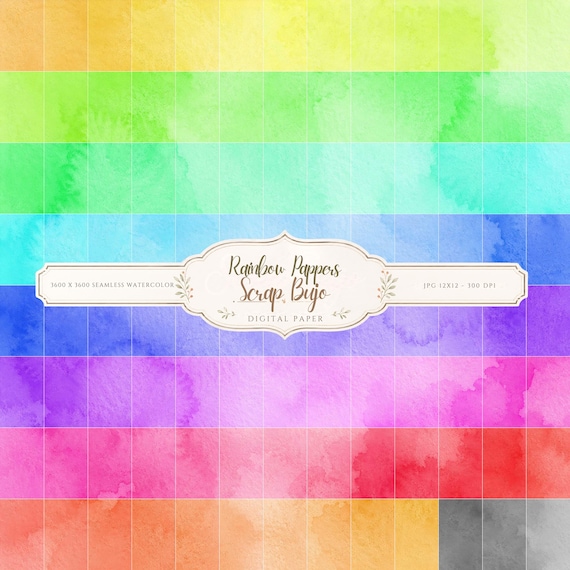
Pastel Watercolor Digital Paper Pack, Soft Rainbow Colors, Scrapbook
Bring soft color and handmade texture to your creative projects with this Pastel…
12×12 in 300 DPI Digital download
Coastal & Summer · Pastel & Watercolor
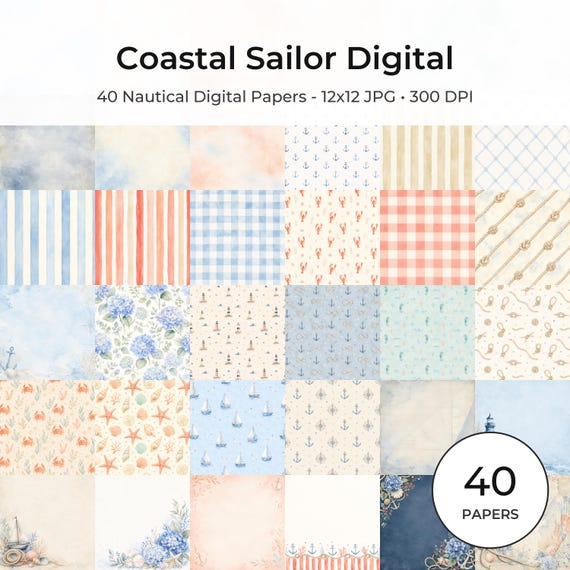
Nautical Digital Paper Pack, Watercolor Coastal Scrapbook Pages (12×12
Bring a fresh coastal touch to your creative projects with this nautical digital…
12×12 in 300 DPI Digital download
Coloring & Printables · Floral & Botanical
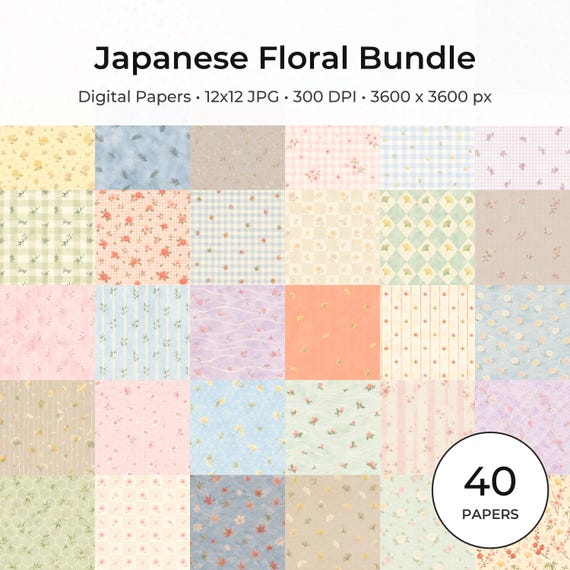
Japanese Floral Digital Papers Bundle
Bring timeless Japanese elegance into your creative projects with this premium bundle of…
Each product page identifies its checkout, current price, and digital delivery details.