
Make One Baby Memory Album Page with Baby Bunny Paper
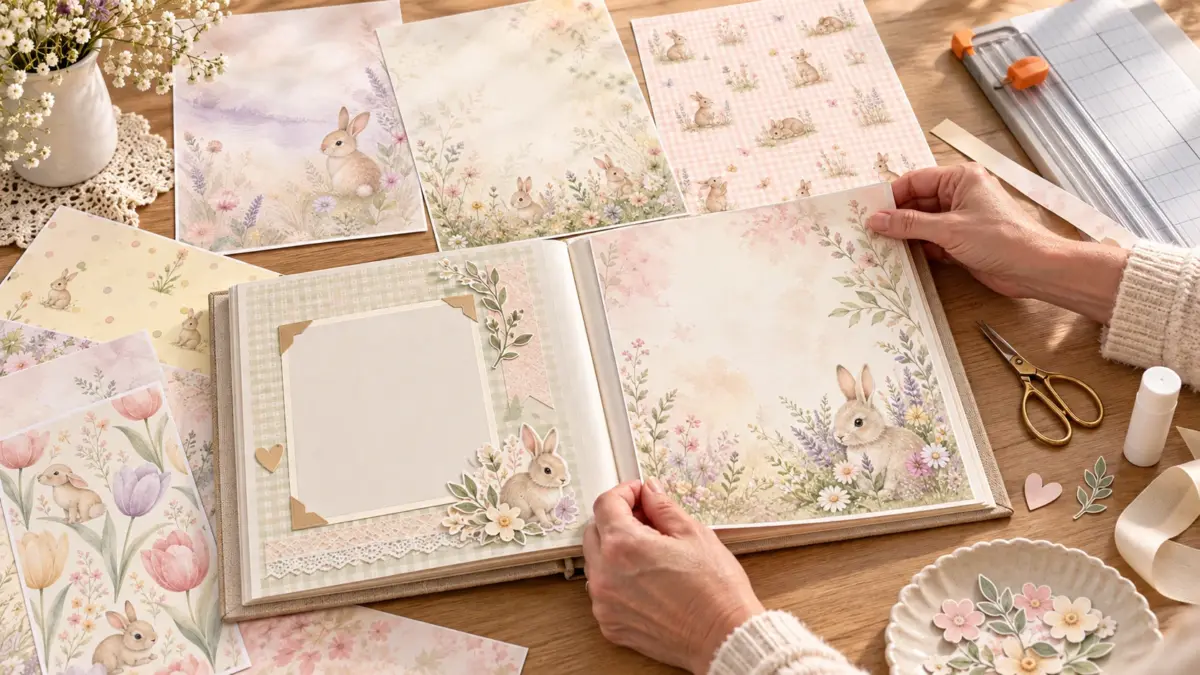
A single page is a manageable place to start: choose one photo, write its caption, and build a quiet paper panel around them. This walkthrough uses a printable Baby Bunny sample as an optional accent. The sample pages provide decorative paper, not a baby-album layout or template.
For the direct download, use the Baby Bunny US Letter sample page for its three-paper PDF on portrait 8.5 × 11-inch sheets, or the Baby Bunny A4 sample page for its three-paper PDF on landscape A4 sheets. Each is a digital sample; nothing physical ships. Check the page details and use the matching paper size. The separate US Letter or A4 baby album guide covers the size choice in more detail.
Assemble one page
- Choose the photo and caption first. Pick one photo for this page and jot down the short note you want to keep with it: a date, a small detail, or a sentence about the moment. This sets the space the page needs before any paper is cut.
- Reserve the safe area. Open the album or page protector and mark a margin inside its binding and outer edges. Keep the photo and the full handwritten note within that area, clear of holes, seams, pockets, and anything that could be hidden when the page is turned or covered.
- Choose a quiet or illustrated part of the paper. Preview the PDF page on screen beside the photo. Use a quieter area as the background if you want the photo to stand out, or choose a small illustrated area for a narrow accent. Leave open space where the caption will go; the paper is a background, not a substitute for the note.
- Print one proof. Select the sample that matches the paper loaded in your printer, then print one page on plain paper first. Check that the result is legible and that the intended area is on the sheet. If the border or scale is unexpected, use the existing printable-border troubleshooting guide before using nicer paper.
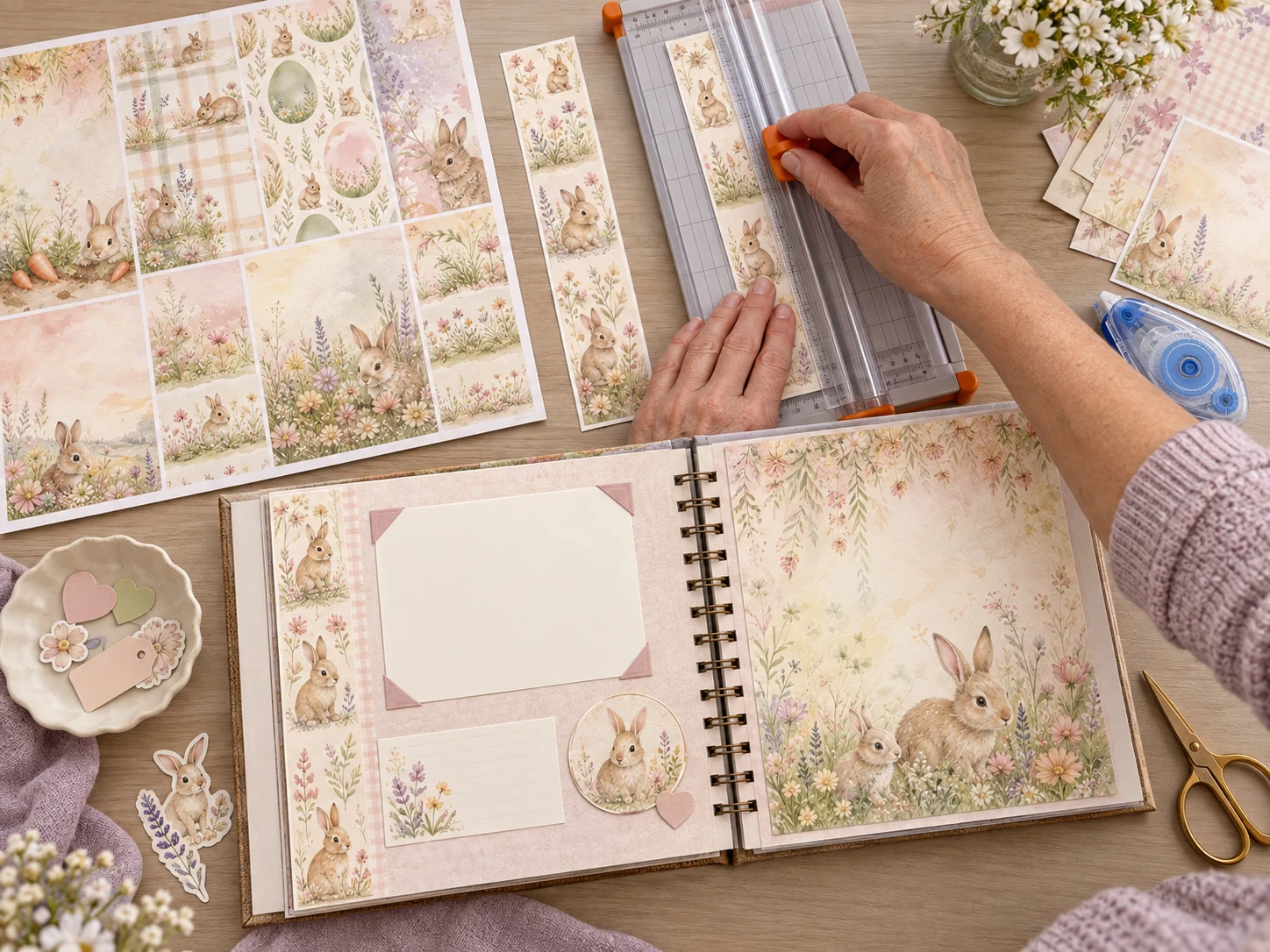
- Trim a panel. Cut a rectangle or strip from the proof that fits inside the safe area. Dry-fit it on the album page with the photo and a blank note card before making the same cut from your chosen print. A small accent panel is enough; the whole page does not need to be covered.
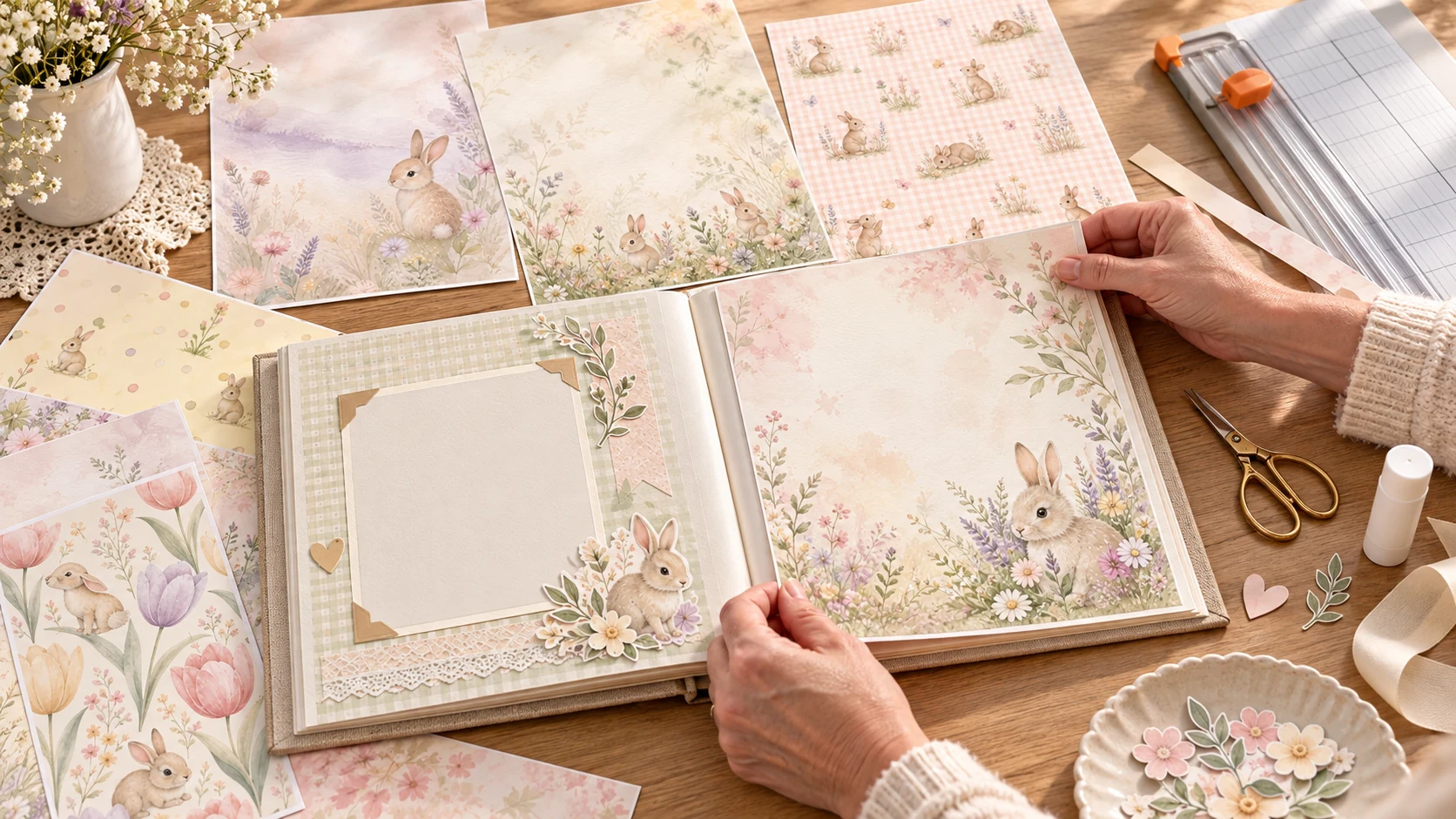
- Place the photo and journaling. Set the photo on the reserved area and write the note on a plain card or directly in the open space. Make sure the handwriting remains easy to read against the paper. The illustrative mockup below shows a blank photo mat and separate journaling area as possible spacing cues, not fixed measurements.
- Attach and check the fit. Attach the panel and photo with materials suited to your album, following their package directions. Let any adhesive set. Slide the page into its protector, if you use one, and check the binding, edges, photo, and note. If anything catches, lifts, or gets covered, adjust before calling the page finished.
Keep this page simple
One photograph and one handwritten note give the page a clear focus. If you want help planning a larger first-year book, use the existing Baby’s First Year Memory Book page plan; this project stays with assembling one page. For material choices, see the baby memory-book paper-stock guide.
FAQs
Can I download printable baby bunny scrapbook paper for a baby album?
Yes. The US Letter and A4 Baby Bunny pages link to a free three-paper sample PDF in the listed format. They provide decorative papers; they do not include an album-page template. Nothing physical ships.
Is there a free Baby Bunny paper sample?
Yes. The US Letter sample and A4 sample each list three papers in one PDF. Review the individual page for its format and current use details.
How much room should I leave for the photo and note?
Choose the photo and write the caption before cutting. Then reserve enough clear space for both, with a margin inside the album or protector edges. The available space depends on your page and photo; this walkthrough does not prescribe a fixed layout size.
Why print a proof before trimming the final paper?
A plain-paper proof lets you check the selected design and intended crop before using your chosen paper. If the printed edge appears cropped or scaled unexpectedly, consult the linked border guide and your printer’s preview/settings.
Image note: Both page scenes are illustrative AI-generated mockups created with ImageGen using ScrapBujo Baby Bunny artwork as a visual reference. They show possible photo, journaling, and trimming arrangements; they are not photographs of a customer album, a printer test, or the delivered sample PDF.
Explore ScrapBujo digital collections
Baby Bunny papers for your memory album
Choose the free US Letter or A4 Baby Bunny sample that matches your page size, then review that format’s collection details before choosing the full set.

300 DPI Digital download
Baby & Nursery
Baby Bunny US Letter Collection
Explore 40 coordinated digital scrapbook papers from the ScrapBujo Baby Bunny US Letter…

300 DPI Digital download
Baby & Nursery
Baby Bunny A4 Digital Scrapbook Paper Collection
Explore 30 coordinated digital scrapbook papers from the ScrapBujo Baby Bunny A4 Digital…
Each product page identifies its checkout, current price, and digital delivery details.