
A Calm Classroom Reset: 7 Pages for Teacher Planners and Student Notes
Quick answer: Use a blank notebook or binder to make a simple weekly reset: choose the pages you need, check tomorrow’s materials, and carry unfinished tasks into a clear next step.
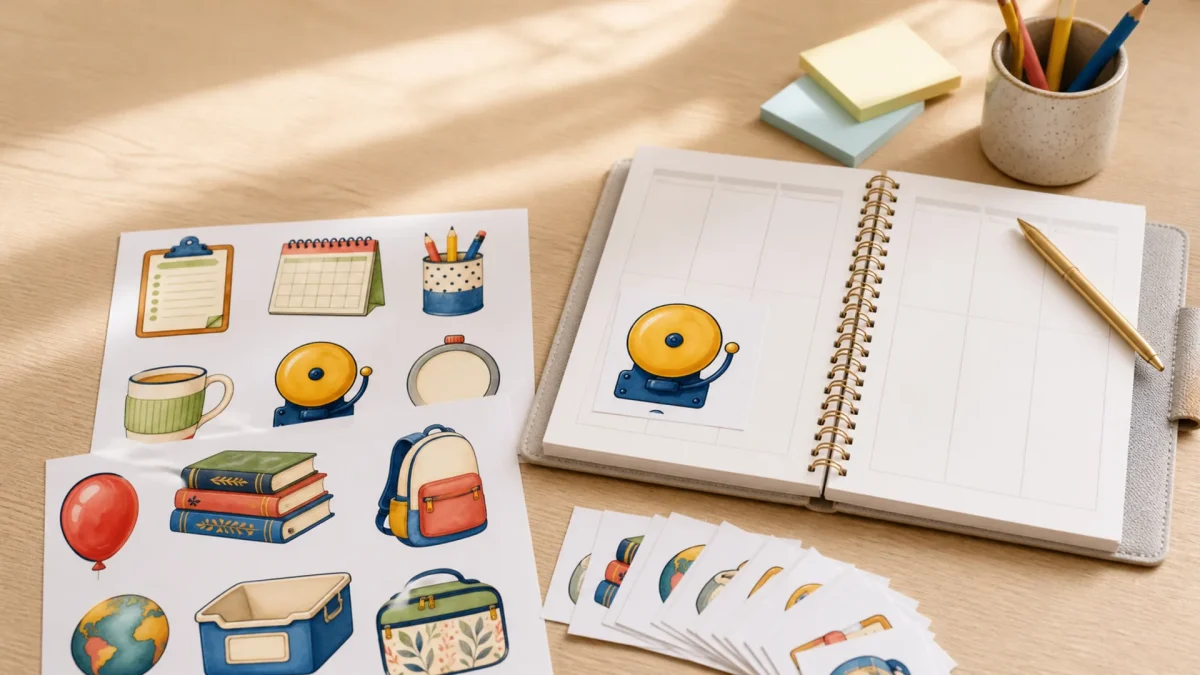
Editorial note: This guide is based on the current ScrapBujo catalog and practical craft-planning principles. The featured image is an AI-assisted editorial mockup built from the actual collection previews shown below; it is not presented as a photograph of a completed print test.
Who this helps
This is a flexible reset for teachers and tutors who want a few useful places to keep the week in view. Draw the sections on blank notebook or binder pages; these are page ideas, not supplied templates. Start with three if that is enough, skip pages you will not use, or combine two jobs in one section.
Seven optional pages for a weekly reset
-
Week at a glance
Use one row or small space for each day. Add only fixed commitments first, such as a meeting, deadline, or planned lesson block. Leave room for changes instead of filling every space.
Fields: day or date; fixed commitment; time or location if useful. Use it: scan the week before adding flexible tasks, and update the page when a commitment moves.
-
Tomorrow’s materials
Make a short check for the next day so preparation is concrete. Keep the activity name separate from the items and where you expect to find them.
Fields: activity; item; location; ready or needs checking. Use it: check the items once while preparing, then mark what is ready and carry only missing items to the next action.
Example row (illustrative): “Counting game | counters | classroom tray | need to check.”
-
Lesson preparation
Give one planned lesson a compact preparation note. Write the objective in your own words, name the activity, then record one thing to prepare next. Use this note to organize your preparation.
Fields: date or class block; objective; activity; next preparation step. Use it: close the note by marking the preparation step done or carrying it forward.
-
Repeat routine
For a routine you repeat, divide a short checklist into before, during, and after. Choose only the steps that help you restart or remember what comes next.
Fields: routine; before; during; after. Use it: keep the same order when the routine repeats, and revise a step when the process changes.
-
Follow-up and next step
Keep a concise reminder for an action you need to take, without turning this planner into a detailed record about a student. Phrase the entry as a task you control.
Fields: action; next step; revisit date. Use it: when you return to the note, complete it, update the next step, or choose a new revisit date.
-
Moved or unfinished tasks
When a task does not happen, keep the original day visible and mark the item as moved. Add a cross-reference to its new slot, or mark it not scheduled yet, so the original plan remains clear.
Fields: original plan; new slot or not scheduled; brief reason if useful. Use it: mark the original entry as moved and add a reference to the new slot, or note that it is not scheduled yet.
-
End-of-week reset
Before starting another week, capture one thing to keep, one thing to change, and the first preparation step for next time. Leave the rest of the page open.
Fields: keep; change; first next step. Use it: bring that first step to the next week-at-a-glance page, then start fresh.
A simple way to move through the week
Plan the week, check tomorrow’s materials, and update the next step when something moves. At the end of the week, carry forward only the tasks you still intend to do. For example, if an item is not ready, keep it on the materials page as “needs checking”; if the planned preparation time passes, put it on the moved-task page once and choose a new slot or leave it unscheduled.
Use pencil, a reusable blank notebook, or any writing tool that lets you revise. Stickers and icons are optional; if you use a mark, give it one consistent meaning. Leave unused space blank rather than inventing another category.
Mini FAQ
How do I find tomorrow’s materials?
Write the activity, the item, and where you expect to find it on one page. Check what is ready during preparation and mark anything that still needs checking.
Do I need all seven pages?
No. Start with the week view, materials check, and one follow-up section if those cover your needs. Skip or combine the others, and add a page only when you notice a real gap.
What if I miss a planned lesson or task?
Mark the original item as moved, then choose a new slot or leave it unscheduled. Keep the unfinished item in one place so it does not appear to be completed or get recopied across the week.
Do I need stickers or a special planner?
No. Draw the headings on blank notebook or binder pages. A consistent handwritten mark can work as a cue; decorative supplies are optional.
For optional classroom-themed visual accents, browse the current classroom collection. Check the collection page and exact Etsy listing for current files and formats.
Collection previews used in this guide
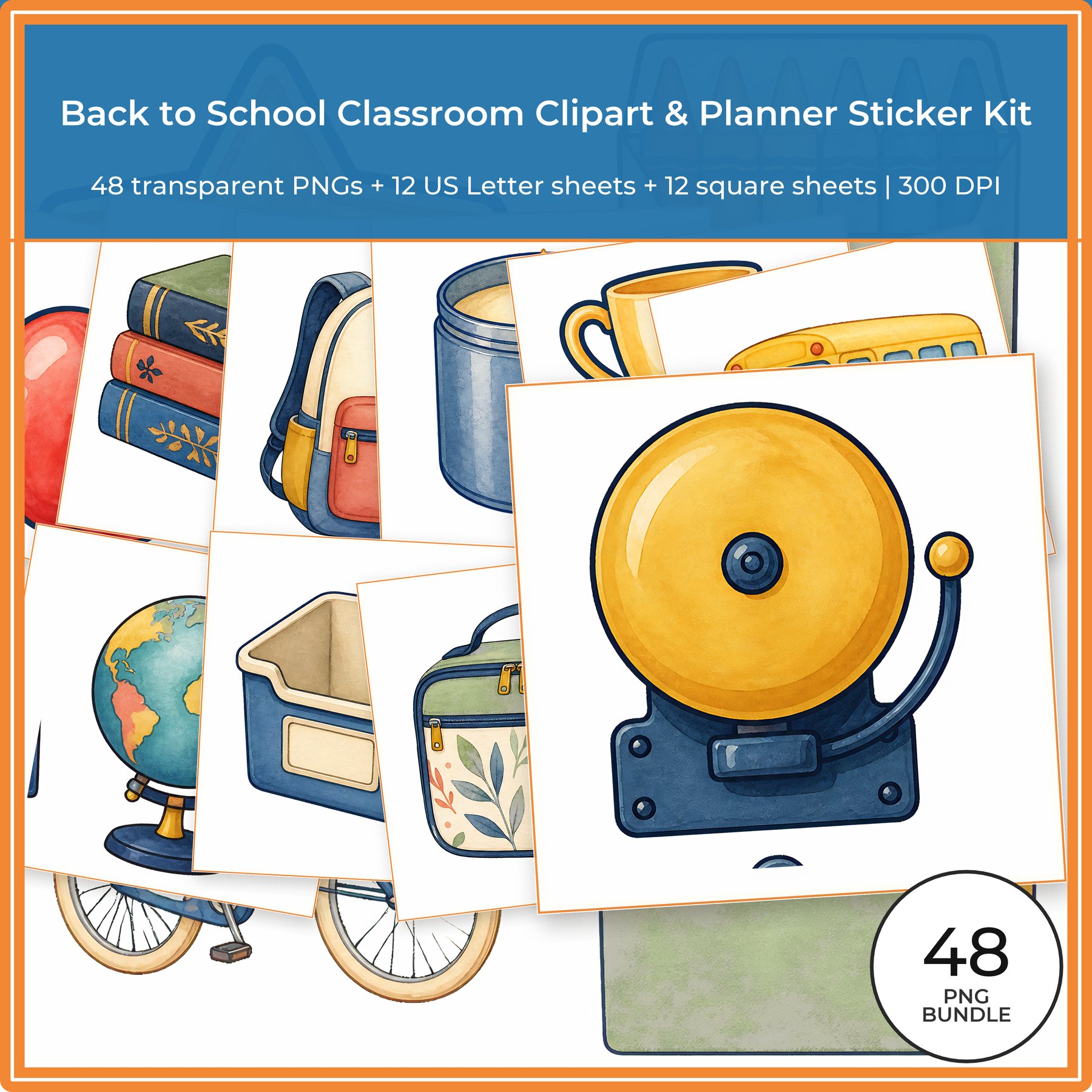
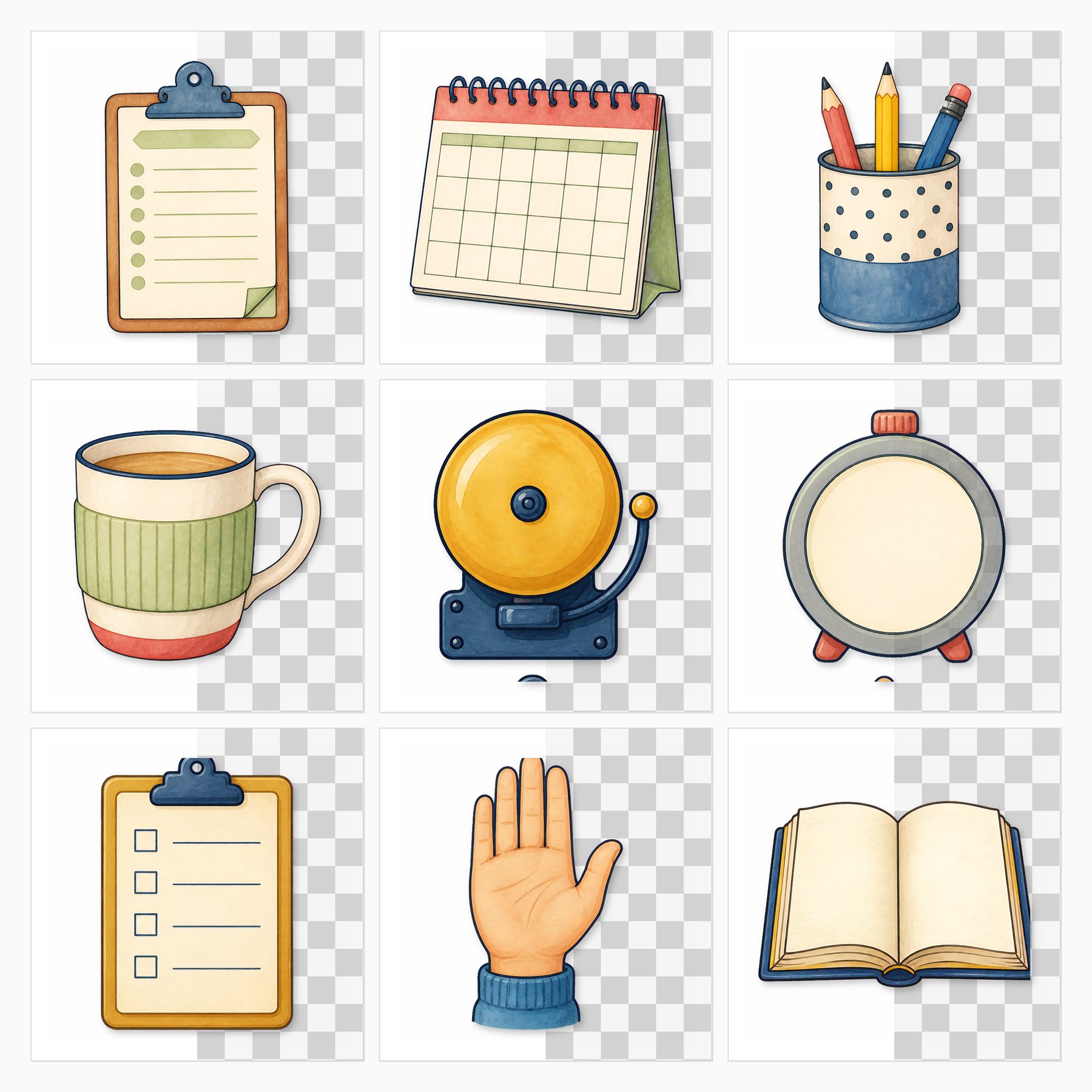
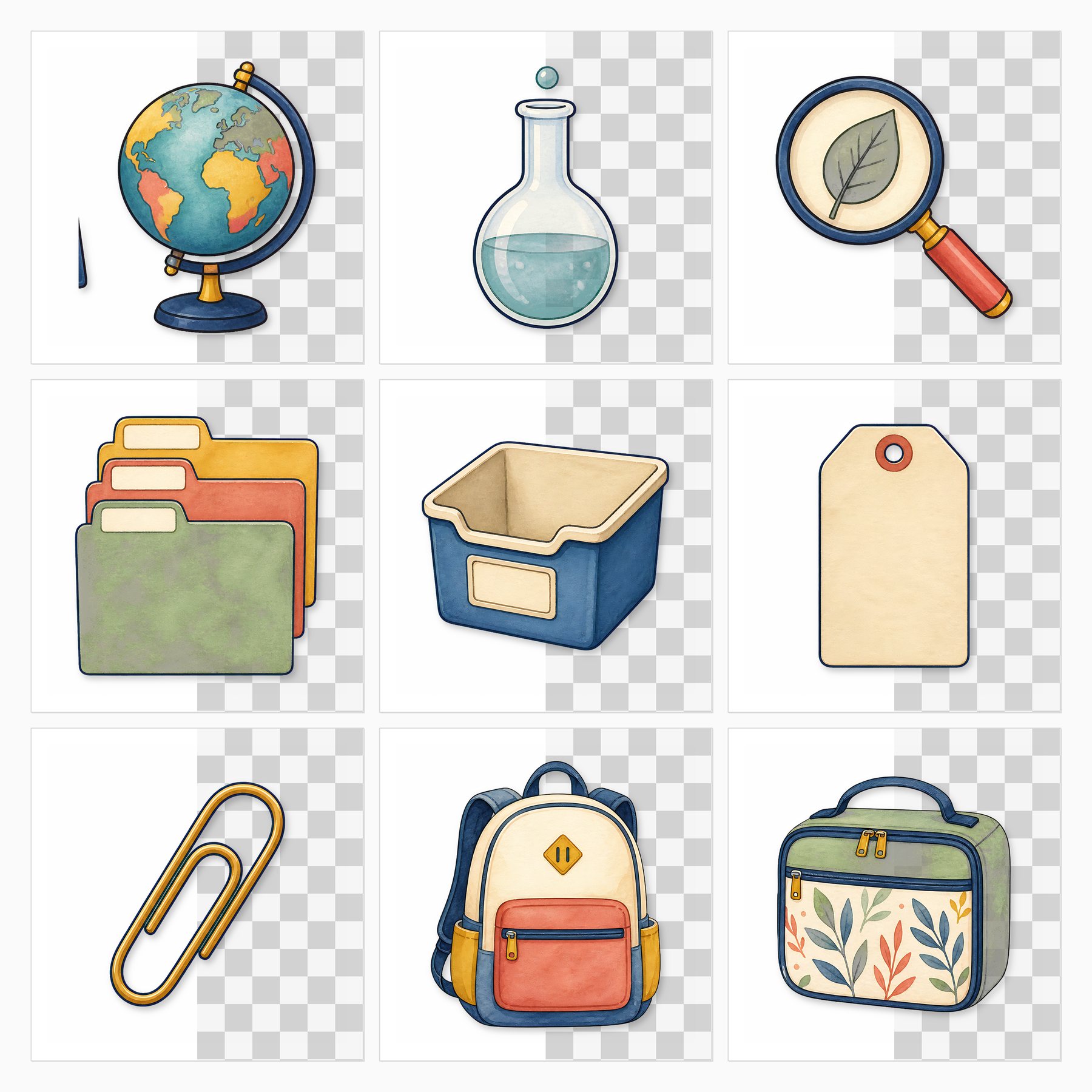
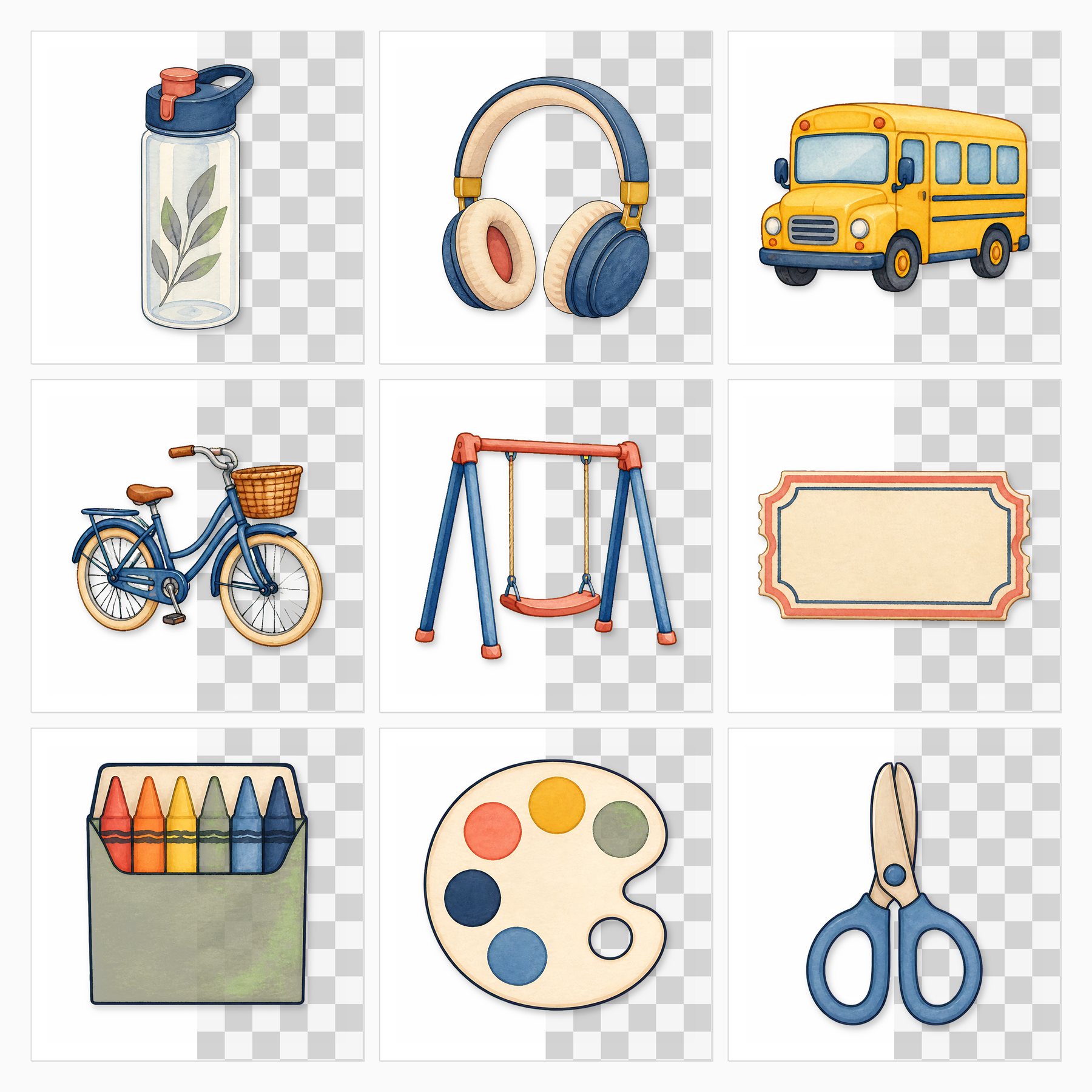
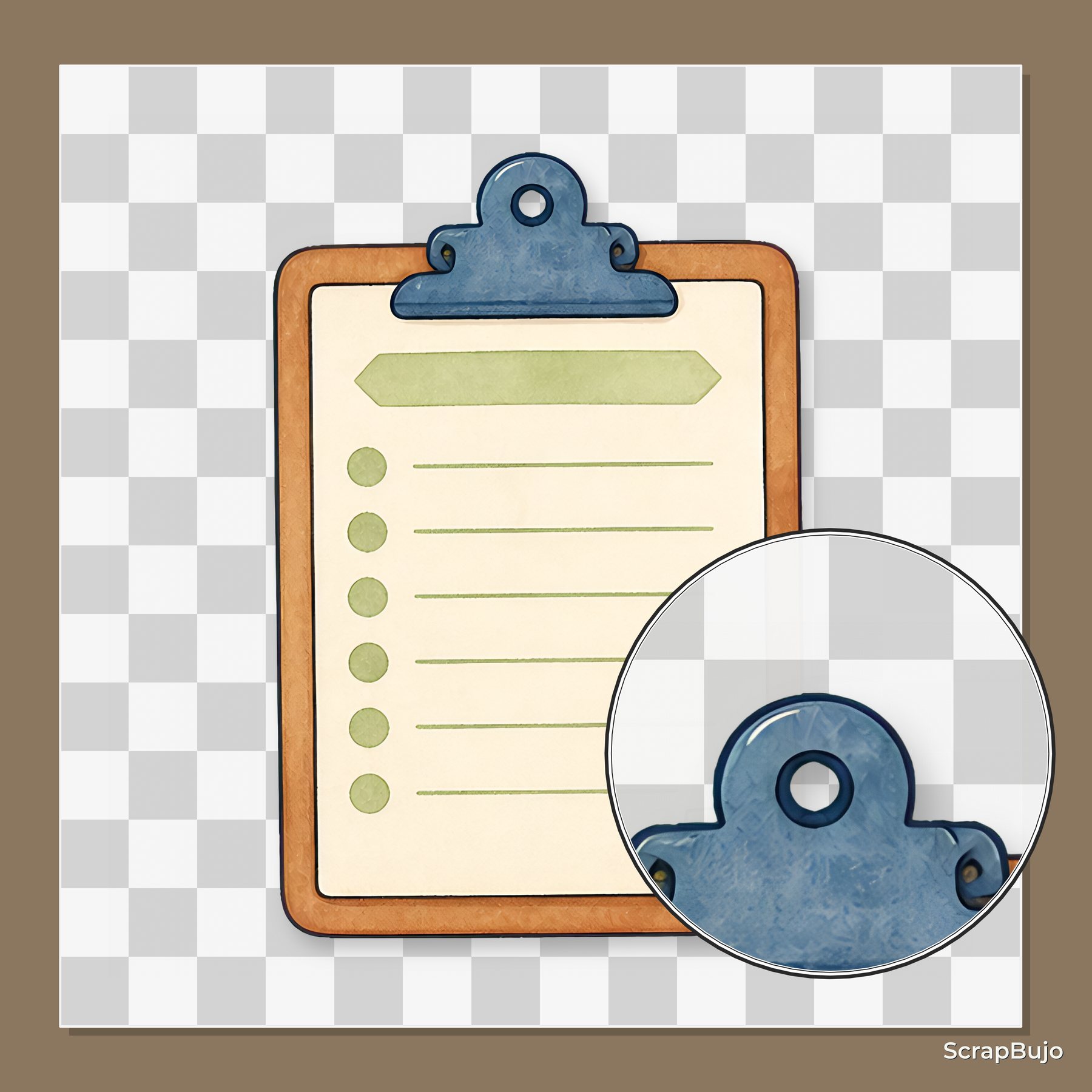
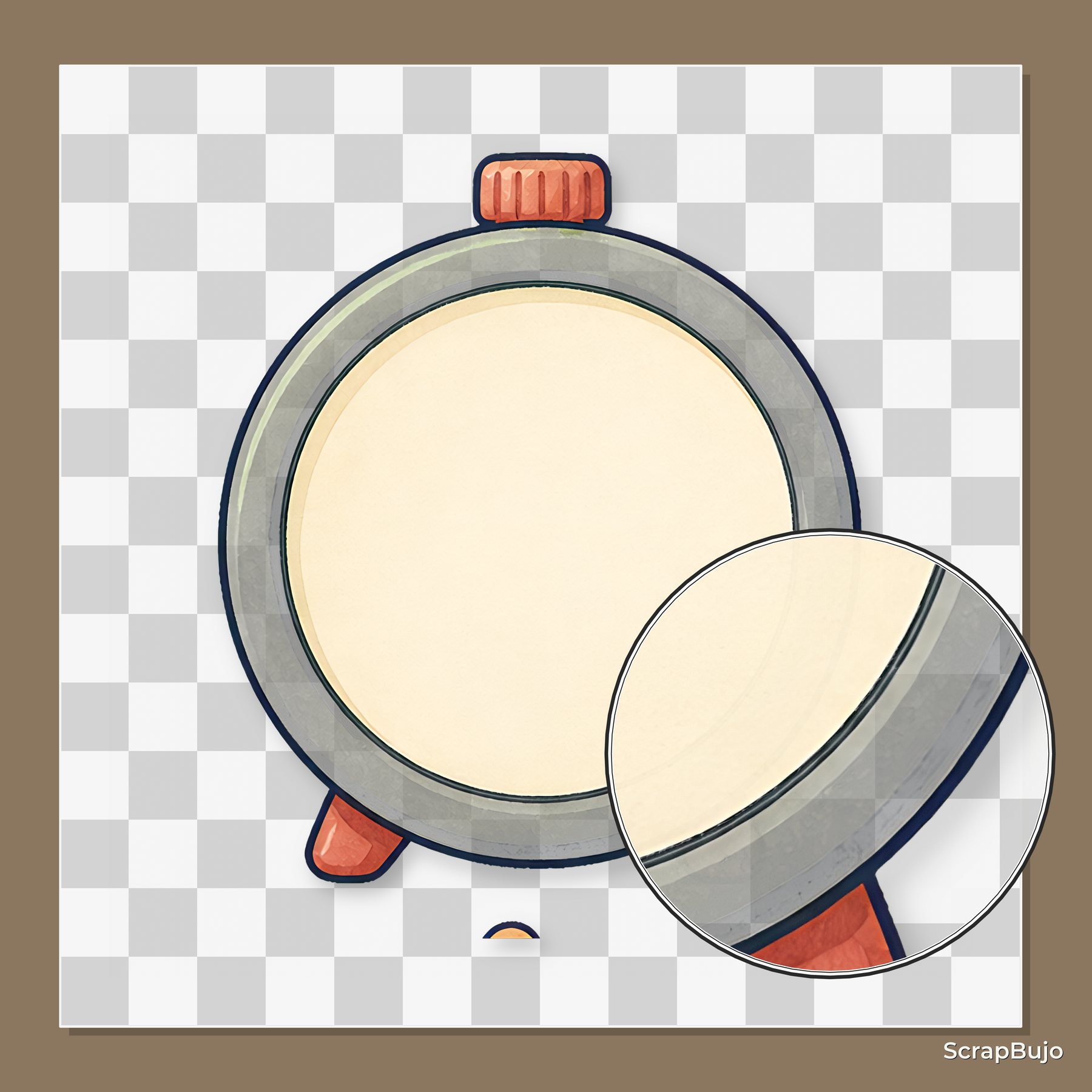
These are current ScrapBujo collection previews, not substitute artwork. They show the paper surfaces and formats discussed below.
Related free samples: Browse free printable samples before choosing a full pack.
Explore ScrapBujo digital collections
Explore the related digital collection
Review the collection previews and current file details before choosing a format.
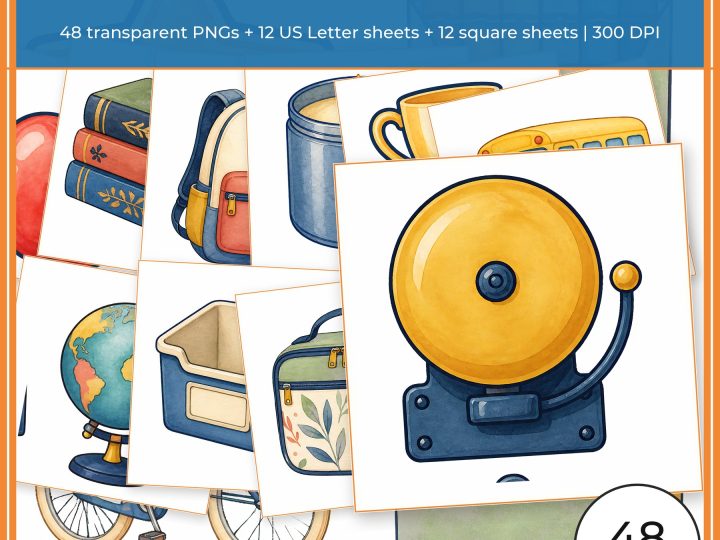
12×12 in 300 DPI Digital download
School & Kids
Back to School Classroom Clipart & Planner Sticker Kit
Build teacher planners, classroom pages and school crafts with 48 coordinated transparent PNG…
Each product page identifies its checkout, current price, and digital delivery details.