
How Etsy Digital Downloads Work: Purchase to First Print

Quick answer: Bought an instant digital download on Etsy? It’s available after Etsy confirms payment; a made-to-order download arrives after the seller finishes it. Open Etsy.com in a browser to download—Etsy’s app can’t download digital purchases. If you’re signed in, go to Your account → Purchases and select Download Files. Checked out as a guest? Use the download link in your receipt email. If your phone opens the Etsy app, switch back to your browser and open Etsy.com there.
How an Etsy digital download works
- Read the listing and confirm the file types, dimensions, resolution, license and included designs.
- Complete checkout on Etsy.
- Wait for payment confirmation; the download button can remain unavailable while payment is processing.
- Download every attached file from Etsy.com, or use the receipt-email link after guest checkout.
- Extract ZIP archives or open any instruction PDF before printing.
Is it safe to buy digital downloads on Etsy?
Before checkout, review the shop’s reviews and policies, and confirm the listing explains the files and license you’ll receive. Keep payment and messages on Etsy; never share your full card number, tax ID, or password by email, Etsy Message, or phone. Etsy Purchase Protection applies only to qualifying orders. If you need help, contact Etsy through its Help Center.
How to download Etsy digital files on your phone or computer
If you bought while signed in, open Etsy.com in a desktop or mobile browser, go to Your account → Purchases, find the order and choose Download Files. If you checked out as a guest, open the receipt email sent to the address used for the order and follow its download link. Check spam, Social and Promotions folders if the message is missing.
Etsy’s current process is documented in How to Download a Digital Item. The official help page also explains that downloads are not currently available inside the Etsy app.
On an iPhone, open Etsy.com in Safari, go to Your account → Purchases, open the order and tap Download Files. When Safari finishes, find the file in Files: check Browse → iCloud Drive → Downloads if that is Safari’s selected location; otherwise check On My iPhone → Downloads or the location shown under Settings → Apps → Safari → Downloads. Safari’s Downloads button beside the search field also lists recent downloads. See Apple’s iPhone download instructions and Safari download-location settings. Etsy downloads require a browser because the Etsy app cannot download digital purchases.
Already downloaded the file but cannot find it? Follow our step-by-step guide to finding Etsy files in the iPhone Files app.
On Android
If your Etsy download is a ZIP, save it from Etsy.com in your mobile browser, then use these steps:
- Find the ZIP. Check Chrome’s More → Downloads list or open your device’s Files app and look in Downloads. Folder labels and locations can vary by device and settings.
- Extract it. In Files by Google, open the folder containing the ZIP, tap the file and choose Extract.
- Open the files. Tap Done. The extracted files appear in the same folder as the ZIP; open those files rather than the ZIP itself.
Files by Google supports ZIP files; other file managers may use different labels or steps. Leave Delete ZIP file unchecked to keep the original archive. See Google’s ZIP instructions and Chrome’s download help.
Instant download versus made-to-order digital item
An instant download is a ready-made file released when payment is confirmed. A made-to-order digital item is completed by the seller after purchase and delivered later. ScrapBujo collection listings are instant digital downloads unless the individual Etsy listing explicitly states otherwise.
If the Etsy download is a ZIP file
Save the ZIP file to your device and extract it before opening individual JPG or PNG images. On most computers, double-clicking the archive or choosing Extract is enough. Do not print an image while it is still inside the compressed archive.
On iPhone, find the ZIP in Files and tap it once. Files creates a folder containing the extracted files; tap that folder to open it. Apple’s ZIP instructions for iPhone show the same steps.
How do I open the JPG papers after downloading?
A JPG (also written JPEG) is an image file. Extract the ZIP first, then open an individual paper in an image-viewing app, such as Microsoft Photos on Windows or Preview on a Mac. In Preview, choose File > Open and select the image. On iPhone or iPad, open Files, find the extracted JPG in Browse or Downloads, and tap it to view. To start a Procreate canvas from that JPG on iPad, tap Import in the Procreate Gallery and select the file; to add it to an existing canvas, tap Actions > Add > Insert a file. See Apple’s Files guide and Procreate’s image-import steps. The small PDF that contains a delivery link and the JPG paper itself are different files: follow the PDF’s link to download the papers, then open the downloaded images.
If the Etsy download is a PDF containing a link
Large collections may use a small PDF that contains the delivery link because marketplace attachment limits cannot hold the complete pack. Open the PDF, follow the stated link and save the collection to a folder you control. Keep the PDF with the original files because it may also contain license or support instructions.
Why does my Etsy download link say “You need access”?
If an Etsy delivery PDF links to Google Drive and you see an access message, the Google account you’re using may not have permission for that file. This message alone doesn’t show whether your Etsy payment went through.
- Check that you’re signed in to the Google account the seller shared the file with. If needed, switch accounts and reopen the link.
- If Google offers “Request access,” you can use it. The file owner can see the requesting account’s name and email; access depends on the owner’s settings and approval.
- If you can view the file but can’t download it, or still can’t open it, contact the seller through Etsy Messages. Don’t bypass the file’s sharing or download controls.
This applies to Google Drive links only; not every Etsy download uses Drive. See Google’s access help, Drive’s sharing settings, and Etsy’s download help.
Do Etsy digital downloads work differently in the US and Canada?
The download steps are the same for buyers in the United States and Canada: a digital item is accessed online and no physical package is shipped. Etsy controls the checkout currency, regional taxes, payment processing, and final order total. Always use the amount displayed at checkout rather than converting a price shown in a screenshot or an older article.
Buying through an AI shopping tool
Etsy says shoppers in the United States can buy some listings through ChatGPT, Gemini, Google AI Mode, or Copilot. This checkout is currently US-only, and not every Etsy listing is available through it. Check Etsy’s current instructions before relying on this route.
These orders go through Etsy as guest purchases and aren’t automatically linked to an Etsy account. For a digital item, the download link is in Etsy’s receipt email. To connect the order to an Etsy account, open that email, choose View Order, and sign in with the email address used at checkout. Etsy charges these orders in USD; coupons and gift cards can’t be used. Read Etsy’s current instructions for AI-tool purchases.
If you want to use an eligible Etsy coupon, use Etsy’s regular cart instead: sign in and choose Apply coupon code before checkout. Check ScrapBujo’s current offers and Etsy’s coupon instructions, because terms, eligibility and expiration vary; Etsy confirms the final discount. Keep your purchase and digital delivery on Etsy.
Organize the digital files before editing
Create a folder named with the collection and purchase date. Keep the original download unchanged and make copies for cropping, color adjustments or other permitted edits. Use the ScrapBujo file-organization guide for a reusable structure.
If an Etsy digital download will not open
If clicking Download Files does nothing, try Etsy.com in a standard browser. Etsy says browser add-ons can interfere; if you use non-standard extensions, test whether the download works with them temporarily turned off. If a downloaded file is reported as corrupted, delete that copy and download it again. If it still will not open, check the listing’s file type and software requirements, then contact the seller through Etsy Messages.
A ZIP download needs to be extracted before you open its contents. If your download is a PDF with a delivery link, open the PDF and follow its instructions; if the link or files still fail, contact the seller privately through Etsy Messages. Keep order details and download links out of public comments. Etsy’s download troubleshooting steps cover browser issues, corrupted files, ZIP extraction and support.
Frequently asked questions about Etsy digital downloads
Does Etsy mail a digital download?
No physical product is mailed. Etsy provides access to the digital files online, although a receipt and download link may also arrive by email.
Can I download an Etsy digital file in the app?
Not currently. Etsy directs buyers to Etsy.com in a mobile browser or on a computer.
What happens if I bought as a guest?
The receipt email contains the download link for an instant digital purchase. Use the same email account used during checkout.
To add the order to an Etsy account, open the receipt email from [email protected] and choose View your order. Sign in to Etsy.com or create an account using the same email address you used at checkout; Etsy will add the order to Your account → Purchases and reviews. You can’t connect a completed guest order in the Etsy app. See Etsy’s guest-order instructions.
Can I download an Etsy digital file again?
Generally, yes. Etsy says there is no set limit on when or how many times you can download a file. In most cases, you can return to Purchases and download it again as long as the transaction has not been canceled or removed. See Etsy’s current download instructions.
Why is the Download Files button gray?
Etsy states that the button remains unavailable while payment is still processing. If the problem continues after confirmation, use Etsy Messages or Support.
Can I share an Etsy digital download with a friend?
For a ScrapBujo purchase, you may use a paid collection to make a handmade gift, but you may not share, resell, or give away the digital files. Free samples are for personal use only. If you want your friend to see the designs, send the public collection page or free-sample page instead. Read the ScrapBujo license.
Source note: These ScrapBujo collection pages and linked Etsy listings were checked on October 14, 2026. The collection pages list file formats and resolution; Etsy shows the current listing titles, file types and dimensions. The previews show the listed designs, not print results; actual output depends on your printer, paper and settings. Check Etsy for current price, taxes, availability, delivery and promotions.
Collection previews used in this guide
These are current ScrapBujo collection previews, not substitute artwork. They show the paper surfaces and formats discussed below.


Juan’s ScrapBujo Design Team
Advice and questions
Ask a follow-up or share what you are trying to make. Replies appear after moderation.
Ask a question or reply
Explore ScrapBujo digital collections
Digital paper collections made for printing
Compare coordinated 12×12 papers, confirm the file specifications on ScrapBujo, and then visit Etsy for the current listing details.
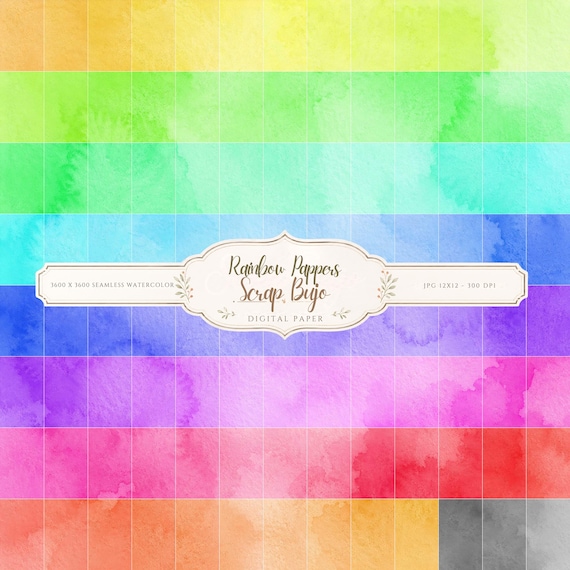
12×12 in 300 DPI Digital download
Coloring & Printables · Pastel & Watercolor
Pastel Watercolor Digital Paper Pack, Soft Rainbow Colors, Scrapbook
Bring soft color and handmade texture to your creative projects with this Pastel…
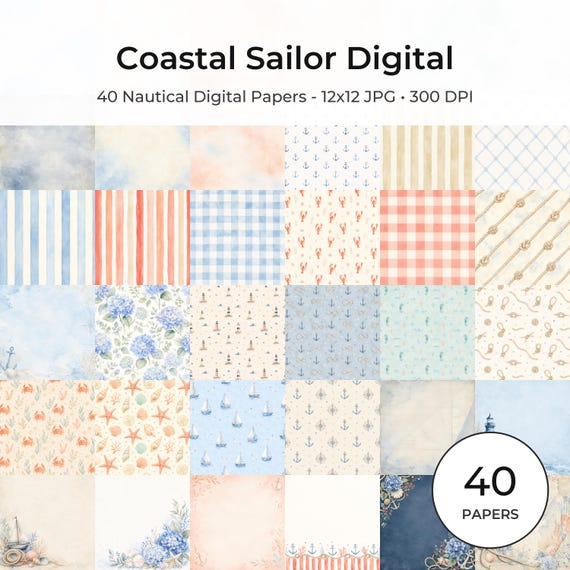
12×12 in 300 DPI Digital download
Coastal & Summer · Pastel & Watercolor
Nautical Digital Paper Pack, Watercolor Coastal Scrapbook Pages (12×12
Bring a fresh coastal touch to your creative projects with this nautical digital…
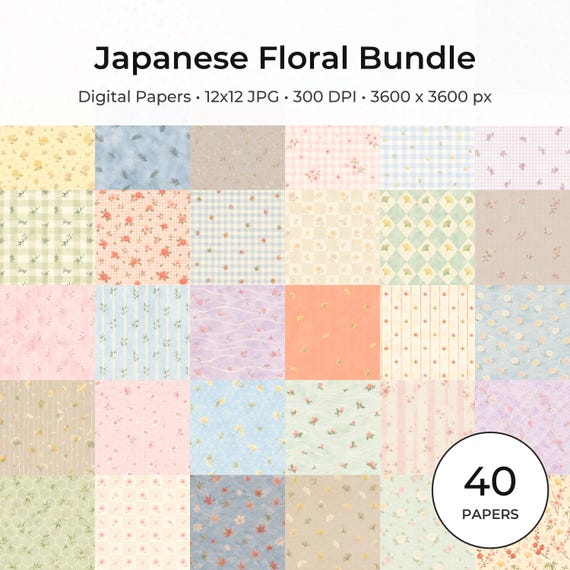
12×12 in 300 DPI Digital download
Coloring & Printables · Floral & Botanical
Japanese Floral Digital Papers Bundle
Bring timeless Japanese elegance into your creative projects with this premium bundle of…
Each product page identifies its checkout, current price, and digital delivery details.
ScrapBujo DT advice
Finding Etsy files on a phone
If you bought a digital file on your phone, open Etsy.com in a browser rather than looking for the download inside the Etsy app. Signed-in buyers can check Purchases; guest buyers can use the receipt email. If the delivery is a ZIP, extract it before opening the individual designs. Please ask here without sharing an order number or private link.
Read the official download help