
How to Organize Digital Scrapbook Paper Files

A digital paper library becomes difficult to use when files are organized only by download date. A simple theme-and-source system helps you find the right paper, preserve original files, and remember the license attached to each collection.
Keep one untouched original folder
Create a folder for each collection and place the original download inside it. Do not crop, rename, or overwrite those files. Make a separate Working Copies folder for edited versions.
Use a predictable name
A useful format is Brand – Collection – Main Theme. For example: ScrapBujo – Baby Safari – Watercolor. Consistent names make operating-system search much more effective.
Add four subfolders
- Papers: JPG or PDF background designs.
- Elements: individual decorative files such as PNG clipart, labels, and cards. Keep printable cutout sheets separate; a PNG extension alone does not establish transparency. See our guide to PNG die cuts and printable fussy-cut sheets.
- Documents: license, instructions, and the Etsy receipt.
- Working Copies: cropped, resized, or color-adjusted files.
Keep a contact sheet
A contact sheet is a single page showing small previews of the entire pack. It lets you compare designs without opening dozens of files. Some collections include one; otherwise, most photo-management applications can create a simple grid. For a focused example using one bundle, our 113-paper Christmas collection guide walks through making a project shortlist and index while keeping original filenames intact.
Tag by use, not only appearance
A paper can be botanical and also useful for weddings, junk journals, or card making. Add searchable keywords to the folder name, file tags, or a small catalog spreadsheet. Useful tags include 12×12, US Letter, 300 DPI, nursery, floral, neutral, and commercial license.
Back up in two places
Keep one local copy and one separate backup, such as an external drive or trusted cloud storage. A synchronized folder is convenient, but synchronization is not the same as a historical backup if accidental deletions are immediately copied everywhere.
Choosing where to keep your library? Our cloud storage guide for scrapbook collections explains how to test pCloud, check download limits, and keep an independent backup before moving files.
Never separate the license
Keep usage terms inside the collection folder. Months later, visual memory will not reliably tell you which files allow commercial use or require attribution.
When adding a new pack, start with the exact Etsy delivery files described in our download guide. Browse the ScrapBujo catalog when you are ready to expand your library intentionally.
Source note: The collection facts and preview images in this article were checked against the ScrapBujo catalog on 2026-08-14. The examples are product previews; they do not replace a print test.
Collection previews used in this guide
These are current ScrapBujo collection previews, not substitute artwork. They show the paper surfaces and formats discussed below.


Juan’s ScrapBujo Design Team
Advice and questions
Ask a follow-up or share what you are trying to make. Replies appear after moderation.
Ask a question or reply
Explore ScrapBujo digital collections
Digital paper collections made for printing
Compare coordinated 12×12 papers, confirm the file specifications on ScrapBujo, and then visit Etsy for the current listing details.
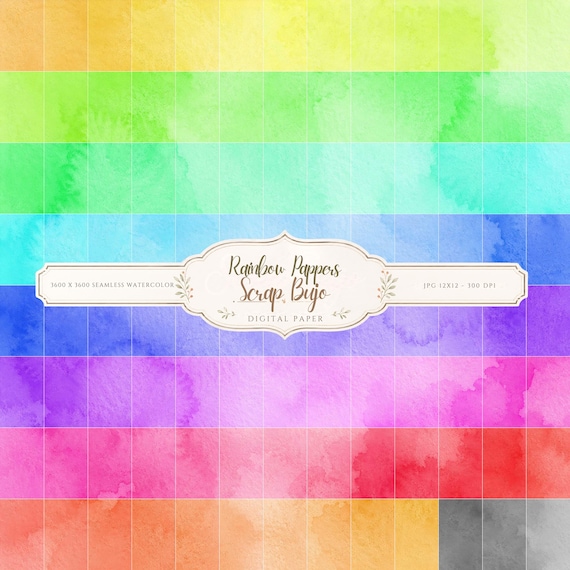
12×12 in 300 DPI Digital download
Coloring & Printables · Pastel & Watercolor
Pastel Watercolor Digital Paper Pack, Soft Rainbow Colors, Scrapbook
Bring soft color and handmade texture to your creative projects with this Pastel…
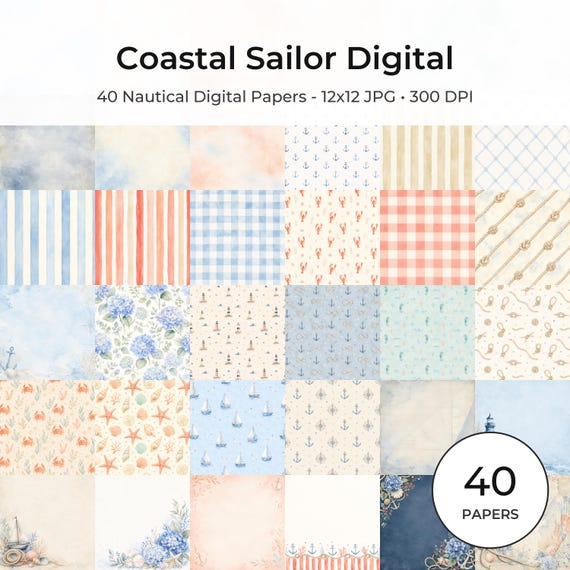
12×12 in 300 DPI Digital download
Coastal & Summer · Pastel & Watercolor
Nautical Digital Paper Pack, Watercolor Coastal Scrapbook Pages (12×12
Bring a fresh coastal touch to your creative projects with this nautical digital…
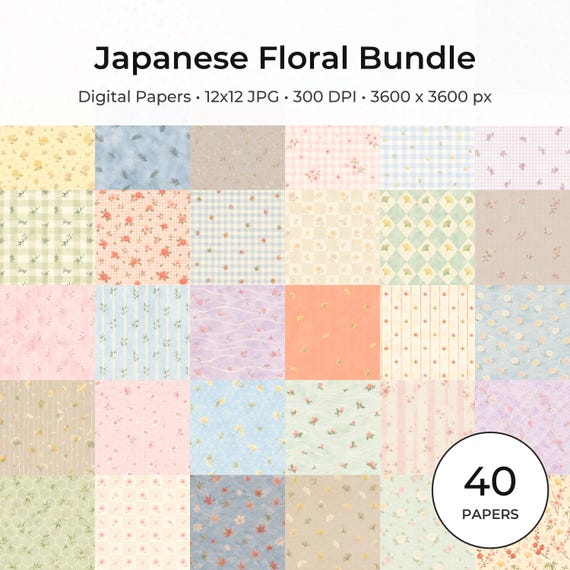
12×12 in 300 DPI Digital download
Coloring & Printables · Floral & Botanical
Japanese Floral Digital Papers Bundle
Bring timeless Japanese elegance into your creative projects with this premium bundle of…
Each product page identifies its checkout, current price, and digital delivery details.
ScrapBujo DT advice
Keep an untouched copy of each download
Save the original delivery in a folder named for the collection and keep edits in a separate Working Copies folder. This makes it easier to find the correct design, recover a cropped file and keep the license with the collection. Extract ZIP files before sorting the individual papers.
Read the download help