
How to Organize a 113-Paper Christmas Collection
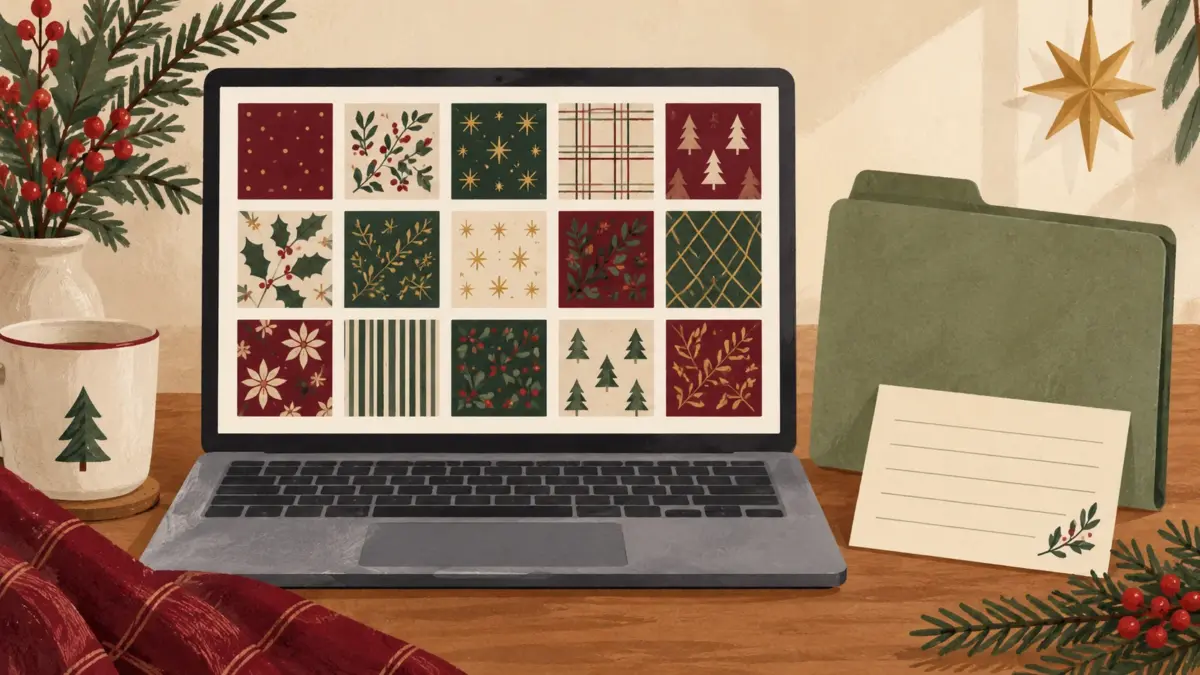
Quick answer: Organize one large Christmas paper bundle around one project: keep the original download intact, make your own contact sheet with original filenames visible, then shortlist six to eight papers and note each paper’s role.
Header image: AI-generated illustrative organization mockup; not a contact sheet included in the download or a physical print test. The patterns shown are generic examples, not product previews.
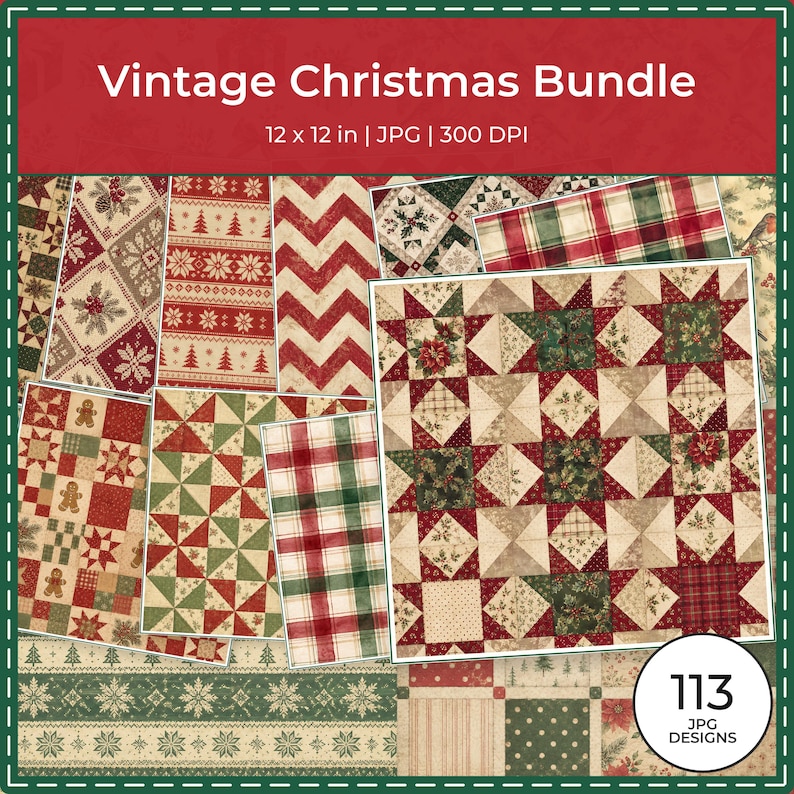
The Vintage Christmas collection page lists 113 JPG papers at 3600 × 3600 pixels (12 × 12 inches at 300 DPI). This guide uses those listing details; the downloadable files were not inspected. You’ll make the contact sheet and index yourself.
Keep this to one bundle and one project
Choose the next page or small set of pages first, such as a holiday recipe, a family photo, or a short seasonal note. You do not need to sort the entire bundle or reorganize your whole digital library before you begin. Keep the source download unchanged and work from copies or previews.
Build a project shortlist by role
An optional six-to-eight-paper shortlist can keep the choices manageable for one project. You might choose one focal paper, two or three quieter options with room for writing, one or two textures, and an optional accent. Decide each role from your layout: the same paper could be focal on one page and a quiet background on another.
Compare the shortlist visually with a contact sheet you create from thumbnails. Keep the exact original filename readable beside each one. If a preview truncates filenames, connect each thumbnail to the full name in your own file list. Do not rename the source files to make the sheet easier to scan.
Use a small index to find papers again
For a small three-page set, your own index could record entries like these. For each entry, copy the selected file’s original name from your file list into “What to record.”
| Page | Paper role | What to record |
|---|---|---|
| Recipe | Quiet background | Copy your selected file’s original name; note that it leaves room for the recipe title and notes. |
| Photo | Focal | Copy your selected file’s original name; note how you plan to use it with the main photo. |
| Short memory note | Quiet or texture | Copy your selected file’s original name; note where you want open space for writing. |
Keep the index tied to the files you actually selected. You can reuse a filename in more than one row when a paper serves different roles in different layouts. A one-project index is enough; you can leave the rest of the bundle untouched until another project calls for it.
Keep the source and sharing terms clear
Save the original download and applicable license information as your source record. Before sharing any digital files, check the license terms. Organizing a private index does not change those terms.
Frequently asked questions
Can one paper have more than one role?
Yes. Mark its role for the project in front of you. A design used as the focal surface on one page can be a quieter background in a different layout.
Should I rename the original files?
No. Keep downloaded filenames unchanged and add your own labels or notes in the project index.
Can I send the digital bundle or its contact sheet to someone else?
Check the applicable license before distributing digital copies. Organizing a private index does not itself grant permission to share the source files or previews.
For broader file preservation, folder naming, contact sheets, tags, backups, and license records, see the ScrapBujo guide to organizing digital scrapbook paper files. Browse the complete ScrapBujo catalog or return to the Vintage Christmas collection page for current listing details.
Source note: The collection facts and preview images in this article were checked against the ScrapBujo catalog on 2026-08-14. The examples are product previews; they do not replace a print test.
Collection previews used in this guide
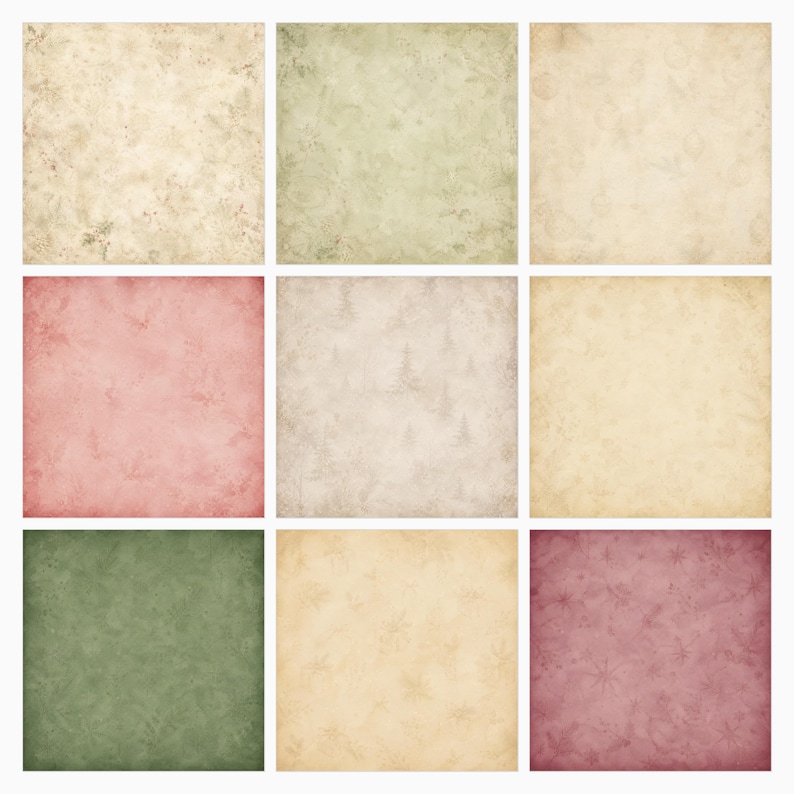
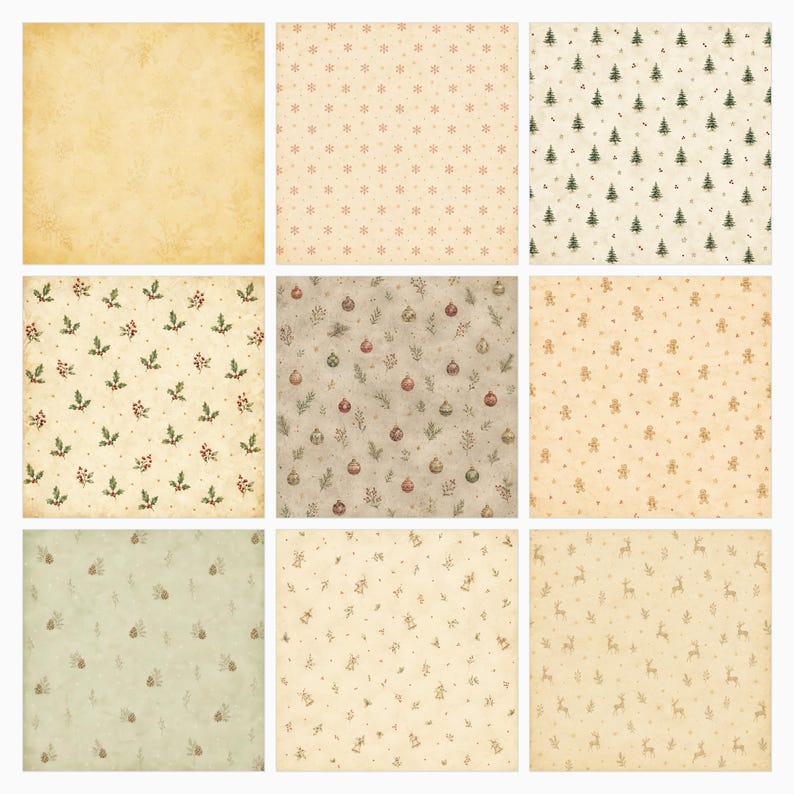
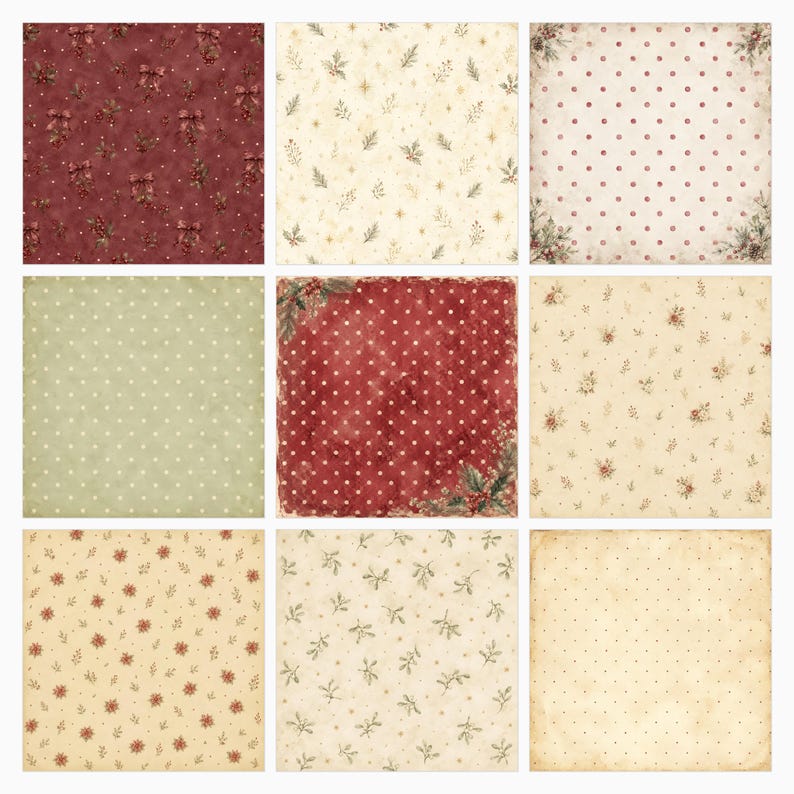
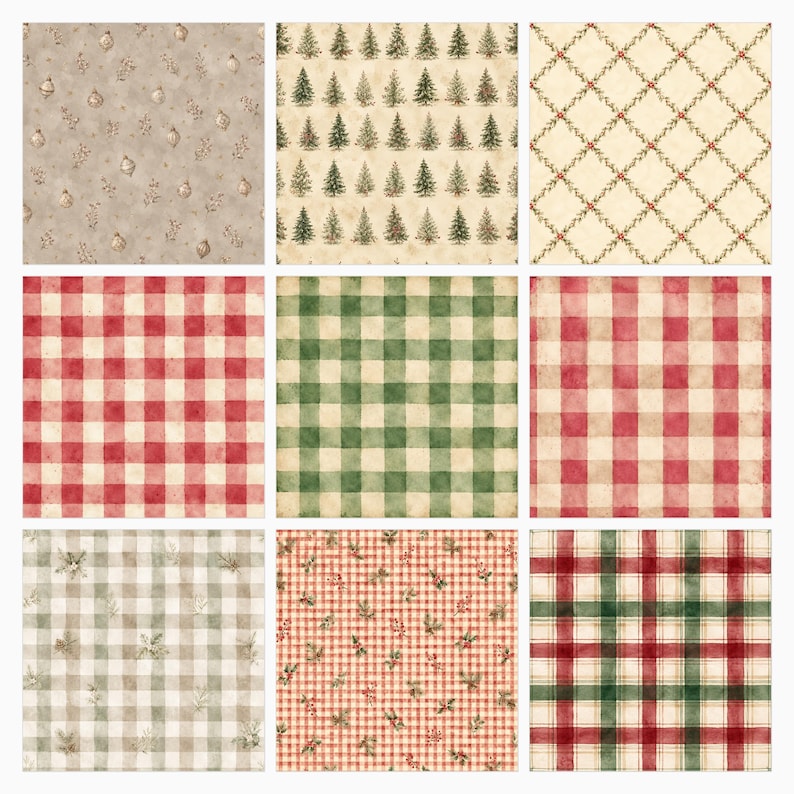
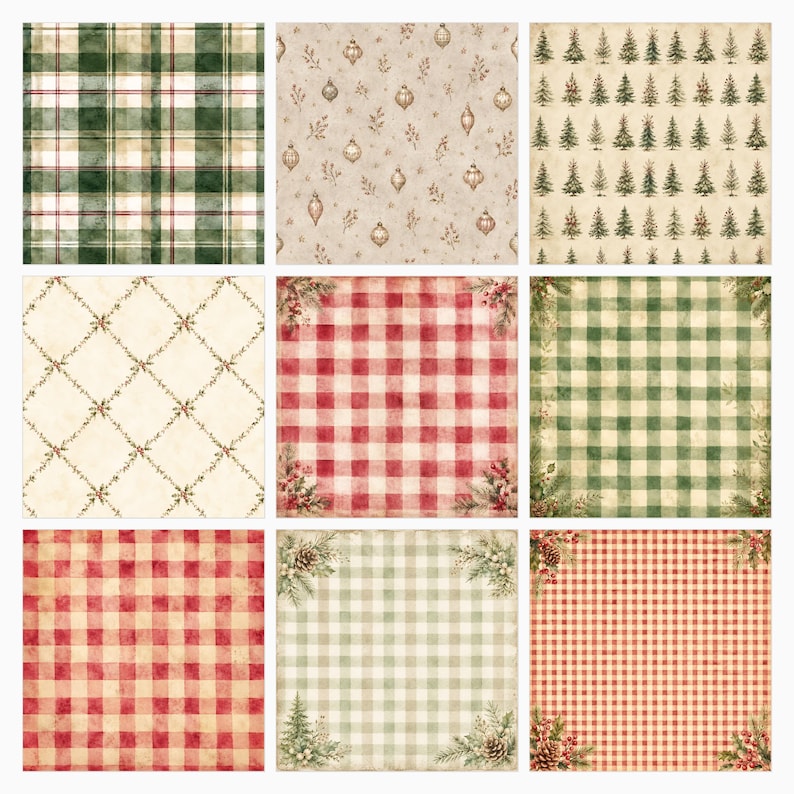
These are current ScrapBujo collection previews, not substitute artwork. They show the paper surfaces and formats discussed below.
Explore ScrapBujo digital collections
Digital paper collections for your next project
Explore coordinated digital collections on ScrapBujo, compare formats, and follow the checkout shown for the product you choose.

12×12 in 300 DPI Digital download
Digital Scrapbook Papers · Seasonal & Holidays
Aurora Ribbon Christmas: 40 Abstract Scrapbook Papers
40 coordinated abstract Christmas and winter scrapbook papers in 12 × 12 inch…

12×12 in 300 DPI Digital download
Digital Scrapbook Papers
Alpine Knit Winter — 40 Digital Scrapbook Paper Designs
40 alpine winter paper designs in 12 × 12 inch and US Letter…
12×12 in 300 DPI Digital download
Digital Scrapbook Papers
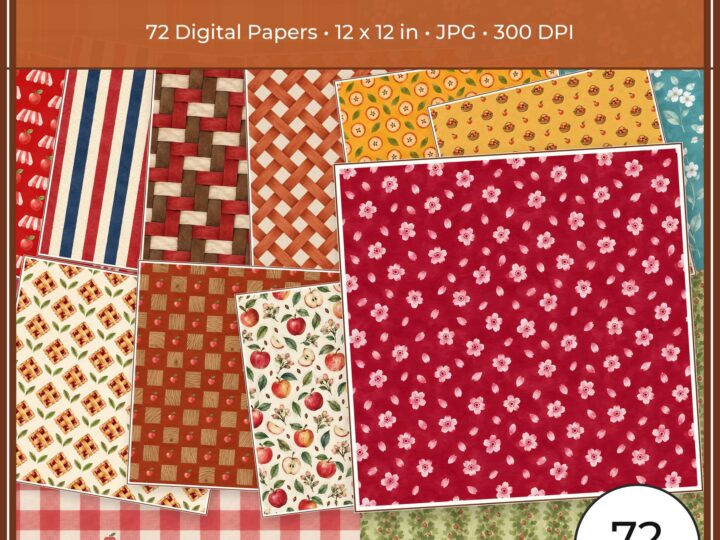
Apple Orchard & Cider Harvest Digital Papers
Build an apple-picking scrapbook page, journal entry or recipe card with 72 square…
Each product page identifies its checkout, current price, and digital delivery details.