
How to Print 12×12 Scrapbook Pages: Home Printer or Print Shop?
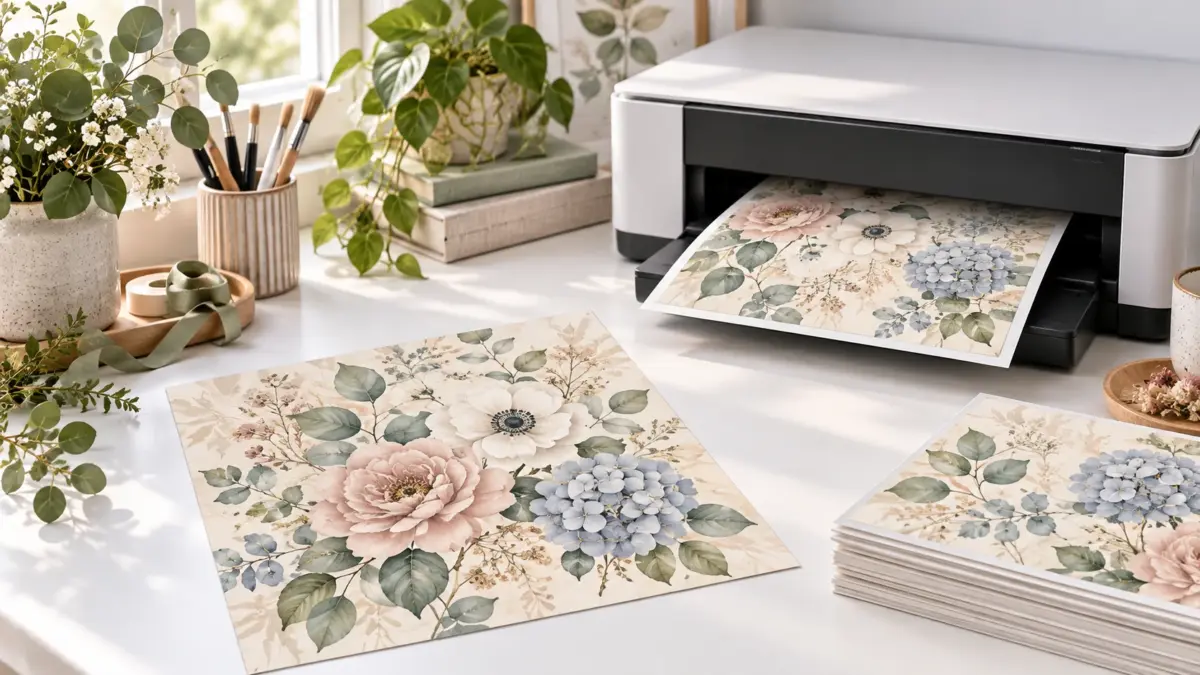
Quick answer: To print a true 12×12 digital scrapbook page at home, use a wide-format photo printer that explicitly accepts 12×12-inch paper, or at least 12-inch-wide custom media. A standard US Letter printer cannot produce a full 12 by 12 inch scrapbook print in one piece. If you print only occasionally, a local or online print service is usually the more economical route.
Need to digitize a physical scrapbook page first? Read our guide to scanning 12×12 scrapbook pages; this article covers printing downloaded digital paper.
About the featured image: It is an AI illustration, not a physical print test or a demonstration of an actual printer or product.
What kind of printer prints 12×12 scrapbook pages?
The best type of printer for 12×12 scrapbook pages is a 13-inch wide-format inkjet with a rear or manual feed and documented support for square 12×12 media. Do not assume every printer marketed as “wide format” supports this exact size or borderless mode. Check the manufacturer specification for accepted dimensions, feed path, media weight and printable margins before buying.
Epson’s US XP-15000 specifications list 12 × 12-inch paper as a supported size, but not among the listed borderless sizes. Its support page also omits 12 × 12 from the single-sheet size list. Check Epson’s product specifications and paper specifications; because the lists differ, confirm the exact paper and feed setup with Epson, and don’t assume borderless output.
As one current specification example, Canon lists 12×12 square and 13×19-inch media among the supported sizes for its PIXMA PRO-200S. That does not make one model universally best: ink cost, cardstock handling, available desk space and how often you print matter just as much. See the official Canon specifications and verify the current model available in your country.
Choose the right 12×12 printing route
| Printing route | Best when | Important check |
|---|---|---|
| 13-inch wide-format home printer | You print scrapbook pages frequently and want control over paper and color. | Confirm 12×12 media support, feed path, margins and paper weight. |
| Local print shop | You need a small number of full-size pages without buying equipment. | Request 12×12 at 100% scale and ask whether the file will be cropped. |
| Online scrapbook print service | You want photographic output delivered and can wait for shipping. | Check square size, color correction and automatic cropping. |
| US Letter or A4 home printer | A smaller page, crop or tiled print is acceptable. | A full 12×12 page cannot fit on one Letter or A4 sheet. |
Two Amazon-linked 12×12 printer options, plus an older Canon craft example
The PRO-200S and ET-8550 below are the two Amazon-linked options. The older TS9520a / TS9521C craft example links only to Canon manufacturer information; it is not a current purchase recommendation.
These printers suit different scrapbook workflows. Compare current specifications, availability and price before buying; ScrapBujo does not publish a fixed Amazon price.
A note from Juan: I still use an older Epson WF-7210. If you’ve recently compared wide-format printers for 12×12 scrapbook pages, I’d love to hear which current model you’d consider as a replacement. And if anyone at Epson has a suggestion, I’d be glad to hear it.
Canon PIXMA PRO-200S: documented support for 12×12 paper
The Canon PIXMA PRO-200S is the clearer choice when exact square-paper support and photo output are the priorities. Canon’s current specifications explicitly list both 12×12-inch square paper and media up to 13×19 inches. It uses an eight-color dye-ink system and includes top and manual feed paths. Always confirm the paper type and weight you intend to use in the official Canon specifications.
Check Canon PRO-200S on Amazon USA (paid link)
Epson EcoTank Photo ET-8550: refillable ink for frequent printing
The Epson EcoTank Photo ET-8550 is worth comparing when you print frequently and prefer refillable ink tanks. Epson documents a six-color ink system, printing up to 13×19 inches and support for specialty media through its rear feed. However, Epson’s current list of supported borderless sizes does not include 12×12. Treat it as a custom-size option with margins unless Epson confirms borderless 12×12 for your operating system, driver and paper. Review the official Epson specifications before purchasing.
Check Epson ET-8550 on Amazon USA (paid link)
Can the Epson EcoTank Photo ET-8500 print 12×12 paper? Epson’s supported sheet sizes for the ET-8500 top out at 8.5 inches wide; the 11 × 17, A3 and A3+ sizes shown on the same specification are marked as ET-8550-only. Epson does not list 12×12 as a standard sheet size for either model, so do not assume the ET-8550’s 13×19 maximum guarantees square or borderless 12×12 output. Check Epson’s supported paper sizes for your exact model and region before buying.
Older Canon PIXMA TS9520a / TS9521C: a documented craft example
Canon’s TS9520a specifications list 12×12 among its supported borderless sizes. Canon USA now marks the TS9520a as discontinued and no longer available. Canon Canada’s 2018 TS9521C announcement describes 12×12 printing, including cardstock, but I could not verify current retail availability for the TS9521C through Canon Canada’s public shop. Treat these as older documented craft models, not current purchase recommendations. If you are considering an existing or used unit, confirm the exact model, paper compatibility, driver settings, support and availability with Canon or the seller. Canon’s TS9500-series manual specifies 12×12 cardstock as one sheet in the rear tray; it does not guarantee that every scrapbook paper, coating, thickness, operating system or driver setting will work. Test one sheet and check the print preview; borderless output may trim the edges.
Simple comparison: choose the PRO-200S when documented square-paper support and photo output are priorities. Compare the Epson when refillable ink and frequent wide-format printing matter more, while accepting the borderless 12×12 limitation. The TS9520a / TS9521C are older documented craft examples, not current purchase recommendations.
12×12 printing in the United States and Canada
Printer model names and availability can differ by country, so verify the regional manufacturer page before buying. Canon USA and Canon Canada both list 12×12 square media for the PIXMA PRO-200S. If you use a print shop, ask for a 12 by 12 inch finished print at 100% scale, no automatic cropping, and a proof when color is critical.
- Canon USA PIXMA PRO-200S support and specifications
- Canon Canada PIXMA PRO-200S product specifications
What should I ask Staples Canada before printing a 12×12 page?
Staples Canada’s printing information describes a 0.24-inch white border for document printing and lists wide-format printing separately, up to 24 × 36 inches. That doesn’t confirm a trimmed 12 × 12 loose page, full-bleed output or a particular scrapbook paper stock. Before uploading a finished square, ask whether they can print it at 100% on a larger sheet and trim it to 12 × 12; what finish and nonprinting margins apply; whether you can order one proof; and what the current quote is.
Five checks before buying a 12×12 printer for scrapbooking
- Supported paper size: Look for 12×12 square or a custom width of at least 12 inches in the official manual.
- Feed path: A rear or manual feed is useful for specialty matte paper and heavier media.
- Borderless support: A printer may accept 12×12 paper without offering a borderless 12×12 print.
- Media weight: Compare the paper or cardstock weight with the manufacturer limit.
- Running cost: Estimate ink, cleaning cycles, paper and occasional maintenance rather than comparing purchase price alone.
Check the digital scrapbook file before printing
A high-resolution 12×12 file at 300 DPI is normally 3600 by 3600 pixels. Check the listing for dimensions, resolution, file type and download instructions. JPG is common for digital paper; PDF may contain several printable pages; PNG is often used for transparent clipart. Use the ScrapBujo print-size and DPI calculator when the pixel dimensions differ.
Use 100% or Actual Size for a true 12×12 print
“Fit to page” normally reduces a 12×12 design to the printable area of the selected paper. For true size, select 100% or Actual Size and verify the preview. Borderless printing may enlarge and crop a small amount at the edges, so check important details before printing the full page. Our guide to borderless printing vs. Actual Size explains how edge-to-edge output can affect dimensions.
Print a 12×12 PDF on larger paper, then trim
If your printer supports loading a 13×19-inch sheet, a PDF whose page size is 12×12 inches may print on it with extra paper to trim. Check the PDF’s page size; JPG pixel dimensions alone do not establish physical print size. In print settings, select the loaded 13×19 sheet manually so the app does not choose a tray from the PDF’s 12×12 page size.
Select 100% or Actual Size and check the preview. Actual Size does not scale the page, so edges can still clip if the printable area is too small. Print a plain-paper proof and measure the square before trimming. A printer that accepts 13×19 stock is not guaranteed to feed 12×12 sheets or print borderless. Adobe explains Actual Size, Fit, and choosing paper from PDF size.
WF-7210 on Windows: add a custom paper size
For paper your printer supports, Epson documents this Windows driver path:
- In your app’s print window, choose the WF-7210 and open Properties or Preferences.
- On the Main tab, choose User-Defined from Document Size.
- Name the preset and enter the loaded sheet’s width and height, checking the displayed units.
- Save it, confirm with OK, then select the saved size for your print job.
A 12-inch side is 304.8 mm. Enter a 12 × 12 preset only if that size, paper and feed path are supported. If you loaded 13 × 19-inch paper for a 12 × 12 PDF, select the larger sheet size instead.
User-Defined may not appear for every Paper Source. A saved size does not enable borderless printing or make unsupported paper compatible. Check Epson’s WF-7210 Windows instructions for the documented menu steps.
Choose paper for the finished scrapbook page
Matte presentation paper gives clean color for scrapbook backgrounds without the glare of glossy photo paper. Heavier cardstock adds structure for covers and cards but may not feed through every printer. Ordinary copy paper is useful for drafts, collages and test prints. Always run one small test before using expensive specialty media. If you are choosing paper for a cover or card, our guide to paper weight for printable scrapbook and junk journal pages explains what to compare with your printer’s limits.
Questions to ask before ordering a 12×12 print
Before paying, confirm how the service handles the exact file and finished sheet. Policies vary by provider and order, so use these questions to clarify the details rather than assume a standard option.
- What will the finished, trimmed sheet measure, and will it fit a 12-inch page protector after trimming?
- Which file dimensions and format do you require, and what bleed and safe area should I leave? These requirements are not universal.
- Will the service crop the artwork or apply automatic color correction? Can those settings be changed?
- What paper finish is available, and can I order one proof before printing more?
- What is the delivered total, including shipping and taxes, and what turnaround time should I expect?
For example, PrestoPhoto lists 12.25 × 12.25-inch PDF uploads for its 12 × 12-inch loose pages. That’s one provider’s specification, not a universal bleed rule, so confirm the current dimensions and trim instructions for the exact product you order.
A print-shop message you can adapt
Before you share a paid design file, check its specific license for third-party print-service use.
I’d like a finished 12 × 12-inch scrapbook page on [regular or uncoated paper / cardstock, if available]. Can your equipment handle that size and stock? What file format and color mode do you prefer, and what bleed, trim, and safe-area settings should I use? I want to avoid unexpected Fit-to-Page resizing or cropping; should I submit at 100%/Actual Size or another scale? Can I order one proof to check the size and color?
Can I print a 12×12 scrapbook page at Walgreens?
Walgreens Photo currently lists a 12×12 Designer Print on glossy or matte photo paper. It is a photo print, not necessarily scrapbook paper or cardstock. Review the crop preview and confirm current product options and availability before ordering.
Frequently asked questions about 12×12 scrapbook printing
Can a regular printer print 12×12 scrapbook pages?
Not at full size on one sheet unless the printer accepts paper at least 12 inches wide. On Letter or A4, you can scale the whole square smaller, crop the edges or split it across sheets; our guide to printing 12×12 digital paper on Letter or A4 without distortion compares those options.
Can you print on scrapbook paper?
Sometimes, if your printer supports that specific paper. Printing a digital scrapbook-paper design means printing it onto blank paper your printer supports. Feeding a sheet that already has a pattern through the printer is a different question: check both the paper maker’s printing guidance and your exact printer manual for that paper’s size, surface, thickness or weight, and feed path. If either says the stock is unsupported, don’t feed it through. Once compatibility is confirmed, test one sheet before printing a batch.
If you want words on a patterned page, a plain journaling block can keep them easy to read. For printed text, print the block on blank stock your printer supports, then add it to the page; this avoids asking the printer to handle the already-patterned sheet. For handwriting, first check that your pen works on that paper.
Do I need a 12×12 printer for scrapbooking?
No. A print service is practical for occasional full-size layouts. A wide-format home printer becomes more useful when you print frequently and want to test different papers and color settings.
What resolution should a 12×12 digital scrapbook page have?
For a 12×12-inch print at 300 DPI, use 3600 by 3600 pixels. Lower-resolution files may still work for textured artwork or smaller prints, but fine details can become softer.
Where can I find 12×12 digital scrapbook pages to print?
Browse ScrapBujo 12×12 digital paper collections or try the free printable samples before choosing a complete Etsy pack.
Continue with the ScrapBujo printing and digital paper guides
Choose another published guide for the software, file or print problem you are solving.
- 12×12 vs US Letter Digital Paper: Which Size Is Best?
- How to Print 12×12 Digital Paper on Letter or A4 Without Distortion
- What Does 300 DPI Mean for Printable Scrapbook Paper?
- How to Choose a Digital Paper Pack: A Practical Checklist
- How Etsy Digital Downloads Work: Purchase to First Print
- How to Organize Digital Scrapbook Paper Files
Juan’s ScrapBujo Design Team
Advice and questions
Ask a follow-up or share what you are trying to make. Replies appear after moderation.
Ask a question or reply
Explore ScrapBujo digital collections
Choose a 12×12 paper collection to print
Compare coordinated 12×12 papers, confirm the file specifications on ScrapBujo, and then visit Etsy for the current listing details.
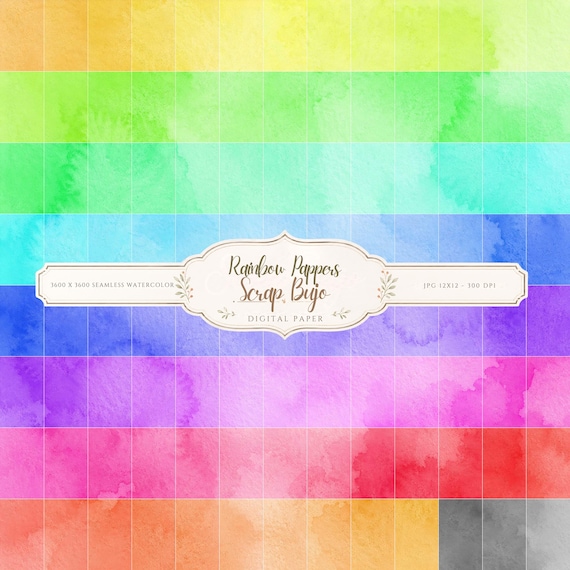
12×12 in 300 DPI Digital download
Coloring & Printables · Pastel & Watercolor
Pastel Watercolor Digital Paper Pack, Soft Rainbow Colors, Scrapbook
Bring soft color and handmade texture to your creative projects with this Pastel…
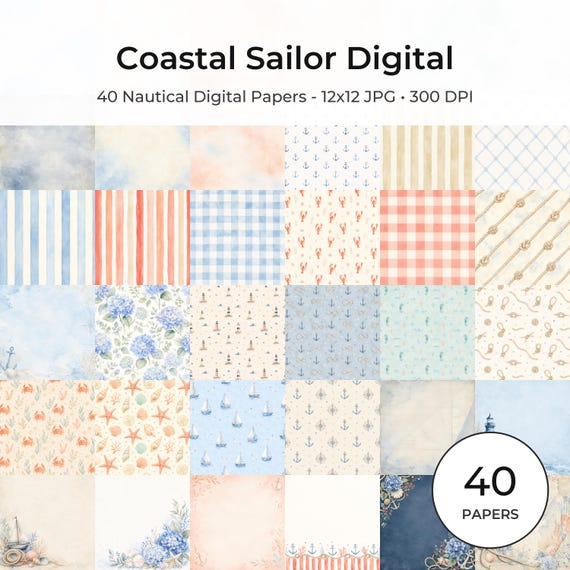
12×12 in 300 DPI Digital download
Coastal & Summer · Pastel & Watercolor
Nautical Digital Paper Pack, Watercolor Coastal Scrapbook Pages (12×12
Bring a fresh coastal touch to your creative projects with this nautical digital…
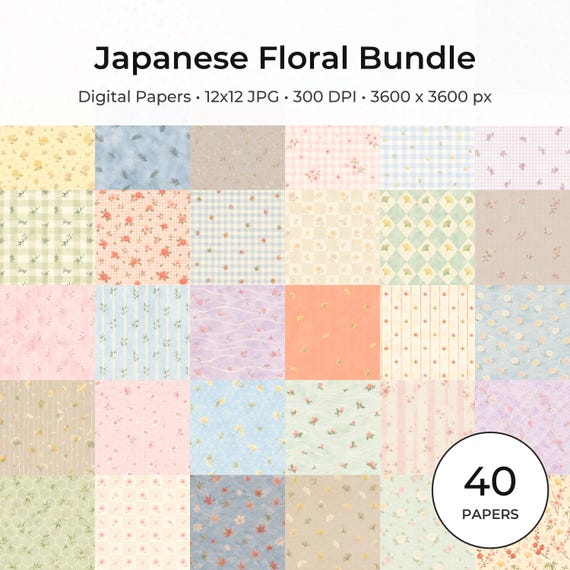
12×12 in 300 DPI Digital download
Coloring & Printables · Floral & Botanical
Japanese Floral Digital Papers Bundle
Bring timeless Japanese elegance into your creative projects with this premium bundle of…
Each product page identifies its checkout, current price, and digital delivery details.
ScrapBujo DT advice
Check the full-size file before printing 12×12
For a true 12×12-inch page at 300 DPI, check that the design is about 3600×3600 pixels. Then confirm that your printer accepts 12×12 paper, or ask a print shop for a 12×12 finished print at 100% scale with no automatic crop. A Letter or A4 printer cannot produce the full square on one sheet. Check one preview or proof before printing a batch.
Check print size at 300 DPI