
What Does 300 DPI Mean for Printable Scrapbook Paper?
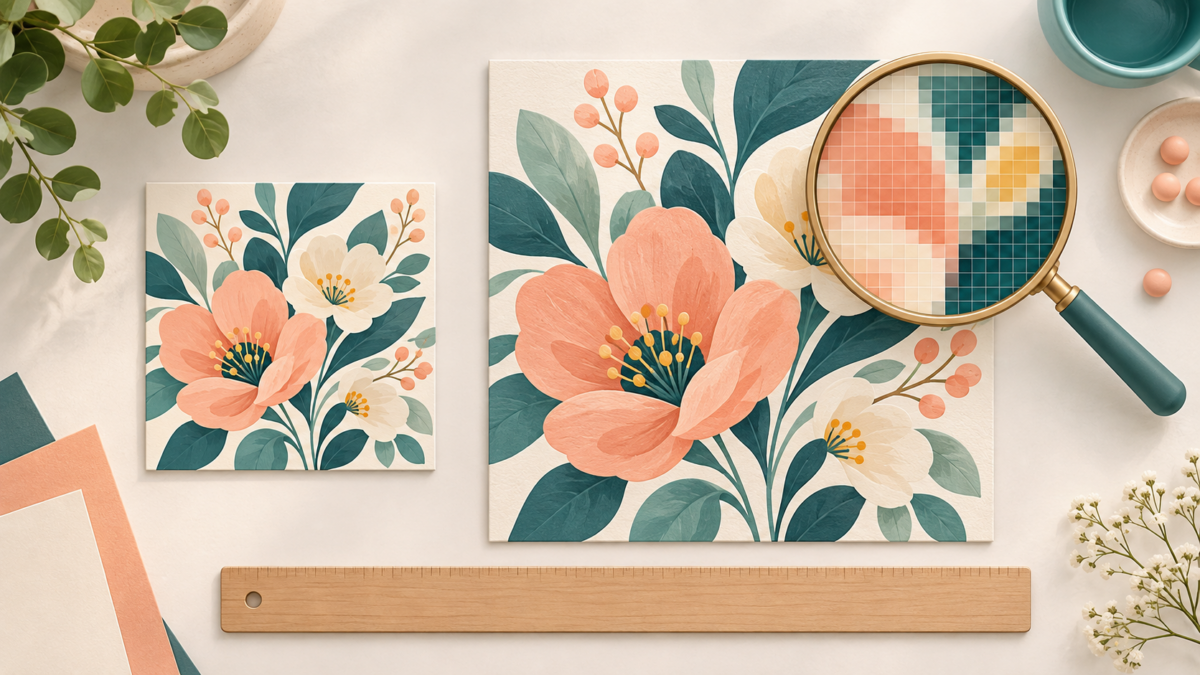
300 DPI is a print-resolution target, not a guarantee of quality. For printable scrapbook paper, check the image’s pixel dimensions against the size you want to print. A 3,600 × 3,600-pixel square has enough pixels for a 12 × 12-inch print at 300 pixels per inch (PPI); the same file can print smaller with more pixels per inch, or larger with fewer.
About the illustration: The featured image is an AI-generated concept illustration. It is not a supplied collection, a measured scale diagram, or a physical print test.
DPI, PPI, and printable images
An image is made of pixels. PPI describes how many image pixels fit into each printed inch. DPI describes the dots a printer places on paper; printer dots and image pixels are related, but they are not the same measurement. In everyday print instructions, “300 DPI” is often used to mean an image prepared at 300 PPI for its intended print size. Adobe explains the distinction and how resizing and resampling affect image dimensions.
Calculate the pixel dimensions you need
Multiply each printed dimension in inches by your target PPI. For a 300-PPI target, multiply each side by 300. Keep the width and height separate: a rectangular sheet needs different pixel dimensions for its two sides.
| Print size | Pixels at 300 PPI |
|---|---|
| 3 × 4 inches | 900 × 1,200 pixels |
| 4 × 6 inches | 1,200 × 1,800 pixels |
| 6 × 6 inches | 1,800 × 1,800 pixels |
| US Letter, 8.5 × 11 inches | 2,550 × 3,300 pixels |
| 12 × 12 inches | 3,600 × 3,600 pixels |
For example, a 3,600-pixel-wide image printed 12 inches wide works out to 300 PPI (3,600 ÷ 12). If printed 6 inches wide, it works out to 600 PPI (3,600 ÷ 6). A 1,800-pixel square printed 6 inches wide is 300 PPI; printed 12 inches wide, it is 150 PPI. Use the 300 DPI pixel calculator to check other dimensions.
For a rectangular image, check both dimensions. If its shape does not match the paper, fitting it may leave empty space or require cropping; changing the resolution number does not change that shape. Decide how you want the design to sit on the page before printing.
Check the original pixels before printing
- Find the image’s original width and height in pixels. Do not rely on a “300 DPI” label alone.
- Choose the physical print size and compare each side with the table or calculate pixels ÷ inches.
- If the file has enough pixels, print at that size. If not, printing smaller increases the effective PPI. Enlarging through resampling can add pixel data, but it cannot restore detail that was absent from the original.
- Check the print preview and page size. A 12-inch-wide design will not fit at full size across an 8.5-inch US Letter sheet; choose a smaller scale, larger paper, or a tiling option if your software supports it.
Does 300 PPI always mean a good print?
No single number guarantees a sharp, pleasing result. Resolution is one part of the decision: the source image’s actual detail, the final size, printer settings, ink, and paper can all affect what you see. A resolution label cannot reveal whether a small source image has been enlarged. Likewise, choosing a higher number such as 600 does not add detail to an image that does not contain it.
For a small journal card, fewer total pixels may be enough because the finished piece is smaller. For fine text or crisp line art, inspect the source at the intended size before printing. If you are unsure, make a small test print using the paper and settings you plan to use; it is a practical check for your setup, not a guarantee for every printer.
Looking for a square printable design? Browse 12 × 12 digital scrapbook paper, and check the exact pixel dimensions and formats listed for the file you choose. For paper-selection pointers, see our guide to choosing paper for printing digital scrapbook paper at home.
Juan’s ScrapBujo Design Team
Advice and questions
Ask a follow-up or share what you are trying to make. Replies appear after moderation.
Ask a question or reply
Explore ScrapBujo digital collections
Explore 300 DPI digital paper collections
Compare coordinated 12×12 papers, confirm the file specifications on ScrapBujo, and then visit Etsy for the current listing details.
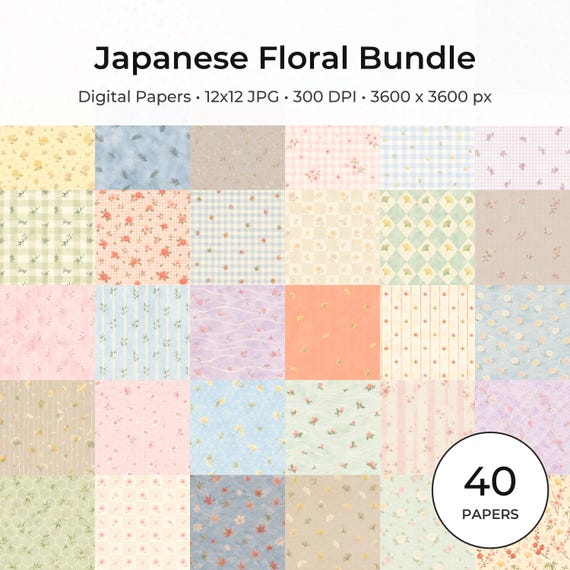
12×12 in 300 DPI Digital download
Coloring & Printables · Floral & Botanical
Japanese Floral Digital Papers Bundle
Bring timeless Japanese elegance into your creative projects with this premium bundle of…
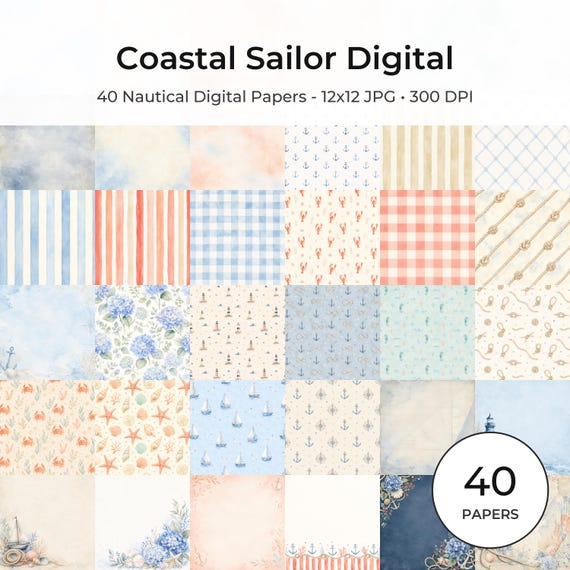
12×12 in 300 DPI Digital download
Coastal & Summer · Pastel & Watercolor
Nautical Digital Paper Pack, Watercolor Coastal Scrapbook Pages (12×12
Bring a fresh coastal touch to your creative projects with this nautical digital…
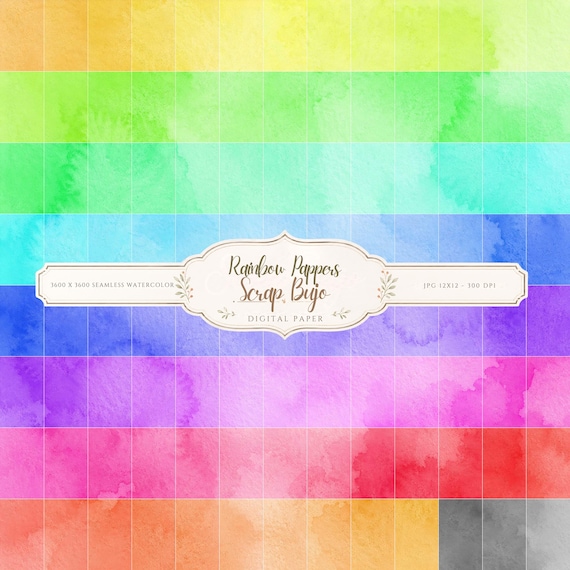
12×12 in 300 DPI Digital download
Coloring & Printables · Pastel & Watercolor
Pastel Watercolor Digital Paper Pack, Soft Rainbow Colors, Scrapbook
Bring soft color and handmade texture to your creative projects with this Pastel…
Each product page identifies its checkout, current price, and digital delivery details.
ScrapBujo DT advice
Check pixels before choosing print size
For a 12×12-inch print at 300 DPI, look for roughly 3600×3600 pixels. If your file has different dimensions, divide the pixel width by the intended print width in inches to estimate the effective DPI. The result helps you choose a realistic print size before sending the file to a printer.
Calculate print size from pixels