
Best Paper Weight for Printable Scrapbook and Junk Journal Pages
Quick answer: There is no single best GSM for every printable. Lighter paper reduces bulk in journals, medium matte paper suits many background and insert pages, and heavier cardstock supports tags or covers. The printer’s documented feed limit decides what is safe; the finished project decides what feels right.
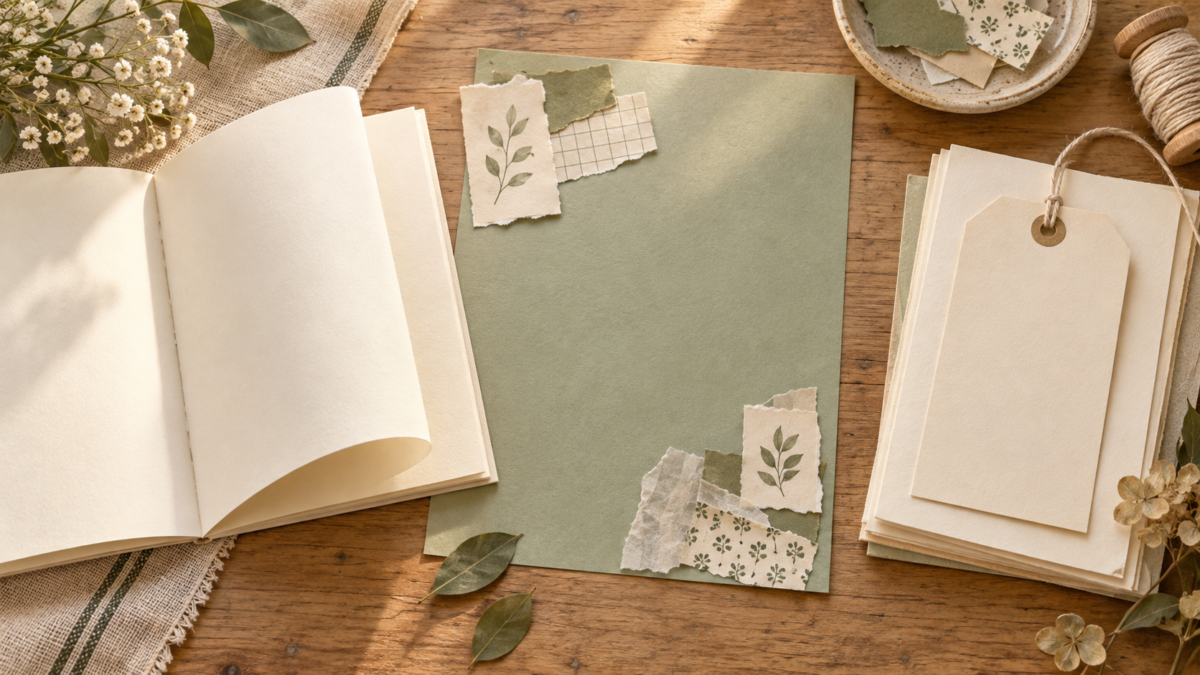
AI-generated illustration of a folded journal page, a background sheet and a tag. It is not a physical paper-weight comparison or an included printable.
Separate backgrounds from structural pieces
A scrapbook background needs enough body to support photos and adhesive. A folded journal insert must remain flexible. A tag, pocket or cover benefits from more stiffness. Buying one heavy stock for every use can make a journal difficult to close.
Treat GSM and thickness as different clues
GSM describes mass per square metre; caliper describes thickness. Two papers with the same GSM can feed differently because of coating, fibre and stiffness. Use the manufacturer’s thickness and media guidance when it is available.
Why “80 lb” can mean different paper weights
In US paper listings, check the grade as well as the pound rating. For example, Domtar’s Cougar specification lists its 80 lb text paper as 118 GSM and its 80 lb cover paper as 216 GSM; the two grades use different basis sizes in the manufacturer’s specification. That is a product-specific example, not a universal pound-to-GSM conversion.
When comparing options, look for “text” or “cover” and the manufacturer’s GSM or basis-weight specification. Then check your exact printer model’s supported media and thickness before loading heavier paper.
Use the correct feed path
Specialty and thick media often belongs in a rear or manual slot, one sheet at a time. For example, Epson documents a dedicated rear path and specific thickness range for certain ET-8550 cardstock sizes. That fact does not automatically apply to another printer. If a print still misbehaves, use our pre-print troubleshooting checklist to check scale and media settings.
Choose finish for the job
Matte paper can reduce glare, but a matte finish alone does not guarantee that a pen will write cleanly. If you plan to add handwriting, check the paper and pen makers’ guidance and test your chosen pen on a printed offcut after the ink dries. Coated photo paper can deepen color but may resist some pens and adhesives. Plain paper is useful for prototypes and layered collage work where low bulk matters.
Choose paper for the piece you are making
Match the sheet to its job, then consider how it will feel in the finished journal:
- Folded journal pages: Start with a lighter option that folds without making the signature or notebook bulky. For two-sided inserts, check paper compatibility and page order in our vintage junk journal guide.
- Loose backgrounds: Choose a sheet with enough body to support the layers, photos, or writing you plan to add.
- Pockets and tags: Try a sturdier sheet if the piece needs to hold its shape after trimming and handling.
- Fussy-cut accents: Choose a sheet that stays manageable around small curves and details; very stiff stock can be harder to cut neatly.
To compare two candidates, print the same design at the same page scale, using a media setting supported by your exact printer for each sheet. Let both prints dry as the ink and paper makers direct. If you plan to write on the page, test your chosen pen on a printed offcut and check for smudging or transfer. Score and fold each sample, cut a detailed edge if your project needs fussy-cut pieces, and add the adhesive or layers you plan to use. Check for curl or cracking, then see whether the finished layers make the journal too bulky to close comfortably. This small trial helps you choose for your own printer, supplies, and project; it is not a universal paper-weight rule.
Five checks before you start
- Function of the piece is known
- GSM and thickness are not confused
- Feed path matches the manual
- Finish suits pens and adhesive
- Fold and cut tests are completed
Recommended official resources
Interfaces, supported materials and machine limits can change. Check the current manufacturer documentation before buying equipment or preparing a large batch.
- epson.com official guidance
- files.support.epson.com official guidance
- www.usa.canon.com official guidance
Printable collections to try with this workflow
Use a free sample or one page first so you can check scale, color and cutting settings before printing a complete collection.
- Vintage Junk Journal Digital Paper Bundle — Two Packs, Square + US Letter
- Antique Sage Reading Journal & Book Reviews
- Homestead Canning And Preserving Journal
Frequently asked questions
Is heavier paper always better for scrapbooking?
No. Heavy paper adds strength but also bulk and may exceed the printer’s supported feed range.
Is 20 or 24 lb paper heavier?
When both labels refer to the same grade, such as bond or copy paper, 24 lb is heavier than 20 lb. Compare the grade and GSM across different paper types because their pound ratings use different basis sizes. See Lexmark’s paper-weight guide for the bond-weight comparison and basis-size explanation.
Can every rear feed accept cardstock?
No. Check the manual for the exact model, size and thickness range.
Juan’s ScrapBujo Design Team
Advice and questions
Ask a follow-up or share what you are trying to make. Replies appear after moderation.
Ask a question or reply
Explore ScrapBujo digital collections
Digital paper collections made for printing
Compare coordinated 12×12 papers, confirm the file specifications on ScrapBujo, and then visit Etsy for the current listing details.
12×12 in 300 DPI Digital download
Coloring & Printables · Pastel & Watercolor
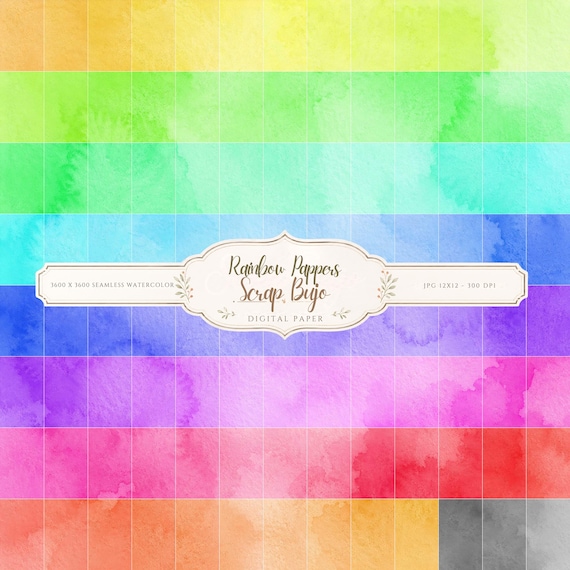
Pastel Watercolor Digital Paper Pack, Soft Rainbow Colors, Scrapbook
Bring soft color and handmade texture to your creative projects with this Pastel…
12×12 in 300 DPI Digital download
Coastal & Summer · Pastel & Watercolor
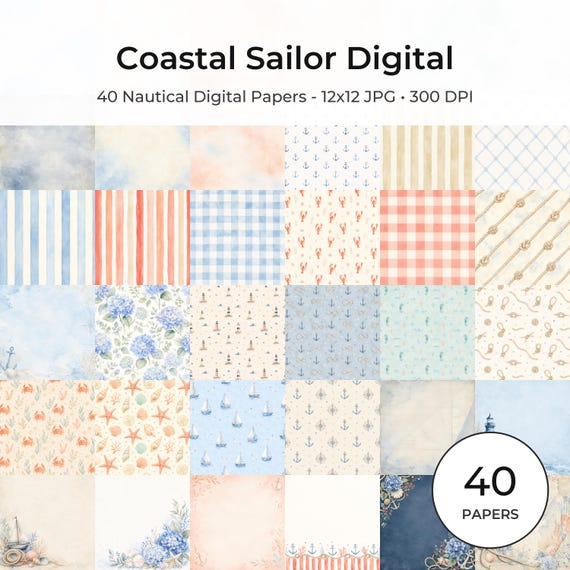
Nautical Digital Paper Pack, Watercolor Coastal Scrapbook Pages (12×12
Bring a fresh coastal touch to your creative projects with this nautical digital…
12×12 in 300 DPI Digital download
Coloring & Printables · Floral & Botanical
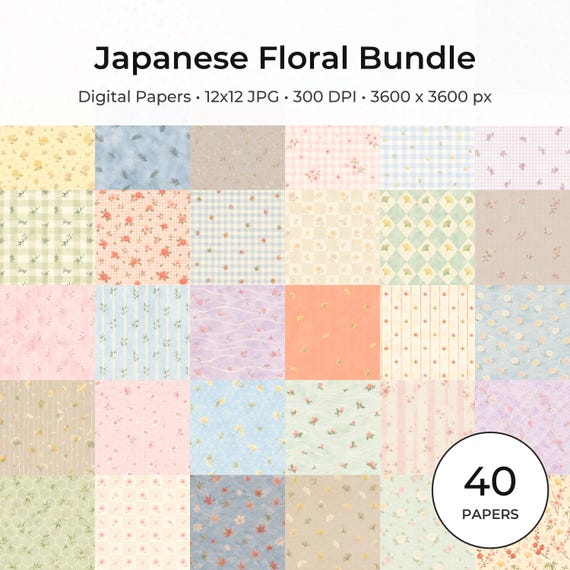
Japanese Floral Digital Papers Bundle
Bring timeless Japanese elegance into your creative projects with this premium bundle of…
Each product page identifies its checkout, current price, and digital delivery details.
ScrapBujo DT advice
Match paper weight to the job
A journal insert needs less bulk than a tag or cover. Compare the weight with your printer’s documented feed limit before buying a stack, then test one sheet using the matching media setting. The right GSM depends on both the machine and how the finished piece will be handled.
Compare paper finishes