
Borderless Printing or Actual Size? What Scrapbookers Should Choose
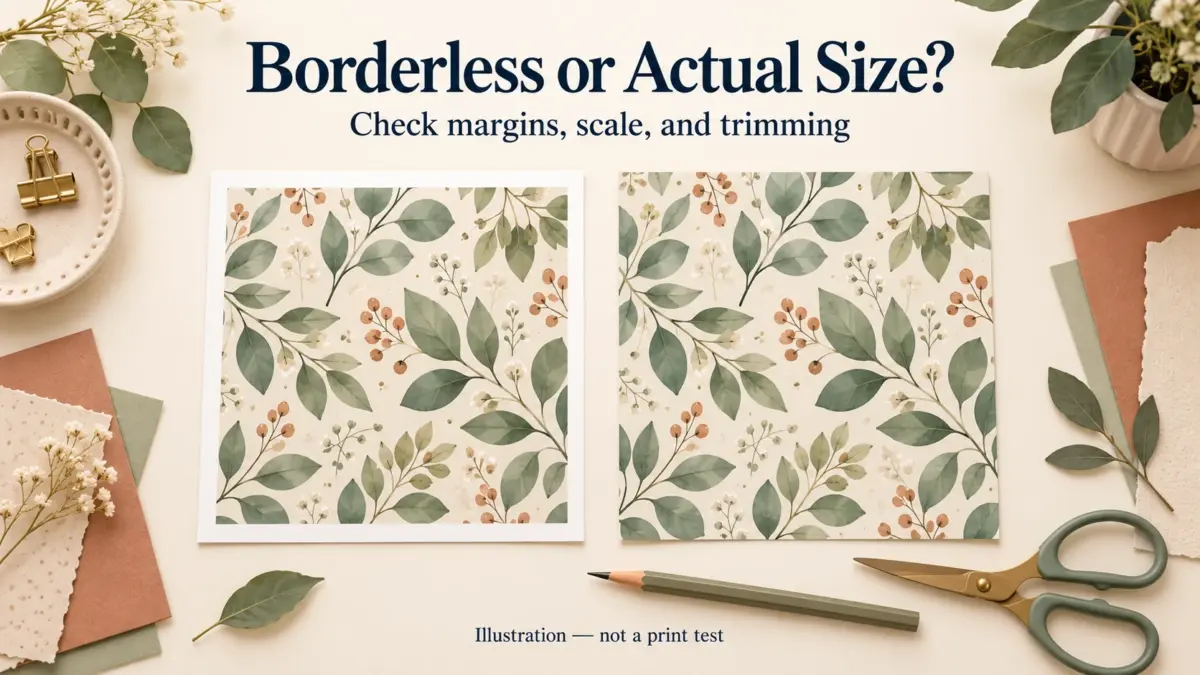
Quick answer: Use borderless printing when edge-to-edge coverage matters and a small amount of edge expansion is acceptable. Use Actual Size when measurements matter, but only on paper large enough for the page and printable margins. Use Fit when keeping the complete design matters more than exact physical scale.
Borderless may expand the artwork
Borderless is a printer or driver setting for edge coverage; page scaling is a separate choice in the print application. Many borderless workflows enlarge the image slightly so ink reaches every edge, which can trim small details near the border. Keep essential text and faces inside a safe area and check the driver preview. For example, the Epson ET-8500 Series manual describes Borderless enlargement and an Expansion control for that series; check your own model’s manual for its controls.
Actual Size protects scale, not content
Adobe describes Actual Size as printing without scaling. If the page is larger than the printable area, part of it is cropped. Exact scale therefore requires compatible paper size and sufficient printable area.
Fit protects the whole page, not measurements
Fit reduces or enlarges the page for the selected printable area. It is useful for inspiration sheets and complete previews, but tags, rulers, pockets and measured templates may no longer be the intended size.
Match the setting to the object
Background paper tolerates modest borderless crop better than a label sheet. A measured pocket needs accurate scale. A gallery sheet may simply need every design visible. Set the print rule per object instead of using one driver preset for everything.
Make an even half-inch white border
Center artwork within the finished paper size, leaving 0.5 inch (12.7 mm) on every side. Keep the complete sheet at its full size when exporting a PDF; shrinking the page to its printable area changes the border.
| Paper or canvas | Artwork area after the border |
|---|---|
| 12 × 12-inch square | 11 × 11 inches |
| US Letter, 8.5 × 11 inches | 7.5 × 10 inches |
| A4, 210 × 297 mm | 184.6 × 271.6 mm |
At 300 pixels per inch, a 12 × 12-inch canvas is 3600 × 3600 pixels. Its centered 11-inch square artwork is 3300 × 3300 pixels, leaving 150 pixels of white border on each side. A square design centered within Letter’s 7.5 × 10-inch inner area leaves extra white space above and below unless you crop the design. Keep its proportions; do not stretch it into a rectangle.
Print at Actual Size or 100%, with borderless printing off if your paper and printer support the full sheet. Fit can resize the page and alter the border width. Confirm that the artwork fits your printer’s printable area, then measure all four borders on a proof. For a print shop, follow its template: required bleed may need a larger canvas, with the white border inside the finished size.
Mark the successful preset
After a proof, record the application, printer, paper, feed path, media type and scaling choice. Similar names in different print dialogs do not always produce identical output.
Five checks before you start
- Edge crop is acceptable
- Measured pieces use verified scale
- Paper can hold the intended page
- Safe area protects important content
- Successful settings are recorded
Recommended official resources
Interfaces, supported materials and machine limits can change. Check the current manufacturer documentation before buying equipment or preparing a large batch.
- helpx.adobe.com official guidance
- www.usa.canon.com official guidance
- files.support.epson.com official guidance
Printable collections to try with this workflow
Use a free sample or one page first so you can check scale, color and cutting settings before printing a complete collection.
- Illustrated Calendar 2026–2028 + Perpetual Creative Bundle
- Back to School Classroom Clipart & Planner Sticker Kit
- Homestead Canning And Preserving Journal
Frequently asked questions
Does borderless printing keep exact dimensions?
Not always. Some drivers expand the image slightly to ensure ink reaches the edge.
Is Actual Size the same as Fit?
No. Actual Size avoids scaling; Fit changes scale to fit the printable area.
Can I choose Actual Size and Borderless together?
Only if your print app and driver allow both options. Actual Size controls page scaling in the app; it does not prevent a borderless driver from expanding the image. If the piece needs exact measurements, print a test and check its dimensions before making the rest.
Juan’s ScrapBujo Design Team
Advice and questions
Ask a follow-up or share what you are trying to make. Replies appear after moderation.
Ask a question or reply
Explore ScrapBujo digital collections
Digital paper collections made for printing
Compare coordinated 12×12 papers, confirm the file specifications on ScrapBujo, and then visit Etsy for the current listing details.
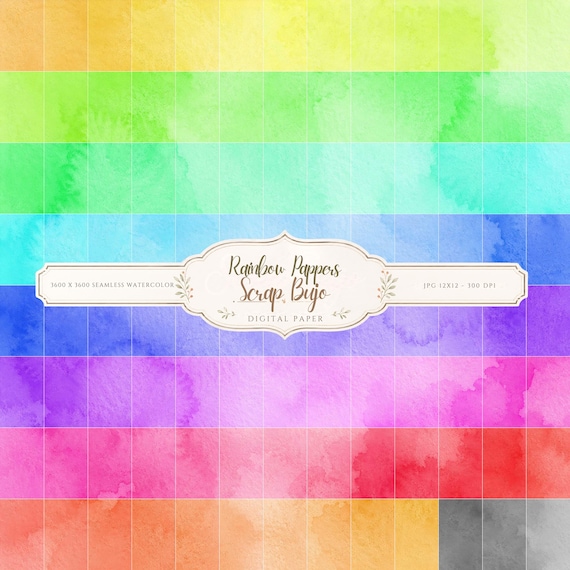
12×12 in 300 DPI Digital download
Coloring & Printables · Pastel & Watercolor
Pastel Watercolor Digital Paper Pack, Soft Rainbow Colors, Scrapbook
Bring soft color and handmade texture to your creative projects with this Pastel…
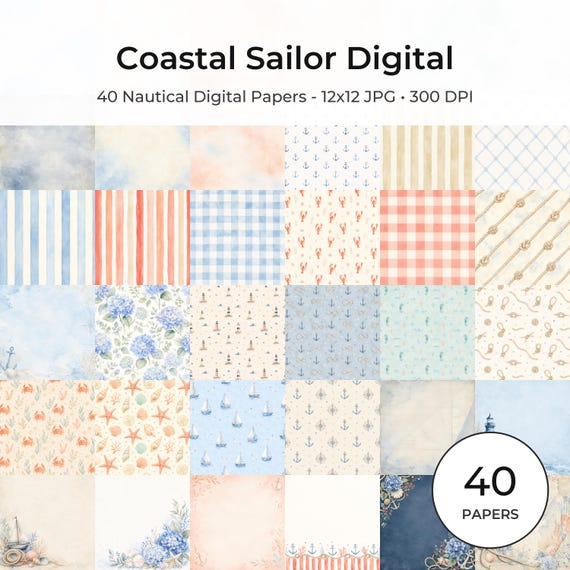
12×12 in 300 DPI Digital download
Coastal & Summer · Pastel & Watercolor
Nautical Digital Paper Pack, Watercolor Coastal Scrapbook Pages (12×12
Bring a fresh coastal touch to your creative projects with this nautical digital…
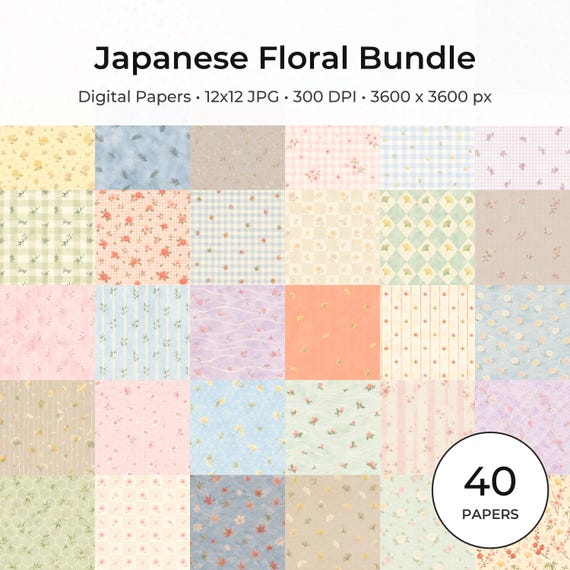
12×12 in 300 DPI Digital download
Coloring & Printables · Floral & Botanical
Japanese Floral Digital Papers Bundle
Bring timeless Japanese elegance into your creative projects with this premium bundle of…
Each product page identifies its checkout, current price, and digital delivery details.
ScrapBujo DT advice
Choose between edge coverage and exact scale
Borderless can enlarge an image slightly and trim its edges. Actual Size preserves measurements when the paper and printable area allow them; Fit keeps the whole design but can make it smaller. Put a ruler or a small edge detail on one test page to see which setting your project needs.
Troubleshoot a cropped PDF border