
Where to Store Digital Scrapbook Collections: pCloud Guide
If digital scrapbook papers and printable kits are filling your Google Drive, you are not alone. Google storage is shared across Drive, Gmail, and Google Photos. When the account reaches its limit, you may not be able to upload files or send and receive email. A separate cloud library can give your craft files another place to live.
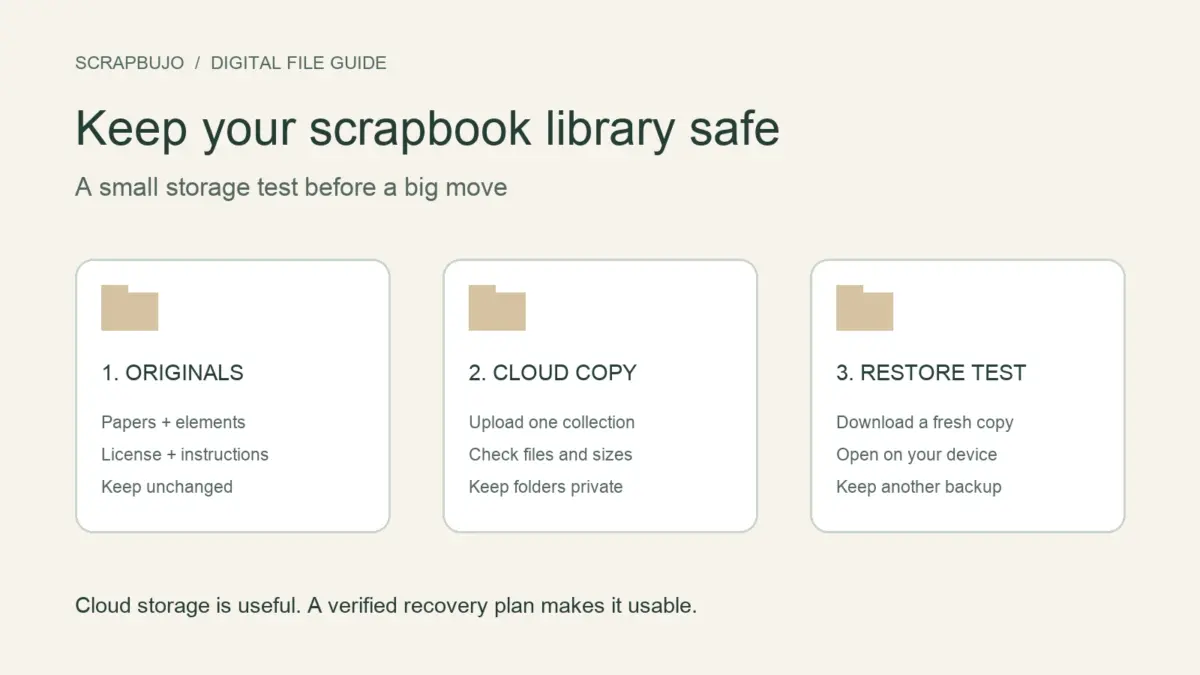
Start with one collection. Keep the original files, check that your cloud copy opens, and move more only when you feel comfortable. Copying files to another service does not free your Google storage by itself.
Give your scrapbook files room to grow
pCloud Basic lists up to 10 GB of free storage. You may need to complete account setup steps to unlock the space. The amount available to you depends on pCloud’s current plan and account terms.
Could 40 collections fit? Maybe. If each kit is about 250 MB, 40 kits would use roughly 10 GB. That is only a size example, not a promise. Kit sizes vary, and your free space may be lower. Check the total size of your own files before you upload.
Start a free pCloud account with our invite
Storage referral disclosure: If you sign up through this invitation and meet pCloud’s requirements, ScrapBujo may earn extra free storage. The reward goes to ScrapBujo; it does not add storage to your account. pCloud’s Referral Program describes a successful referral as a signup through a unique link with account email verification. The same-region rule appears in pCloud’s separate Invite to Folder collaboration instructions. Check the current terms before signing up.
Need more space after checking the free plan? Compare pCloud storage plans. Affiliate disclosure: This is a separate affiliate link. ScrapBujo may earn a commission if you make a qualifying purchase; this link does not earn free storage.
Why a full Google account can affect Gmail
Your personal Google storage is shared by Google Drive, Gmail, and Google Photos. When the account reaches its limit, Google says you may be unable to upload to Drive, back up photos, or send and receive Gmail. Messages sent to a full inbox can go back to the sender. Read Google’s storage guide for the current details.
Putting a copy of a scrapbook kit in pCloud will not free space in Google Drive on its own. Keep the original until you have checked the pCloud copy. If you later choose to remove a duplicate from Google Drive, make sure you still have a copy you can open, then empty Drive’s trash to reclaim the space. Keep a separate backup of anything you cannot replace.
A simple folder for every collection
Make one main folder called Scrapbook Collections. Inside it, give each collection its own folder. Keep the original papers, preview images, instructions, and license together. Put edited copies in a separate folder so the files you bought or downloaded stay untouched.
A clear name makes a collection easier to find later, such as Floral Garden - Digital Kit. Our digital scrapbook file organization guide has more folder ideas.
Move one collection at a time
- Check how much space you have. Add up the size of the collection you want to move. Leave room for new pages and projects.
- Upload a copy. Keep the original files on your computer or in another backup while the upload finishes.
- Open a few files. Check that a paper, a preview, and the instructions open from pCloud on the device you use for crafting.
- Keep the license with the files. Store the terms for each kit in the same folder, so you can find them when you need them.
- Move another small group. Once the first collection looks right, continue in batches and check each one.
Keep your collections private
Cloud storage is for keeping your files available to you. Share photos of your finished scrapbook pages with friends. Keep paid digital kits private unless the license clearly allows you to share the files themselves. A cloud link does not change the license.
Check the current free-space and sharing limits
pCloud’s plan details explain its free Basic storage and other limits. Its referral-program help page explains how account setup and successful invitations can unlock storage. These details can change, so use your account’s current information before you plan a large move.
Once the small test works, you can keep using Google Drive, pCloud, or both. Choose the setup that lets you find your papers, open your originals, and keep a backup you can restore.
Explore ScrapBujo digital collections
Digital paper collections for your next project
Explore coordinated digital collections on ScrapBujo, compare formats, and follow the checkout shown for the product you choose.

12×12 in 300 DPI Digital download
Digital Scrapbook Papers · Seasonal & Holidays
Aurora Ribbon Christmas: 40 Abstract Scrapbook Papers
40 coordinated abstract Christmas and winter scrapbook papers in 12 × 12 inch…
12×12 in 300 DPI Digital download
Digital Scrapbook Papers
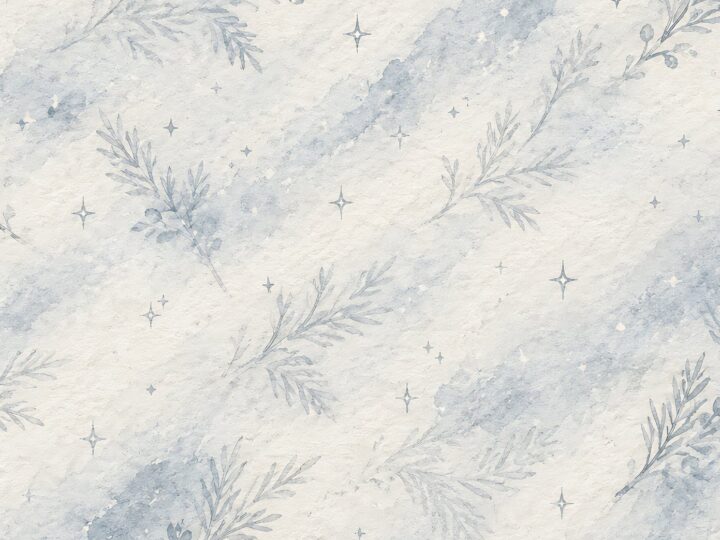
Alpine Knit Winter — 40 Digital Scrapbook Paper Designs
40 alpine winter paper designs in 12 × 12 inch and US Letter…
12×12 in 300 DPI Digital download
Digital Scrapbook Papers
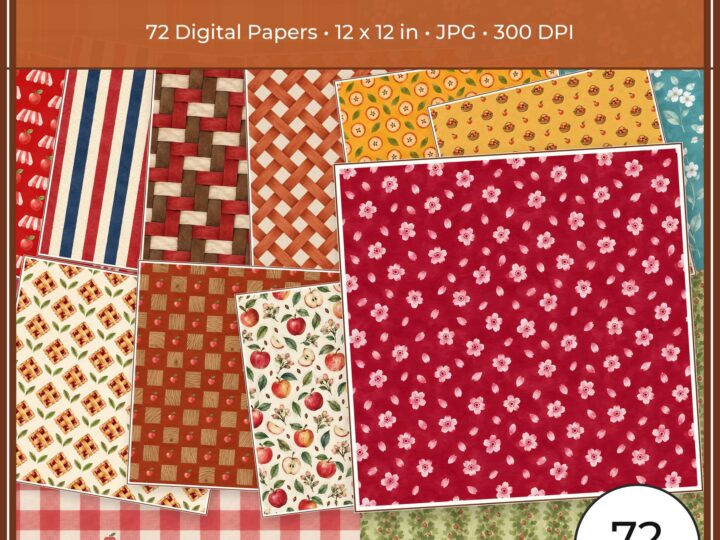
Apple Orchard & Cider Harvest Digital Papers
Build an apple-picking scrapbook page, journal entry or recipe card with 72 square…
Each product page identifies its checkout, current price, and digital delivery details.