
Check the Pattern Before You Cut Your Scrapbook Paper
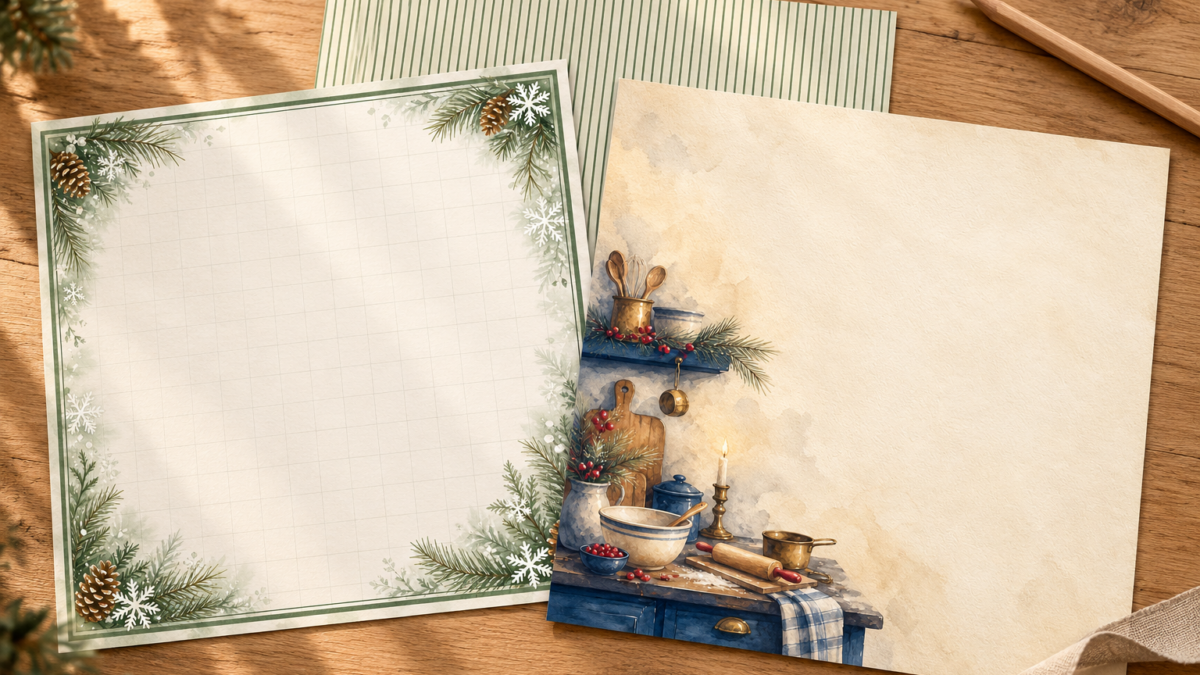
That little kitchen in the corner is the reason you chose the paper. Then you trim the sheet and half of it disappears. Before you cut, make a paper window the size of the space you want to fill. It gives you a quick way to compare positions without marking the printed sheet.
Make a window for your project
Measure the finished space first. For a 4 × 6-inch panel, cut a 4 × 6-inch opening in a spare sheet of plain paper. Leave enough paper around the opening to hold it comfortably. This is a viewing guide, so it doesn’t need to become part of the finished page.
Place the window over your printed pattern. Move it from the center toward each corner. Look at what stays inside the opening: a complete pinecone, a sliver of a cabinet, or mostly empty writing space. Turn the window sideways too. The first position you try may not be the one that works best.
Give each kind of pattern a different job
- Stripes: check their direction against the edge of your page. A slight tilt becomes easier to notice beside a straight photo.
- A border: choose whether you want to keep the whole frame or just one decorated edge. Cropping the center and shrinking the entire design give very different results.
- A corner illustration: start by placing that corner in the window, then check how much room remains for your words.
The Christmas Family Recipe Journal papers offer a useful example: green stripes, a pinecone border and a kitchen-corner design each suit a different placement. Check the collection previews for the actual files.
Check the printed size before making the final cut
A preview on your screen won’t tell you the physical size of a motif. Print a test at the settings you intend to use, measure it, and try the window again. If the design has been scaled down, your measurements need to come from that print.
Once you’re happy with the position, mark the cut on the back or use your usual cutting guide. Keep the scrap if it contains a complete small motif. It may work as a tab or a small accent elsewhere on the page.
Explore ScrapBujo digital collections
Digital paper collections for your next project
Explore coordinated digital collections on ScrapBujo, compare formats, and follow the checkout shown for the product you choose.
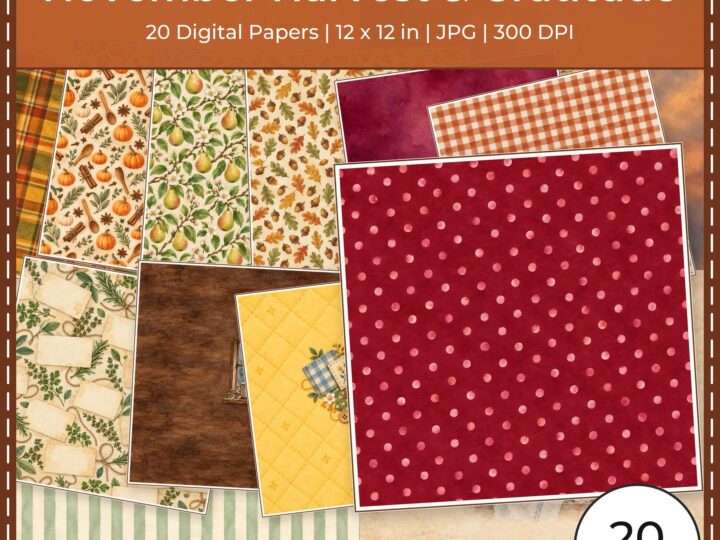
12×12 in 300 DPI Digital download
Digital Scrapbook Papers · Seasonal & Holidays
November Harvest Gratitude Digital Papers
Explore exactly 20 coordinated digital scrapbook papers in square 12 × 12 inch…
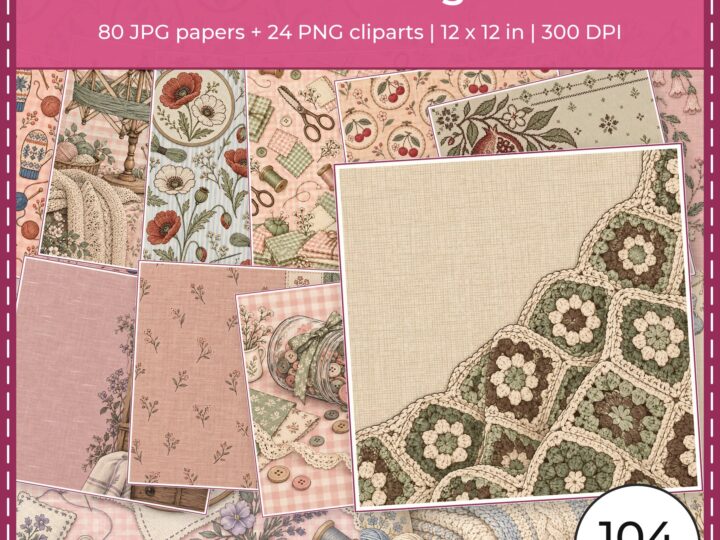
300 DPI Digital download
Digital Scrapbook Papers
Handmade Sewing Doodles
Explore the Handmade Sewing Doodles bundle: 80 square JPG scrapbook papers and 24…
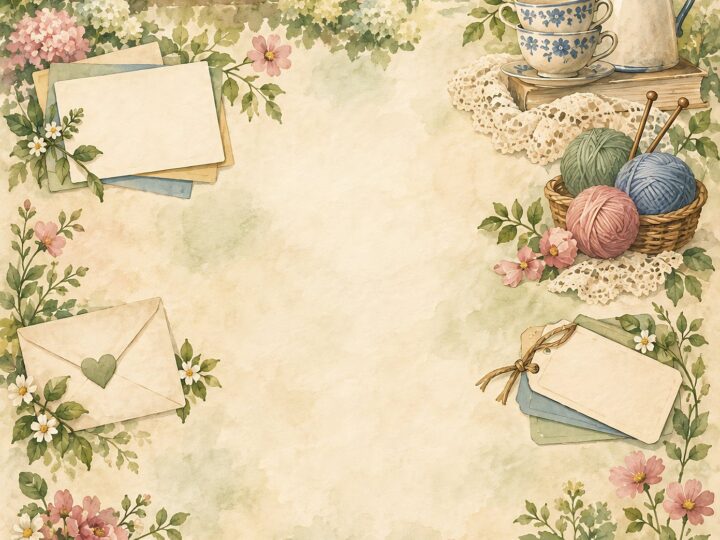
300 DPI Digital download
Digital Scrapbook Papers
Grandparents Day Digital Papers 40 US
Explore 40 coordinated digital scrapbook papers from the ScrapBujo Grandparents Day Digital Papers…
Each product page identifies its checkout, current price, and digital delivery details.