
How to Place Color on a Scrapbook Page: A Sage and Rust Example
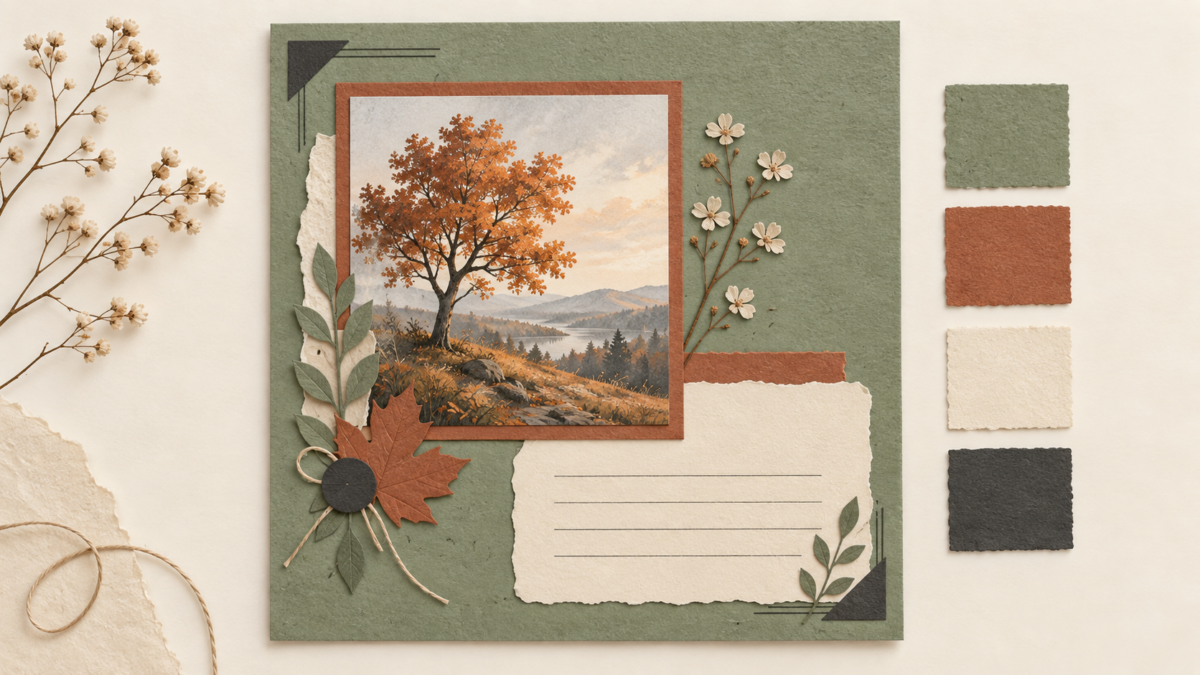
Quick answer: For one scrapbook page, assign color to the parts that need it: a sage background, a rust photo mat, a cream journaling area, and small charcoal accents. This is one hypothetical arrangement, not a rule that every page needs four colors.
About the header image: This is an AI-generated layout concept, not a photograph of a physical page, a print test, or a downloadable template.
A hypothetical sage and rust page
Imagine placing one photograph and a short memory note on a page. Sage fills the background, while a rust mat separates the photograph from the paper around it. A cream panel leaves a quieter place for journaling, and charcoal appears only in small accents.
Adjust the layout around your photograph
Start with the actual photograph and the detail you want people to notice. If the sage pattern competes with it, use a plainer background. If rust clashes with strong colors already in the photo, try a mat in a quieter color from the image. If a pale photo fades into the page, a more distinct mat can give it a clearer edge.
Keep busy patterns away from the main subject or use one as a border rather than placing several together. A plain cream area can separate the photo from pattern and give a handwritten caption room to breathe. Use a dark, readable pen color there; do not put a long note over a busy print.
Make a quick page decision
- Place the photograph over the background. Keep the paper if the subject remains easy to notice; otherwise, try a quieter pattern or solid color.
- Use a mat where the photograph meets a competing pattern. If the photo looks washed out, try a more distinct mat color.
- Write the planned caption in the journaling area. If it is hard to read, make that area plainer or larger.
- Add small accents last. If charcoal or rust pulls attention away from the photo, reduce or remove that detail.
This page example applies the broader palette roles; the Scrapbook Color Palette Planner covers the general four-color method.
Explore a sample or the catalog
Browse free printable samples to explore a paper style, or visit the ScrapBujo collection catalog for available digital collections and their details.
Explore ScrapBujo digital collections
Digital paper collections for your next project
Explore coordinated digital collections on ScrapBujo, compare formats, and follow the checkout shown for the product you choose.

12×12 in 300 DPI Digital download
Digital Scrapbook Papers · Seasonal & Holidays
Aurora Ribbon Christmas: 40 Abstract Scrapbook Papers
40 coordinated abstract Christmas and winter scrapbook papers in 12 × 12 inch…
12×12 in 300 DPI Digital download
Digital Scrapbook Papers
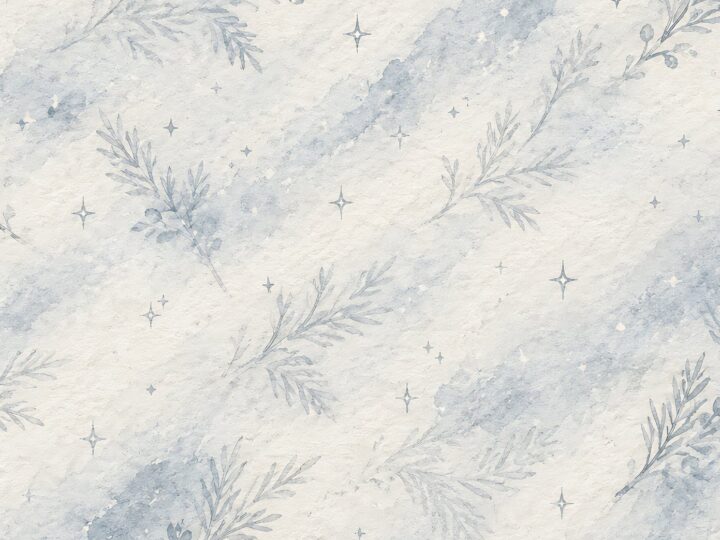
Alpine Knit Winter — 40 Digital Scrapbook Paper Designs
40 alpine winter paper designs in 12 × 12 inch and US Letter…
12×12 in 300 DPI Digital download
Digital Scrapbook Papers
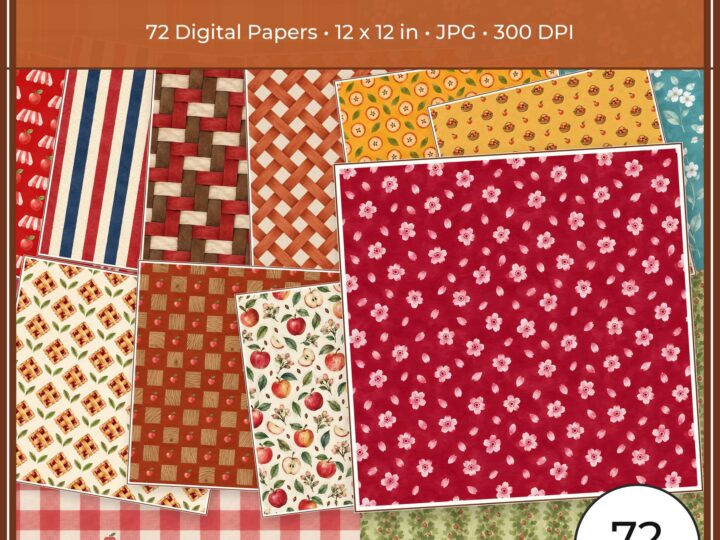
Apple Orchard & Cider Harvest Digital Papers
Build an apple-picking scrapbook page, journal entry or recipe card with 72 square…
Each product page identifies its checkout, current price, and digital delivery details.