
How to Layer Digital Scrapbook Papers Without Visual Clutter

Layering digital papers gives a scrapbook page depth, but more layers do not automatically create a better layout. The strongest pages establish a clear order: one background, one supporting pattern, one focal photograph or journal block, and a small number of accents.
Begin with one visual anchor
Choose the element that should receive attention first. In a memory layout, that is usually the photograph. In a junk journal page, it may be a handwritten note or an illustrated card. Everything else should help the eye reach that anchor instead of competing with it.
Place your quietest paper behind the anchor. Soft watercolor washes, faded botanical textures, and low-contrast patterns leave room for photographs and handwriting. Save the boldest paper for a strip, frame, tab, or torn corner.
Use the large-medium-small rule
A simple proportion keeps layers from feeling accidental. Use one large background, one medium supporting shape, and one or two small accents. If every piece is the same size, the page becomes a grid of competing rectangles.
- Large: the full 12×12 background or main printable sheet.
- Medium: a mat behind the photograph, an envelope, or a journal card.
- Small: labels, tickets, leaves, stars, or torn patterned fragments.
Repeat colors, not every pattern
Coordinated collections work because their colors repeat even when their illustrations change. Choose two principal colors and one small accent color. A blush floral paper can sit comfortably beside a sage stripe when both colors return in the photograph mat or label.
This is why a complete paper pack is often easier to use than unrelated single sheets. The collection has already solved much of the color problem for you. Browse our coordinated digital paper collections when you want patterns designed to work together.
Create breathing room
Leave some background visible around the focal area. Empty space is not wasted paper; it separates ideas. If the page feels busy, remove one decorative element before adding another. A good test is to look at the layout from across the room. You should still recognize the focal point.
Print with the final size in mind
A detailed element that looks clear on a monitor may become unreadable when printed at two inches. Make a small test print before committing expensive paper or ink. For full scrapbook layouts, see our guide to printing 12×12 digital paper.
A reliable five-layer recipe
Start with a quiet background. Add one torn strip across a third of the page. Place the photograph on a contrasting mat. Tuck a journal card partly behind it. Finish with one small cluster of two or three accents. Stop when the story is clear.
Source note: The collection facts and preview images in this article were checked against the ScrapBujo catalog on 2026-08-14. The examples are product previews; they do not replace a print test.
Collection previews used in this guide
These are current ScrapBujo collection previews, not substitute artwork. They show the paper surfaces and formats discussed below.


Explore ScrapBujo digital collections
Digital paper collections for your next project
Explore coordinated digital collections on ScrapBujo, compare formats, and follow the checkout shown for the product you choose.
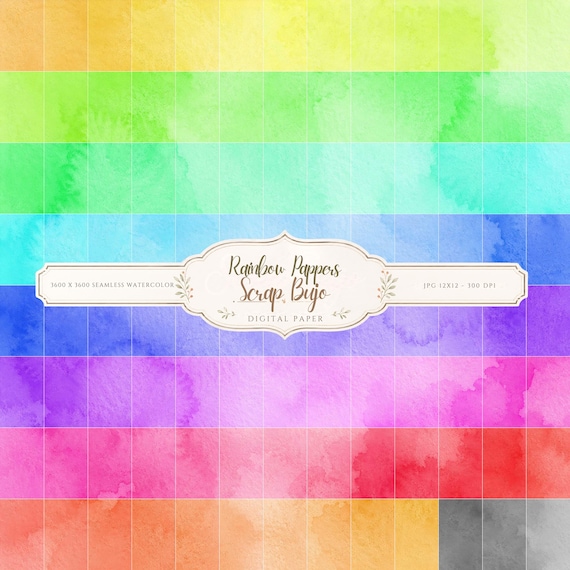
12×12 in 300 DPI Digital download
Coloring & Printables · Pastel & Watercolor
Pastel Watercolor Digital Paper Pack, Soft Rainbow Colors, Scrapbook
Bring soft color and handmade texture to your creative projects with this Pastel…
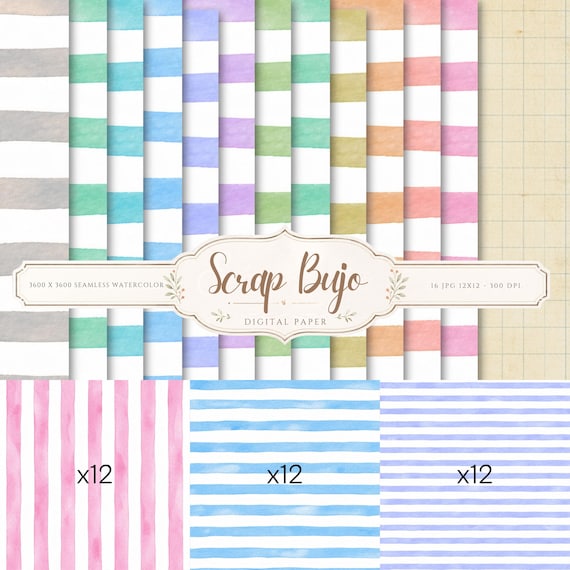
12×12 in 300 DPI Digital download
Coloring & Printables · Pastel & Watercolor
Pastel Watercolor Stripes Digital Paper Pack
This watercolor stripes digital paper pack includes 36 unique designs in soft pastel…
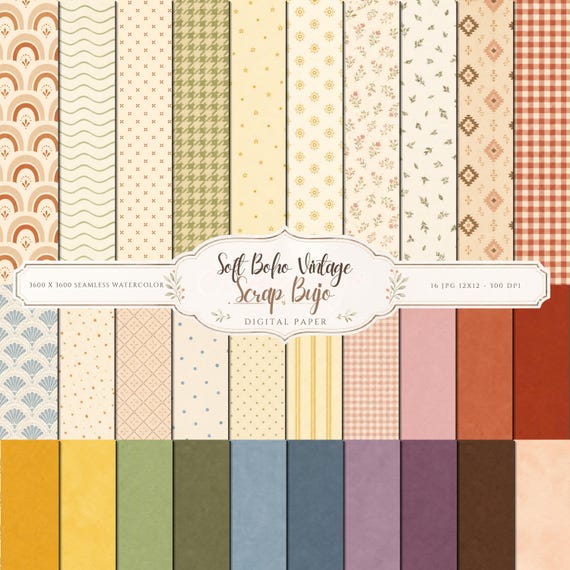
12×12 in 300 DPI Digital download
Coloring & Printables · Vintage & Cottagecore
Soft Boho Vintage Digital Paper Pack Patterns, Textured Solids
A soft boho vintage digital paper collection with small patterns and matching textured…
Each product page identifies its checkout, current price, and digital delivery details.