
Where Is My Etsy Download in the iPhone Files App?
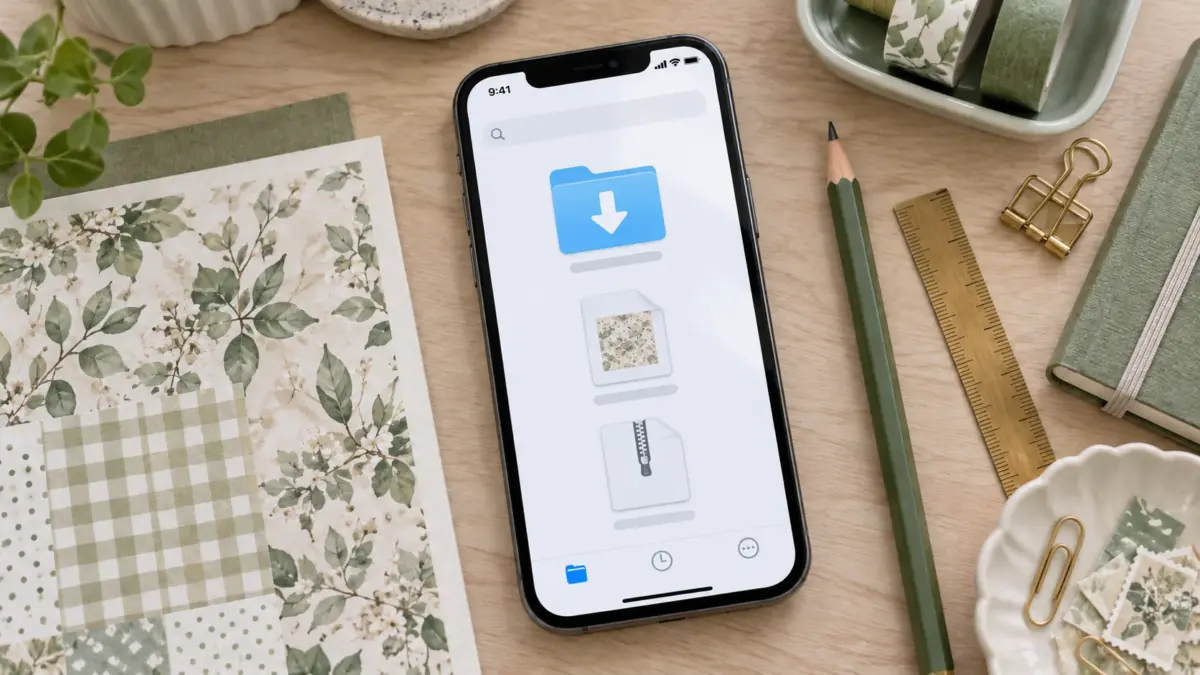
If you already downloaded an Etsy file on your iPhone, open the Files app, tap Browse, and check Downloads. Look in both iCloud Drive and On My iPhone, because Safari can save downloads to either location. Safari can also use an Other folder selected in its settings. If you do not see the file, check Safari’s download list and search Files by part of the filename. Apple’s current iPhone guide to downloaded files describes the normal Downloads route.
This guide starts after the Etsy download has begun or finished. If you still need Etsy’s Purchases steps, guest-checkout instructions, or help with a missing Etsy download button, use How Etsy Digital Downloads Work: Purchase to First Print. That broader guide covers getting the file from Etsy. Here, the goal is to find a file that should already be on your phone.
One important distinction: Etsy currently says digital purchases cannot be downloaded through the Etsy app. If you have not downloaded the file yet, sign in to Etsy.com in Safari or another mobile browser, open Your account → Purchases, and use Download Files. Then return to Files and follow the locations below.
Check the two Downloads locations
- Open Files from the Home Screen or search for “Files” if you do not see its icon.
- Tap Browse at the bottom of the screen. If you are already inside a folder, tap Browse again to return to the locations list.
- Tap iCloud Drive, then open Downloads. Look for the Etsy order name, collection name, or a familiar extension such as
.pdf,.zip,.jpg, or.png. - Return to Browse and open On My iPhone. If there is a Downloads folder there, check it too.
- Tap a PDF or image to preview it. Tap a ZIP once to create an extracted folder, then open that folder to see the files inside.
- If neither Downloads folder contains the file, open Settings → Apps → Safari → Downloads. Apple currently lists iCloud Drive, On My iPhone, and Other. If Other is selected, return to Files and open that chosen location. Apple documents this in Choose where to save downloads.
The Downloads folder might not be shown at the top level of Browse. Apple’s instructions say to tap iCloud Drive if Downloads is not visible in Browse. Also check Safari’s download button or download list; if the file is still in progress, it may not yet appear as a complete file in Files.
Search when the filename is unfamiliar
In Files, use the search field and enter one useful part of the filename: the theme, shop name, order name, or a broad file extension such as pdf or zip. Search can help when a browser has saved a long or automatically generated name that does not resemble the Etsy listing title.
If the search results show more than one copy, check the location displayed for each result. A file in iCloud Drive may be available across devices; a file under On My iPhone is stored locally. Do not delete a copy just because another result looks similar. First open each candidate and confirm which one contains the expected pages or images.
A small naming difference is not evidence that the wrong file downloaded. Sellers and browsers can use different filenames. Compare the file type and contents with the listing or Etsy download page if you are unsure.
Identify what you found
A PDF usually opens as a document preview. It may contain one or several printable pages. A JPG or PNG is an individual image file. A ZIP is a container with one or more files; it is not the page you print. Tap the ZIP to extract it, then open the created folder. Apple’s ZIP instructions cover iPhone and iPad.
If you can see the filename but not its extension, press and hold the file and open its information/details panel if available. Do not rename .zip to .pdf or change another extension to make it open. Renaming changes the label, not the file format.
Once you find the file, open it before printing. Confirm it is the format you expected and, if there are multiple paper sizes, choose the one that matches your paper. For an image, check its dimensions in a compatible app if print size matters. A file preview on a phone is useful for identification; it does not confirm exact printer scale.
If the download is still missing
Safari shows a download in progress. Wait for it to finish, then check Files again. If it has stalled, return to Etsy in the browser and retry the download from the order page. The broader Etsy guide has the account and download-button steps.
You cannot find a Downloads folder. Open iCloud Drive from Browse and look there. Then check On My iPhone. The default location can depend on Safari’s download setting, so searching both places is faster than assuming there is one universal folder.
Files search finds nothing. Open Safari and tap its download control to check whether the file is still listed there. If the browser did not finish saving it, return to the download source and start again. Search with fewer characters or use only the file extension.
The file opens but looks empty or incomplete. Confirm the download completed and open the original ZIP or PDF again. If the same Etsy file remains unusable after a fresh download, contact the seller through Etsy Messages and include the order number. Do not send passwords or payment details.
You found an unexpected format. Check the Etsy listing’s file-type details. Some products include a ZIP while others provide a PDF or image files directly. A format may need a compatible app even when the download itself succeeded.
You used a different iPhone or browser. Check the same Apple account’s iCloud Drive and the Files app’s Recents view, if enabled. A file saved locally on another device may not appear on this iPhone unless you transferred or synced it.
You downloaded with Chrome. Check Chrome’s download list if it is available. If the file is not in Files, use a save or share option shown by Chrome to save a copy there, then choose where to keep it. Google’s Chrome download help for iPhone and iPad has general guidance; labels and available actions can vary by app version.
You used another browser. Open that browser’s download manager or settings first. Some browsers use their own folder, cloud service or temporary storage. After identifying the chosen destination, search Files by filename or extension. Safari’s download list only shows Safari downloads.
Keep the original easy to find
After confirming the file opens, move or copy it into a folder named for the project or collection. Keep the downloaded original intact and put any extracted files, resized pages, or edited versions in a separate folder. A simple structure such as Scrapbook / Theme / Original download and Scrapbook / Theme / Working copies is enough for most projects.
If the download is a ZIP, keep the archive until you have checked the extracted folder. If it is a PDF, keep that original even if you later make a smaller or annotated copy. This helps you return to the original if an edit changes the page or if you need to print another copy.
Before printing
You can use the Share or Print controls for supported files, but the print dialog still determines scale and paper size. Review its preview before printing, especially if the page has a border or must be a specific size.
Sources: Consult the linked Apple and Etsy instructions for platform steps, and Chrome Help if you used that browser.
Image note: The hero illustration is an AI-generated mockup created with ImageGen. It uses generic file symbols and is not a screenshot of the Files app, a buyer account, or an Etsy order.
Explore ScrapBujo digital collections
Digital paper collections for your next project
Explore coordinated digital collections on ScrapBujo, compare formats, and follow the checkout shown for the product you choose.
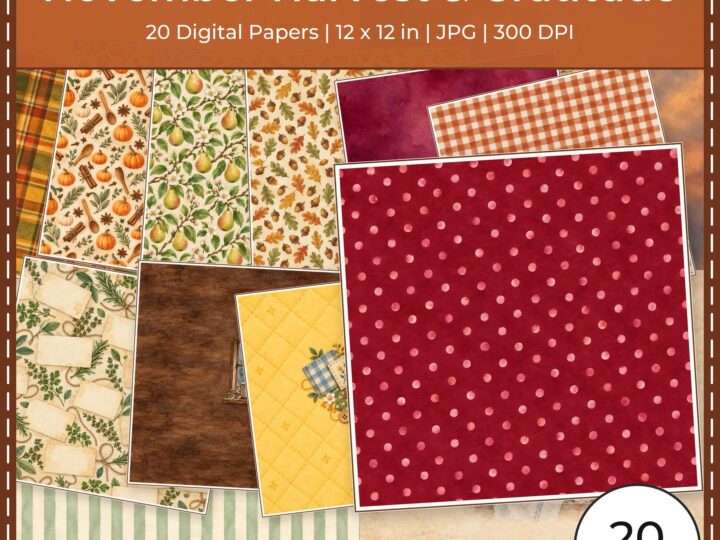
12×12 in 300 DPI Digital download
Digital Scrapbook Papers
November Harvest Gratitude Digital
Explore 20 coordinated digital scrapbook papers from the ScrapBujo November Harvest Gratitude Digital…

300 DPI Digital download
Digital Scrapbook Papers
Ratoncito Perez Tooth Fairy
Explore 111 US Letter JPG scrapbook papers and 20 transparent PNG cliparts from…

12×12 in 300 DPI Digital download
Digital Scrapbook Papers
Equestrian Horse Barn Life Scrapbook
Explore 50 coordinated digital scrapbook papers from the ScrapBujo Equestrian Horse Barn Life…
Each product page identifies its checkout, current price, and digital delivery details.