
Baby Scrapbook Pocket for a 4 x 6 Card: Printable Template
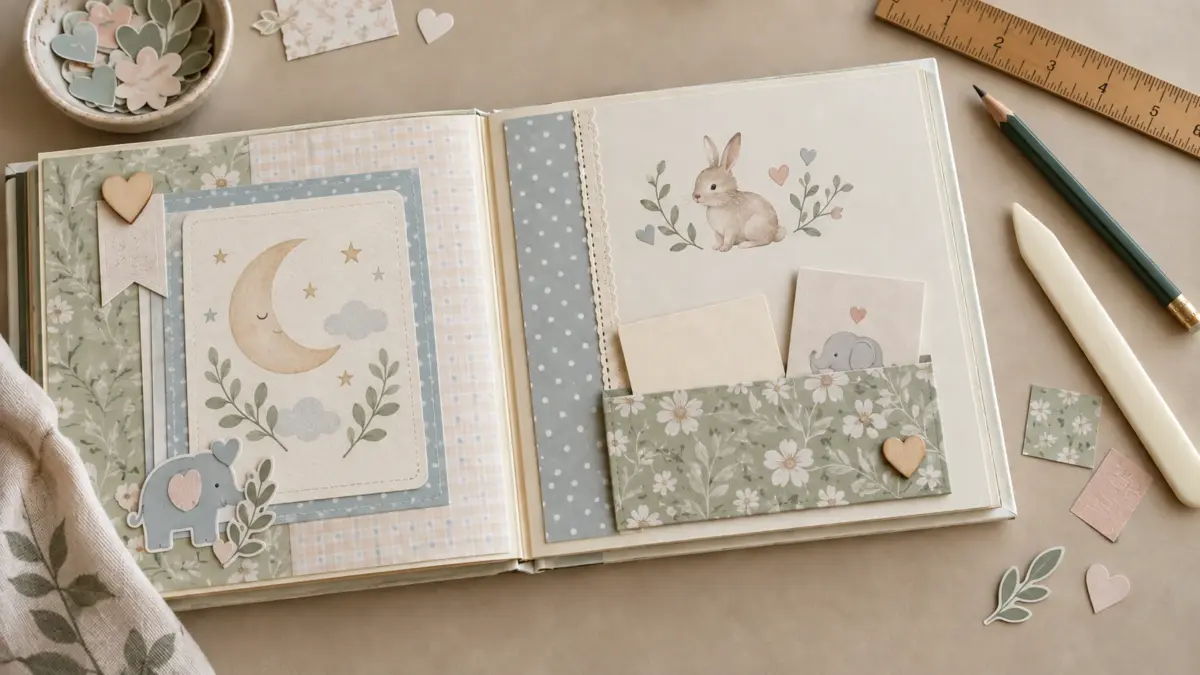
A removable paper pocket attaches to a flat scrapbook page and holds a note, copied keepsake, or small card. This measured pattern fits a 4 x 6 inch portrait card, has an open top and three folding tabs, and is not a plastic pocket-page protector.
The geometry has been checked digitally, but it has not been physically printed, assembled, or fit-tested. Make and test a scrap-paper prototype before cutting finished stock. The featured AI-generated floral scene is decorative, not a scale drawing or a physical test.
Download the printable pocket template
Choose the page size that matches your printer paper. The US Letter printable pocket template PDF includes the measured pocket net, a 1-inch calibration square, and a blank 4 x 6 inch test card. The A4 printable pocket template PDF includes the same pocket net and test card on A4 paper. Both files are two pages. Print at 100% / Actual Size with Fit, Shrink, or Scale to Page turned off, then measure the calibration square before cutting.
Materials
- Scrap paper for a prototype and a 4 x 6 inch test card
- Finished paper or light cardstock
- Ruler, pencil, scissors or paper trimmer, and a blunt scoring tool
- Adhesive suited to both the pocket paper and album page
Check current product instructions for the paper and adhesive, particularly near photographs. Use a copy for a delicate or irreplaceable keepsake.
Pocket measurements
The front panel is 4.25 inches wide by 4.5 inches tall. The full cut outline measures 5.25 by 5 inches and includes two 1/2 inch side tabs. The bottom tab is 3.25 inches wide by 1/2 inch deep. At each lower outer corner, the cut outline has a 1 inch by 1/2 inch relief. Because the front panel begins 1/2 inch in from each outside edge, each relief leaves 1/2 inch of clearance beside the bottom tab. These clearances keep the folded side tabs from overlapping the bottom tab. The top edge remains open.
A 4 x 6 inch portrait card is 1/4 inch narrower than the front panel, leaving about 1/8 inch clearance at each side. With a 4 x 6 inch card, about 1.5 inches extends above the 4.5 inch pocket opening. Try the blank test card to check how much you want exposed.
Cut and fold
- Print your chosen template on scrap paper, or draw the net from the measurements above. For a printed guide, use 100% / Actual Size with Fit, Shrink, or Scale to Page turned off, then check the 1 inch calibration square with a ruler.
- Cut the outside line and lower corner reliefs from the scrap copy. Score the two side folds and bottom fold, then fold the tabs toward the back.
- Slide in the blank 4 x 6 inch test card. Adjust the scrap pattern until the card moves easily and the side tabs meet the bottom tab without overlapping. This is a paper prototype check; the PDF geometry has not been physically tested.
- Transfer the accepted cut outline and fold positions to the reverse of the finished paper, keeping the decorative face unmarked. Use the printed guide to trace the lines onto the reverse, then cut the outside line and lower corner reliefs.
- Score the two side folds and bottom fold on the finished piece. Use light pressure so you crease rather than cut the paper, then fold all three tabs toward the back of the front panel.
- Apply adhesive to the backs of the tabs only. Keep the top open and keep adhesive out of the card path. Press the tabs onto the scrapbook page and let the adhesive set as directed.
- Insert and remove the test card. If it catches or lifts a corner, revise the scrap pattern and make another copy rather than forcing the fit.
Use the pocket thoughtfully
A pocket makes paper removable, but does not protect it from light, moisture, or pressure. Avoid bulky items that strain the binding, and keep private information out of pages that may be shared.
For a broader album plan, see the Baby’s First Year Memory Book guide. If a printed design is cropped, see Borderless Printing vs. Actual Size. Optional paper starting points include the Baby Bunny US Letter sample and Baby Bunny A4 sample; check each page for current file details and terms.
Explore ScrapBujo digital collections
Digital paper collections for your next project
Explore coordinated digital collections on ScrapBujo, compare formats, and follow the checkout shown for the product you choose.
12×12 in 300 DPI Digital download
Digital Scrapbook Papers
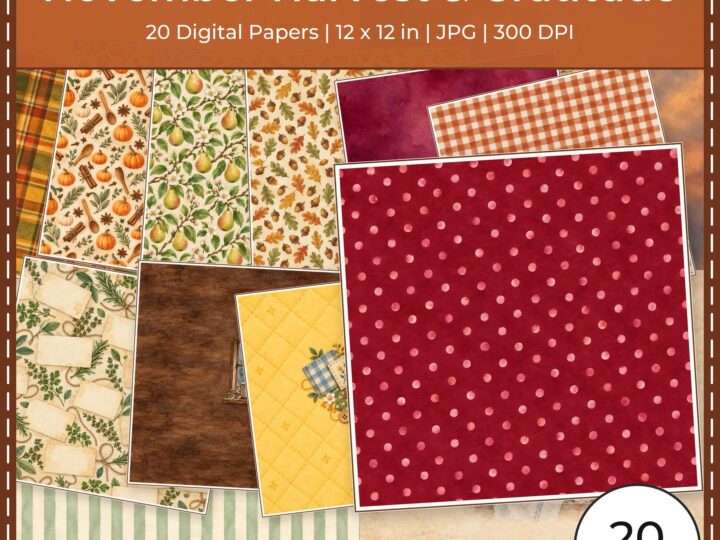
November Harvest Gratitude Digital
Explore 20 coordinated digital scrapbook papers from the ScrapBujo November Harvest Gratitude Digital…

300 DPI Digital download
Digital Scrapbook Papers
Ratoncito Perez Tooth Fairy
Explore 111 US Letter JPG scrapbook papers and 20 transparent PNG cliparts from…

12×12 in 300 DPI Digital download
Digital Scrapbook Papers
Equestrian Horse Barn Life Scrapbook
Explore 50 coordinated digital scrapbook papers from the ScrapBujo Equestrian Horse Barn Life…
Each product page identifies its checkout, current price, and digital delivery details.