
Japanese Floral Travel Journal Pages: How to Build a Quiet Memory Spread

Quick answer: Build a quiet travel spread around one photograph, a readable place-and-date caption, and a small floral accent.
Editorial note: This guide is based on the current ScrapBujo catalog and practical craft-planning principles. The featured image is an AI-assisted editorial mockup built from the actual collection previews shown below; it is not presented as a photograph of a completed print test.
Who this helps
Use this guide to build a travel-memory spread around one photograph, where it was taken, and a detail you want to remember. The layout keeps the image and caption easy to read.
What to gather before you start
- Use the previews below to compare patterns, then use the original paper file you downloaded for the project.
- One neutral base such as cardstock, a journal or a binder
- A pencil, ruler and adhesive suited to the project
- A folder or note for saving the source, size and purchase details
- One test print or small layout before committing to the full project
A practical plan
Start with the user need
Before choosing paper, decide what the page should preserve: the place, the date if you can confirm it, and one detail you remember. Put these beside the photograph first, then choose a pattern that leaves them easy to read.
Let the actual collection set the mood
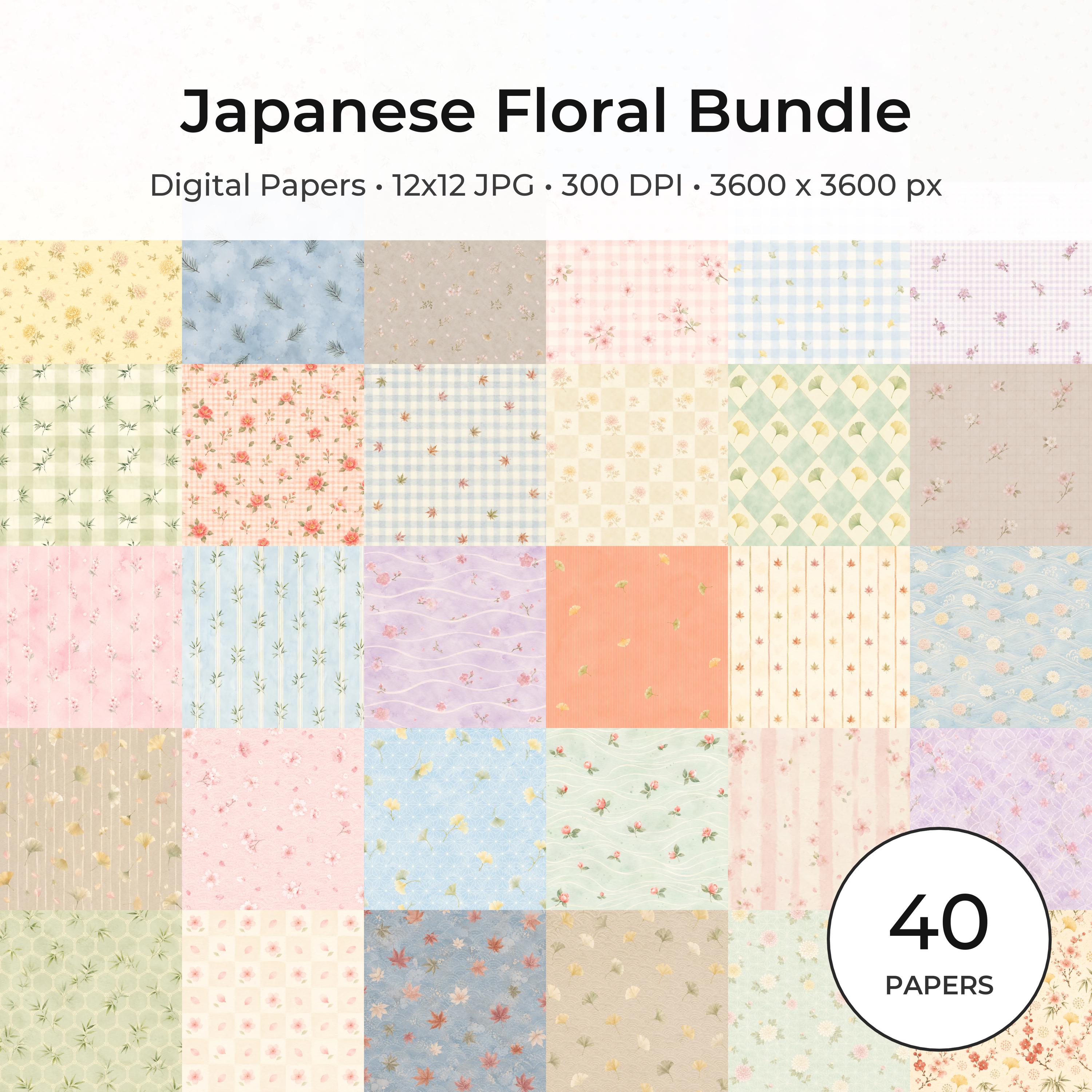
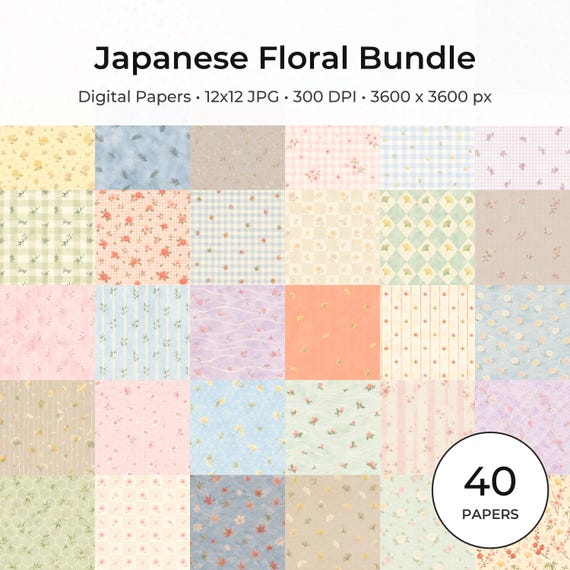
Compare the collection previews to choose a quieter Japanese floral pattern. Then use the original downloaded paper file for the page background; use a busier print only as a narrow border or pocket so it does not compete with the photograph or caption.
Build around evidence
For a travel page, add the place and date, then one detail you remember: a sign, blossom, station sound or meal. If you are unsure about a detail, leave it out until you can check a photo or travel note.
Protect the practical detail
Arrange the photo, location and date, and caption so the reader can follow them at a glance. Keep handwriting on a quieter area of the page; use the floral print as a border or pocket if you want an accent.
Check before you buy or print
Check the current file size and format on the collection page before you print. Try the crop on a copy at your intended size so the motif stays where you want it. The featured mockup shows one possible arrangement; it is not a print test.
Save a repeatable project note
Note the place, the paper format you chose, and where the caption fits. If you make another page from the trip, those notes can help you keep place names and dates consistent.
Common mistake to avoid
The common mistake is using delicate paper as a substitute for a caption. The page still needs a place, date or specific observation.
Questions to answer before buying
- Which floral motif can frame the photo without crossing the caption?
- Which word or detail makes the memory specific?
- Will the photograph remain legible?
- Where can the next page continue the story?
Make the first session small
Begin with one photo from the trip. Add its location and one detail you want to remember, then choose a floral accent only if it leaves space for both the image and caption.
Run a useful quality check
Before you finish, check that the photo still shows its subject, the location and date are legible, and the caption adds context the image cannot show. If the date is not confirmed, leave it blank rather than guessing.
Keep a project note for next time
- Record the collection name and exact format used.
- Note which paper became the background and which became the accent.
- Write down the size of the photograph, card or tag that fit comfortably.
- Save one sentence describing what you would change on the next page.
- Keep the source link with the finished project so file details and current offers can be checked later.
Mini FAQ
How can I frame a travel photo with floral paper?
Place a busier print beside or around the photo rather than under the caption. Keep the words on a plain or quiet area so the pattern frames the moment without making the location hard to read.
What if the first layout feels too busy?
If the flowers compete with the photo or caption, trim the patterned area to a border or use it for a small pocket. Move the caption to a quieter area before adding another layer.
What if I replace the photograph?
If you replace the photo, keep the original unchanged and revise the caption to match the new image. Check the place and date against your travel notes or photo record before copying the page.
Collection previews used in this guide
These are current ScrapBujo collection previews, not substitute artwork. They show the paper surfaces and formats discussed below.


Related free samples: Browse free printable samples before choosing a full pack.
Explore ScrapBujo digital collections
Explore the related digital collection
Review the collection previews and current file details before choosing a format.
12×12 in 300 DPI Digital download
Coloring & Printables · Floral & Botanical
Japanese Floral Digital Papers Bundle
Bring timeless Japanese elegance into your creative projects with this premium bundle of…
Each product page identifies its checkout, current price, and digital delivery details.