
7 Cozy Ways to Use Kitchen Witch Autumn Apothecary Papers
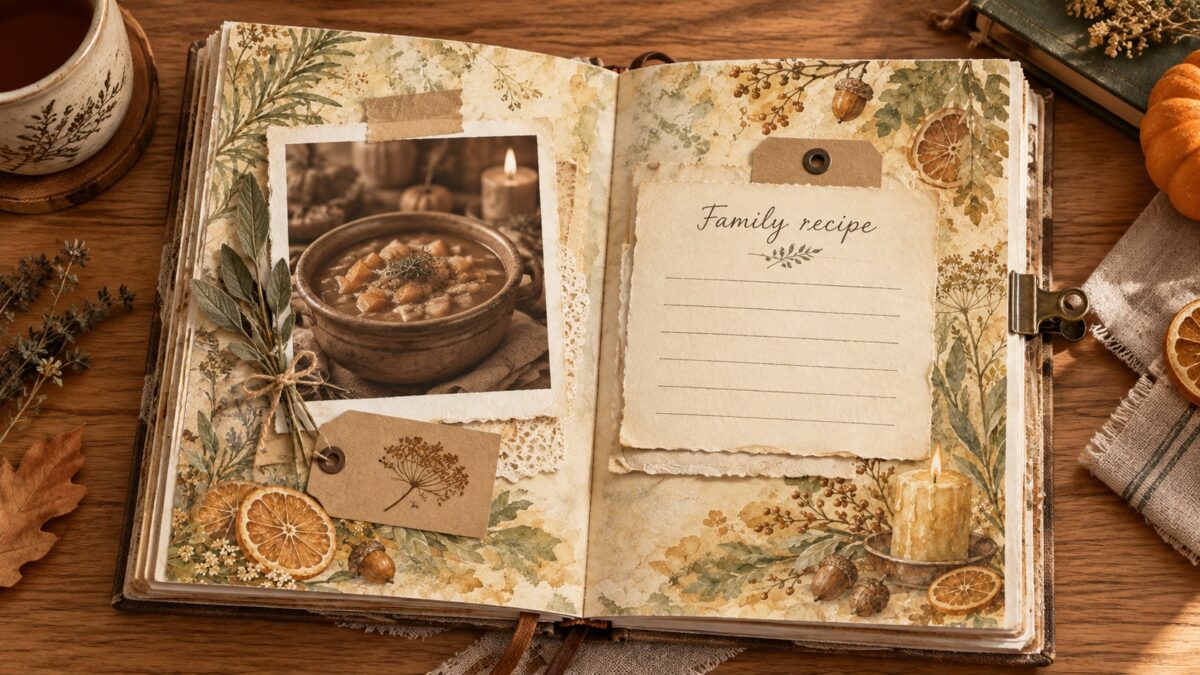
Illustrative AI-generated mockup. The recipe card, photograph, and props are layout suggestions, not included files; this is not a physical print test.
Start with one quiet paper, one recipe or kitchen memory, and enough open space to write. Use these seven ideas to plan a recipe page, a fall photo spread, or a small handwritten card with Kitchen Witch Autumn Apothecary papers.
The complete collection contains 25 square JPG papers and 10 separate transparent PNG cliparts. The papers are 3600 × 3600 pixels at 300 DPI—12 × 12 inches at that resolution. The related Kitchen Witch campaign page separately describes a six-paper JPG gift after email verification and a chance at the complete 25-paper plus 10-clipart set. The six-paper gift is not the complete collection, and the drawing is not a guarantee of the full set; check that page for current dates and official terms.
7 cozy Kitchen Witch journal-page ideas
1. Keep a recipe beside the memory
Set the recipe in a card or open writing area, then add the date and one small note about the meal beside it. Leave a clear margin so the ingredients and steps remain easy to scan.
2. Plan a pantry pocket
Use a piece of your own cardstock or spare paper to make a pocket for a handwritten shopping list or recipe note. Lay it on the page before attaching it and check that the opening stays clear; this is a layout suggestion, not a pocket template included with the digital papers.
3. Give one fall photograph a calm frame
Place one photograph on a quieter paper and use a narrow strip or a single corner accent as a frame. Add the date or place in a short caption rather than filling every edge with decoration.
4. Layer one transparent accent
Place one separate PNG herb, apple or kitchen motif over a paper in an editor that supports transparency. Keep the accent near an edge or corner so it supports the recipe or photo instead of covering the writing.
5. Leave a center for handwriting
Use a patterned paper as a border and keep the middle open for a recipe, date, or short family memory. If the center feels busy, add a plain note card rather than shrinking the handwriting.
6. Mark a seasonal divider
Choose one paper as the visual face of a divider, then plan a tab from separate cardstock or a spare offcut. Check the size of your downloaded file and leave room for the tab before printing or trimming.
7. Turn a kitchen note into a small card
Use a paper as a card background and write a short recipe tip, ingredient swap, or serving note on a separate panel. Keep the message on a plain area so it remains readable at the card’s finished size.
One recipe-memory page, planned from start to finish
- Choose a calmer paper for the background and confirm the exact file dimensions in the current product listing before selecting print paper.
- Set a recipe card on one side and a small meal photo or ingredient note on the other.
- Add one transparent kitchen accent near the edge, then place the date and a short caption where they will not overlap the recipe.
- Move the pieces around before using adhesive. In a digital layout, check contrast and legibility at the size you plan to view or print.
Use one of these prompts in the open writing space:
- What made this recipe feel like autumn to you?
- Who shared the meal, and what small detail do you want to remember?
- What would you keep or change the next time you make it?
Check file size before printing
The complete collection’s papers are 3600 × 3600 pixels at 300 DPI—12 × 12 inches at that resolution. Check whether your project, printer and paper support 12 × 12 inches; if they do not, choose a smaller print size or a print service that supports the paper size. ScrapBujo’s 300 DPI to Pixels Calculator can convert confirmed print dimensions into pixel dimensions, but it cannot determine a file’s intended size.
In the print preview, confirm paper size and orientation and check whether Fit or Fill settings would resize or crop the page. Borderless printing depends on the printer and paper; consult the printer’s manual for its supported sizes and printable area. Print a sample on your chosen paper before committing to the full page.
See the Kitchen Witch Autumn Apothecary collection page for its current file description. For the separate six-paper gift and the complete-set drawing, use the campaign page above and follow its current rules.
Explore ScrapBujo digital collections
Digital paper collections for your next project
Explore coordinated digital collections on ScrapBujo, compare formats, and follow the checkout shown for the product you choose.

12×12 in 300 DPI Digital download
Digital Scrapbook Papers · Seasonal & Holidays
Aurora Ribbon Christmas: 40 Abstract Scrapbook Papers
40 coordinated abstract Christmas and winter scrapbook papers in 12 × 12 inch…
12×12 in 300 DPI Digital download
Digital Scrapbook Papers
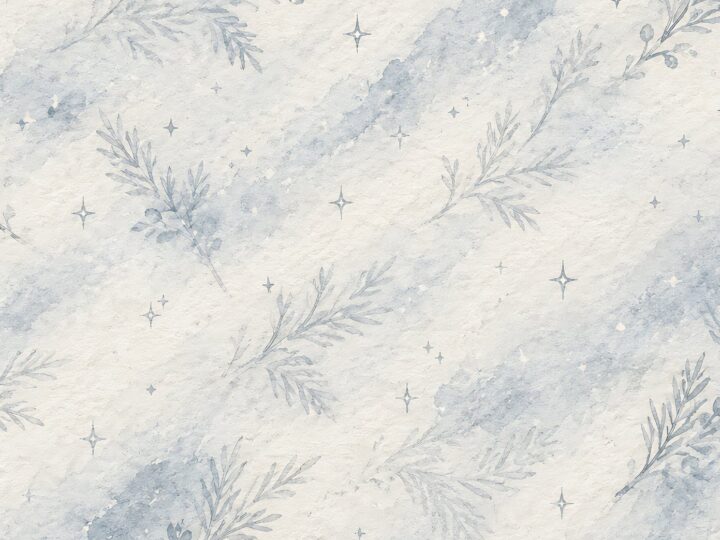
Alpine Knit Winter — 40 Digital Scrapbook Paper Designs
40 alpine winter paper designs in 12 × 12 inch and US Letter…
12×12 in 300 DPI Digital download
Digital Scrapbook Papers
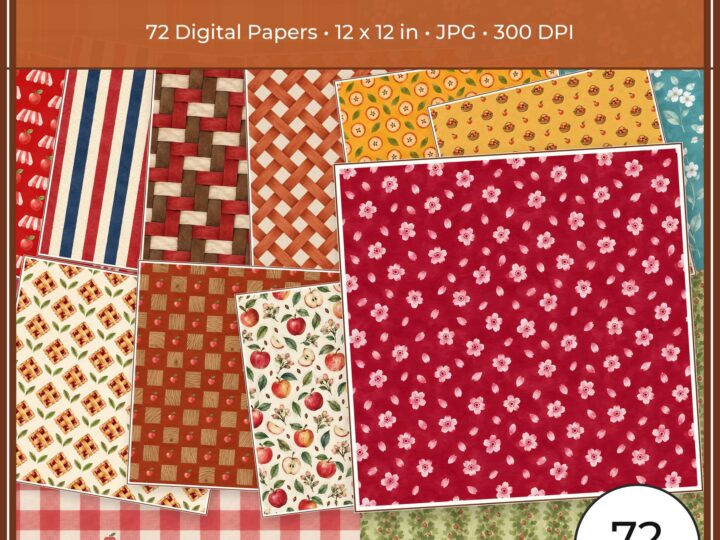
Apple Orchard & Cider Harvest Digital Papers
Build an apple-picking scrapbook page, journal entry or recipe card with 72 square…
Each product page identifies its checkout, current price, and digital delivery details.