
Free Photo Mat Calculator: Cut Even Borders for Scrapbook Layouts
Quick answer: To size a solid backing mat, add twice the border width to both measured photo dimensions. A 4×6-inch photo with a 1/8-inch border on each side needs a 4.25×6.25-inch backing piece. The calculator handles other measurements.
These dimensions are for a solid backing piece with the photo centered on top, not for the opening in a window mat.
Quick plan
- Measure the actual printed photograph.
- Choose the visible border width.
- Add the border to both left and right.
- Add the border to both top and bottom.
Choose border width by purpose
A 1/16-inch border creates a fine line, 1/8 inch is subtle and practical, 1/4 inch creates clear separation, and wider mats can hold captions or decorative edges. Large patterns often need a wider neutral mat around the photograph.
Backing mat sizes for common photo prints
Each cut size below gives the photo a matching border on all four sides. Measure the actual photo before cutting; a print labeled 4×6 inches may not measure exactly 4×6.
These are cut sizes for backing paper, with the photo centered on top. They are not dimensions for a window mat opening.
| Photo size | Border on each side | Cut backing size |
|---|---|---|
| 4×6 | 1/8 (0.125) | 4.25×6.25 |
| 4×6 | 1/4 (0.25) | 4.5×6.5 |
| 4×6 | 1/2 (0.5) | 5×7 |
| 5×7 | 1/8 (0.125) | 5.25×7.25 |
| 5×7 | 1/4 (0.25) | 5.5×7.5 |
| 5×7 | 1/2 (0.5) | 6×8 |
| 8×10 | 1/8 (0.125) | 8.25×10.25 |
| 8×10 | 1/4 (0.25) | 8.5×10.5 |
| 8×10 | 1/2 (0.5) | 9×11 |
On a ruler, 1/8 inch is 0.125 inch, 1/4 inch is 0.25 inch, and 1/2 inch is 0.5 inch.
Two-layer example: Put a 4×6 photo on a 4.25×6.25-inch backing piece for a 1/8-inch border. Center that piece on a 4.75×6.75-inch outer piece to leave another 1/4 inch visible around it.
Cut for the real print, not the nominal size
Home and lab prints can vary slightly from their named dimensions. Measure with a ruler before cutting, especially when using borderless printing or photographs trimmed from a contact sheet.
Use nested mats carefully
Two mats can introduce an accent color and a neutral buffer. Keep the inner border narrow and allow the outer border to do most of the visual work. More than two layers often adds bulk without improving clarity.
Use this as a mini worksheet
- Actual photo width
- Actual photo height
- Border per side
- Final cut dimensions
Collections to explore
These ScrapBujo collections match the palette or project described above. The collection page explains the included designs and links to Etsy for current US pricing and promotions.
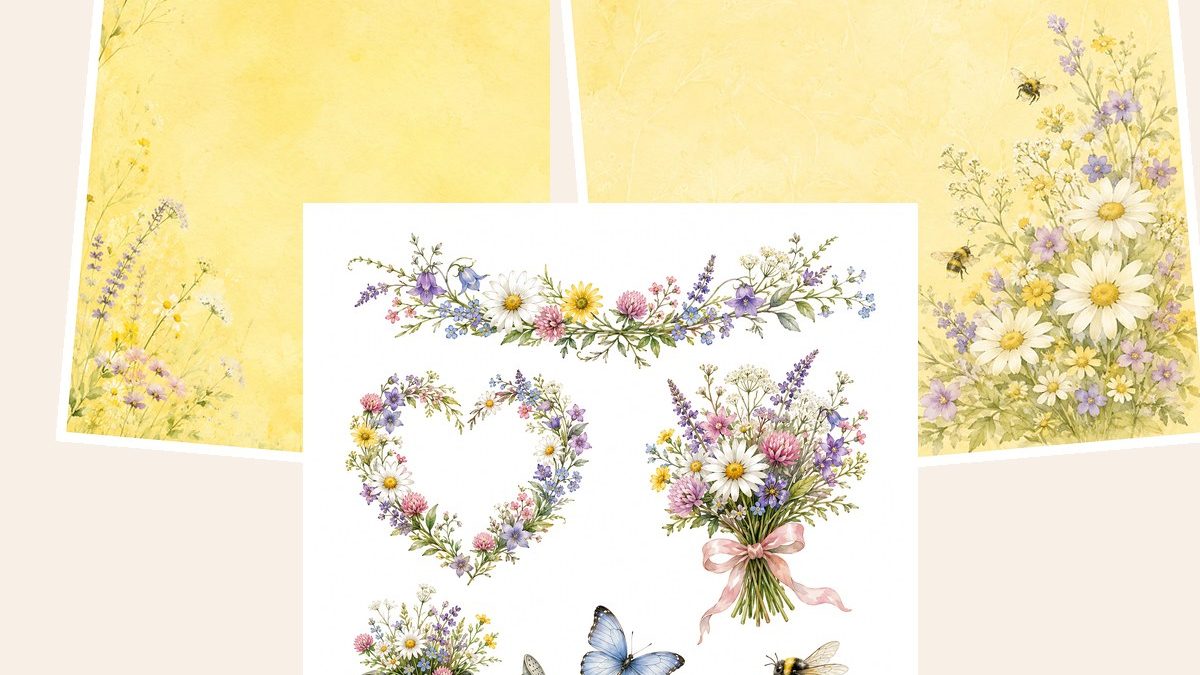
- Wildflower Meadow Digital Paper Pack, Watercolor Floral Backgrounds, Cottagecore
Create soft, romantic and nature-inspired paper crafts with this Wildflower Meadow digital paper collection.
View the collection details · Try the free printable samples - Shabby Chic Rose Garden Digital Paper Pack
Create romantic and elegant paper crafts with this Shabby Chic Rose Garden digital paper collection.
View the collection details - Boys Birthday Digital Paper Pack, Dinosaurs, Rockets, Cars, Sports
Blue Adventure Boys Birthday Digital Paper Pack – 50 printable JPG scrapbook papers with a fun boys party theme, including dinosaurs, rockets.
View the collection details · Try the free printable samples - Pastel Unicorn Digital Paper Pack, Girls Birthday Scrapbook, Watercolor
Create sweet and magical birthday projects with this Pink Unicorn Girls Birthday Digital Paper Pack.
View the collection details · Try the free printable samples - First Communion Watercolor Digital Paper Pack, Religious Scrapbook Pages
Create soft and elegant First Communion crafts with this digital scrapbook paper collection in a delicate watercolor style.
View the collection details · Try the free printable samples
Frequently asked questions
Does the calculator store my measurements?
No. The calculation runs in your browser and is not submitted to ScrapBujo.
Can I enter centimeters?
The current mat calculator uses inches; multiply centimeters by 0.3937 before entering them.
Source note: The collection facts and preview images in this article were checked against the ScrapBujo catalog on 2026-08-14. The examples are product previews; they do not replace a print test.
Collection previews used in this guide
These are current ScrapBujo collection previews, not substitute artwork. They show the paper surfaces and formats discussed below.


Explore ScrapBujo digital collections
Digital paper collections for your next project
Explore coordinated digital collections on ScrapBujo, compare formats, and follow the checkout shown for the product you choose.

12×12 in 300 DPI Digital download
Digital Scrapbook Papers · Seasonal & Holidays
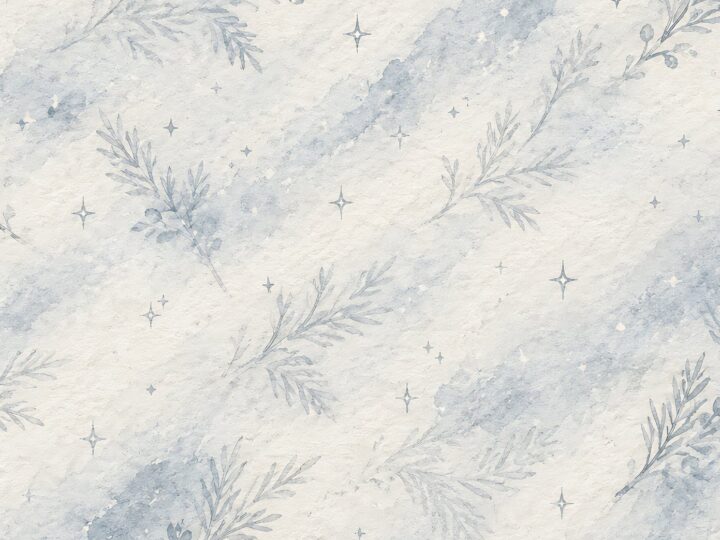
Aurora Ribbon Christmas: 40 Abstract Scrapbook Papers
40 coordinated abstract Christmas and winter scrapbook papers in 12 × 12 inch…
12×12 in 300 DPI Digital download
Digital Scrapbook Papers
Alpine Knit Winter — 40 Digital Scrapbook Paper Designs
40 alpine winter paper designs in 12 × 12 inch and US Letter…
12×12 in 300 DPI Digital download
Digital Scrapbook Papers
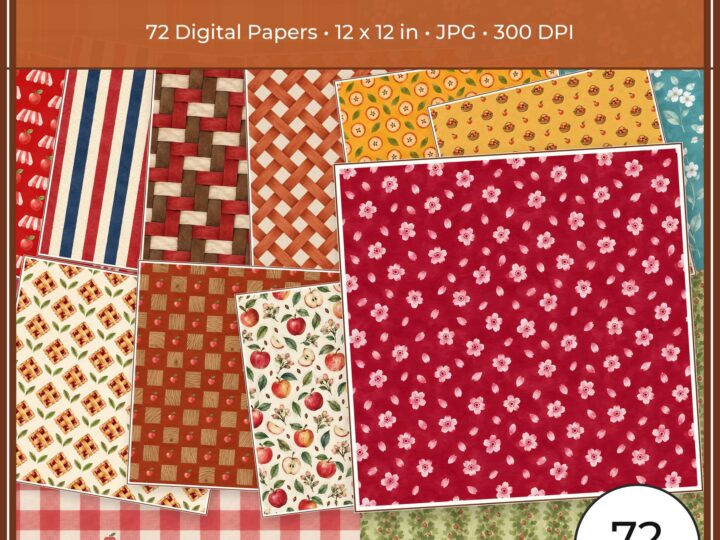
Apple Orchard & Cider Harvest Digital Papers
Build an apple-picking scrapbook page, journal entry or recipe card with 72 square…
Each product page identifies its checkout, current price, and digital delivery details.