
How PNG Elements Make Beginner Layering Easier

Quick answer: A transparent PNG can sit over a paper or photo without a white rectangle, making simple clusters easier to build.
Start with three elements at different sizes rather than filling the page. A simple size hierarchy leaves room for photos and writing.
Build one small cluster, step by step
- Open a copy of your background and place your photo first. Keep faces and your writing area clear.
- Import one large PNG element, one medium element and one small accent on separate layers. Start with fewer pieces rather than covering the whole page.
- Keep each element proportional when resizing. Tuck the medium element behind the largest, then place the small accent near the edge of the cluster.
- Temporarily use a dark background to inspect transparency. If a white rectangle surrounds the artwork, check that the file really has transparency; saving a JPG as PNG does not remove its background.
- Check the layout at its intended print size. Save an editable copy and test a small section before printing the full page.
Choose backgrounds and embellishments separately
The Pastel Watercolor and Nautical collections linked below are labeled as JPG paper backgrounds. They are not transparent PNG embellishments. Use them behind your photo, and add separate transparent elements only if the listing explicitly includes them.
Before buying, check the file types and included items on the collection page and Etsy listing. If you prefer scissors to arranging digital layers, read our PNG die cuts versus printable fussy-cut sheets guide to choose the right format.
Quick fixes when layering PNG elements
Why does my PNG have a white box?
PNG is a file format; it does not guarantee that the artwork has transparent areas. Place the element over a light and a dark temporary background to inspect its edges. Your editor may use a checkerboard to indicate transparency, but a preview image can also have that pattern baked in. Inspect the original PNG over temporary backgrounds rather than judging the preview alone. If the white area remains, check the original included file rather than renaming or resaving a JPG.
Why did the transparent area disappear after export?
Keep an editable master before exporting. JPG does not preserve transparent areas; exporting can flatten them onto a background. If you are exporting an individual element, choose PNG and enable transparency if your app offers that option. A finished flattened page and a separate transparent element are different outputs.
Why is my embellishment hidden behind the photo?
Check the layer order and visibility, then move the element above or below the photo as intended. Select the element before moving it, and keep faces and handwriting clear.
Keep the original download unchanged and work from a copy. Confirm your software accepts the file format before arranging a full project, and preview the layout at its intended size.
Explore the ScrapBujo collection catalog, try a free printable sample, or read the ScrapBujo story.
Source note: The collection facts and preview images in this article were checked against the ScrapBujo catalog on 2026-08-14. The examples are product previews; they do not replace a print test.
Collection previews used in this guide
These previews show JPG paper backgrounds, not transparent PNG elements. Use the collection pages to check the backgrounds you might pair with your own embellishments.


Explore ScrapBujo digital collections
Digital paper collections made for printing
Compare coordinated 12×12 papers, confirm the file specifications on ScrapBujo, and then visit Etsy for the current listing details.
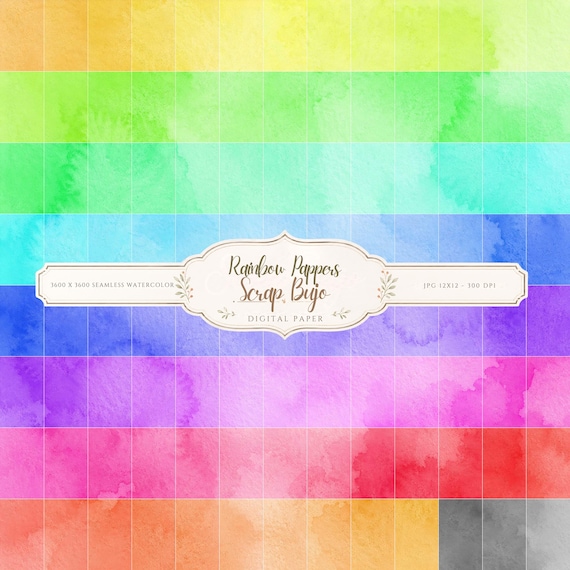
12×12 in 300 DPI Digital download
Coloring & Printables · Pastel & Watercolor
Pastel Watercolor Digital Paper Pack, Soft Rainbow Colors, Scrapbook
Bring soft color and handmade texture to your creative projects with this Pastel…
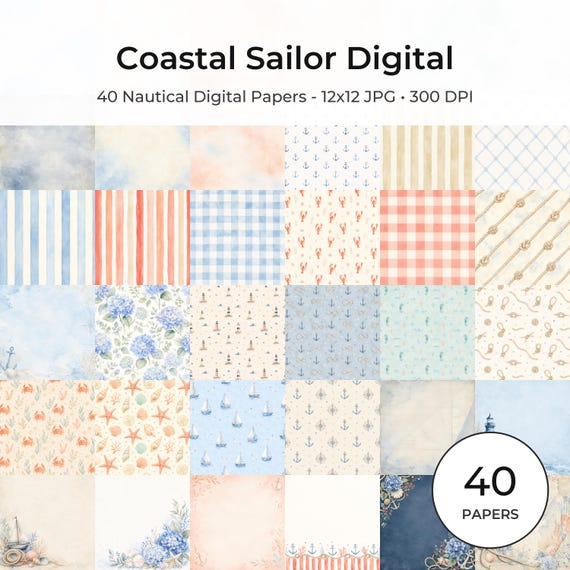
12×12 in 300 DPI Digital download
Coastal & Summer · Pastel & Watercolor
Nautical Digital Paper Pack, Watercolor Coastal Scrapbook Pages (12×12
Bring a fresh coastal touch to your creative projects with this nautical digital…
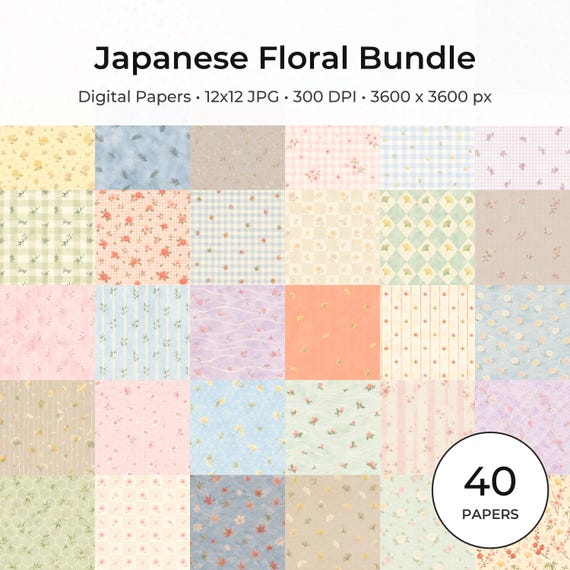
12×12 in 300 DPI Digital download
Coloring & Printables · Floral & Botanical
Japanese Floral Digital Papers Bundle
Bring timeless Japanese elegance into your creative projects with this premium bundle of…
Each product page identifies its checkout, current price, and digital delivery details.
Open the matching Etsy listing
Ready to compare the exact files? Open the matching Etsy listing for the current regional price and included formats: