
How to Use Sweet Spooky Halloween Paper for Treat Bags, Tags and Journal Pages
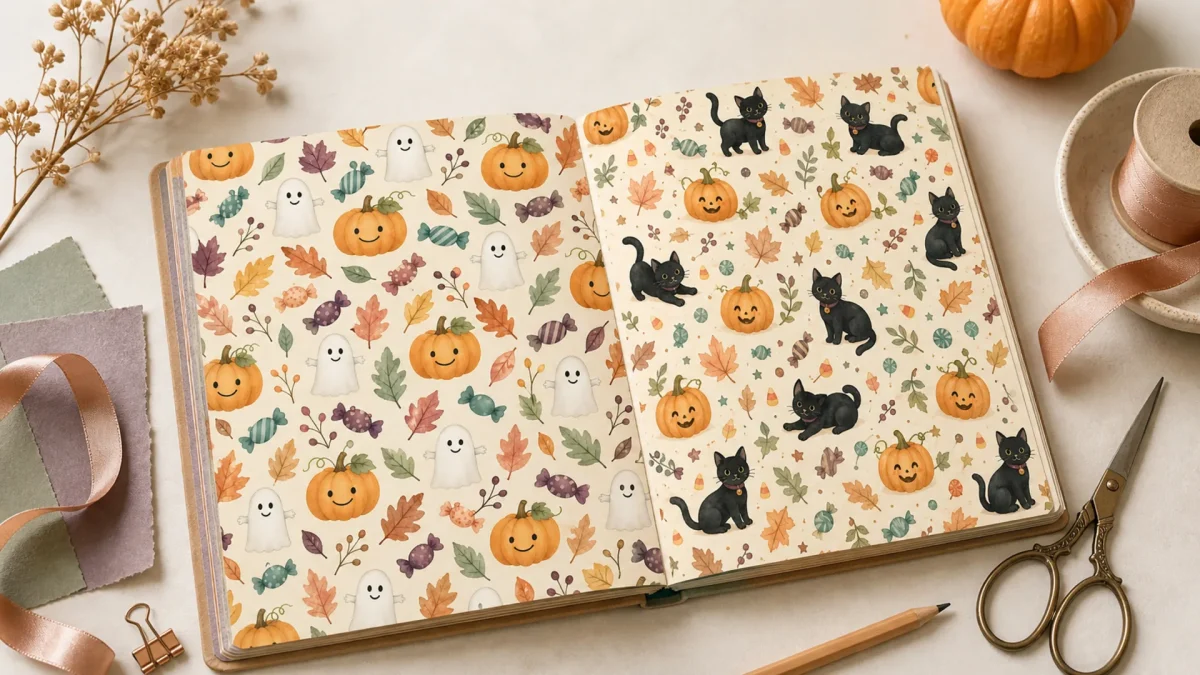
Quick answer: Sweet Spooky Halloween paper works best when one pattern carries the mood and quieter patterns give tags, journaling and photos room to breathe.
Editorial note: This guide is based on the current ScrapBujo catalog and practical craft-planning principles. The featured image is an AI-assisted editorial mockup built from the actual collection previews shown below; it is not presented as a photograph of a completed print test.
Who this helps
This plan is for crafters making a few Halloween treat-bag decorations, tags or a journal page and who want to use one coordinated paper collection without covering every surface.
What to gather before you start
- The page size and file format shown for the exact collection you plan to use
- A blank bag or tag base to help you place the decoration (the article does not include a tag template)
- Cardstock or another chosen base, a pencil, adhesive and a pen for the name area
- One sample print before repeating the cut or decoration
A practical plan
Let one pattern lead
Use a quieter pattern for the larger panel and reserve a stronger pumpkin, ghost or black-cat motif for a small accent. Leave enough unprinted or open space for the name and any note.
Plan the tag from the blank base
Use your own blank bag or tag as the guide; this article does not include a cutting template. Mark the area you intend to use and keep the hole, fold, closure and writing area clear of the focal motif.
Keep bag decoration on the outside
Choose a front panel and one narrow accent strip if they help the design. Keep the name area open and put the decoration on the outside of the bag.
Save a few pieces for the journal
Set aside two or three contrasting pieces for an October entry. Pair a photograph or short note with one small pocket or strip instead of using every pattern on one page.
Use an offcut to remember the event
If you have one, keep a date, menu note or drawing in a labeled envelope with the project. Add only details you know; a blank space is fine when the event has not happened yet.
Small-batch check before you make the rest
- Print one copy at the scale you intend to use, after checking that the selected file format and page size match your print route.
- Place the sample against your own blank bag or tag base; check the motif, hole, fold and name area before cutting a batch.
- Read the writing area at normal viewing size and check that the print edge has not removed a detail you need.
- Note the file format, print scale and one change for the next copy. Repeat only after the sample fits your plan.
Screen, printer, ink, paper and settings can change color and scale.
Mini FAQ
Should I use a home printer or a print shop?
Check the size and file format included in the exact collection and compare the page size with the paper your printer accepts. A print shop may be an option if your printer cannot handle that page size or the margins you need; confirm the shop can print the selected file at the intended scale. The collection page and listing provide the current file details.
How many copies should I print?
Plan the number of bags or tags first, then print one sample. If the sample fits the blank base and leaves the writing area clear, use that result to decide how many more copies the project needs.
Collection previews used in this guide
These are current ScrapBujo collection previews, not substitute artwork. They show the paper surfaces and formats discussed below.
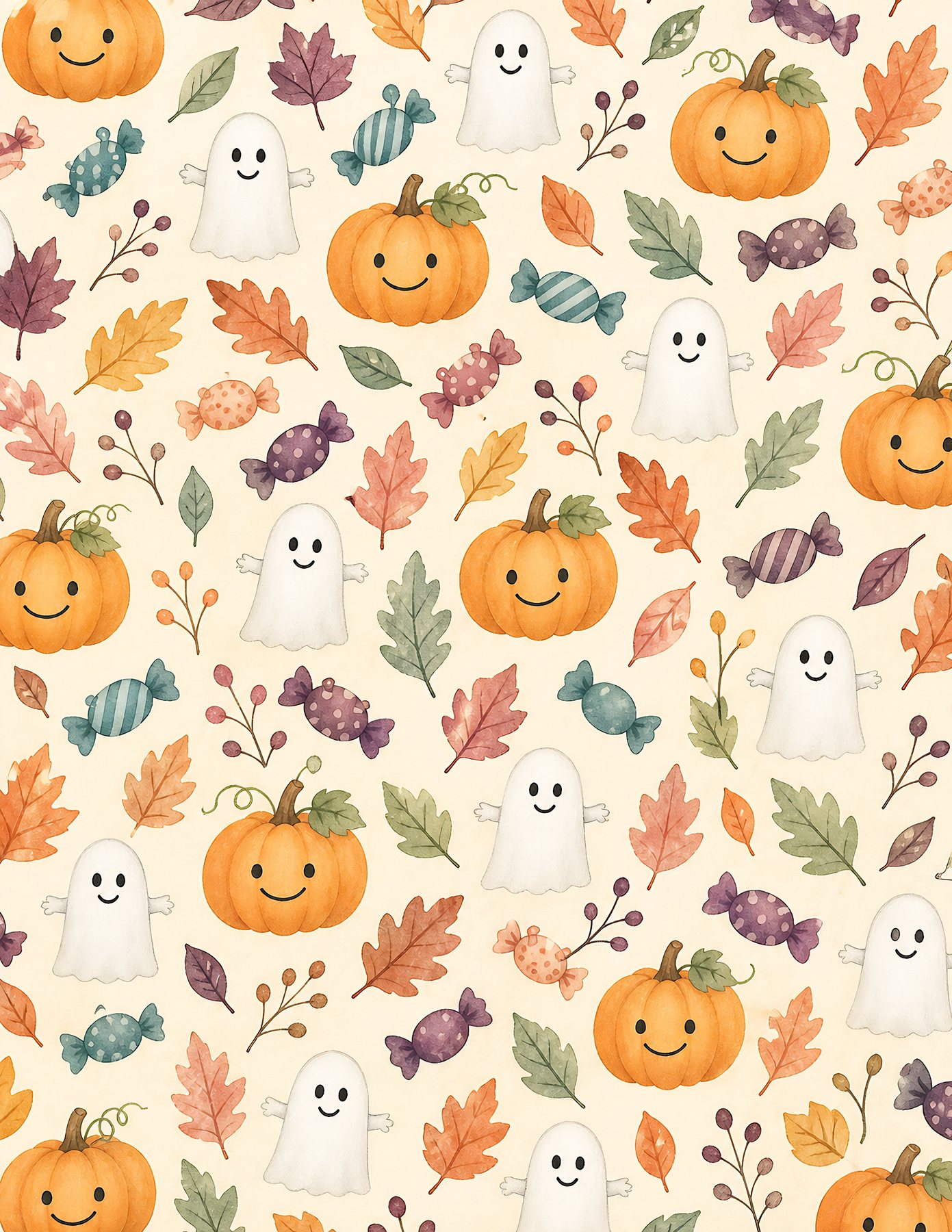
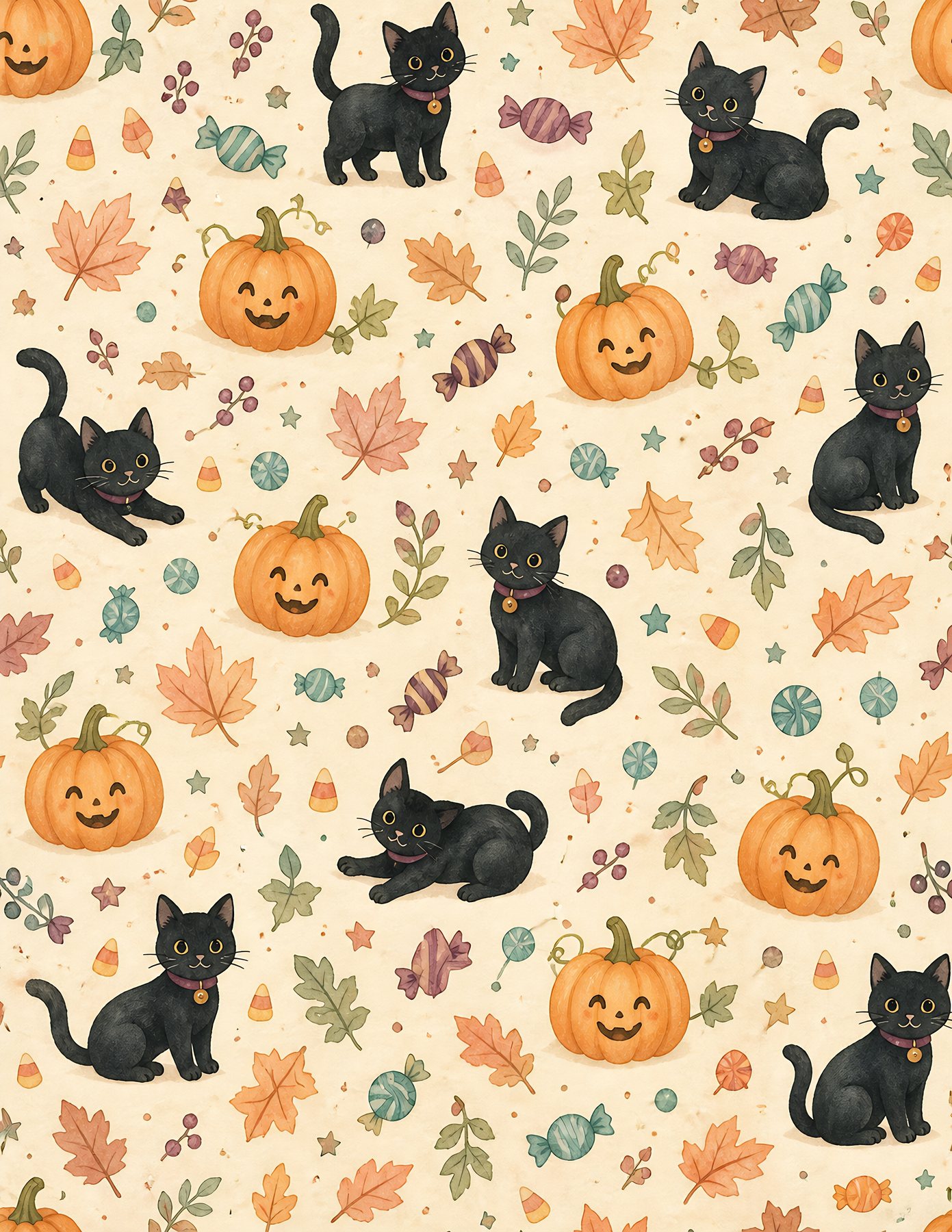
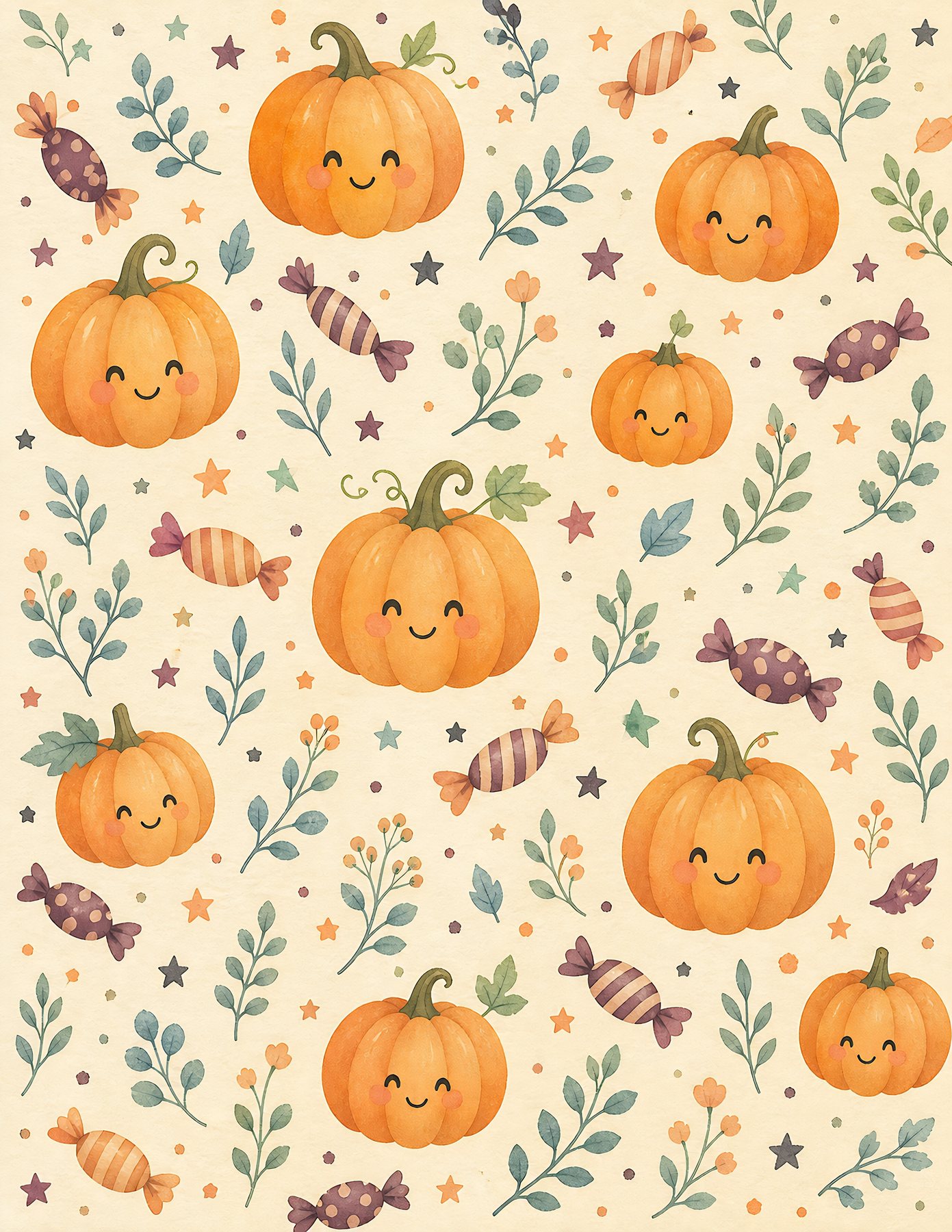
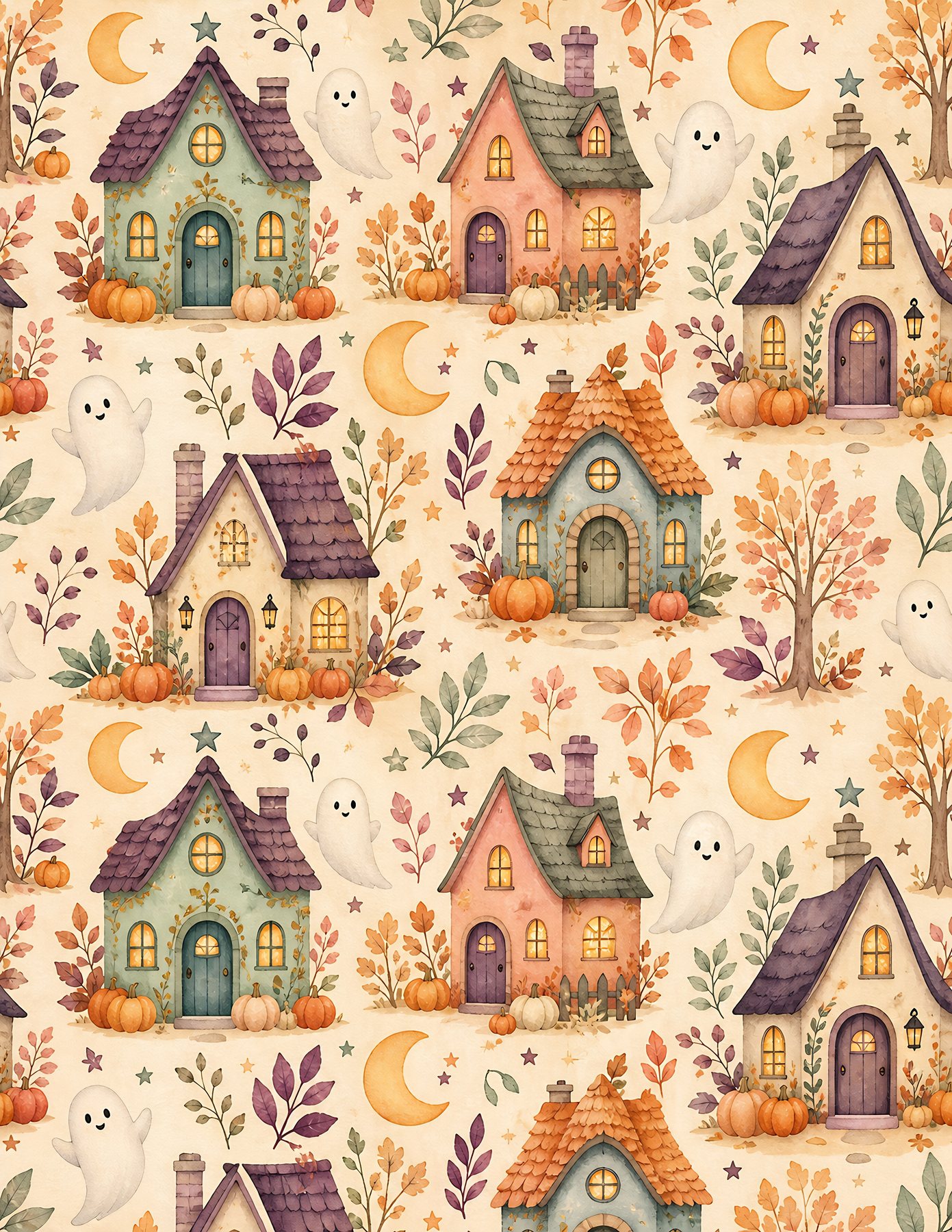
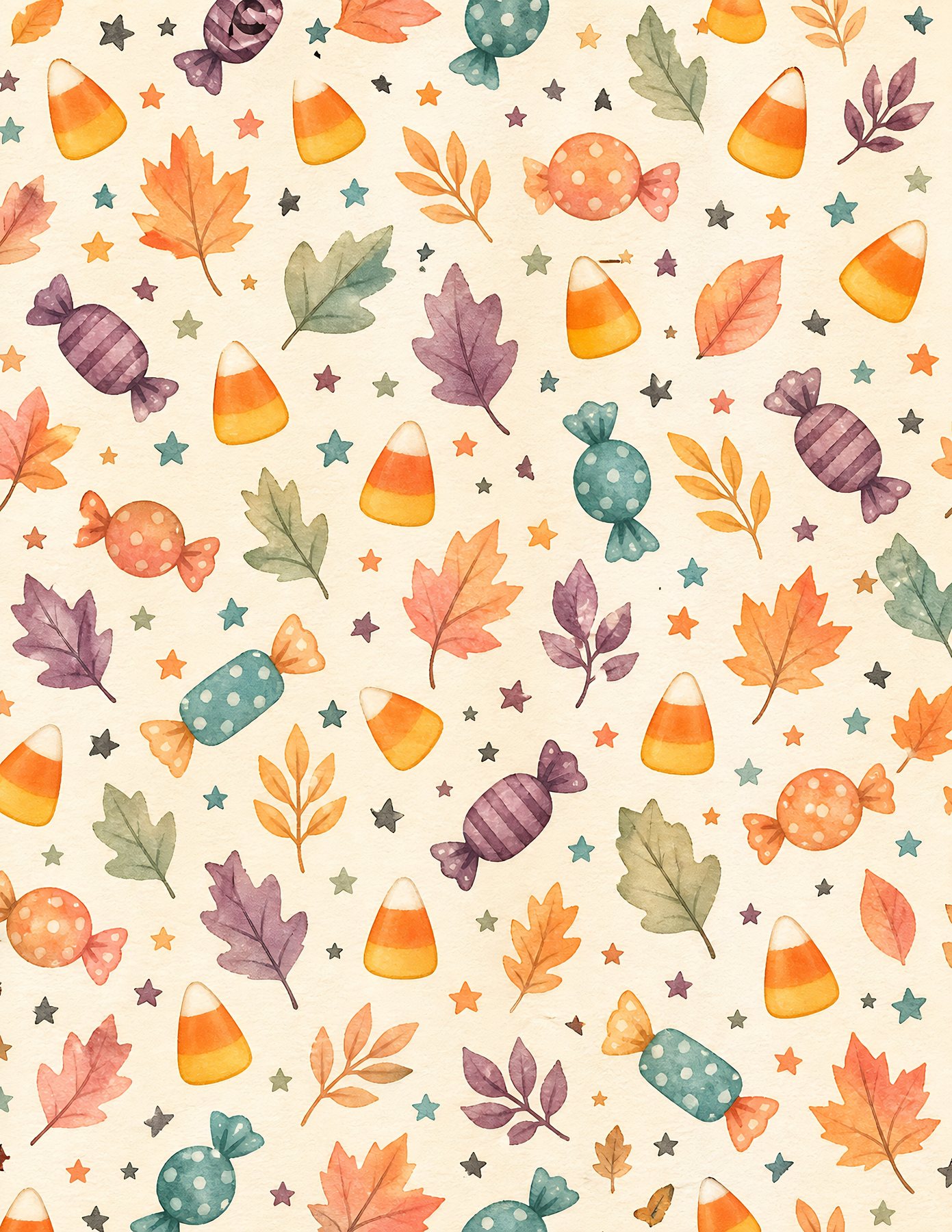
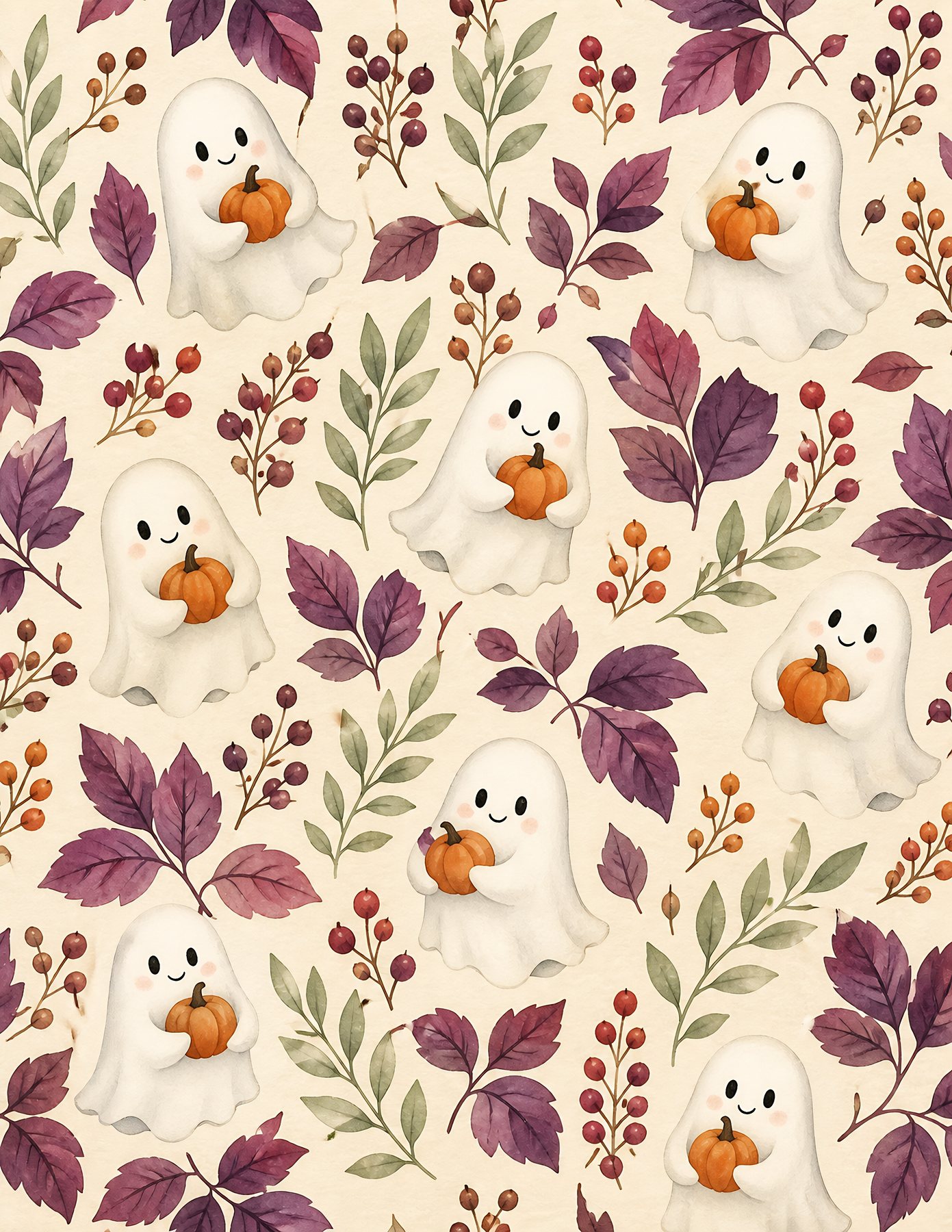
Related free samples: Browse free printable samples before choosing a full pack.
Explore ScrapBujo digital collections
Explore the related digital collection
Review the collection previews and current file details before choosing a format.

300 DPI Digital download
Seasonal & Holidays
Sweet Spooky Halloween Digital Paper
Explore 24 coordinated digital scrapbook papers from the ScrapBujo Sweet Spooky Halloween Digital…
Each product page identifies its checkout, current price, and digital delivery details.