
12×12, Letter or A4? 7 School Collections Compared

Quick answer: Choose by the finished page first: these seven descriptions list square 12 × 12, US Letter portrait or landscape, and one mixed-size kit. None lists a native A4 file. You can still print a square or Letter design on A4 paper at a reduced size with margins, or crop to fill; confirm the delivered dimensions if you need a native A4 layout.
Editorial note: The designs and collection previews in this comparison are real ScrapBujo products. The featured scene was created with AI from the actual paper previews to visualize a possible project arrangement; it is not a photograph, proof of a finished print or a claim that every paper appears exactly as shown in the scene. Colors, scale and final appearance can vary by screen, printer, paper and settings.
What you will be able to decide
- Which of the seven collections fits the finished project and page format.
- Which option gives you the right amount of variety without buying for a mood alone.
- What to check on the live collection page and exact Etsy listing before downloading.
- How to use Pinterest as inspiration while keeping the final layout and image rights clear.
Why this comparison is timely
Check your album and printer at the start of the school year, before making a stack of pages in the wrong proportions. Choose square, Letter or landscape around the photographs and notes you intend to keep.
Use this when a school collection looks right but the size is unclear. The comparison puts proportions, printer margins, writing space and album compatibility ahead of the theme label.
Seven options at a glance
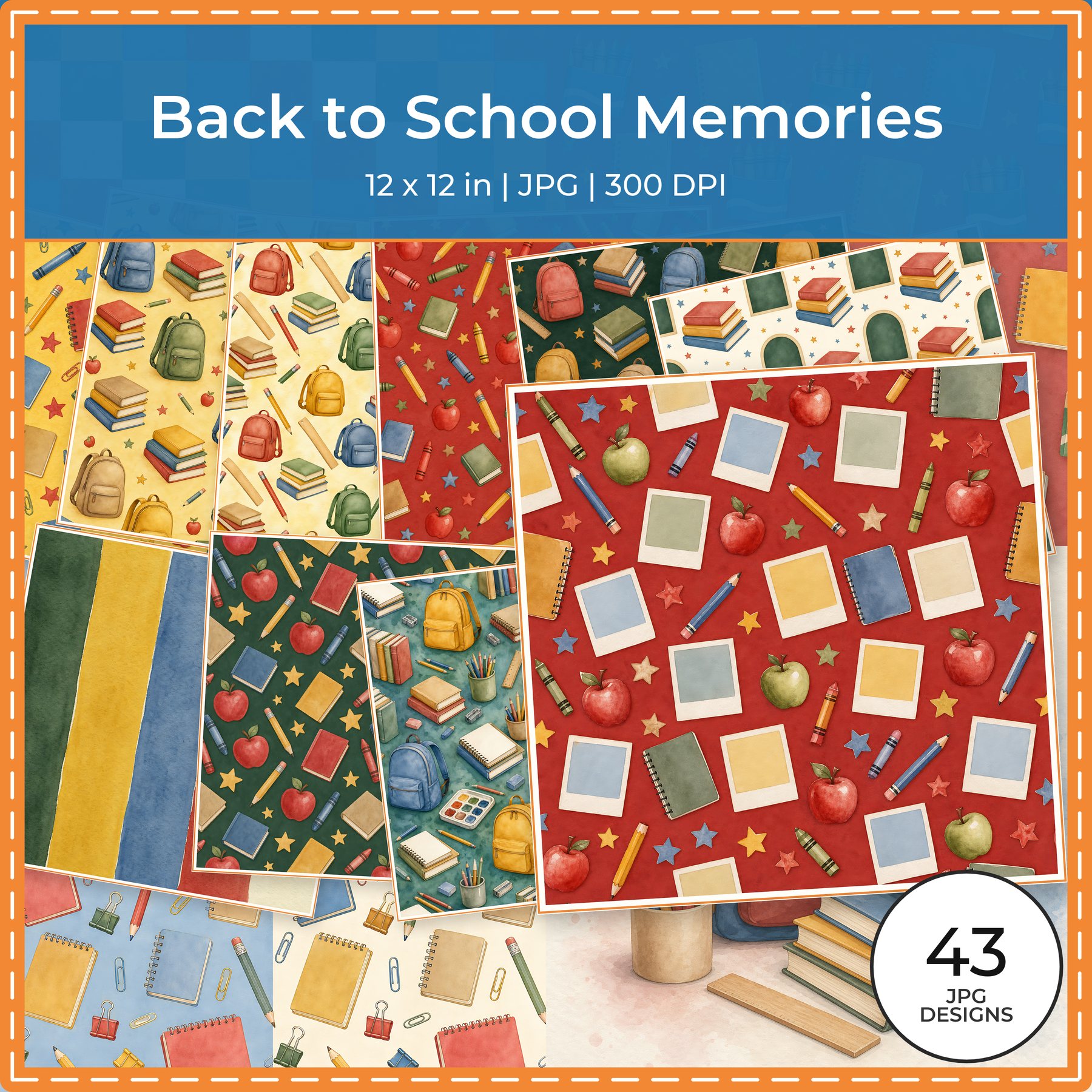
- Back to School Memories — Format and contents: 43 files listed; Square 12 × 12 inch; 300 DPI listed. Best for: square full-year memory pages.
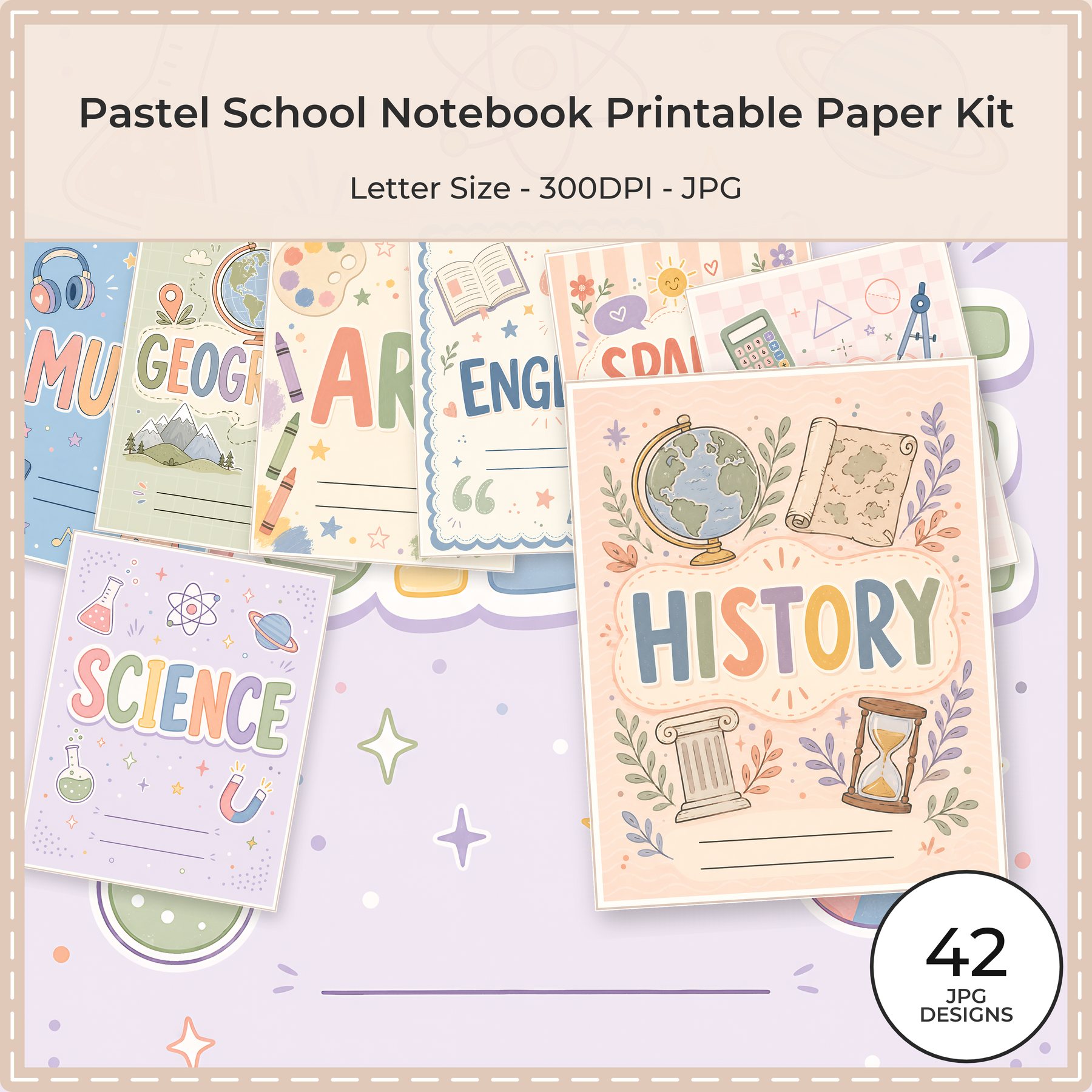
- Pastel School Notebook Kit — Format and contents: 42 high-resolution JPG papers; US Letter portrait (8.5 × 11 inch); 300 DPI listed. Best for: US Letter study and notebook pages.
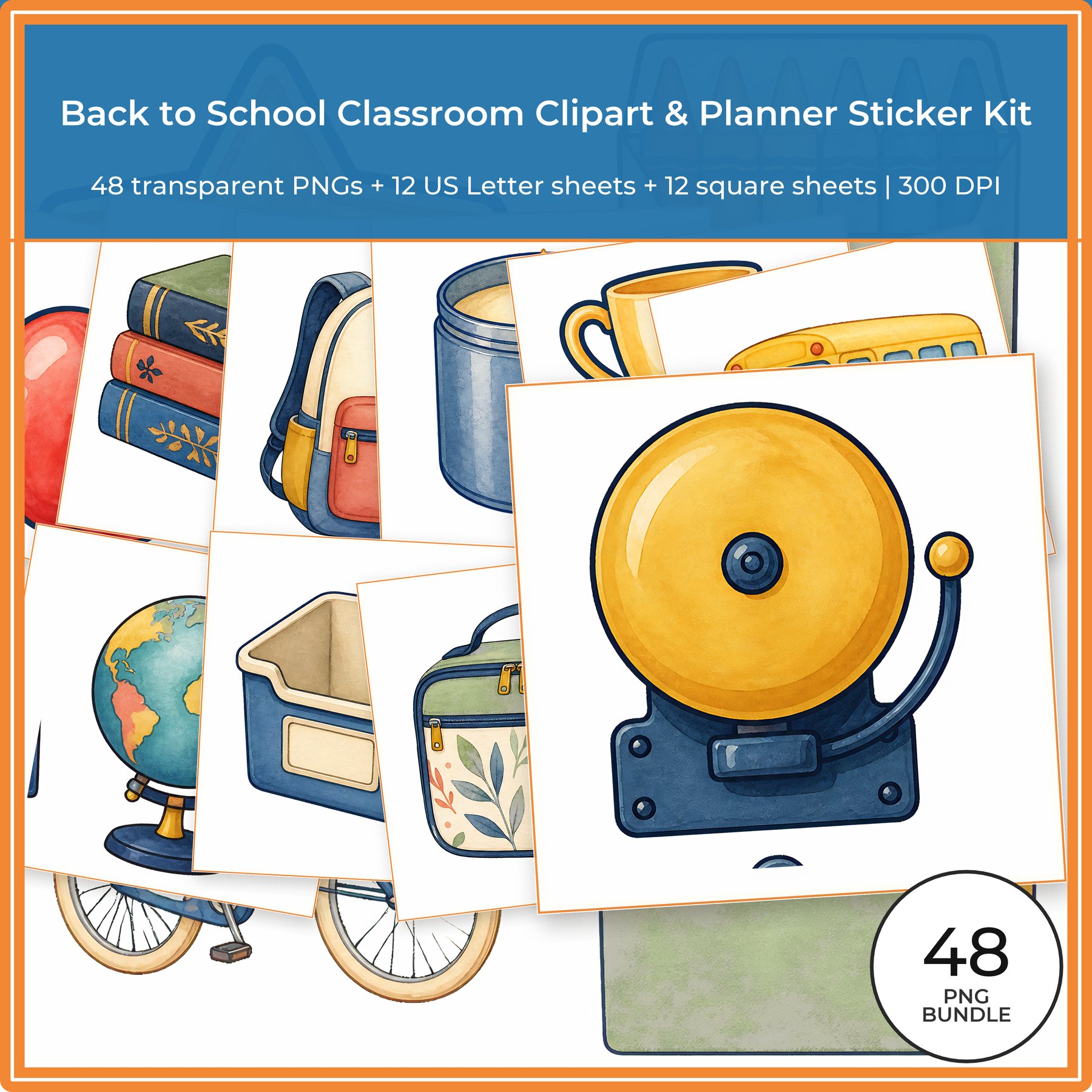
- Classroom Clipart & Sticker Kit — Format and contents: 48 individual PNGs plus 24 printable sheets (12 US Letter + 12 square); 300 DPI listed. Best for: mixed classroom and planner work.
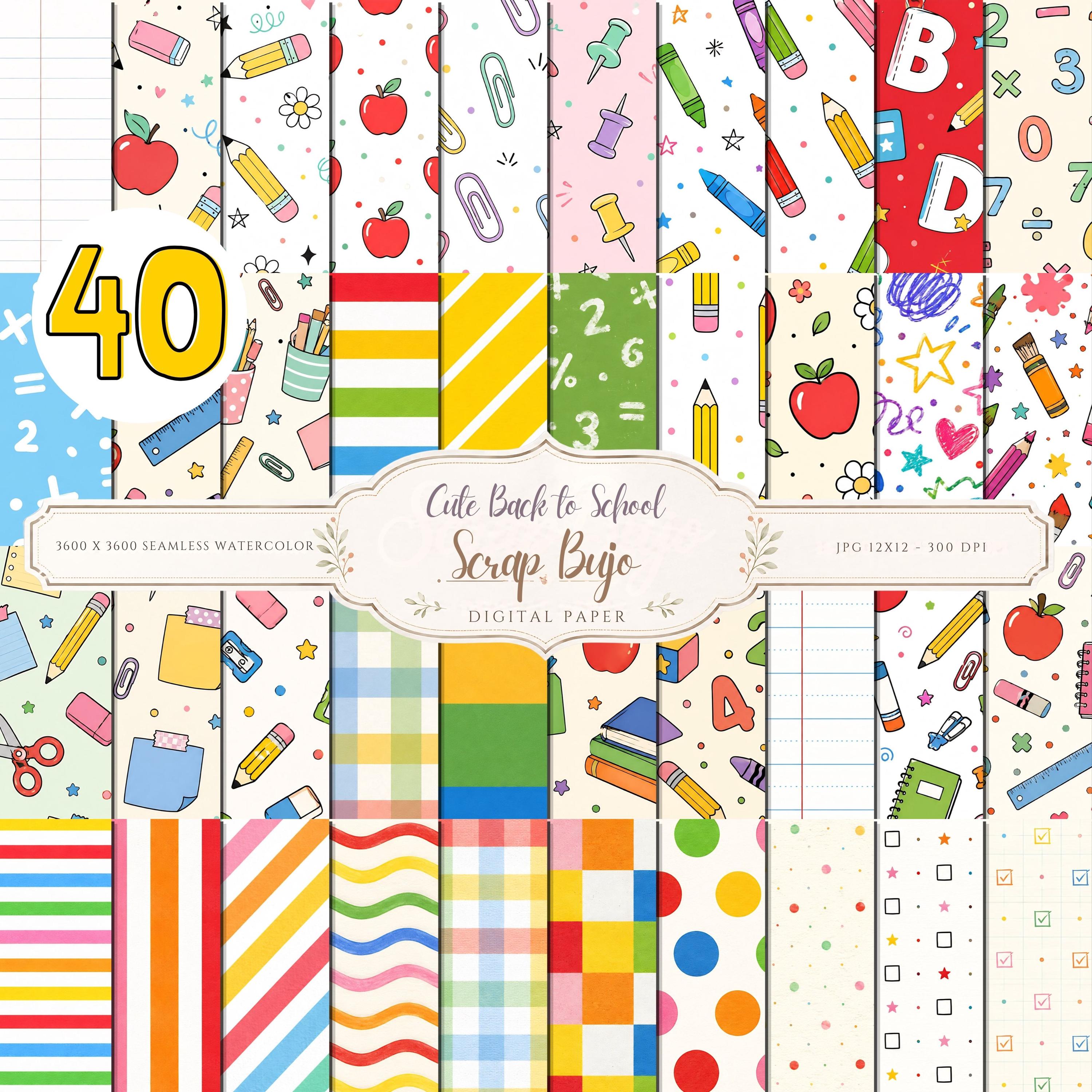
- Back-to-School Paper Pack — Format and contents: 40 JPG papers; 12 × 12 inch (3600 × 3600 px); 300 DPI listed. Best for: repeatable school backgrounds.
- Vintage Toyshop School Years — Format and contents: 24 files listed; US Letter landscape (11 × 8.5 inch); 300 DPI listed. Best for: landscape classroom and group photographs.
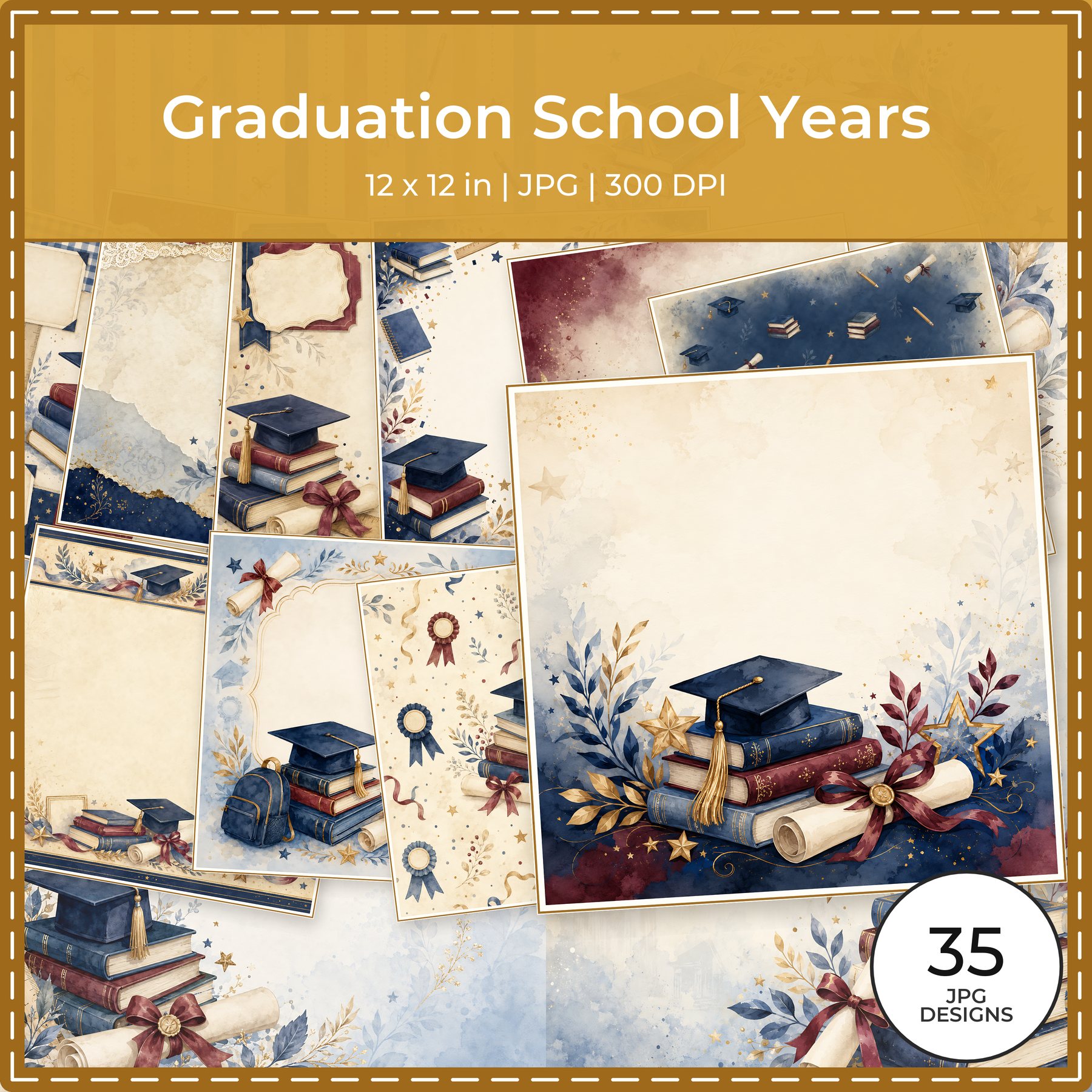
- Graduation School Years — Format and contents: 35 files listed; Square 12 × 12 inch; 300 DPI listed. Best for: square graduation milestones.
- Colorful Watercolor School Kit — Format and contents: 40 JPGs listed: 36 papers, 3 white-background sticker sheets and 1 journal-card sheet; 12 × 12 inch and 300 DPI listed. Best for: bright cards, stickers and journal prompts.
Choose the size before you choose the design
Measure the page protector or finished notebook page, then check the printer’s usable area. Match the source orientation and dimensions to that page when possible. The listed formats in these seven collection descriptions are square 12 × 12 inch, US Letter portrait (8.5 × 11 inch), US Letter landscape (11 × 8.5 inch), or a mixed kit. None of these seven descriptions lists a native A4 file. That does not prevent printing on A4: preserve the design with a reduced scale and blank margins, or crop to fill. Check the listing if you need a file laid out natively for A4.
When a page does not match the file
- Fit the whole design: preserve its proportions and shrink it until every edge fits. This avoids cropping but leaves unprinted space when the page shapes differ.
- Fill the page: enlarge until the page is covered, then crop the overflow. Check that borders, titles and focal details remain inside the crop.
- Tile a large square: use multiple sheets only if your software/printer supports poster or tiled printing, and expect to trim and join pages. A standard Letter sheet cannot print a full 12-inch square at full size.
- Keep separate formats separate: a mixed kit can contain different sheet sizes; sort and label its folders before printing. The classroom clipart kit description lists 48 individual transparent PNG clipart files plus 24 printable sheets (12 Letter and 12 square), not 24 total files.
For collection-by-collection formats and counts, use the comparison table above.
These are statements from the linked collection descriptions, not an inspection of the download archives. Check the exact Etsy listing for file types, dimensions, included sheets and current delivery details before checkout. Read Etsy’s digital download help page if you need help finding purchased files. If the listing names only 300 DPI, that alone does not tell you whether a file is square, Letter, A4 or landscape.
Before you buy or print
- Write down the finished page dimensions and orientation; include binder margins, hole punches and the printer’s non-printable edges.
- Open the live collection page and listing. Match the named formats to your project and confirm whether a mixed set means individual art files, printable sheets or both.
- Check the delivered file names and pixel dimensions after download. Do not infer A4 from “printable” or infer a separate PNG from a JPG sticker sheet.
- Make a small test on ordinary paper. Compare orientation, crop, margins and writing space before using specialty paper or printing a full batch.
- Choose fit, crop or tile deliberately. Save a copy of the original and keep the edited print file separate.
For an exact 12 × 12 page, start with a listed square file. For Letter paper or a binder insert, a Letter file avoids reshaping a square design. You can print a square or Letter design on A4 with reduced scale and blank margins, or crop it to fill. None of these seven descriptions lists a native A4 layout; check the current listing if the supplied file itself must be A4.
What each collection is best at
1. Back to School Memories
Best for: square full-year memory pages. Choose this when the album is built around square protectors and the school year is the main story. Review the collection details and then open the exact Etsy listing for the current files, price and delivery.
2. Pastel School Notebook Printable Paper Kit
Best for: US Letter study and notebook pages. US Letter is convenient for home printing and notebook inserts, especially when margins matter. Review the collection details and then open the exact Etsy listing for the current files, price and delivery.
3. Back to School Classroom Clipart & Planner Sticker Kit
Best for: mixed classroom and planner work. Mixed sizes help a teacher system but need separate folders and test prints. Review the collection details and then open the exact Etsy listing for the current files, price and delivery.
4. Back to School Digital Paper Pack, 40 Scrapbook Papers, Teacher Classroom Backgrounds (Digital Download)
Best for: repeatable school backgrounds. The background pack is flexible, but confirm exact dimensions before scaling. Review the collection details and then open the exact Etsy listing for the current files, price and delivery.
5. Vintage Toyshop School Years Digital
Best for: landscape classroom and group photographs. Landscape works for wide tables, group photographs and classroom scenes. Review the collection details and then open the exact Etsy listing for the current files, price and delivery.
6. Graduation School Years Digital Scrapbook Papers
Best for: square graduation milestones. Graduation pages can be a separate closing section rather than the format for the whole album. Review the collection details and then open the exact Etsy listing for the current files, price and delivery.
7. Colorful Watercolor School Scrapbook Papers, Stickers, Journal Cards (Digital Download)
Best for: bright cards, stickers and journal prompts. Cards and stickers often work as inserts even when the main background uses another format. Review the collection details and then open the exact Etsy listing for the current files, price and delivery.
A practical download-to-page workflow
- Measure the finished page and write the printable area, not just the nominal paper size.
- Create folders named 12×12, Letter portrait, Letter landscape and mixed so the download cannot be confused later.
- Check the collection listing for file dimensions and whether the preview shows the same orientation as the delivered files.
- Print a border and a small motif at 100 percent before choosing scale-to-fit or borderless settings.
- Record the printer, paper and crop in a project note so the next school page is repeatable.
Questions to answer before you buy
- What page size does my album or binder accept?
- Can my printer handle the full size without scaling?
- Where will handwriting sit relative to the motif?
- Do I need portrait, landscape or a mixed kit?
Common mistake to avoid
The common mistake is believing that a 12×12 file and a Letter file can be swapped without changing the layout. They may share a palette, but the crop, writing area and printer workflow are different.
The seven collection previews used for this comparison
These are real ScrapBujo collection previews. They are shown so you can compare the supplied paper surfaces before opening the live collection or Etsy listing.


Useful next checks: calculate the pixel size for 300 DPI, then read the 12×12 printing guide if your project is destined for a home printer.
Explore ScrapBujo digital collections
Digital paper collections made for printing
Compare coordinated 12×12 papers, confirm the file specifications on ScrapBujo, and then visit Etsy for the current listing details.
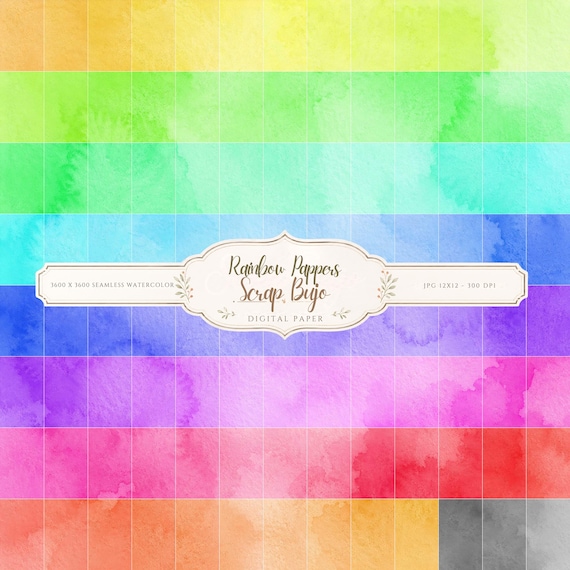
12×12 in 300 DPI Digital download
Coloring & Printables · Pastel & Watercolor
Pastel Watercolor Digital Paper Pack, Soft Rainbow Colors, Scrapbook
Bring soft color and handmade texture to your creative projects with this Pastel…
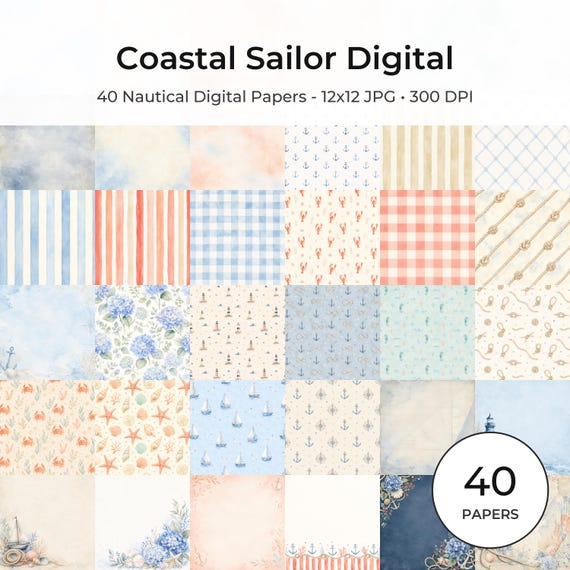
12×12 in 300 DPI Digital download
Coastal & Summer · Pastel & Watercolor
Nautical Digital Paper Pack, Watercolor Coastal Scrapbook Pages (12×12
Bring a fresh coastal touch to your creative projects with this nautical digital…
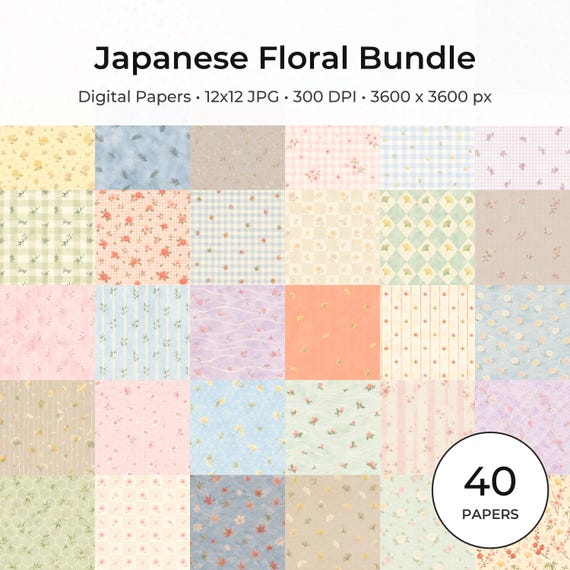
12×12 in 300 DPI Digital download
Coloring & Printables · Floral & Botanical
Japanese Floral Digital Papers Bundle
Bring timeless Japanese elegance into your creative projects with this premium bundle of…
Each product page identifies its checkout, current price, and digital delivery details.