
How to Balance Blush and Sage Papers Around Wedding Photos
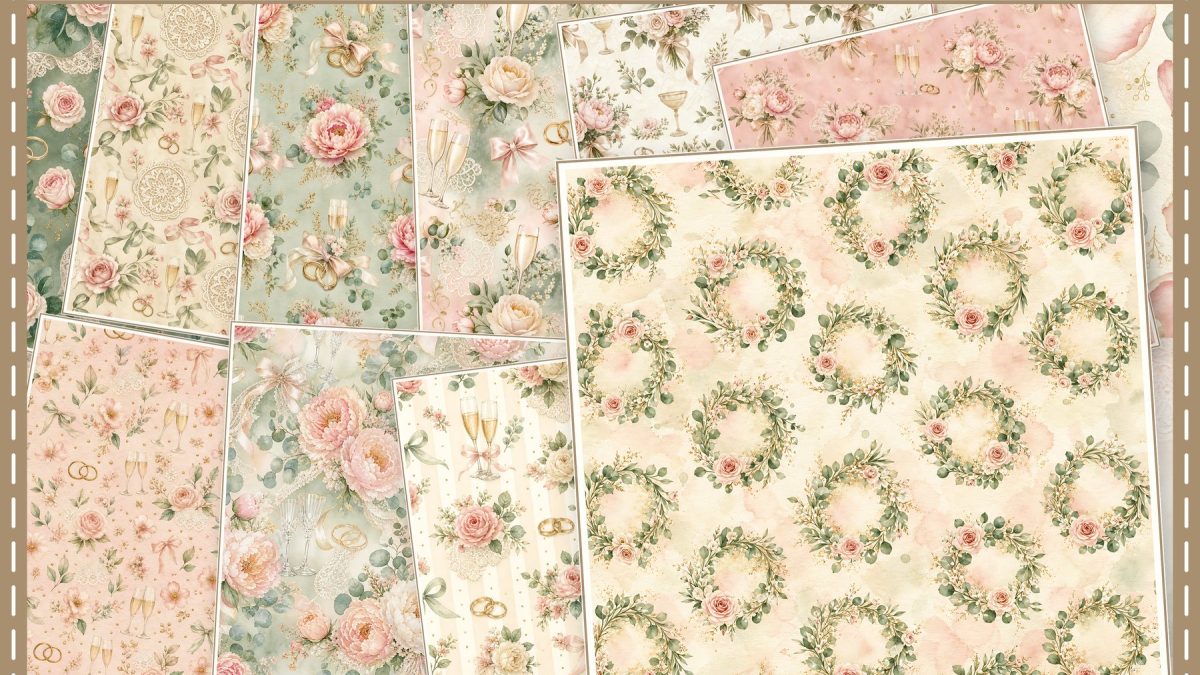
Quick answer: If you have the wedding photo already, choose paper around its colors, contrast, and crop. Let a quiet background or plain photo mat give faces room; use a stronger blush or sage pattern as a smaller accent when the photo needs a calmer edge.
Start with the photo you want to keep
Look at the photo at the size it will appear on the page. Notice its strongest colors, the light and dark areas, and where faces or important details sit. A paper that echoes one color from the photo can connect the page without matching every shade. If the image is already colorful, a pale or low-contrast paper may leave more room for the people in it.
Color photographs and monochrome photographs give you different choices. With a color photo, pick one gentle color echo from clothing, flowers, or the setting and compare it with the paper preview. With a black-and-white photo, blush or sage can add a soft color note; a restrained pattern can also keep attention on the photograph. Neither choice is a rule—use the preview beside the actual image to see which feels clearer.
Compare pattern with the photo crop
Close-up portraits already contain detail, so a small area of plain paper or a simple mat can help separate the image from a patterned background. A group photograph may need more open space around it so the people remain easy to pick out. Try the same photo against the paper and against a plain neutral scrap; the comparison shows whether the pattern is adding context or competing with the image.
Check the crop before settling on a pattern. Keep faces and other important details inside the photo frame, and look at the paper motifs that remain visible around it. If you resize or crop the photo to fit, check the pattern scale again: a busy print can feel denser beside a tight crop, while a very small motif may disappear in a narrow accent strip.
Give notes room to read
Wedding pages often have names, dates, vows, or a short note. Put handwriting on a plain label, a light photo mat, or another area with enough contrast. If the patterned paper makes the words harder to read, reduce the patterned area or choose a simpler background. You can preview the lettering on scrap paper before attaching anything.
Try two arrangements with the same photo
Imagine a close-up wedding portrait with warm skin tones and a pale green detail in the background. You could compare a soft blush paper behind the photo with a plain light mat and a narrow sage-patterned strip. If the strip pulls attention away from the faces, make it smaller or leave it out. This is a planning example, not a physical print test or a template included with a download.
If you chose the papers first
Already bought or selected the papers? Put your actual photo next to the candidate patterns and compare contrast, color, and crop at the size you plan to use. A plain mat or short accent can bridge a mismatch without covering the photograph. If none of the papers feels quiet enough, use a plain background you already have and reserve the patterned paper for a small detail.
Before printing, check the paper size your printer or print service accepts. A screen preview cannot confirm the final color, so use a sample or a small test on your intended paper when that is practical.
Related wedding paper references
For a separate page-by-page wedding album planning example, see the blush and sage wedding album page plan. For scaling square digital paper on US Letter or A4, use the 12 × 12 printing guide and check your printer’s supported paper sizes.
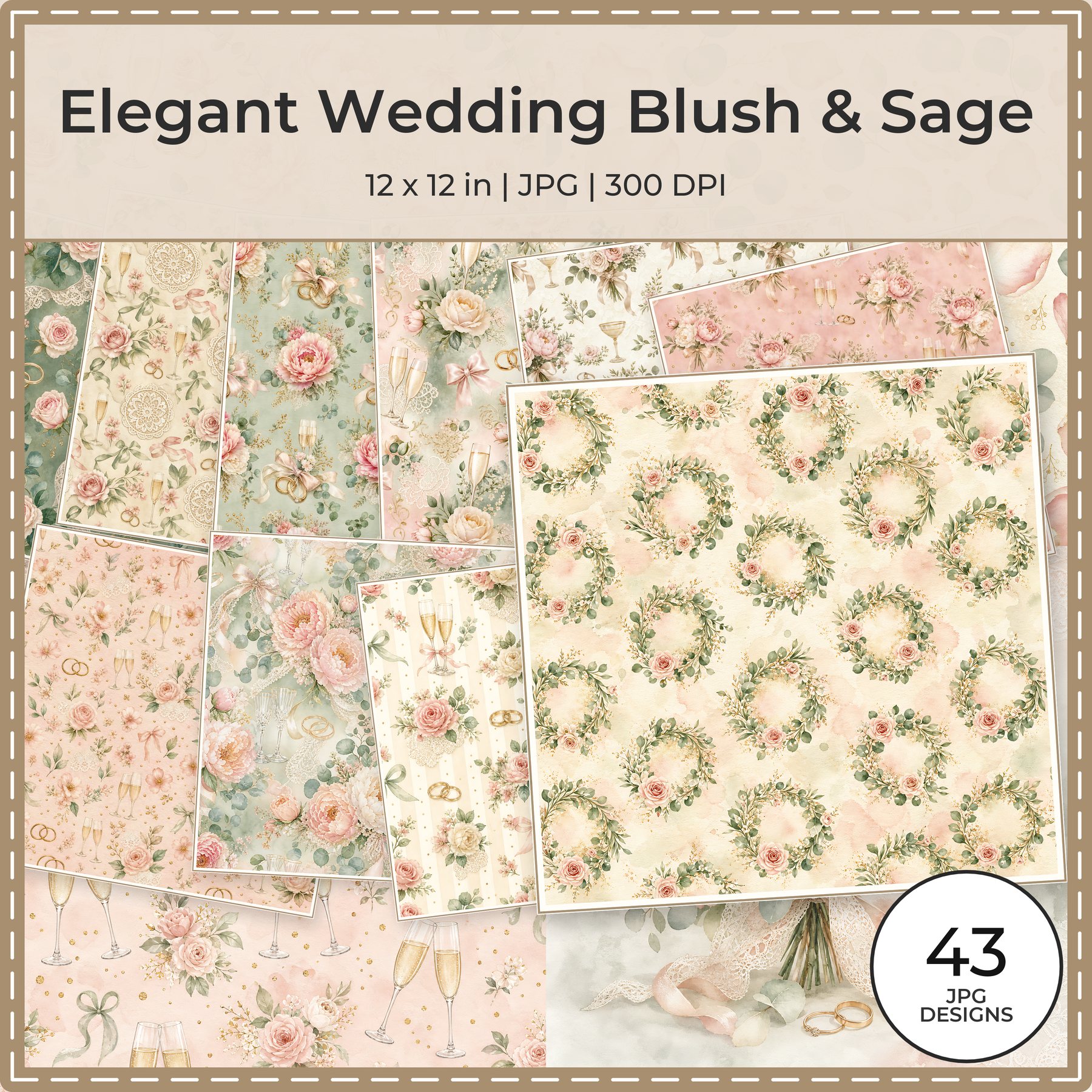
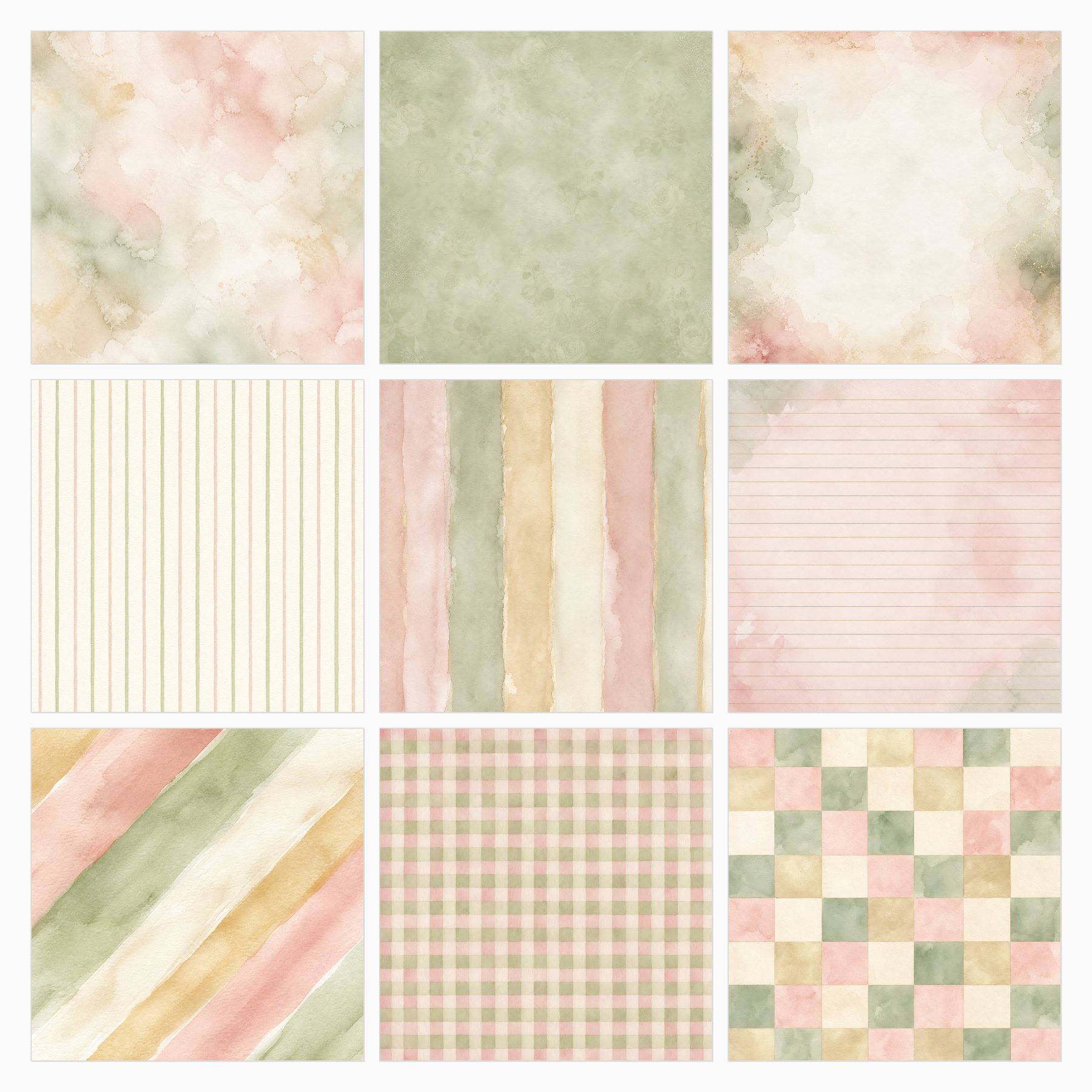
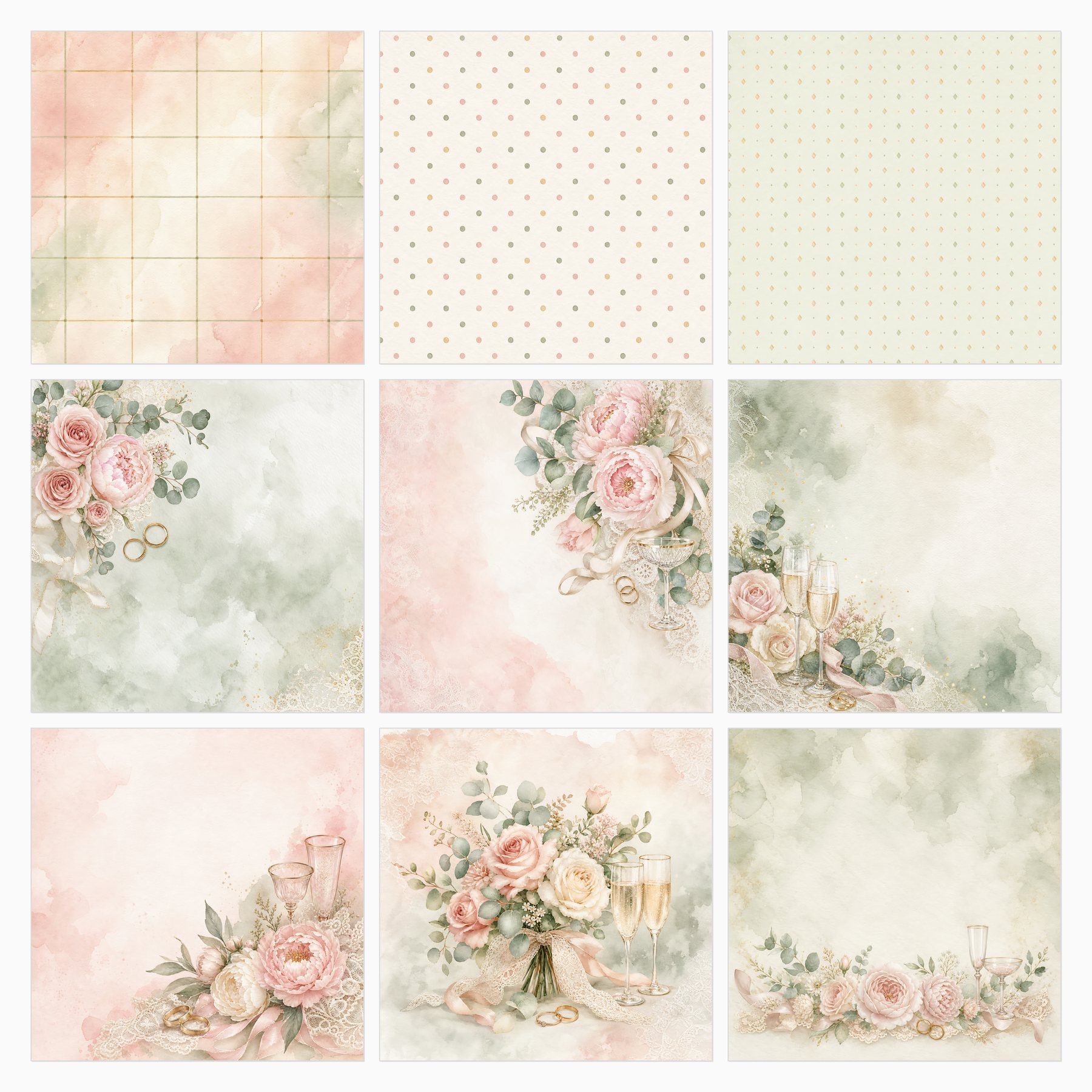
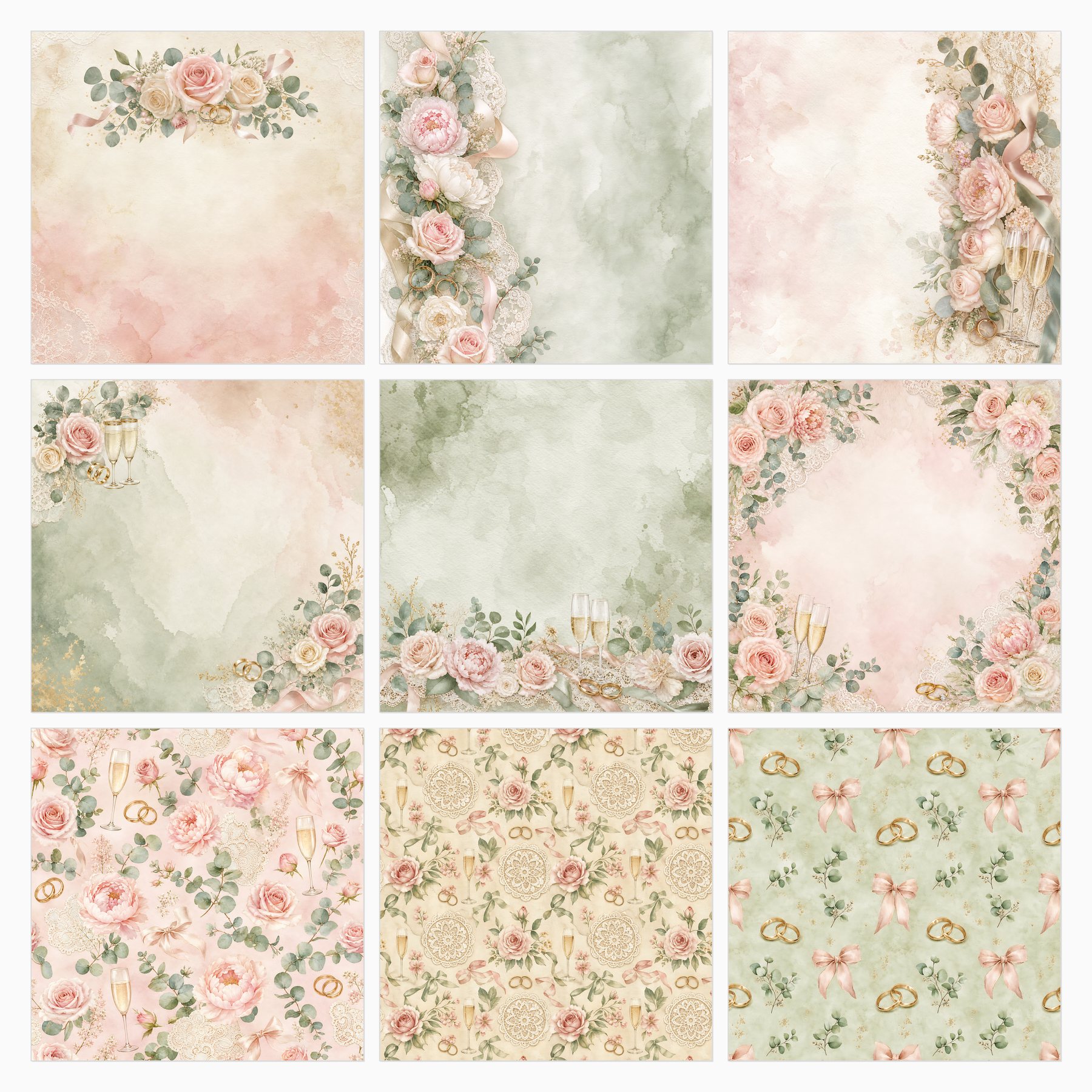
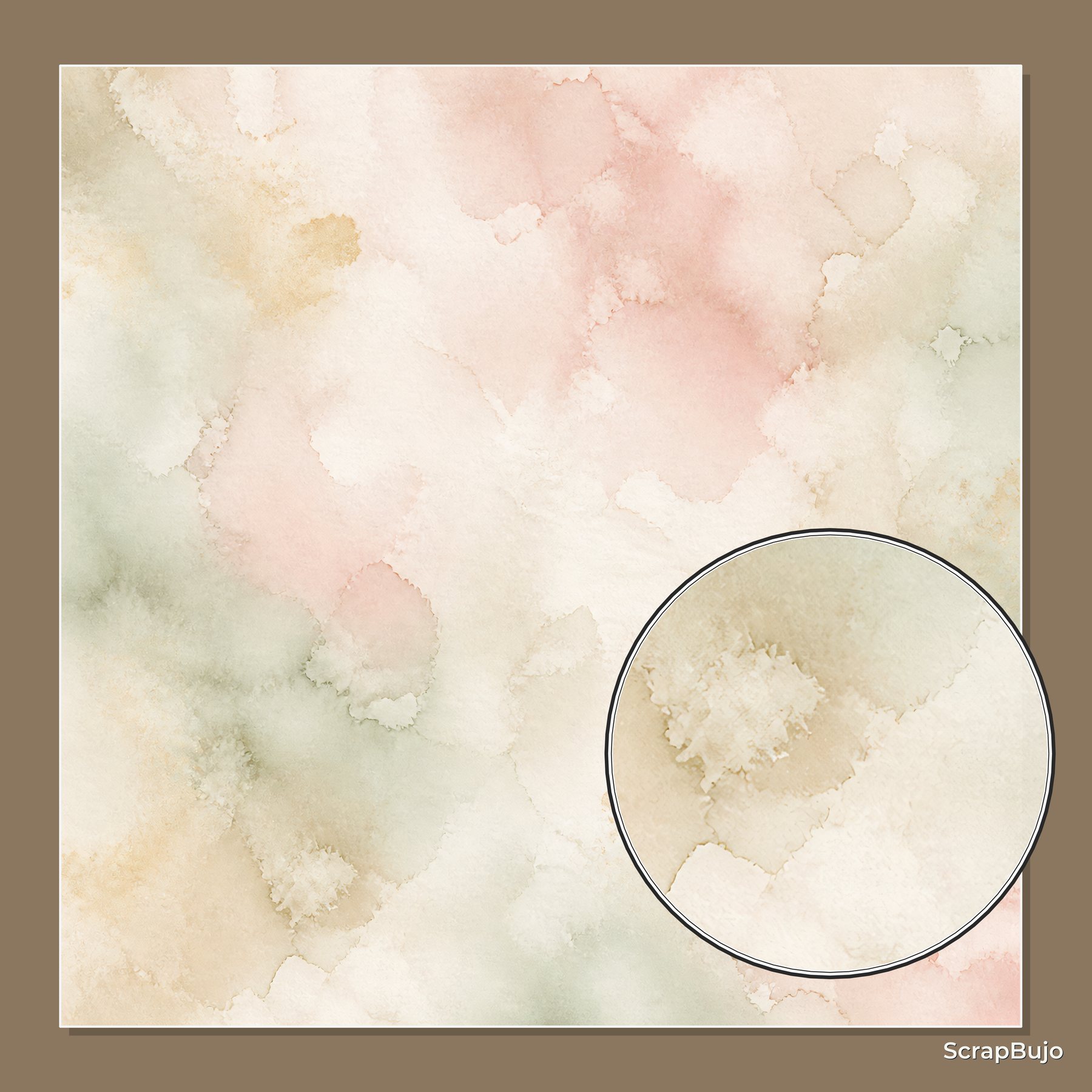
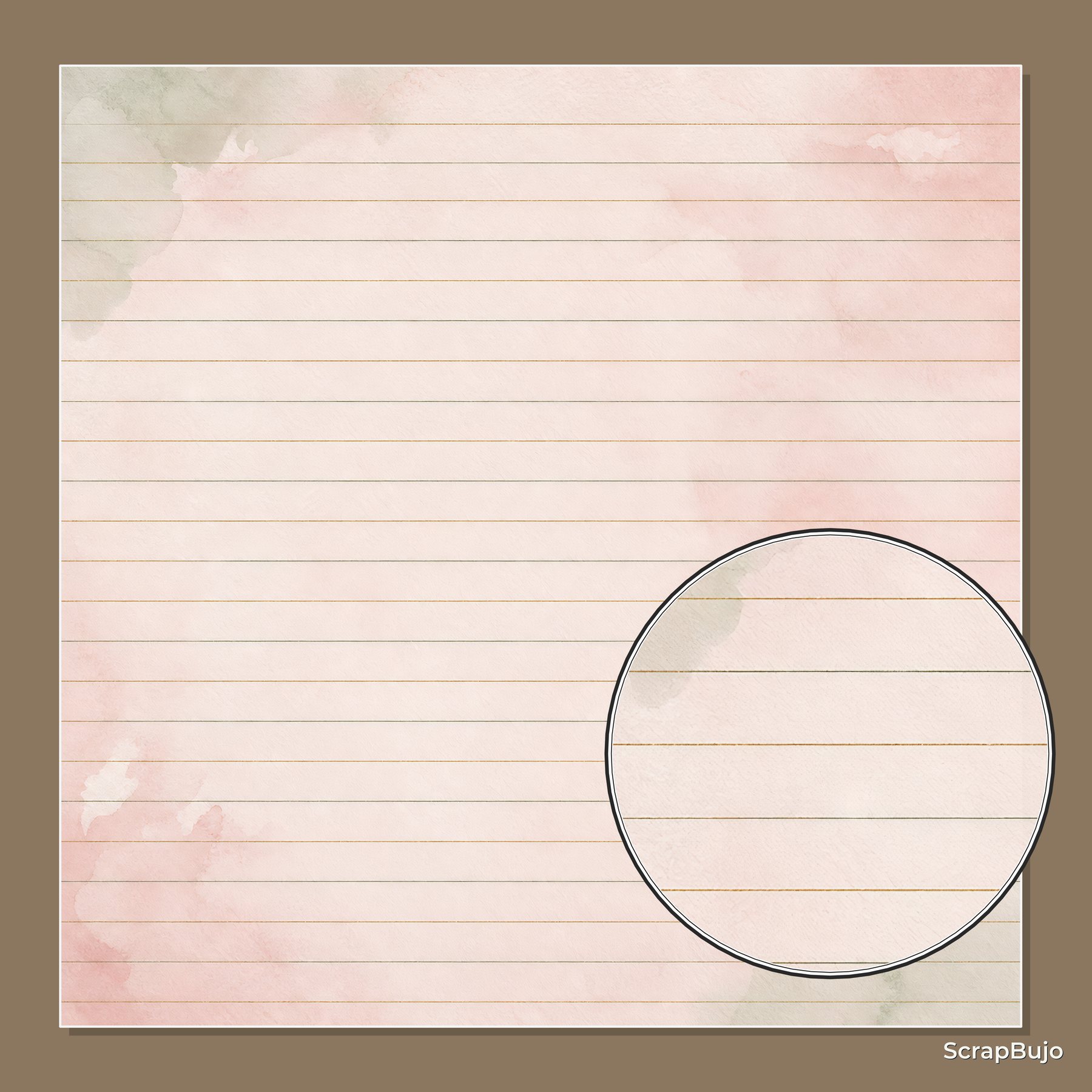
Browse the Elegant Wedding Blush & Sage collection or try its free sample. The images below are collection product previews; they show digital artwork and are not physical print samples.
Collection previews used in this guide
These product previews show the paper designs. Check the collection page for the current included files and formats.
Explore ScrapBujo digital collections
Digital paper collections for your next project
Explore coordinated digital collections on ScrapBujo, compare formats, and follow the checkout shown for the product you choose.

12×12 in 300 DPI Digital download
Digital Scrapbook Papers · Seasonal & Holidays
Aurora Ribbon Christmas: 40 Abstract Scrapbook Papers
40 coordinated abstract Christmas and winter scrapbook papers in 12 × 12 inch…
12×12 in 300 DPI Digital download
Digital Scrapbook Papers
Alpine Knit Winter — 40 Digital Scrapbook Paper Designs
40 alpine winter paper designs in 12 × 12 inch and US Letter…
12×12 in 300 DPI Digital download
Digital Scrapbook Papers
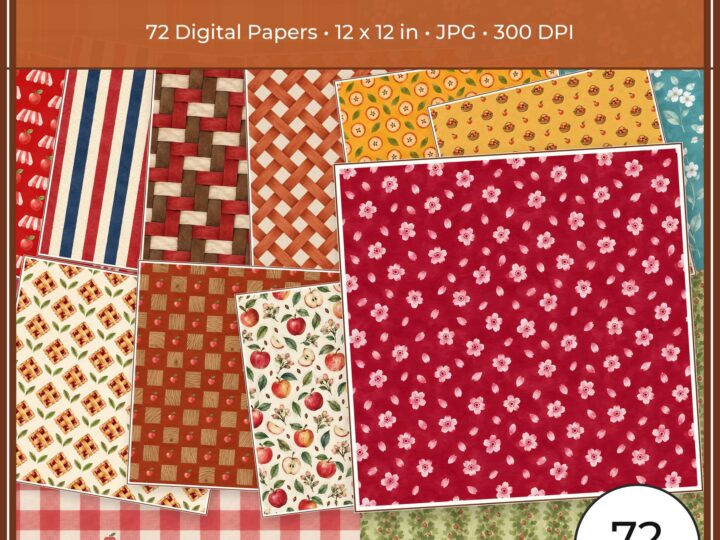
Apple Orchard & Cider Harvest Digital Papers
Build an apple-picking scrapbook page, journal entry or recipe card with 72 square…
Each product page identifies its checkout, current price, and digital delivery details.