
Gothic Botanical Halloween Journal: A Practical Layout for Dark Paper

Quick answer: Let the dark botanical paper frame the story, then separate the photograph and handwriting with a clear, light area. Decide the photo size and writing space first; use the darkest or busiest pattern in smaller accents.

Editorial note: The featured scene is an AI-assisted mockup made with actual collection previews. It illustrates one possible arrangement; it is not a photograph of a completed layout or a print test. The steps below are planning guidance, not a supplied template.
Plan the page around one memory
Choose the photograph, keepsake or moment this page needs to hold before picking a paper. Write down the detail you want to remember—a date, place, name, costume, recipe or one sentence from the evening. That tells you how much space the photo and journaling need. A dark botanical page can set the mood, but it should not make the story hard to find.
Give each paper a job
Think in three roles: a background, a quiet writing surface and one accent. Use a quieter sheet for the largest area. Keep a high-contrast or intricate motif for a border, pocket front, narrow mat or small card. If every layer has a strong pattern, the eye has nowhere to rest.
For a spread, try using the dark paper on one page as a frame or side panel and carry a lighter surface onto the facing page. For a single page, leave a broad light panel inside the dark border. The open area can be plain cardstock, a journal page or another light paper you already have; the guide does not require a particular material.
Separate the photograph from the pattern
Before gluing anything, place the photo over the paper and check its edges. If the image blends into a dark or detailed background, add a simple mat with enough contrast to trace the photo’s outline. A narrow light mat can separate the image; a darker mat can work when the photo itself has a light edge. Choose based on the actual photo and paper together.
Keep the photo away from the busiest motif when both compete for attention. You can crop the patterned paper into a small corner tab or strip instead of placing it directly behind the whole image. Leave a little visible breathing room around the focal photo so its shape reads at a glance.
Make handwriting easy to read
Reserve a light, relatively calm panel for the words you want to revisit. Do not assume ordinary ink will show on a dark printed surface: pen and paper combinations vary. If you want to write directly on a printed sheet, test the exact pen on a spare piece or offcut first. Otherwise, write on a separate light card or label and attach it over the background.
Size the writing area for the amount of text, not just the title. A short caption may fit on a tag; a longer memory needs a larger panel. Keep the title, caption and photo from crowding the same small corner. If you have more to say, use a tuck-in card or a small journaling insert so the main page stays clear.
Build the page in this order
- Mark the story pieces. Set out the photo or keepsake and note the words you want to include.
- Block the open areas. Reserve the photo footprint and a separate writing zone on a quick sketch or dry layout.
- Place the quiet paper. Add the background and light panel first, keeping the writing panel large enough for your notes.
- Add the photo mat. Check the photo against the paper and add a contrasting edge if it needs separation.
- Use the dark pattern selectively. Add one narrow border, corner, pocket or tag. Stop and look at the page before adding another motif.
- Write and finish. Add the caption, date or title, then attach any small seasonal detail that supports this memory.
This is a flexible sequence, not a tested template. Move pieces around before using adhesive; the best arrangement depends on your photo, page dimensions and the amount you want to write.
One possible arrangement
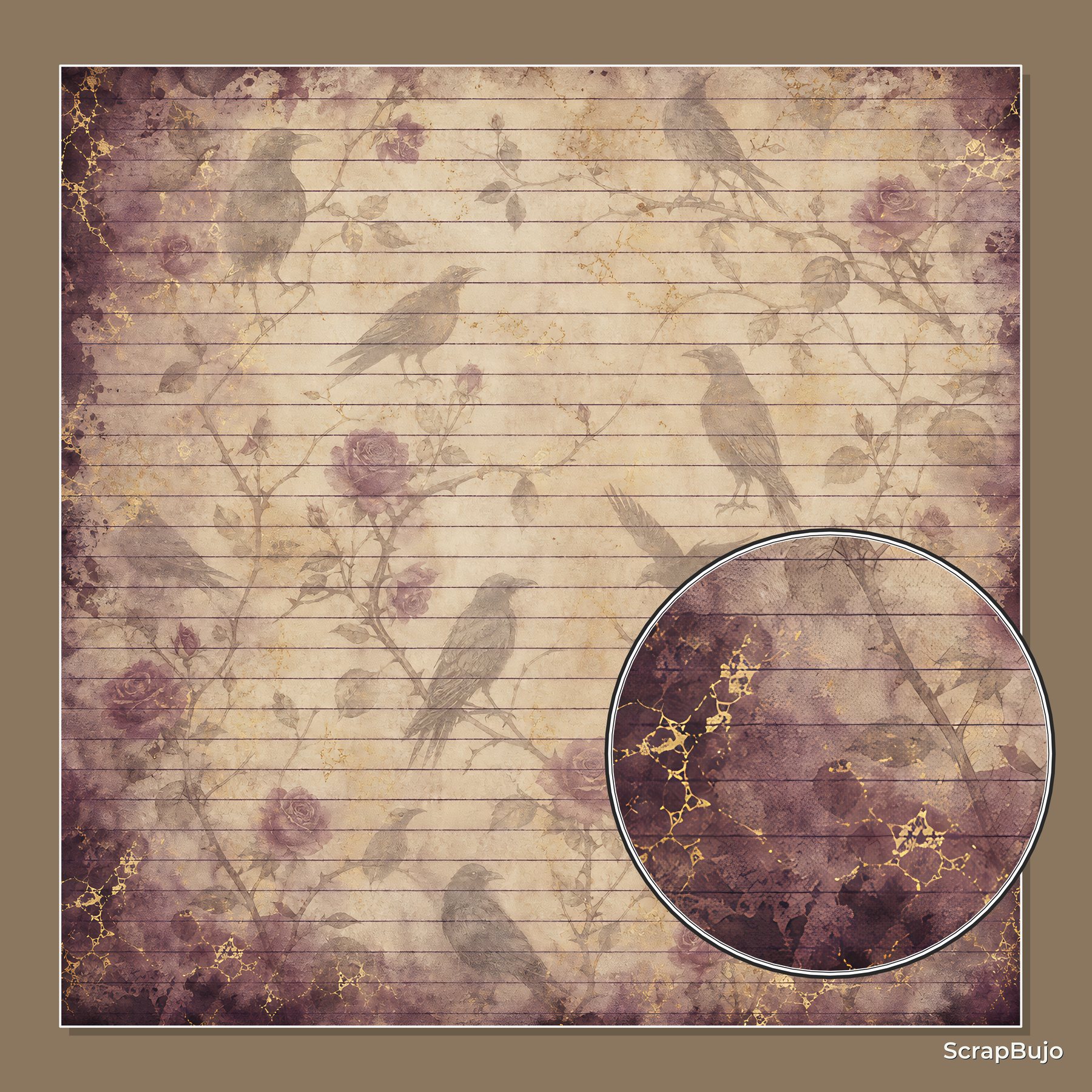
For a proposed page, choose a dark botanical paper from your downloaded files and use it as a narrow side accent beside a plain light card. The raven-and-floral mockup shows the contrast idea, but it is not a sheet to cut out or a supplied template. Place one portrait photo on the calmer area, add a contrasting mat only if its edge blends into the background, and reserve the card for three short notes: the date, the place and one small detail from the event. This is a planning example using the featured scene, not an included template or a report of a completed physical test.
Quick checks before you finish
- Can you spot the main photo or keepsake first?
- Is the writing area light and large enough for the words you planned?
- Does a mat or border keep the photo distinct from the background?
- Can you remove one patterned layer without losing the Halloween mood?
- If writing on printed paper, have you checked the exact pen on a spare piece?
Common layout fixes
The page feels too busy
Remove one patterned layer and leave more of the quiet paper visible. Keep the photo, the writing panel and one dark botanical accent; save the extra motif for a tag or the facing page.
The photo disappears into the background
Move it onto a calmer area or add a contrasting mat. If the photo and paper are both dark, a light edge can define the image. If the photo is already light, a darker mat may give it a clean boundary.
There is not enough room to write
Reduce the title or decorative strip before shrinking the journaling area. You can also move the longer note to a separate card or tuck-in insert and keep a short caption on the page.
Choose the paper after the layout plan
Check the current collection page and exact Etsy listing for the file details and use terms before planning around a particular sheet. If you are printing at home, check the chosen file against your paper and printer settings before printing.
If you are planning from another maker’s inspiration image, use that separate workflow: turn a saved Halloween idea into your own sketch. This guide stays focused on the practical choices for using dark botanical paper around a photo and readable journaling.
Collection previews used in this guide
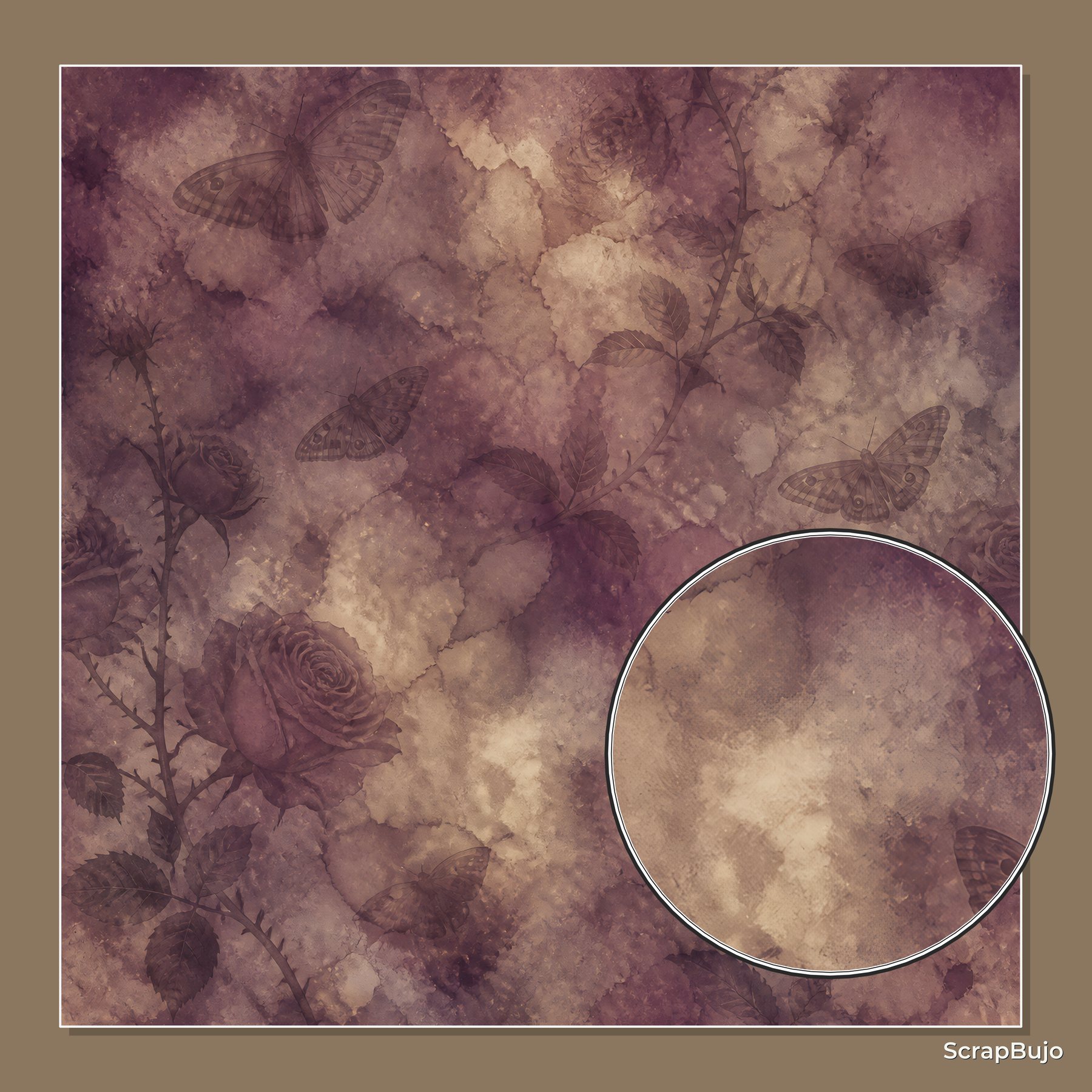
These are current ScrapBujo collection previews, not substitute artwork. They show the paper surfaces and formats discussed below.
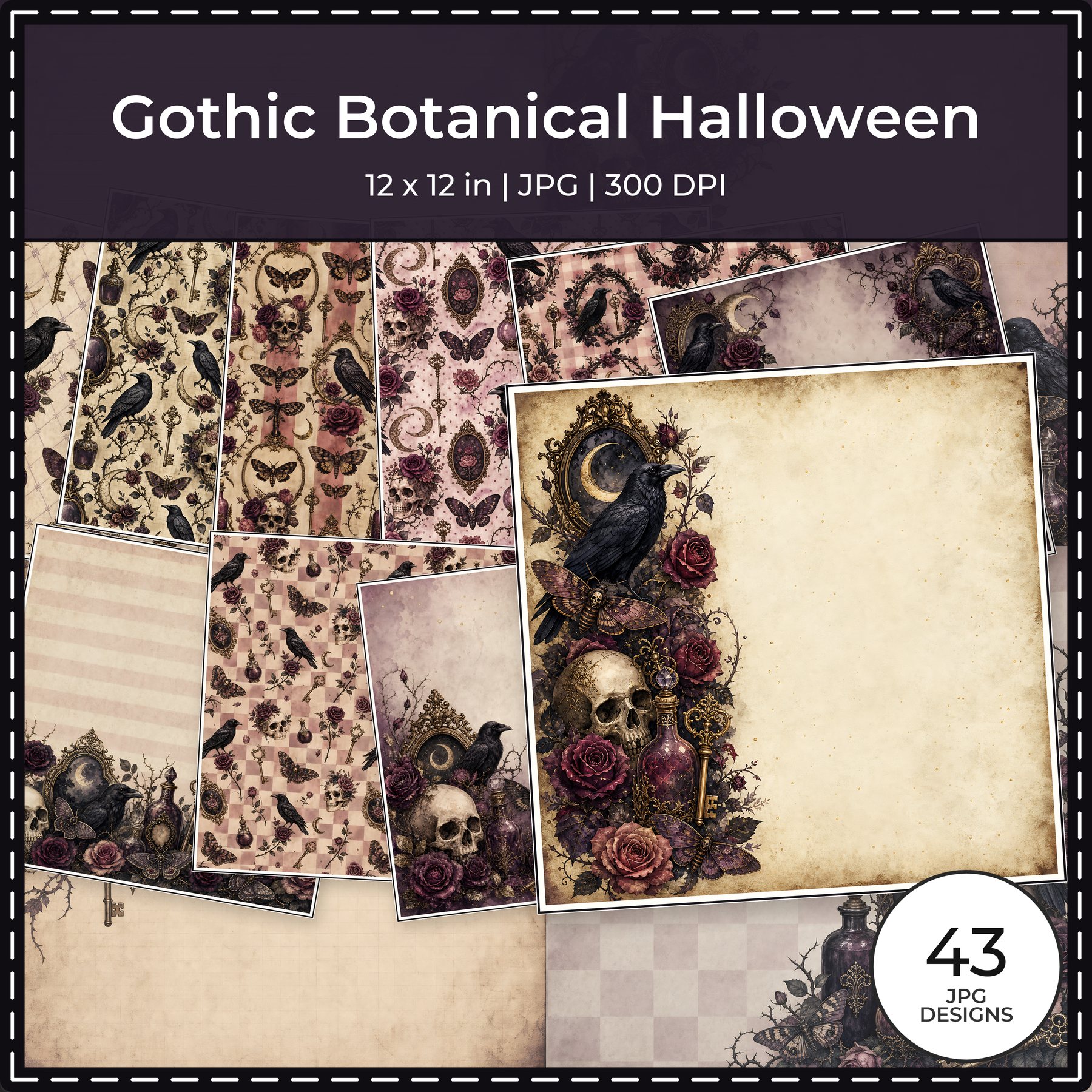
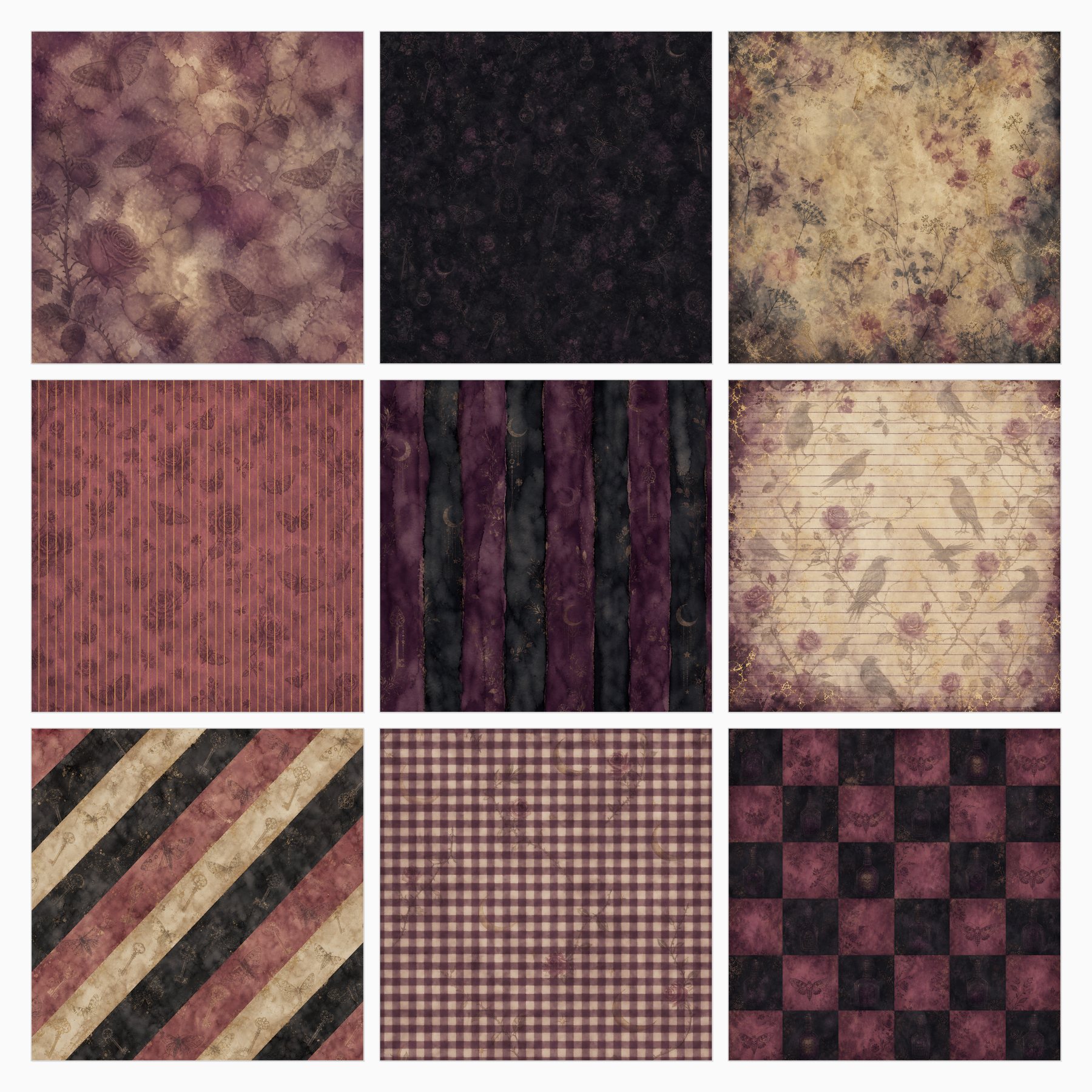
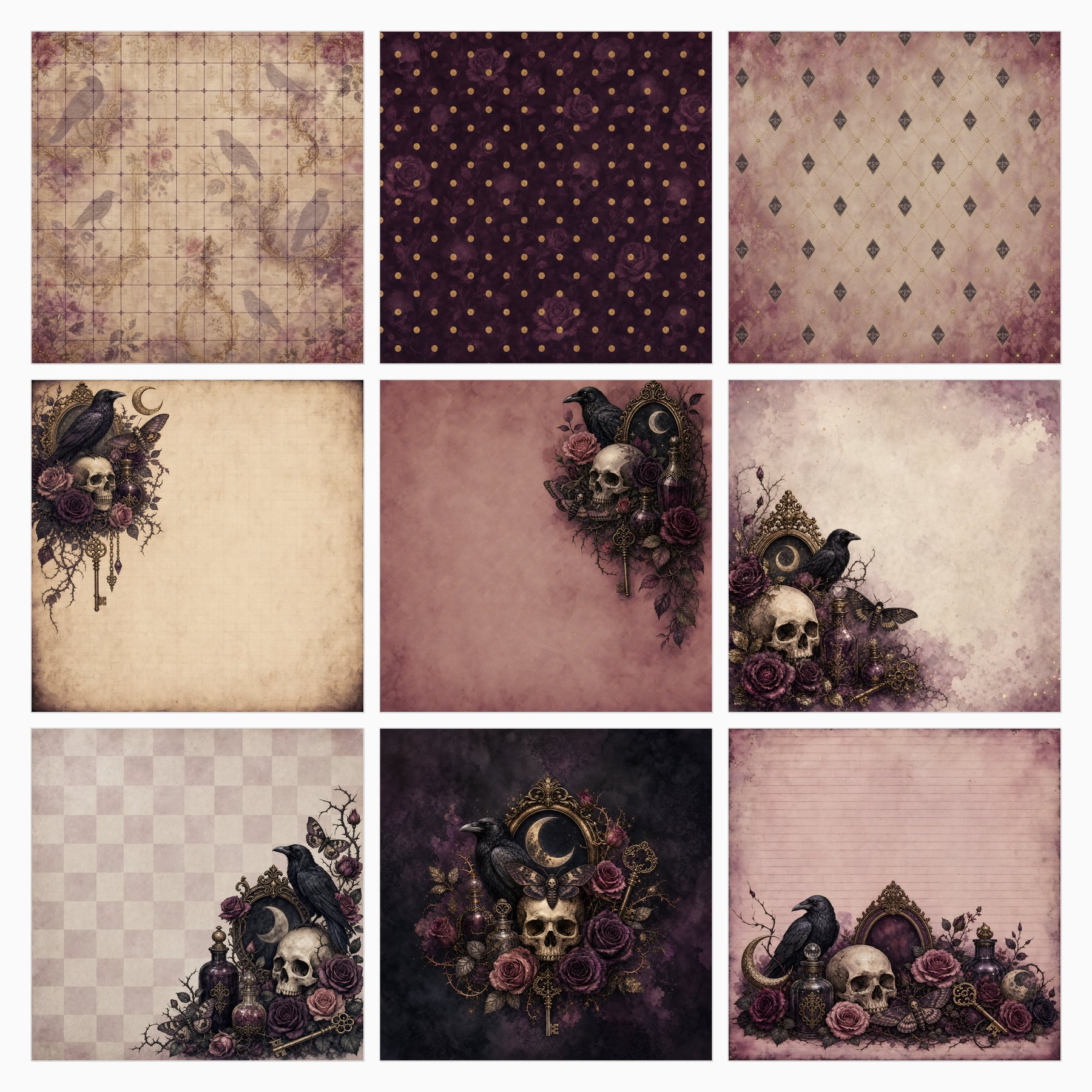
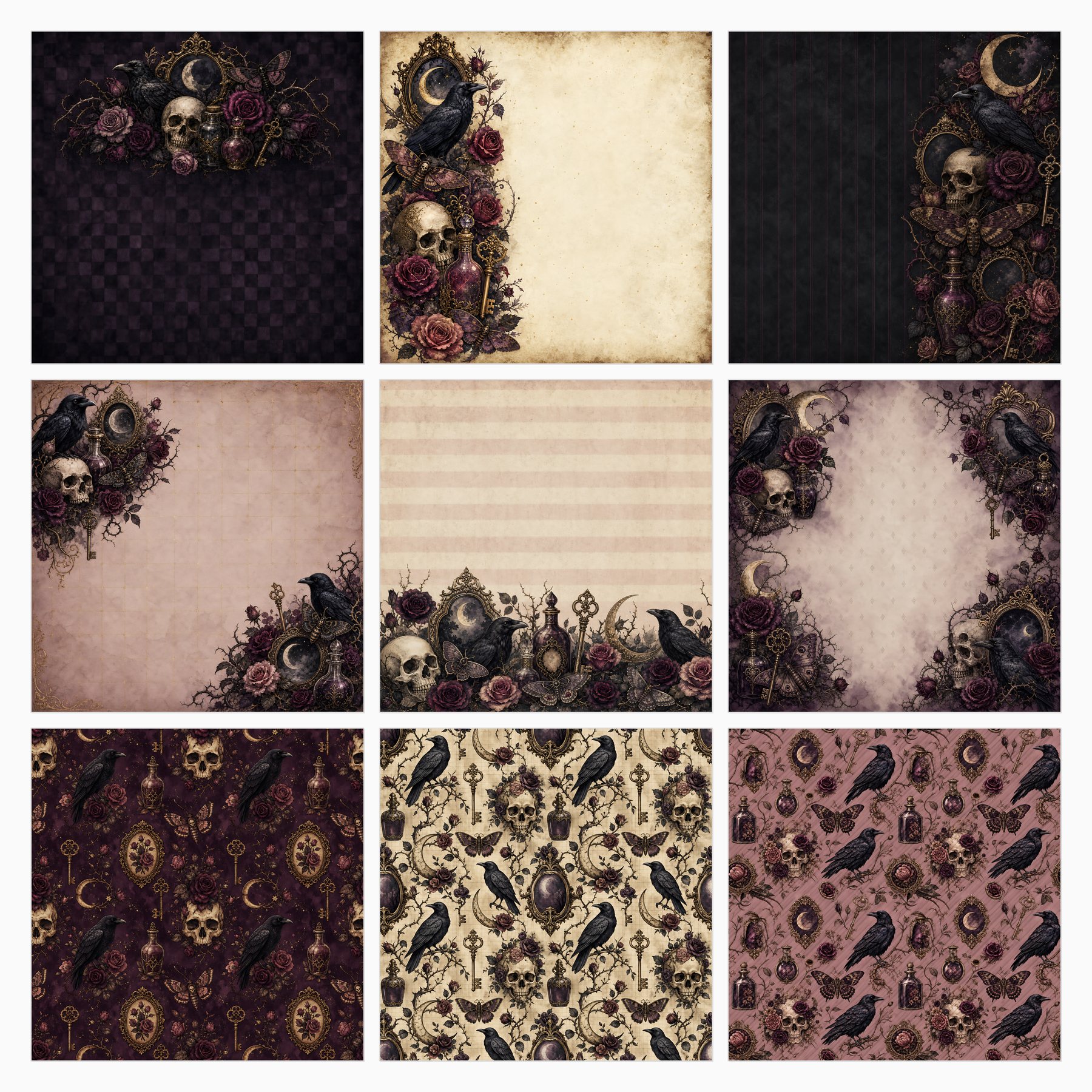
Related free samples: Browse free printable samples before choosing a full pack.
Explore ScrapBujo digital collections
Explore the related digital collection
Review the collection previews and current file details before choosing a format.

12×12 in 300 DPI Digital download
Floral & Botanical · Seasonal & Holidays
Gothic Botanical Halloween
Explore 43 coordinated digital scrapbook papers from the ScrapBujo Gothic Botanical Halloween collection,…
Each product page identifies its checkout, current price, and digital delivery details.