
Simple Monthly Milestone Scrapbook Pages for Baby’s First Year
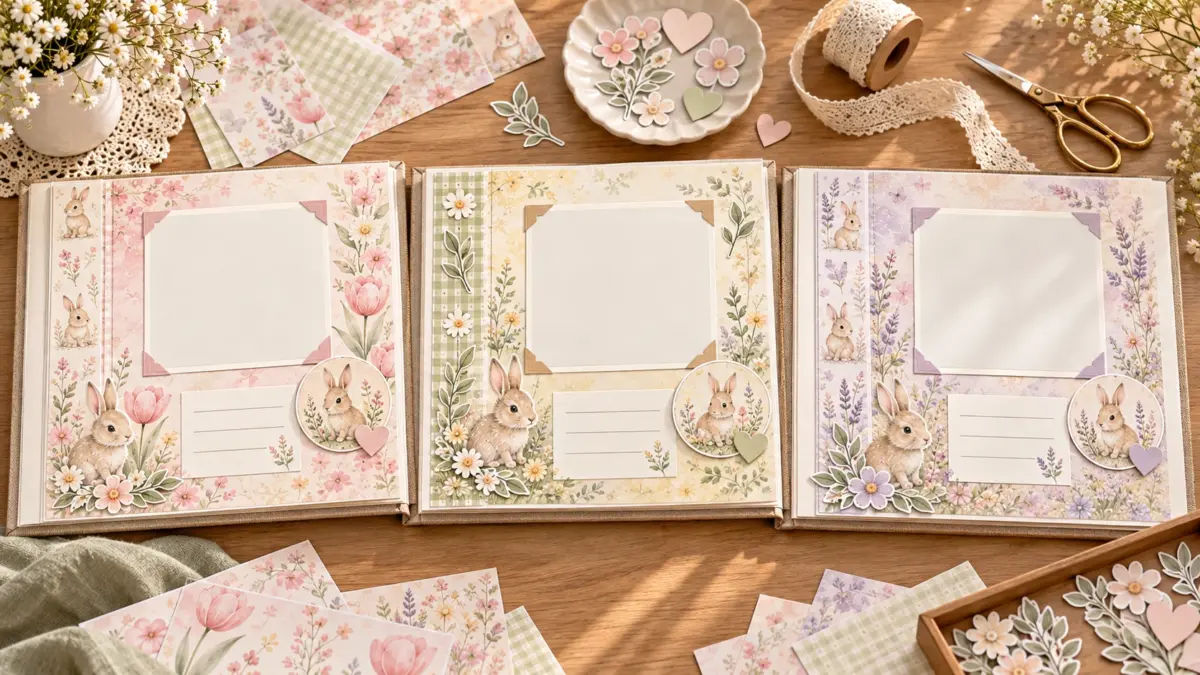
A monthly milestone scrapbook page is easiest to maintain when the layout stays mostly the same and only the month’s details change. Use one main photo, one small detail or optional second photo, a month label and a few lines of notes. A repeatable structure makes the album quicker to assemble and helps you compare changes across the year without requiring a complicated page every month.
The point is to preserve a few meaningful details, not to create a perfect record. Some months may have more photos or longer notes than others. Keep the template flexible enough to work with what you actually have.
Build a simple page template
Choose an album size and create a blank page guide before decorating. Draw or mark four zones: a title area, a main photo space, a small detail area and a journaling block. Leave a margin for the binder or page protector. If you use a full background paper, keep the writing block light and clear; if the photos are busy, use a plain mat.
A practical monthly page can include:
- Month and age: label the month in the same place each time.
- One anchor photo: choose an image that represents the month.
- A detail photo: use a close-up, favorite object or shared moment if available.
- A short note: add a new skill, routine, favorite sound or small family moment.
- One visual accent: a strip, tab, tiny icon or small patterned panel.
You can make a two-page spread when one page feels crowded. Put the main photograph and title on one side, then use the facing page for extra images and notes. Keep the placement of the month label consistent so the album is easy to browse.
Choose photos by story, not quantity
At the end of each month, select a small set of images. Look for variety rather than near-duplicates: a face, a moment with a caregiver, a detail, or an everyday scene. Pick one photo that can carry the page and keep the others in your digital archive. A single strong image gives the journaling room to breathe.
If the month was ordinary, that is still part of the story. A familiar nap spot, a walk or a favorite blanket can be worth remembering. Avoid adding a caption that makes an uncertain date or detail sound exact. If you are not sure which day a photo was taken, use the month or a general phrase.
Consider making a copy of photos before printing or trimming. Keep the original image files organized separately so the scrapbook remains a creative copy rather than the only record.
Use quick prompts to capture the month
Repeated prompts make it easier to write something even when time is short. Pick two or three, not all of them:
- What did we do together this month?
- What new sound, expression or routine stood out?
- What did the baby enjoy looking at or reaching for?
- What detail would I like to remember years from now?
- What did family members call this moment?
Keep notes in a phone or notebook as the month goes along. They can be fragments; you can turn them into a sentence later. For example, “rainy afternoon, blanket, big smile” is enough to prompt a caption. Write in your own words instead of trying to sound like a published baby book.
If you prefer not to write much, use a short label and a date. The page can still feel complete with one photo, one small decorative layer and a single factual note.
Coordinate pages without making them identical
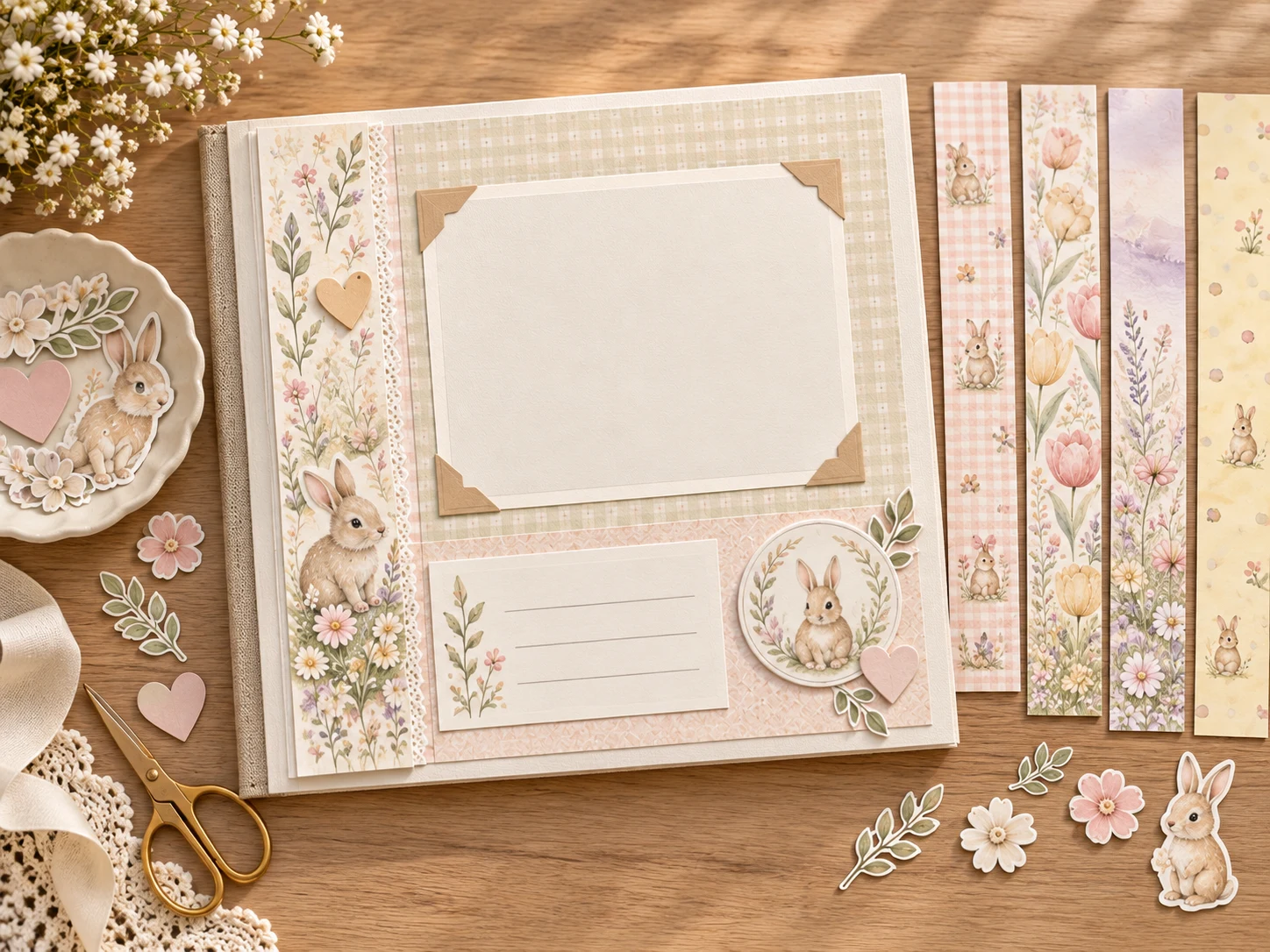
Choose two or three colors or materials to repeat through the album, then vary one accent each month. You might alternate a patterned strip, a plain mat and a small tab. Keeping the layout steady creates continuity; changing the accent avoids the feeling that every page is a duplicate.
If you use printable paper, check the exact size and file details before printing. A full sheet can become a photo mat or pocket front, and a small piece may be enough for one page. Print one sample first to check crop, color and whether the pen you use can write on the surface. Product sets differ, so do not assume a specific collection contains a particular size or format without confirming it.
Keep patterned areas away from small captions. A busy background can reduce contrast and make handwriting harder to read. A plain journaling card can sit over the pattern, or you can reserve a white space on the page template.
Keep the monthly process manageable
Use a short routine: choose photos, write quick notes, print any accents and assemble when convenient. You can complete the steps on different days. Make a folder for each month or tag selected photos so you do not have to search the entire camera roll every time.
Store unfinished pieces together. A labeled envelope can hold a printed mat, small photo copies and a note for that month. If you miss a month, do not restart or abandon the album. Create the current page and fill the gap later with a combined spread or a short timeline page.
At the end of the year, review the pages as a set. Check that month labels are consistent, captions are legible and any loose notes are attached. Add an opening page or a closing reflection only if it improves the album. A simple first-year record does not need a grand conclusion.
FAQs
What should go on a monthly baby milestone page?
Start with a month label, one main photo and a brief note. Add a second photo or small paper accent only if it fits the page.
Do I need a milestone photo for every month?
No. Use an everyday image or combine nearby months if a specific photo is missing. The page can record a memory without a formal portrait.
How do I make twelve pages feel coordinated?
Repeat the title placement and basic photo structure, then rotate one color or accent. Consistency can come from layout rather than identical decorations.
What if I forget the exact date?
Use the month, season or approximate timing and avoid guessing. A truthful broad label is better than an inaccurate exact date.
How many pictures should I print for each page?
One main image is enough for a simple layout. Add another only if it contributes a different detail or moment.
Can I use digital paper for monthly pages?
Yes, if its file size, format and usage terms suit your project. Verify those details for the exact download, and test the print before making a batch.
Related links
For the broader album outline, see the existing Baby’s First Year Memory Book page plan. If you want a printable example, review the Baby Bunny US Letter sample page and its current details.
Image note: the monthly layouts in this guide are illustrative AI-generated mockups created with ImageGen using current ScrapBujo Baby Bunny artwork as a visual reference. They demonstrate a repeatable page structure; they are not photographs of a family album or a downloadable template.
Juan’s ScrapBujo Design Team
Advice and questions
Ask a follow-up or share what you are trying to make. Replies appear after moderation.
Ask a question or reply
Explore ScrapBujo digital collections
Digital paper collections for your next project
Explore coordinated digital collections on ScrapBujo, compare formats, and follow the checkout shown for the product you choose.

12×12 in 300 DPI Digital download
Digital Scrapbook Papers · Seasonal & Holidays
Aurora Ribbon Christmas: 40 Abstract Scrapbook Papers
40 coordinated abstract Christmas and winter scrapbook papers in 12 × 12 inch…

12×12 in 300 DPI Digital download
Digital Scrapbook Papers
Alpine Knit Winter — 40 Digital Scrapbook Paper Designs
40 alpine winter paper designs in 12 × 12 inch and US Letter…
12×12 in 300 DPI Digital download
Digital Scrapbook Papers
Apple Orchard & Cider Harvest Digital Papers
Build an apple-picking scrapbook page, journal entry or recipe card with 72 square…
Each product page identifies its checkout, current price, and digital delivery details.
ScrapBujo DT advice
Make monthly baby pages manageable
Keep one repeatable layout for the year: a main photo, the month, one small detail and a few lines about what changed. A missed month or an imperfect photo does not spoil the album. If you are planning the pages now, choose the album size before printing twelve backgrounds.
Plan the first-year memory book