
Summer Travel Journal Pages: A Simple Road-Trip System for Photos and Receipts

Quick answer: Make one finished page for one road-trip stop: pair a photo with a receipt or ticket, then add a short caption for the details the item cannot tell you.
Editorial note: This guide is based on the current ScrapBujo catalog and practical craft-planning principles. The featured image is an AI-assisted editorial mockup built from the actual collection previews shown below; it is not presented as a photograph of a completed print test.
Who this helps
Use this one-stop page when you want to connect a travel photo with a receipt, ticket, or short note from the same day. It works for a US, Canadian, or other trip; the method is about keeping one small group of items together.
Make one stop tell one story
Write a plain folder or card label first: date, place, and stop, using only details you know. For example: “July 12 · Cedar Falls · lunch stop.” If the date or place is uncertain, leave that part blank until you can check it.
- Choose one photo. Pick the image that best locates the stop or shows what you want to remember. Keep the other photos together for another page or a later selection.
- Add one paper item. Set one receipt or ticket beside the photo. Use only the details the item actually shows, such as a business name or printed total. A receipt does not establish when a separate photo was taken, and it cannot supply the story behind the stop.
- Write the missing context. Add a short line in your own words: what happened, who was there, or why you chose this stop. Keep your memory separate from facts printed on the item.
Give each piece a clear place
On the page, place the photo as the main image and the receipt or ticket beside it, with its printed details visible. Put a brief caption under each: one for the image, one for what the paper item identifies. A calmer background behind small print and a single accent edge can help the handwriting and item stay easy to scan.
If a receipt is faded, torn, or missing, use a ticket, a dated note, or a blank caption line instead. Label what you remember as your recollection; leave unreadable or unknown details unstated. No receipt is needed to finish the page.
A small repeatable grouping
Keep the original items in a plain folder labeled “date · place · stop” and use the same wording on the page caption. If you have several stops from one day, add a simple number to the label, such as “stop 1” or “stop 2.” This keeps the physical items and their notes grouped without needing a special template.
For a wider view of several stops across a drive, see the route overview for small stops; this page stays with one stop at a time.
Mini FAQ
What if I do not have a receipt?
Use the photo with a short caption, or add another item you already have, such as a ticket or handwritten note. Keep the source clear and leave details blank if you cannot confirm them.
What if I have too many photos?
Choose one image for this stop and set the rest aside together. You can make another stop page later or keep the extra images in a separate group; this layout does not require fitting the whole day onto one page.
What if I am unsure of the date?
Check the details you already have, such as a dated ticket or a note from the trip. If they do not establish the date, leave it blank or mark it approximate only when you have a reasonable basis. Do not use a receipt to date a separate photograph.
Collection previews used in this guide
These are current ScrapBujo collection previews, not substitute artwork. They show the paper surfaces and formats discussed below.
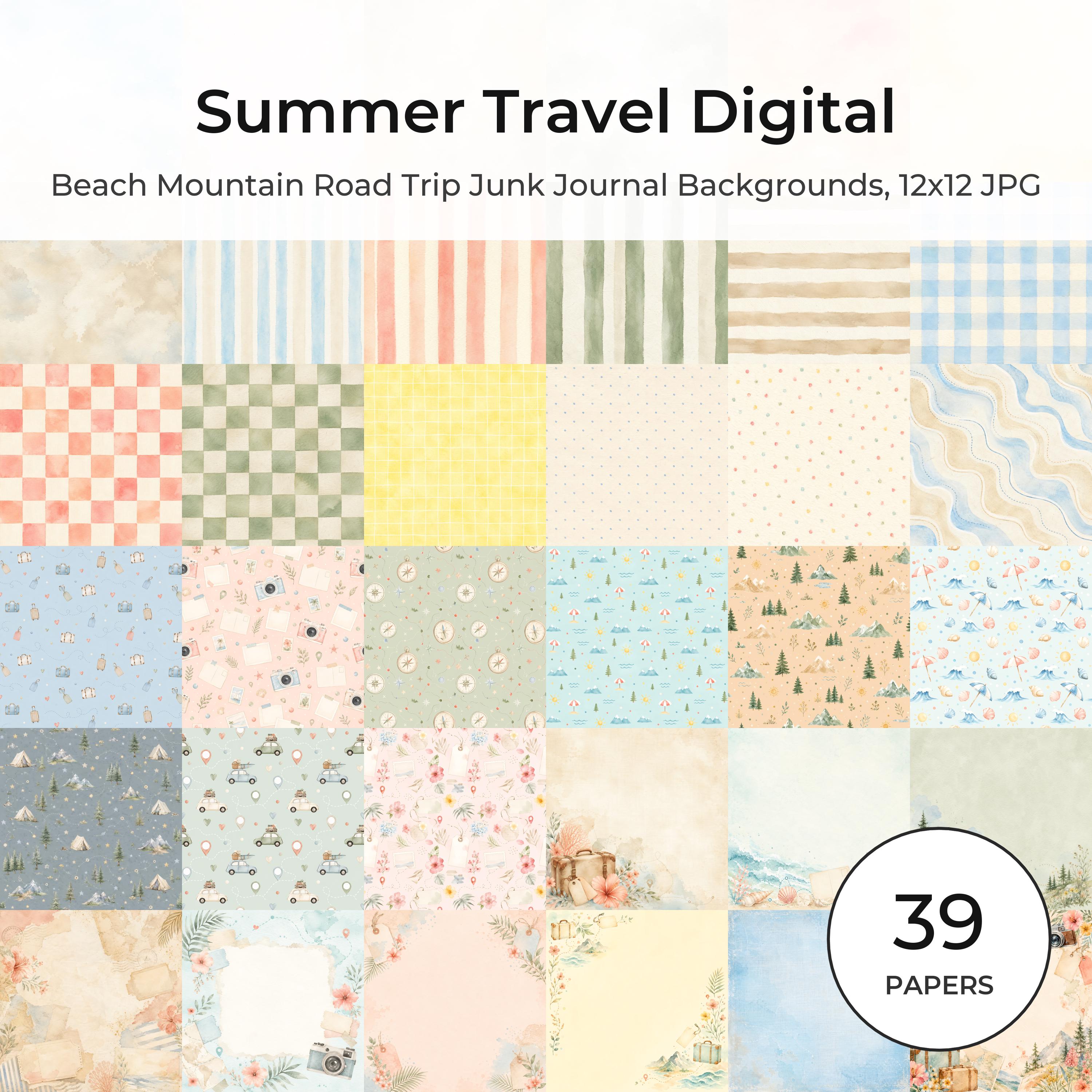


Related free samples: Browse free printable samples before choosing a full pack.
Explore ScrapBujo digital collections
Explore the related digital collection
Review the collection previews and current file details before choosing a format.
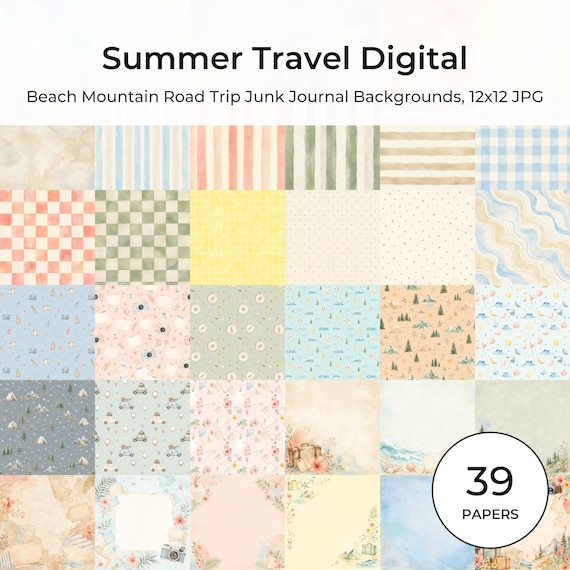
12×12 in 300 DPI Digital download
Coastal & Summer · Coloring & Printables
Summer Travel Digital Paper Pack, Watercolor Beach Mountain Road
Create beautiful summer vacation projects with this soft watercolor Summer Travel Digital Paper…
Each product page identifies its checkout, current price, and digital delivery details.