
US Letter or A4 for a Printable Baby Album?
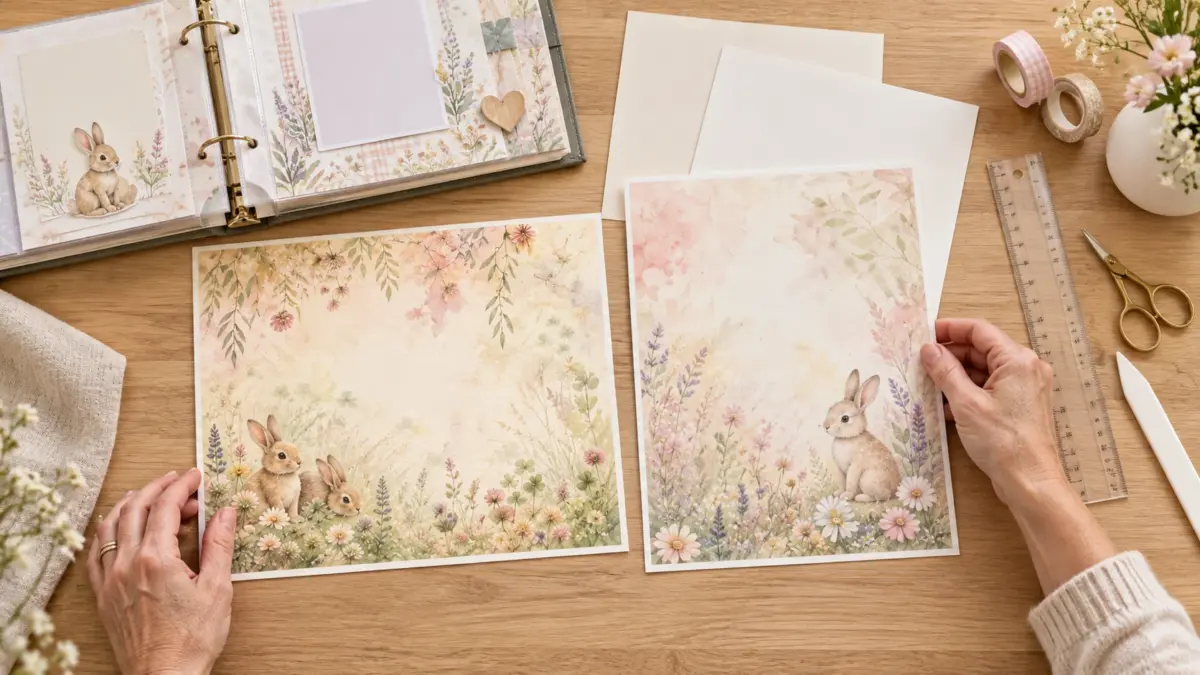
Choose the printable that matches the paper you actually use: US Letter is 8.5 × 11 inches (215.9 × 279.4 mm), while A4 is 210 × 297 mm. The sheets are close in area but not identical in width or height, so a PDF prepared for one can leave a different margin or crop when printed on the other. Check the paper in your printer and the dimensions stated for the exact file before you start.
This matters for a baby album because page edges, borders and photo mats are easy to misalign. If the project uses small cut-apart accents, modest scaling may be acceptable. If the design includes a frame near the edge or must fit a page protector, matching the intended size is the more predictable choice.
Start with the paper in your printer
Read the package label or printer tray setting. Paper sold in the United States is usually US Letter; A4 is common in many other countries. Do not rely on a generic “standard paper” option if the printer has a named size setting. If you are printing at a library or copy shop, ask which size is loaded rather than assuming.
Then look at the file information. A listing may offer separate Letter and A4 PDFs, a single image file, or another arrangement. These are not interchangeable promises: inspect the actual product notes or file names. A file called “A4” should correspond to A4 output, but the catalog still needs to identify what is included. Do not infer that both versions exist from a preview image.
Compare the shape and usable space
US Letter is wider and shorter than A4. A4 is narrower and taller. When a PDF is printed on the other size, print software may shrink it to fit, crop a small edge, or add larger margins, depending on settings. The artwork may still be usable, but a narrow border can become uneven and page elements may no longer line up with an album page.
Look for three things before printing: the page outline, the nearest design element to each edge and any crop or trim marks. If the artwork fills the entire sheet, scaling can reduce the printed size. If a pattern repeats to the edge, cropping may be less noticeable, though it can still change the visual balance. If there is a deliberate white margin, check that the margin stays even after the page is fitted.
If your file and paper sizes do not match
First, see whether the source offers the other size. If you have only one option, decide what matters most: preserving the whole design, maintaining its original dimensions or filling the page. A “Fit” setting typically prioritizes keeping the page visible by reducing it to fit. “Fill” or borderless modes may enlarge and crop edges. The exact names differ across printer drivers, so check the help for your printer rather than assuming one label behaves the same everywhere.
For a page that must not be cropped, choose a fit-to-page option and accept a slightly smaller image or extra margin. For a decorative background where edge crop is acceptable, use a test print and inspect the result. Avoid “Actual Size” when the chosen paper cannot contain the document; part of the page may fall outside the printable area. Actual Size is useful when file and paper dimensions match and you want the design at its stated dimensions.
If the mismatch is small, you can trim the printed sheet to fit an album page, or mount a smaller print on a larger blank background. A border mat can turn a few extra millimeters into a deliberate frame. For a baby scrapbook, that is often easier than editing the file and risking a changed layout.
Check your album and page protectors
The paper size is not always the same as the finished scrapbook page size. A printable might be a full printer sheet that you trim down, or a page intended to sit inside a particular album. Measure the inside area of the page protector, including any binding margin. If you plan to use a ring album, leave room for holes and reinforced edges so the artwork does not disappear under the rings.
Make a paper template from inexpensive blank paper. Place it inside the album or protector, mark the safe area and compare that outline with the printable. This simple check catches fit issues before you use specialty paper. If a photograph or caption needs to remain visible, keep it inside the safe area even if the background extends farther.
A simple first-print checklist
- Confirm the printer tray contains Letter or A4 paper.
- Confirm the document or image is intended for that size.
- Select matching paper size and orientation in the print dialog.
- Check scaling; use Actual Size when dimensions match, or Fit when you need to preserve the full page.
- Print one copy on plain paper and compare it with your album template.
- Inspect all four edges before using heavier or decorative paper.
If the first sheet is clipped, check whether the printer has a nonprintable margin before adjusting the artwork. Most standard home printers cannot print to the edge on every paper size. A trim, mat or intentional white border can solve the appearance problem without special settings.
FAQs
Is US Letter the same as A4?
No. Letter measures 8.5 × 11 inches; A4 measures 210 × 297 mm. They are similar but have different proportions.
Can I print an A4 PDF on Letter paper?
Often, but the printer may scale the page or leave different margins. Use a test sheet and inspect the design near each edge. A matching-size file is usually simpler.
Which format should I choose in the United States?
Choose US Letter if your paper is 8.5 × 11 inches. Check the exact file details because not every digital product necessarily includes both sizes.
Does choosing A4 or Letter change the artwork quality?
Paper size alone does not create more image detail. If the file is resized, the printed scale changes. Follow the file’s stated dimensions and avoid enlarging a low-resolution image beyond what it can support.
What if the printable is smaller than my album page?
Mount it on a larger sheet, add a border or use it as a panel. Check the page protector and binding clearance before attaching it.
Should I select borderless printing?
Only if your printer supports borderless output for that size and paper type. Otherwise the print may still have an edge or may crop the artwork. Consult the model’s manual.
Related links
Compare the two confirmed samples if you want an example of the available page formats: Baby Bunny US Letter sample and Baby Bunny A4 sample. For a square page that must fit on a rectangular sheet, see How to Print 12 × 12 Digital Paper on Letter or A4 Without Distortion.
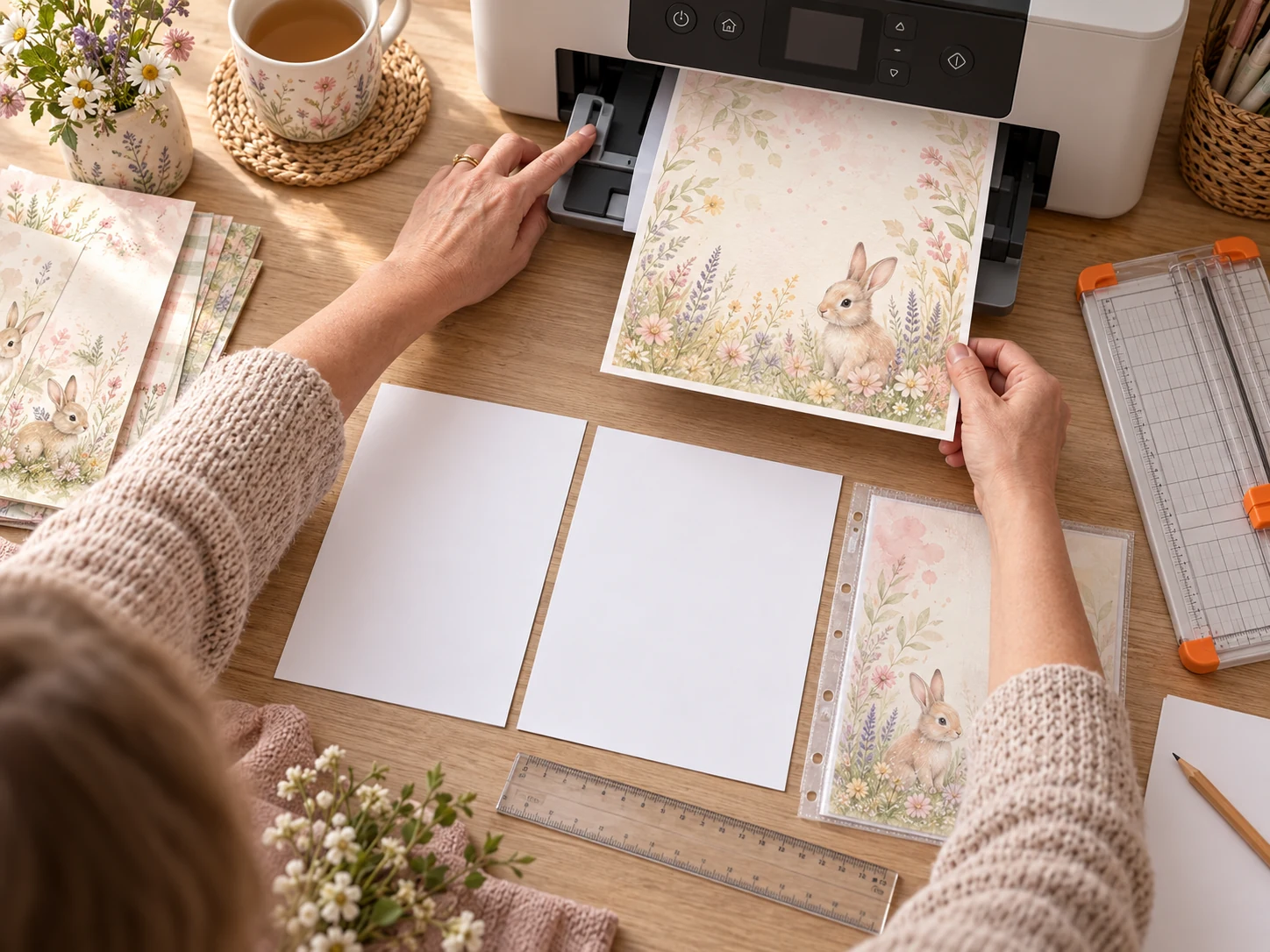
Image note: the two craft scenes prepared for this guide are illustrative AI-generated mockups created with ImageGen using the current ScrapBujo Baby Bunny collection as the visual reference. They show the paper-size decision and printing workflow; they are not photographs of a customer project, a specific printer test or the delivered PDF. They are not to-scale paper measurements.
Juan’s ScrapBujo Design Team
Advice and questions
Ask a follow-up or share what you are trying to make. Replies appear after moderation.
Ask a question or reply
Explore ScrapBujo digital collections
Digital paper collections for your next project
Explore coordinated digital collections on ScrapBujo, compare formats, and follow the checkout shown for the product you choose.

12×12 in 300 DPI Digital download
Digital Scrapbook Papers · Seasonal & Holidays
Aurora Ribbon Christmas: 40 Abstract Scrapbook Papers
40 coordinated abstract Christmas and winter scrapbook papers in 12 × 12 inch…
12×12 in 300 DPI Digital download
Digital Scrapbook Papers
Alpine Knit Winter — 40 Digital Scrapbook Paper Designs
40 alpine winter paper designs in 12 × 12 inch and US Letter…
12×12 in 300 DPI Digital download
Digital Scrapbook Papers
Apple Orchard & Cider Harvest Digital Papers
Build an apple-picking scrapbook page, journal entry or recipe card with 72 square…
Each product page identifies its checkout, current price, and digital delivery details.
ScrapBujo DT advice
Match a baby-album printable to your paper
US Letter and A4 are close in size but have different proportions. Check which version of the printable you downloaded, select the same paper size in the print dialog and inspect the preview for cropped borders. A plain-paper test is especially useful before printing a whole album.
Compare page sizes