
A One-Sheet Print Check for Your Scrapbook Project
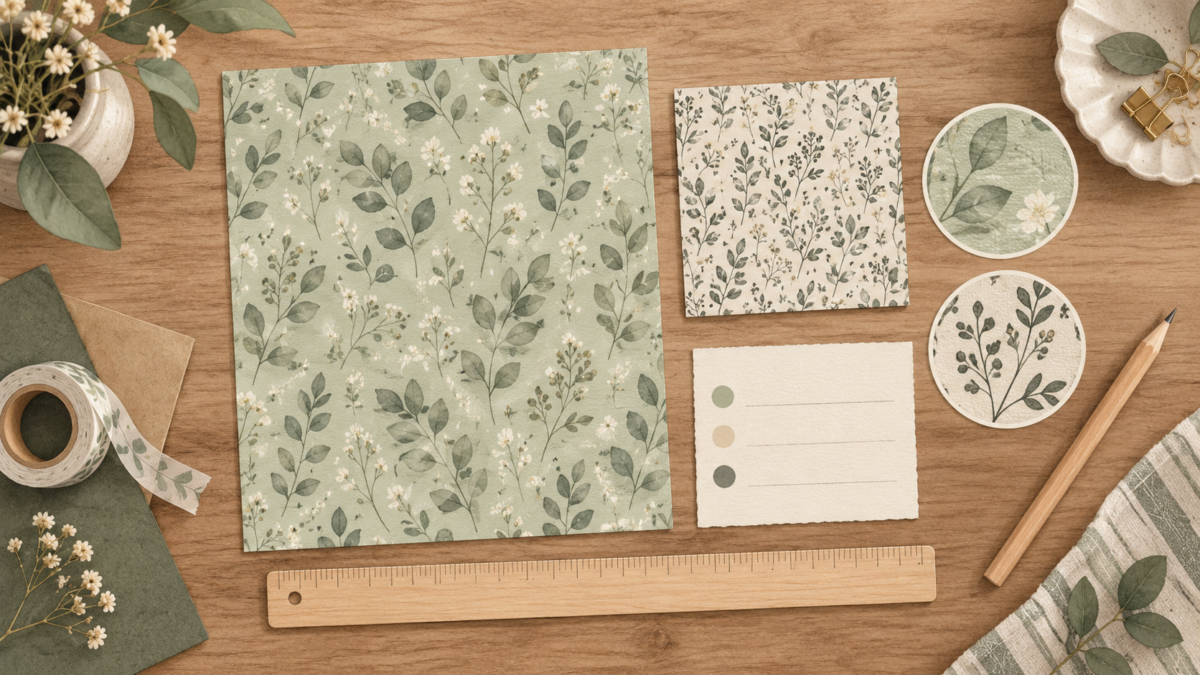
Quick answer: One sheet can help you decide whether a paper suits a particular scrapbook page. Compare motif size with the photo, leave enough contrast for a caption or handwriting, and consider only folds or cuts your project actually needs.
AI-generated illustration only; it is not a photograph of a physical print test or of downloadable ScrapBujo files.
Place the paper in the project you have in mind
Choose one page idea and one representative sheet. Look at it beside the photo, writing, or paper layers you expect to use. A pattern that works across a background may compete with a smaller photo or leave too little quiet space for a note.
| Project check | Try it on one sheet | Keep it if | Change it if |
|---|---|---|---|
| Photo background | Place the actual photo over the sheet at the planned position. | The photo remains the focal point and the pattern supports it. | The motif pulls attention from the subject; try a quieter pattern or a solid mat. |
| Handwritten note | Write your planned caption on a scrap area with the same pattern and contrast. | The words stay readable beside the design. | The pattern competes with the writing; reserve a light area or use a plain label. |
| Fold or cut piece | Only if your project needs one, print a small piece on stock supported by your printer. Follow the maker’s recommended drying time, then fold or cut the sample as planned. | The planned piece fits the layout and handles the way your project needs. | The stock or pattern does not suit the planned fold, cut, or placement; choose another paper or approach. |
A hypothetical example
Suppose you are planning a page with a 4 × 6 photo over a busy botanical print and a short date caption. Place the photo over the sample at its planned size, then write the caption in the intended area. If the leaves compete with the photo or make the date hard to read, choose a quieter repeat or add a plain mat.
Keep a short project note
Use this note format to compare your page idea:
Project and page size: ____________________
File or sample page: ______________________
Photo and caption placement: ______________
Paper and print scale: ____________________
Planned fold or cut, if any: _______________
What worked or competed: __________________
Next choice: keep / quieter pattern / solid mat / different layout
If your print is banded, changes color unexpectedly, or appears at the wrong scale, use the printable-paper troubleshooting checklist for technical checks. For square 12 × 12 pages, see the 12 × 12 printing guide. If you want a file to try, start at the free printable sample catalog and check the selected page for its file format and size.
Explore ScrapBujo digital collections
Digital paper collections for your next project
Explore coordinated digital collections on ScrapBujo, compare formats, and follow the checkout shown for the product you choose.

12×12 in 300 DPI Digital download
Digital Scrapbook Papers · Seasonal & Holidays
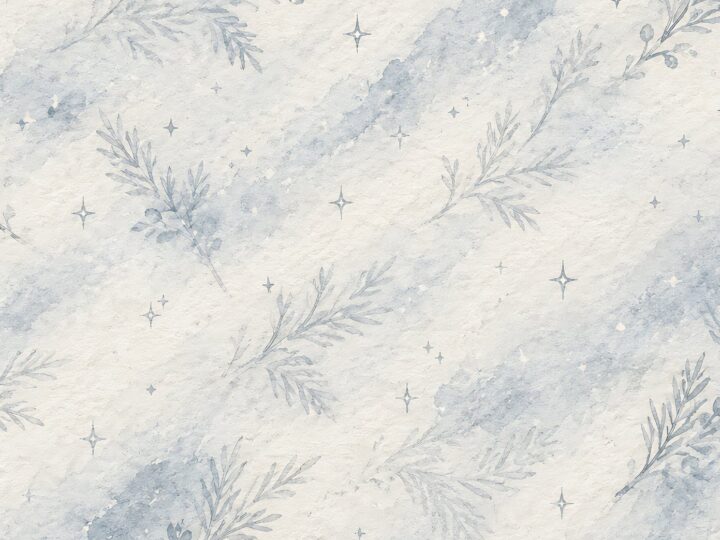
Aurora Ribbon Christmas: 40 Abstract Scrapbook Papers
40 coordinated abstract Christmas and winter scrapbook papers in 12 × 12 inch…
12×12 in 300 DPI Digital download
Digital Scrapbook Papers
Alpine Knit Winter — 40 Digital Scrapbook Paper Designs
40 alpine winter paper designs in 12 × 12 inch and US Letter…
12×12 in 300 DPI Digital download
Digital Scrapbook Papers
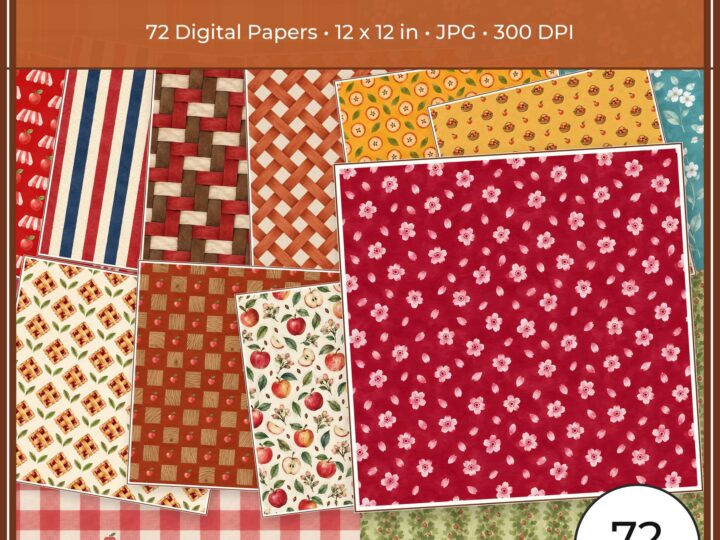
Apple Orchard & Cider Harvest Digital Papers
Build an apple-picking scrapbook page, journal entry or recipe card with 72 square…
Each product page identifies its checkout, current price, and digital delivery details.