
Inkjet or Laser Printer for Digital Scrapbook Paper?
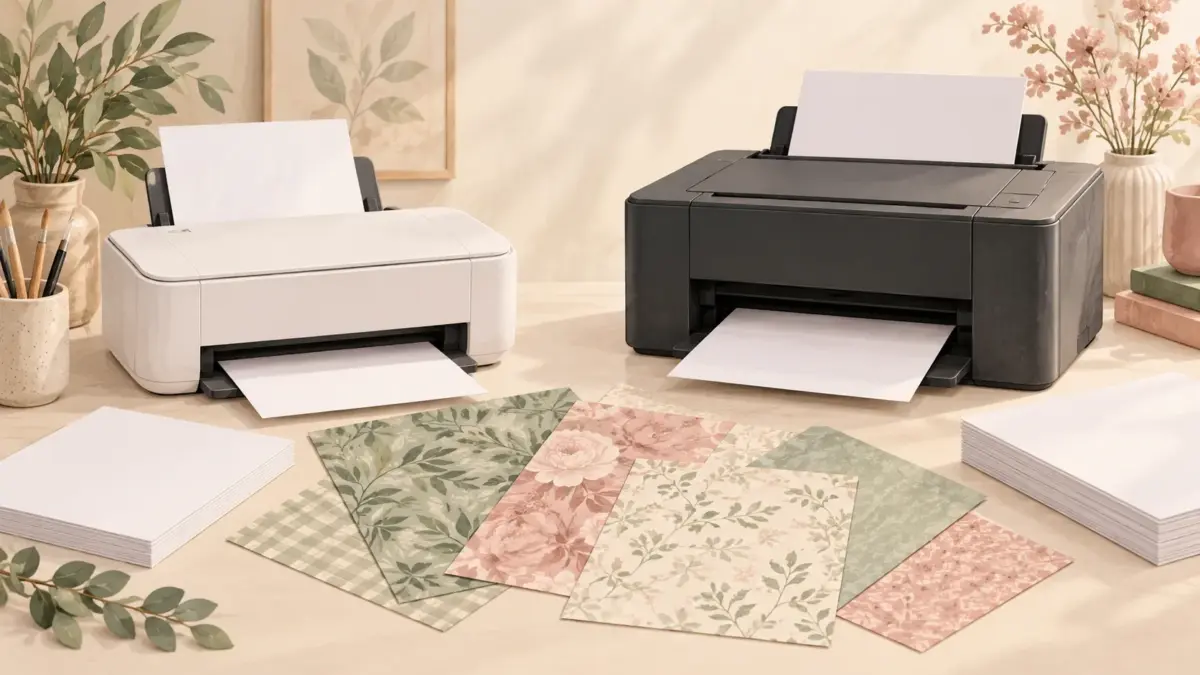
Quick answer: Inkjet is usually the more flexible route for photographic color, textured artwork and coated inkjet papers. Laser is useful for fast text-heavy pages and toner-based workflows, but media compatibility and heat matter. The best choice depends on the paper, finish and print frequency, not only the purchase price.
Hero illustration: AI-generated conceptual mockup of two generic printers and paper swatches. It does not show a physical printer test or identify particular models.
Start with the project, not the machine label
Photo-like 12 × 12 backgrounds, pale watercolor texture and subtle gradients prioritize color and paper handling. Journaling inserts with mostly text may prioritize speed and crisp type. List the pages you actually make before comparing specifications. If a pattern needs to work beside a photo or caption, use our one-sheet project check to compare the layout.
Check the complete media path
A rear or manual feed can be more important than headline resolution when using specialty paper. Confirm supported size, thickness and weight in the exact regional manual. Never assume a printer accepts cardstock because another model in the same family does. Our paper weight guide explains how GSM, thickness and the project itself affect that choice.
Match the paper coating to the technology
Use media explicitly intended for the printer technology. Inkjet coating is designed to receive liquid ink; laser media must tolerate the fuser heat. Incorrect media can curl, smear or damage equipment.
For a closer look at matte presentation paper, cardstock and photo paper, see our guide to choosing paper for home printing.
Compare running pattern and maintenance
Occasional photo printing and daily production have different costs. Consider ink or toner, cleaning cycles, wasted proofs, borderless limitations and whether the machine remains idle for long periods.
Print the same test file
Use one file containing pale color, deep shadows, thin text and a neutral area. Compare at the same finished size and on compatible paper. A single saturated demo image does not represent an album workflow.
Five checks before you start
- Project type is defined
- Exact paper support is documented
- Media matches printer technology
- Running cost includes proofs and maintenance
- The same test file is compared
Recommended official resources
Interfaces, supported materials and machine limits can change. Check the current manufacturer documentation before buying equipment or preparing a large batch.
- www.usa.canon.com official guidance
- files.support.epson.com official guidance
- helpx.adobe.com official guidance
Printable collections to try with this workflow
Use a free sample or one page first so you can check scale, color and cutting settings before printing a complete collection.
- Cozy Coffeehouse Stories Digital Scrapbook Paper Collection
- Watercolor Nursery Digital Paper Bundle
- Dark Academia Naturalist Library — 77 Digital Papers
Frequently asked questions
Is laser always cheaper per page?
Not necessarily. Coverage, consumables, paper, maintenance and print volume change the real cost.
Can I use inkjet photo paper in a laser printer?
Only if the paper manufacturer explicitly states that it is laser-compatible. Coatings and heat requirements differ.
Juan’s ScrapBujo Design Team
Advice and questions
Ask a follow-up or share what you are trying to make. Replies appear after moderation.
Ask a question or reply
Explore ScrapBujo digital collections
Digital paper collections made for printing
Compare coordinated 12×12 papers, confirm the file specifications on ScrapBujo, and then visit Etsy for the current listing details.
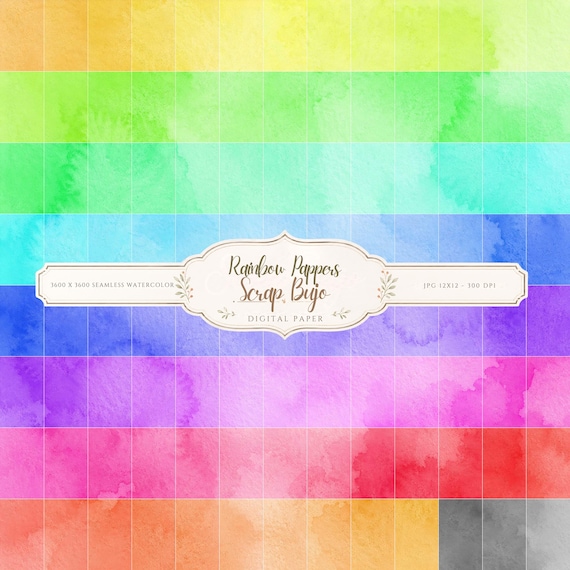
12×12 in 300 DPI Digital download
Coloring & Printables · Pastel & Watercolor
Pastel Watercolor Digital Paper Pack, Soft Rainbow Colors, Scrapbook
Bring soft color and handmade texture to your creative projects with this Pastel…
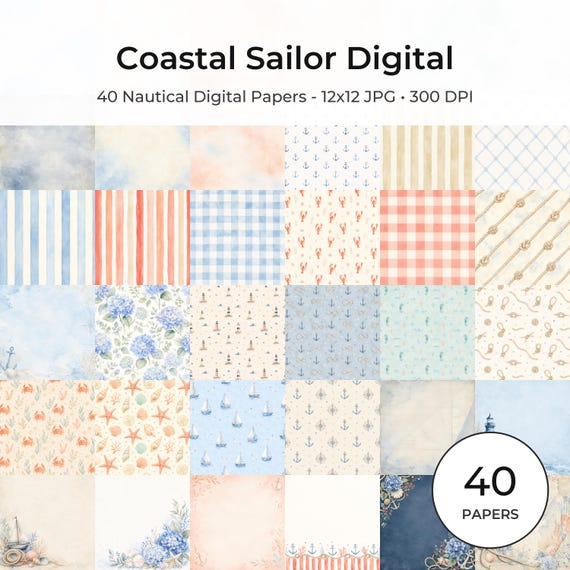
12×12 in 300 DPI Digital download
Coastal & Summer · Pastel & Watercolor
Nautical Digital Paper Pack, Watercolor Coastal Scrapbook Pages (12×12
Bring a fresh coastal touch to your creative projects with this nautical digital…
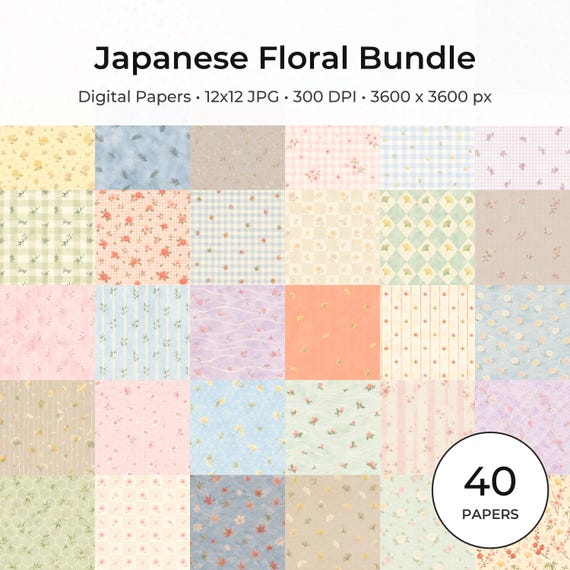
12×12 in 300 DPI Digital download
Coloring & Printables · Floral & Botanical
Japanese Floral Digital Papers Bundle
Bring timeless Japanese elegance into your creative projects with this premium bundle of…
Each product page identifies its checkout, current price, and digital delivery details.
ScrapBujo DT advice
Check media compatibility before choosing a printer
Inkjet and laser printers use different processes, so do not assume one pack of coated paper works in both. Check the paper label and printer manual for compatibility, especially with heavy or specialty sheets. Print one sample to judge color and texture before committing to a batch.
Choose paper for home printing